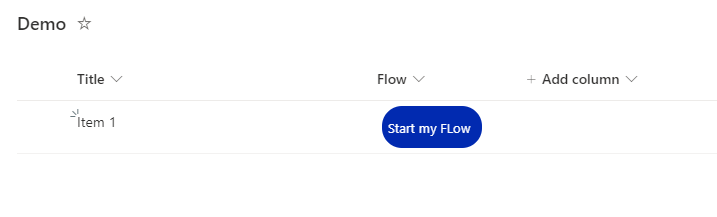
Trigger a Power Automate Flow through a SharePoint List Item
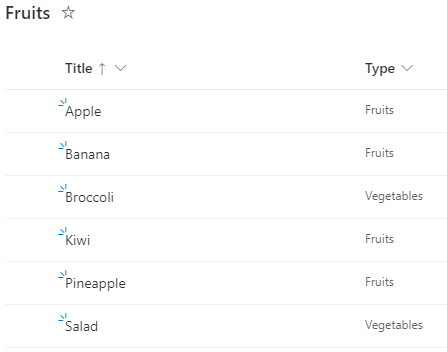
Background Power Automate is a great tool to automate SharePoint based Tasks, e.g. Document Approvals, Notifications,… The flows can be triggered by a new or changed Element / Document in SharePoint, but very often, we want the user to start a flow for a specific, selected document. For that, Microsoft is Providing a Power Automate Trigger called “SharePoint – Start for the selected document”, which can be triggered for the selected document in SharePoint. The flow gets the ID of the selected document and can do anything you want with that document. In this post, I explain, how to trigger a flow, that is located in another environment than the default environment ...