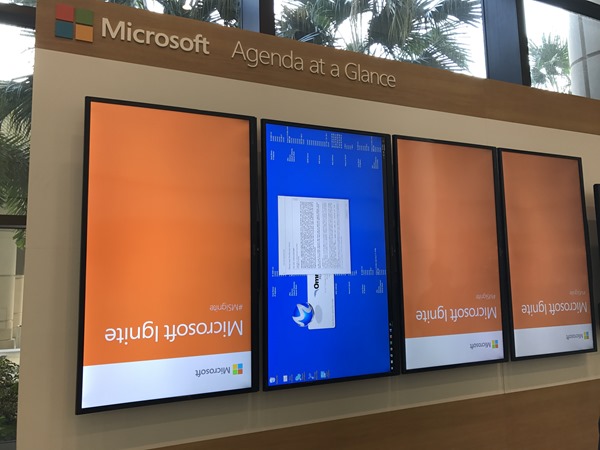
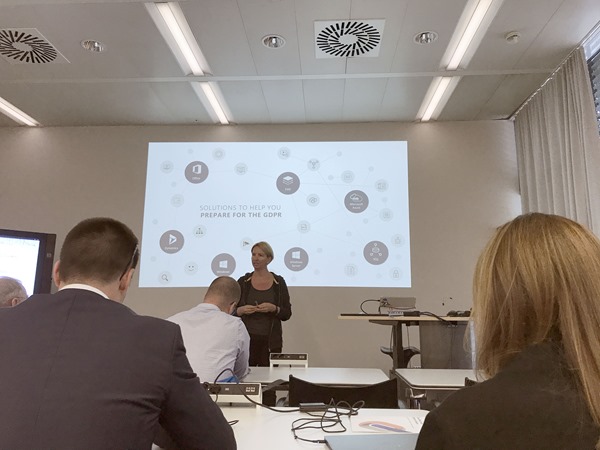
It was a busy week! Ignite is the largest and leading event for IT-Professionals and Decision-Makers in the Microsoft universe. This year, the conference took place in Orlando, Florida, from 25th to 29th September. With approximately 30,000 attendees and about 700 breakout, a lot of theater-sessions a large expo and a lot of networking this event was … big #dataoverflow. See my personal impressions here.
Welcome to Florida After the first Ignite conference in Chicago in May 2015 and in Atlanta in September 2016, the event location this year was Orlando. From our company, atwork, five persons attended (see our colleagues Dominik, Andreas and Jens from Germany with the blue atwork T-Shirts below) and Martina Grom was a speaker. Florida did welcome us with hot and humid weather with a lot of sunshine and a bit of scattered rain showers – back in summer time. So, we used the weekend before Ignite for visiting a Disney Park and the Star Wars universe with our MVP pal Loryan. For us, the conference started on Sunday with a pre-day and a lot of technical information.
...