Delegate365 will receive a major update in October. This will be Delegate365 version 6 and will include a change in the audit logging system, a new license history and a preview for more custom automation features. Read the first details here.
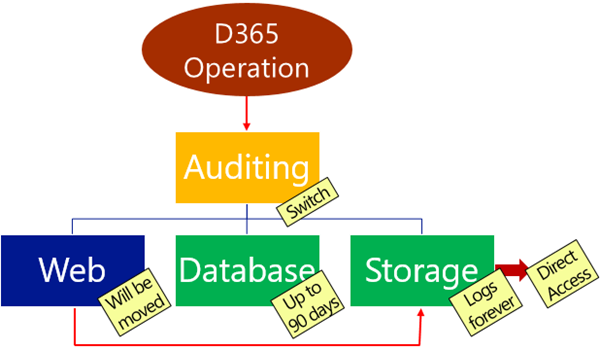
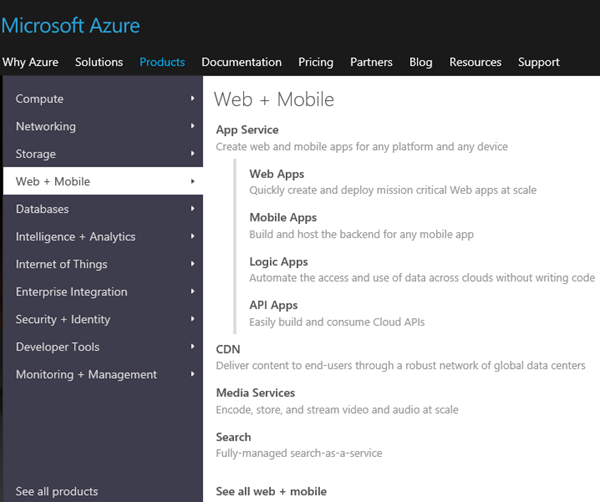
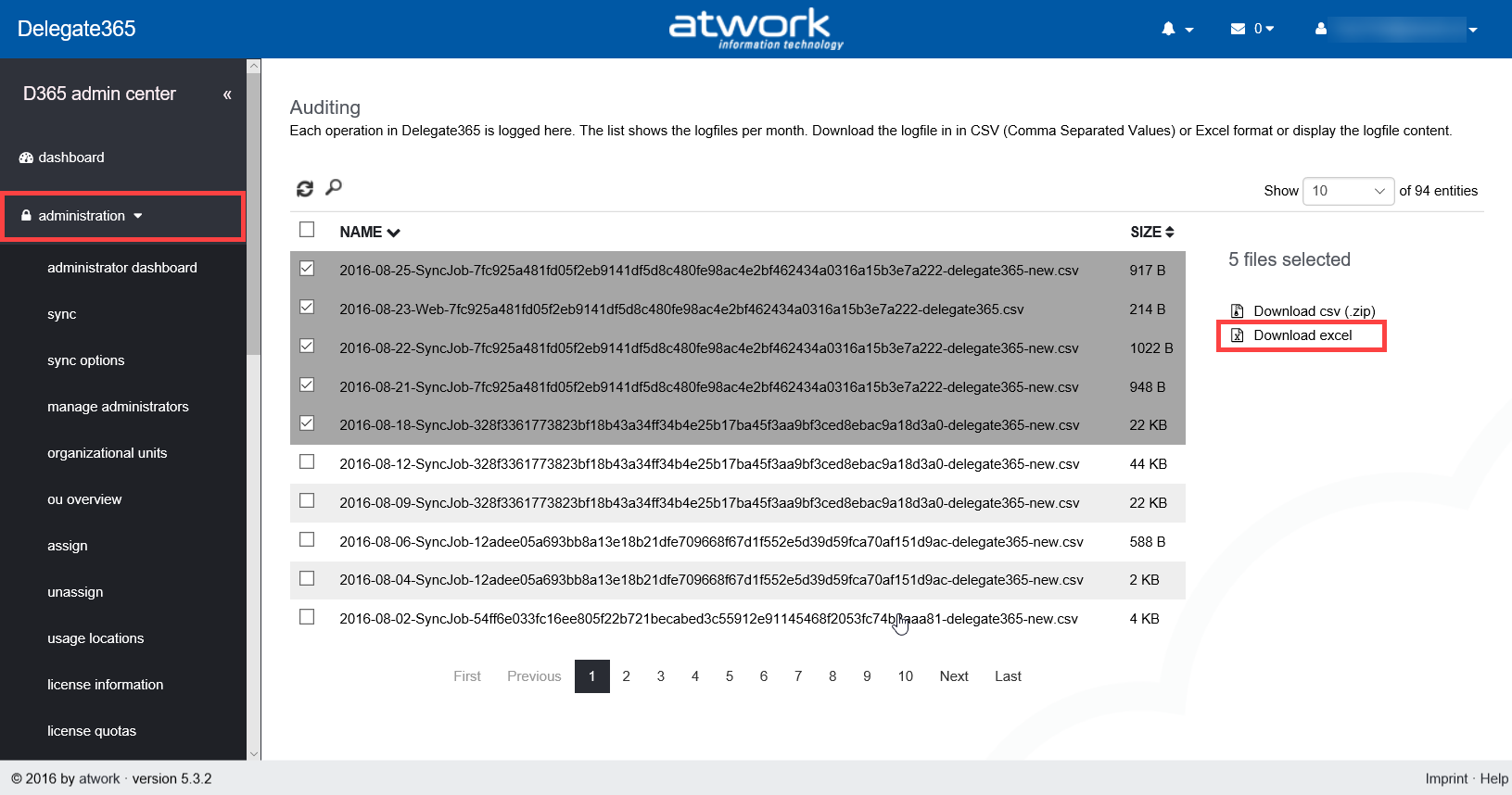
Change of logging: With the next update to version 6, the audit logging will be changed. There is a switch implemented which allows D365 to store logged data in various spaces and formats. The following graphics shows an overview at a glance about the planned features.
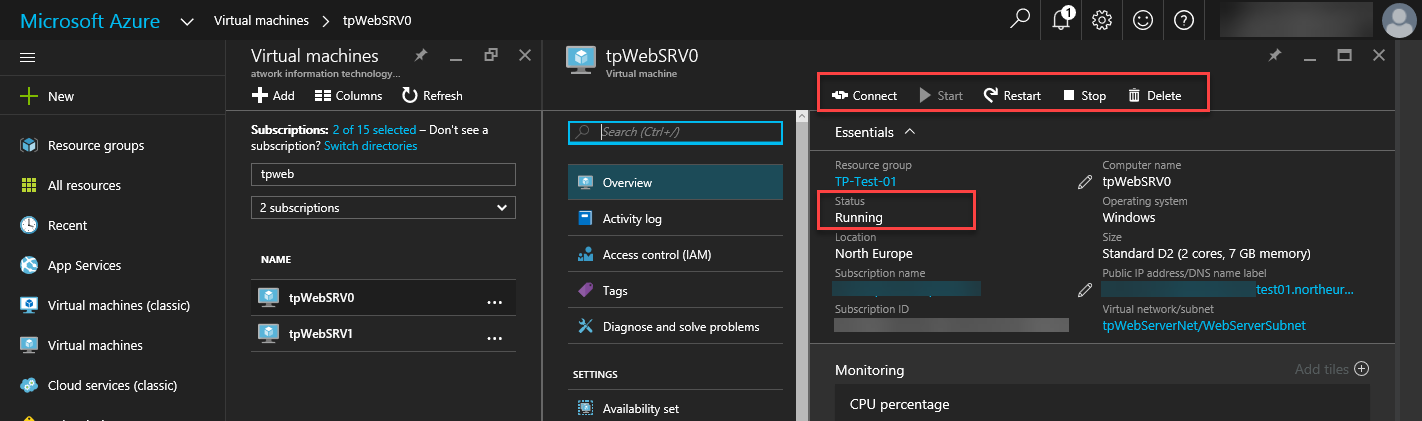
Data will no longer be stored in the Web in CSV format, but in the D365 database for up to 90 days and in Azure storage in JSON format forever. Direct Access of Azure storage: Besides of the almost unlimited space in Azure storage, data in that storage can be accessed directly (if you have the permissions). This allows Portal Admins to generate a URL with a token with an expiration date to download the produced log files. The token is issued by D365, as tool you can download the logs with the cost free Microsoft Azure Storage Explorer. Daily Office 365 license statistics: To see the real usage of licenses per OU and per day, week, month or year, D365 stores daily data from now on. This data will be available for further usage. More Automation: We got a lot of feedback about implementing custom actions in D365, for example setting specific user properties, assigning custom licenses for specific users, setting Skype for Business policies for users in OU’s and so on. To avoid a cost intensive customization we decided to go another way: We are implementing scripts (like “Macros”) with a powerful editor with intellisense that can execute… PowerShell!
Yes, you read correctly. D365 will support PowerShell commands and whole scripts for fulfilling custom tasks in Office 365!
We are currently developing and testing and plan to update D365 with this module in mid to late October. The working title for this feature is “D365 Automation”. Any other suggestions? More: Improvements in the Sync operation, fixes and some more features… You see there are cool features coming to Delegate365 version 6. Stay tuned!
...