This method using /setup has been deprecated since 2020 and is no longer available. Use setup.delegate365.com instead. The content in this article is provided for historical reference only.
As posted in Delegate365 customers URL change, it is required to create a new service account with a redirection to the new *.delegate365.com domain. After your Delegate365 portal is reachable with the new URL https://[yourcompanyname].delegate365.com, pls. follow these steps.
Requirements:
- Your Delegate365 portal must already be accessible with the new URL https://[yourcompanyname].delegate365.com (already prepared by atwork).
- You need to have a Global Admin account and password of your Office 365 tenant to perform these steps.
- You need to have the Delegate365 configuration password. If you don’t have that password, pls. contact support@atwork.at
Important:
Use the same Office 365 tenant you have your Delegate365 already configured! Otherwise the existing Delegate365 configuration is lost and you completely have to reconfigure Delegate365! If the same Office 365 tenant is used, Delegate365 keeps all existing settings and the setup just renews the service account, which is the purpose of running this setup once again.
Steps:
- Open a browser (best in private mode) with your new Delegate365 URL and add /setup as here: *https://[yourcompanyname].delegate365.com/setup. (Do NOT run the setup from the “old” URL https://[yourcompanyname].azurewebsites.net/setup.)
- The Delegate365 setup Wizard opens. Please insert the Delegate365 configuration password, a Global Admin account and the password for your Office 365 tenant.
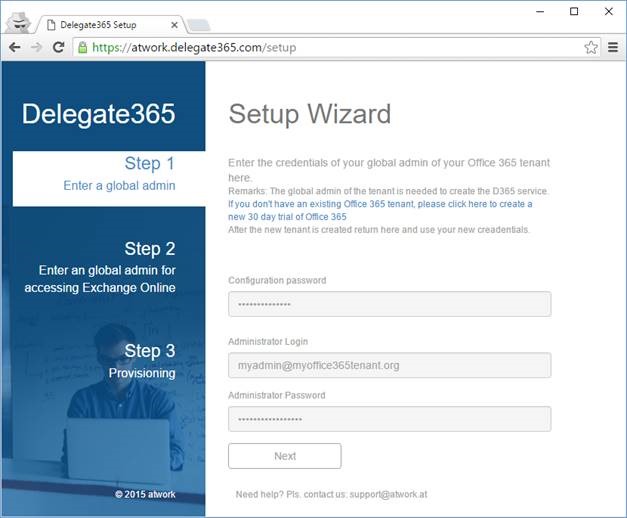
If you are sure the data is correct, click Next. - In step 2 use the same credentials, or use another account for accessing Exchange.
Using the same credentials is default, most customers leave this configuration as suggested.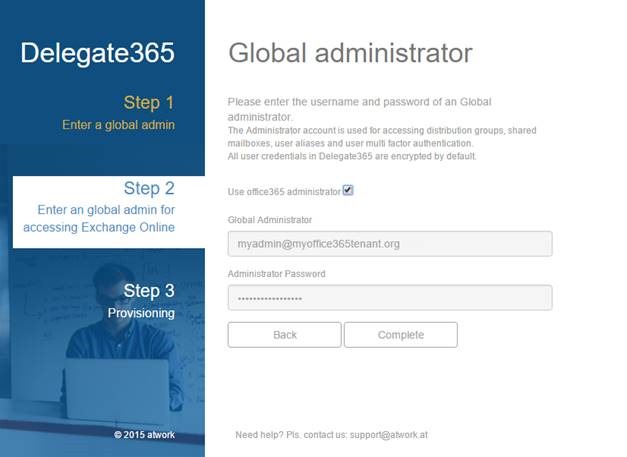
Click Complete. - Now the setup runs. This takes about one or two minutes.
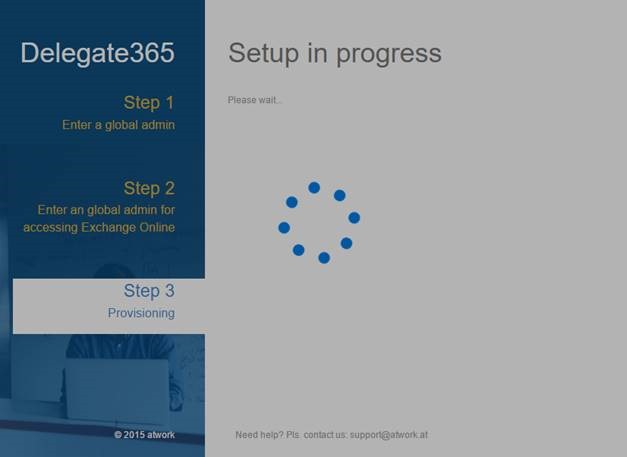
- After the Setup is completed, click the Login button and open your Delegate365 portal.
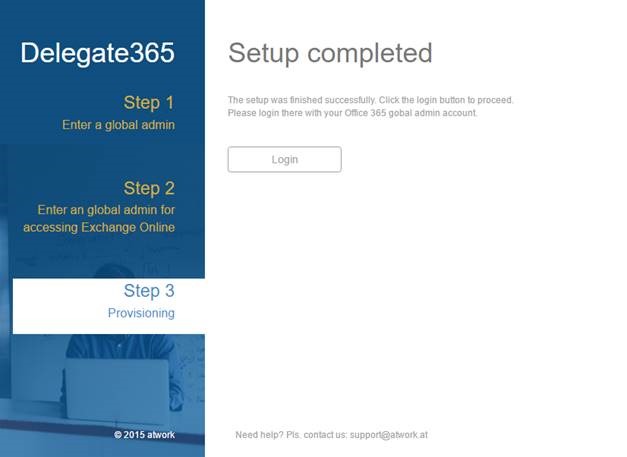
- The Office 365 login page follows. Login with your global admin and password to proceed.
- Your Delegate365 portal opens with the new URL.
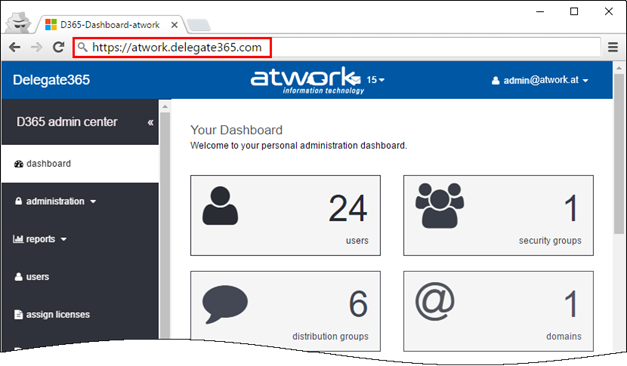


That’s it. **From now on pls. use the new URL to open your Delegate365 portal:
**https://[yourcompanyname].delegate365.com
The old URL will be redirected to the new URL for the duration of about a month.
If anything went wrong, pls. check your credentials (login with your Global Admin Account on https://portal.office.com) or contact us for a new Delegate365 configuration password. Then retry the whole operation.
You see, running the setup is very easy and is done within some minutes.
In case of questions pls. contact us at support@atwork.at. Thanks!