Create a security user awareness campaign

Create a security user awareness campaign

Holiday season is a good time to train your users about common security risks they may fall into it. Let me describe how to create a security awareness campaign and how to let users know their score. In Microsoft’s latest Digital Defense Report 2022 there are some very good conclusions and suggestions how to improve security in the digital space. In an environment where a lot of false information is publishes, phishing gets better and better. And people still need to be aware about security in their digital environment. The numbers, Microsoft can provide, are impressive: ...

December 7, 2022 · 6 min · Martina Grom
Create an Adventcalendar for festive techcalendar 2022 with Power Apps

Create an Adventcalendar for festive techcalendar 2022 with Power Apps

Christmas is near. As a contribution to the festivetechcalendar.com, I describe here how to create an advent calendar with Microsoft Power Apps. You can download the Power App and use this app and this article to learn useful concepts in Power Apps. Here we go with the article for December 4th. Requirements The Power Apps Advent Calendar is designed to work like a real one, with the following rules. ...

December 4, 2022 · 10 min · Toni Pohl
HoHoHouse Viva Engage to create exciting engagements for everyone!

HoHoHouse Viva Engage to create exciting engagements for everyone!

On the third day of Christmas, Microsoft gave to me… better communication, an intranet in Teams and great experience for employees with Viva Engage. We sparkle goodness within employees as we see how we can improve engagements and use Viva Engage to surprise and engage users. We use Storylines in Viva Engage to create exciting engagements for everyone. Ho-Ho-Ho Hybrid work creates a social gap within Teams and organizations. People feel less connected while they still enjoy the flexibility of remote work. Yammer and Viva Engage help people stay connected while working remote. The social community effect is essential to keep people in organizations happy and engaged. Imagine, during a lock down you were unable to get introduced to new colleagues, get a proper onboarding in your organization or to interact at a personal, social level. Yammer became one of the most used apps within Microsoft Teams, and suddenly we started many Yammer onboarding conversations with customers. The tighter integration within Viva Connections and with Viva Engage brought even more attention to my loved old-new Enterprise social tool. ...

December 3, 2022 · 5 min · Martina Grom
Power Platform Environments and Governance tips using Solutions

Power Platform Environments and Governance tips using Solutions

The Microsoft Power Platform is great for quick and easy solutions and workflows. While developing a new Power App or flow is quick, governance and management can present some hurdles. Well, there is help for some topics, such as the use of solutions. Read more here. For a brief overview of governance for the Power Platform, have a look at Power Platform Environments and Governance Tips. Here we start with a very basic overview of administration and environments. ...

November 11, 2022 · 10 min · Toni Pohl
Tips for PowerApps-11 Make sure a value is selected in your dropdown

Tips for PowerApps-11 Make sure a value is selected in your dropdown

Working with Power Apps, have you seen that in the bound dropdown control the user can remove the selected item (even with single selection)? Well, there could be other solutions, but I want to make sure that a default value is always selected, even when the user clicks the button to remove the selection. In this sample Power App, I have a dropdown named *ProjectType *that is filled from a SharePoint list and a column with choices. When the user selects an item, they can remove the selection using the x-icon on the right. ...

November 2, 2022 · 2 min · Toni Pohl
Tips for PowerApps-10 Validate form input with RegEx

Tips for PowerApps-10 Validate form input with RegEx

Forms are simple. Forms are complex. Both are true depending on the functionality of the form. While you can create forms very quickly with Power Apps, it often takes a lot of time to make them as user-friendly as possible. In this article, we’ll look at how we can validate and simplify input using Regular Expressions. A sample form When creating a form, one often stumbles upon a few details designed to make it easier for the user to fill out the form. So, here´s my form with some fields. ...

November 1, 2022 · 5 min · Toni Pohl
Pay your CoE with Azure - for special use cases only

Pay your CoE with Azure - for special use cases only

The Center of Excellence (CoE), also known as the Microsoft Power Platform CoE Starter Kit, is a toolkit to gain insights into the use of the Microsoft Power Platform in an Microsoft 365 organization. While the installation has recently become a bit technically easier, a corresponding Power Platform license is also required for operation. Well, not every company owns or acquires the required license. We show how these license requirements can be solved with Azure temporary - for special use cases - and what are the benefits and the disadvantages of the PAYG billing. ...

October 10, 2022 · 7 min · Toni Pohl
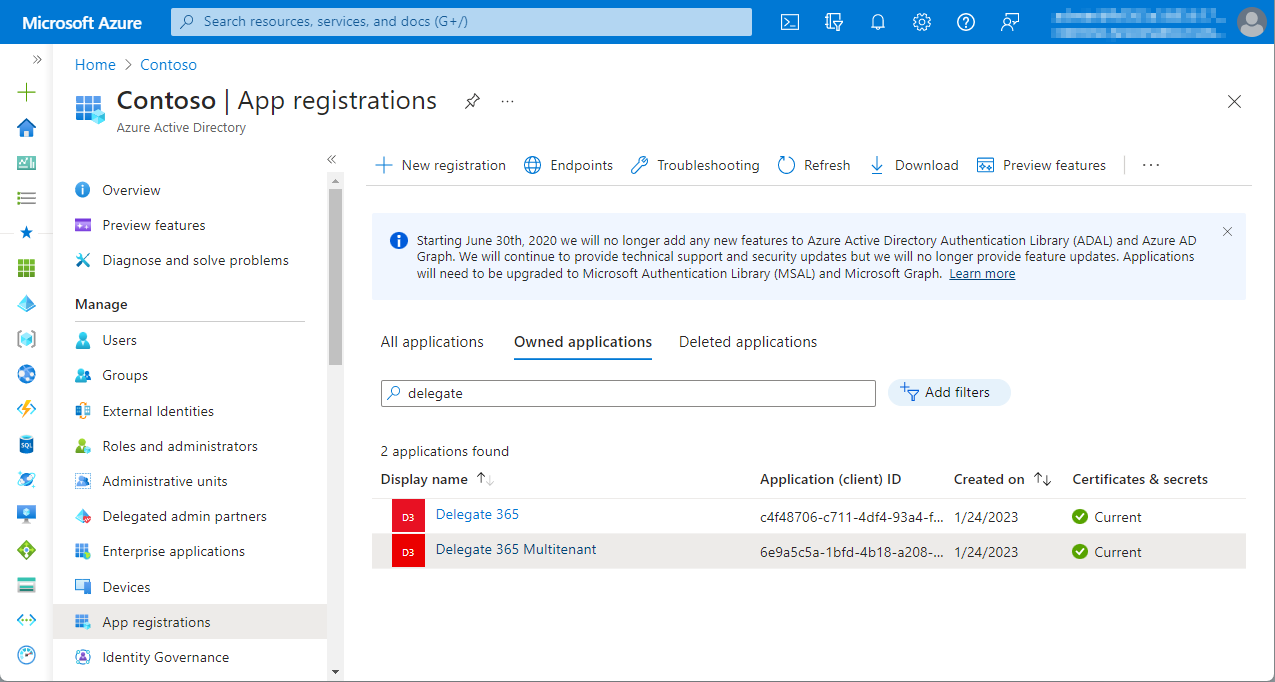
Delegate365 new setup

Delegate365 new setup

Delegate365 v9.3 and later comes with a new setup. The new setup is required to use MFA enabled admins and to generate the Delegate365 app and certificate for authentication in the Microsoft 365 tenant. Follow the steps here to setup your Delegate365 tenant. Test Delegate365 These are the steps to open a new trial of Delegate365. Navigate to the Delegate365 website and click on the Trial link. Fill out the form and enter your Microsoft 365 tenant domain that you want to manage in Delegate365. ...

October 3, 2022 · 3 min · Toni Pohl
Delegate365 changelog 9.3-Improvements

Delegate365 changelog 9.3-Improvements

Delegate365 v9.3 comes with a new setup and a bunch of other new features, such as more details, SharePoint site templates, user mailbox Automapping, and more. See a list here. Modern Authentication: Delegate365 runs as with a Microsoft Azure Active Directory app. Delegate365 uses modern authentication from the start for all operations except Exchange Online. With Delegate365 version 9.3 and up, it always is using Modern Authentication for all Microsoft 365 services, regardless of the setup method. ...

September 19, 2022 · 6 min · Toni Pohl
How to restore a flow from a backup to another environment

How to restore a flow from a backup to another environment

In the previous article, we showed and described two flows to backup and restore a flow. This works well when the flow’s connections are still in the same environment. But what about restoring a flow in a different environment? This is a typical use case for “moving” flows from a source environment to a target environment, such as from the development environment to the productive or department environment. In this article we show how this works with the restore flow. ...

September 13, 2022 · 4 min · Toni Pohl