Work with the Delegate365 PowerShell in the Azure Cloud Shell

Work with the Delegate365 PowerShell in the Azure Cloud Shell

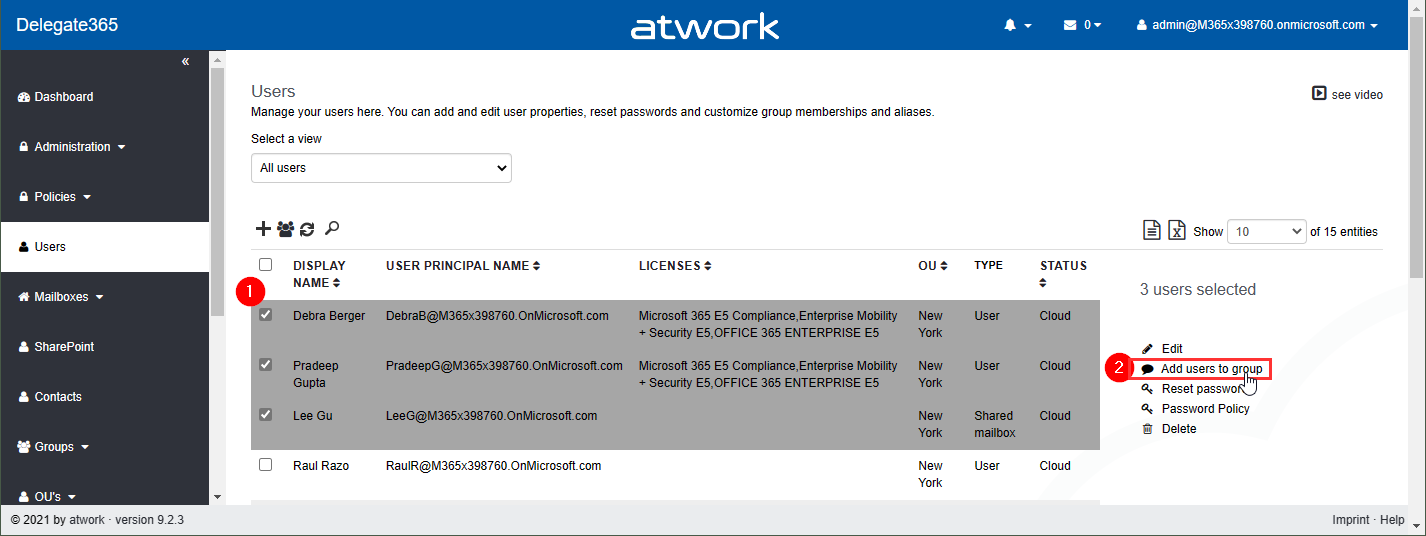
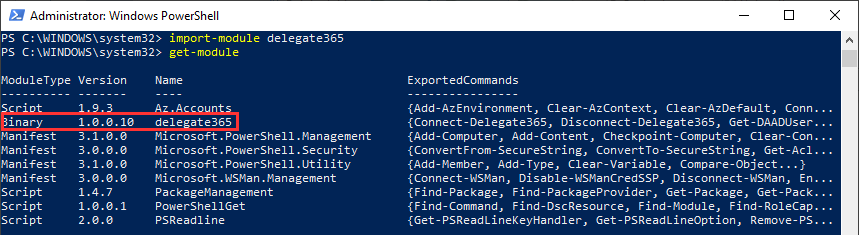
Delegate365 provides a PowerShell module to access data in Delegate365 in scripts. You can import the Delegate365 module locally, or use it in the Azure Cloud Shell as well. See here, how to use the module in Azure Cloud Shell. Here, you can find a description of the Delegate365 PowerShell module. It is hosted in the PowerShell Gallery and can be easily installed. So, here´s a step-by-step guide how to use the Delegate365 PS module. ...

May 21, 2021 · 2 min · Martina Grom
How to create Webinars with Microsoft Teams

How to create Webinars with Microsoft Teams

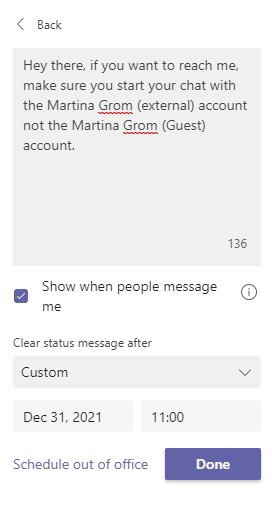
We are beyond excited since Microsoft enrolled the new meeting option “Webinar” in Microsoft Teams, besides the well-known options “Scheduled meeting” and “Live event”. In this article, we will show you step-by-step how to use the new feature. Preparations When you are choosing to create a new meeting in Microsoft Teams, you choose “Webinar”. A new meeting form pops up. This allows you to add a registration page to your webinar. As the next step, you set the scope for your webinar (require registration). In our example, we will choose the registration-option “For everyone”, meaning that anyone can register, attendees are muted by default, and only presenters can share content. All in all, you have the following options: ...

May 20, 2021 · 3 min · Mercedes Orasch

European Union Data Boundary for the Microsoft Cloud

Starting in 2022, Microsoft will enable EU-based public sector and corporate customers to process and store all of their data within the EU. Read the article at EU Data Boundary for the Microsoft Cloud! Photo by Christian Lue on Unsplash Important Notes: This commitment will apply across all of Microsoft’s main cloud services Azure, Microsoft 365, and Dynamics 365. Microsoft’s cloud services already meet EU regulations. Microsoft Online Services already enable customers to comply with the GDPR even without this additional commitment to store and process data within the EU boundary. ...

May 6, 2021 · 1 min · Martina Grom
Optimize SQL queries using subqueries for lookups in Azure SQL Databases

Optimize SQL queries using subqueries for lookups in Azure SQL Databases

I like to work with Azure SQL Databases and use data from the cloud without any administrative effort. When working with apps, App Insights helps to detect anomalies, and to analyze bottle necks. Although SQL Azure can scale very well, we discovered performance issues in some legacy apps. Read here how we solved that by optimizing TSQL data queries. The scenario There is an older web application here that is connected to an SQL database that is running in an SQL elastic pool. App Insights showed the reason (the SQL queries) for the bad performance. Diving deeper, the elastic pool and the database / Query Performance showed performance issues in detail with certain queries which had very long runtimes. As we see in the following screenshot, there are two long running queries. Query 164 has been executed almost 274,000 times in the past 24 hours, consuming more than 6:40 hours. We started to investigate this issue. ...

April 27, 2021 · 5 min · Toni Pohl
Join us at globalazure.at 2021

Join us at globalazure.at 2021

We look forward to participating in the Global Azure Austria event again! The event is part of the event series Global Azure 2021. As in the past years, the Austrian edition of Global Azure 2021 is provided by the Coding Club Linz. Like last year, Global Azure 2021 will be a virtual event again and deliver over 30 sessions to your home on April 16th. Join us! Global Azure is organized by the Azure community for the community. The annual series of events offers meetings and exchanges over 3 days. The Azure communities around the world are organizing localized live streams for everyone around the world to join and learn about Azure from the best-in-class community leaders. ...

April 15, 2021 · 2 min · Toni Pohl
Tips for PowerApps-Add required user permissions for PowerApps using Dataverse

Tips for PowerApps-Add required user permissions for PowerApps using Dataverse

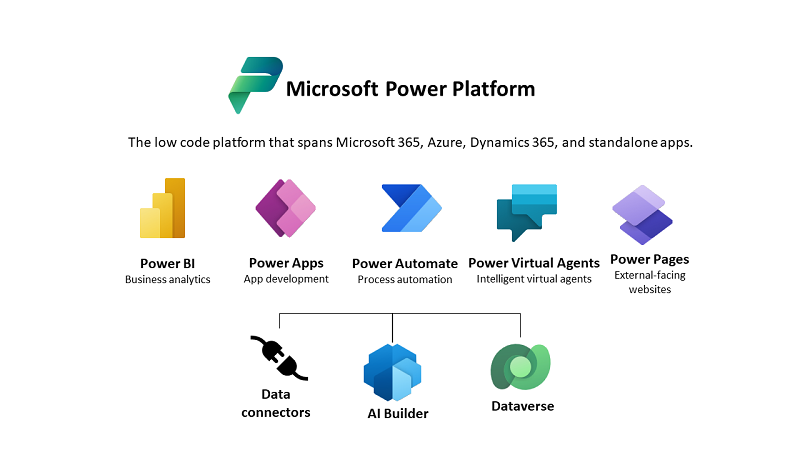
When users shall have access to a PowerApp that is using Dataverse (formerly Common Data Service - CDS), they also need to have the permissions to access the data entity (nowadays called table). So, if your users get an ugly “unknown error occurred” when accessing the PowerApp, here´s the solution to assign the required security role and permissions. The data table To demonstrate how to set permissions, I switched to the environment (in my sample, it´s the “Dev environment”) and created a new table in the https://make.powerapps.com/environments/[environment-id]/entities / Data / Table menu. The table name here is atworktest with some text columns. ...

April 1, 2021 · 4 min · Toni Pohl
Azure Logic Apps Toolbox 7-Resolve issues with the SharePoint Connector

Azure Logic Apps Toolbox 7-Resolve issues with the SharePoint Connector

Using SharePoint Online (SPO) and Azure Logic Apps helps to automate processes. For a project, we have created some workflows with Azure Logic Apps that monitor changes to an SPO list or document library for approvals and other document workflows. We have found that the SPO connector does not always send all data in a reproducible manner: sometimes some fields were sent and sometimes not. We struggled with this behavior and found an unexpected workaround. ...

March 11, 2021 · 4 min · Toni Pohl
Delegate365 changelog 9.2-More improvements

Delegate365 changelog 9.2-More improvements

Delegate365 v9.2 will be extended with some new features this March. See the latest features here. See the latest features of Delegate365 v9.2 such as extended reports retention dates, new message tracing options, a new license order process, some fixes and more at Delegate365 changelog 9.2-improvements Schema Extensions: Another new feature is described at Introducing user schema extensions in Delegate365. This allows to add custom user data to Azure AD. The custom data can be used with PowerShell for own business processes. See more at how to use Azure AD schema extensions in Graph PowerShell. ...

March 8, 2021 · 2 min · Toni Pohl

When to use what Azure monitoring service

The well-known Scott Hanselman has been producing the recurring Azure Friday series for a long time. Last Friday, Scott interviewed Azure Barry (Barry Luijbregts) about “What to use for monitoring your applications in Azure”. Barry did a great overview about the main monitoring services. See the recording and a kind of summary transcript here. Azure provides a bunch of services for monitoring purposes. So, when you you use what service? To answer that, see the video at What to use for monitoring your applications in Azure | Azure Friday. ...

March 7, 2021 · 4 min · Martina Grom
Azure Logic Apps Toolbox 6-Work with items in Apply to each

Azure Logic Apps Toolbox 6-Work with items in Apply to each

Automation of small tasks is helpful for many recurring processes. Unless you regularly use Power Automate (Flow) or Azure Logic Apps, it is often not that easy to remember the correct syntax for accessing items in a loop. Here is the quick help. This sample is using a flow in Power Automate to read messages from a Microsoft Teams team (I know, this sounds strange) and outputs any field to an email. The purpose is just to see how to access data in JSON format in a “Apply to each” loop. Here´s the screenshot of the complete flow with the description of the actions. ...

March 6, 2021 · 3 min · Toni Pohl