Looking forward to Microsoft Ignite 2018

Looking forward to Microsoft Ignite 2018

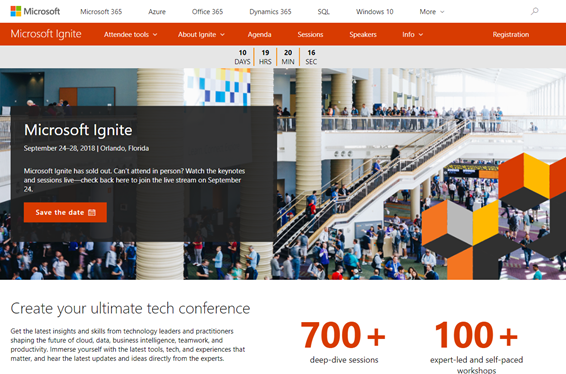
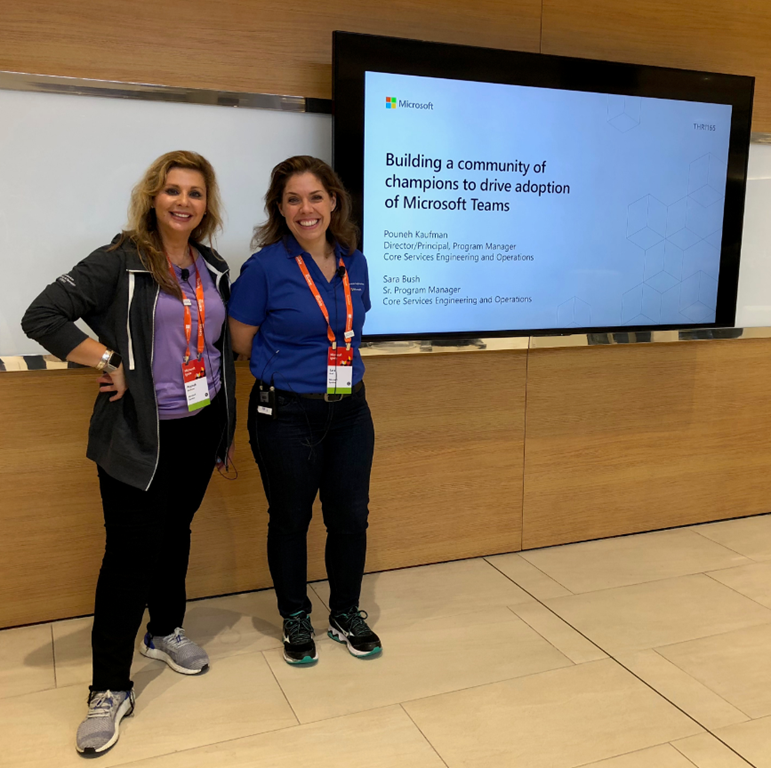
In a good week, Microsoft Ignite 2018 will start! Ignite is Microsoft’s largest yearly IT conference that will take place from September 24 - 28, 2018 in Orlando, Florida. Ignite will offer about 700+ sessions, insights and roadmaps from industry leaders, and deep dives and live demos on the products you use every day. We are looking forward to a full week to meet customers, partners and friends from all over the world. And we have prepared a bunch of great content we will deliver in our sessions! ...

September 13, 2018 · 5 min · Toni Pohl
Project Online - Project Server Für die Freigabe speichern  Save for Sharing

Project Online - Project Server Für die Freigabe speichern Save for Sharing

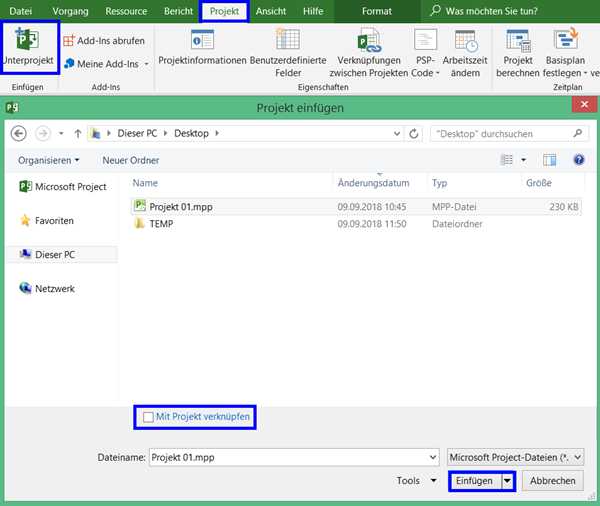
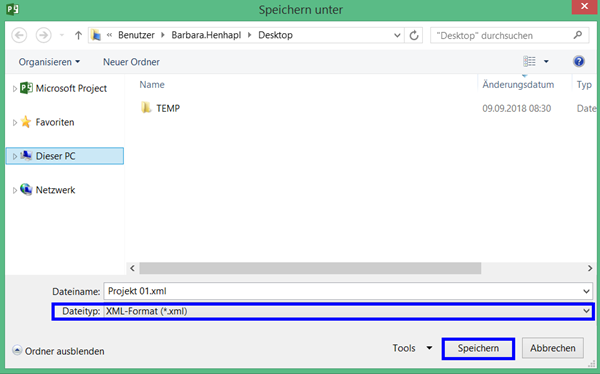
Deutsch Wenn Sie mit Project Online oder Project Server arbeiten und den Eindruck haben, dass Ihr Projektplan nicht in Ordnung ist, können Sie versuchen, diesen mit der Methode Für die Freigabe speichern zu reparieren. Zudem können Sie diese Methode auch einsetzen, um das Projekt anderen zur Bearbeitung zur Verügung zu stellen, wenn diese keinen Zugriff auf Project Online oder Project Server haben. Das kann über das Speichern auf einem Netzlaufwerk oder auch durch Weitergabe ber E-Mail erfolgen. Wenn Sie die aktualisierte Version zurück erhalten, können Sie sie wie unten beschrieben wieder in Project Online oder auf dem Project Server speichern. ...

September 9, 2018 · 4 min · Barbara Henhapl
Want to remove the Feedback button from SharePoint Online?

Want to remove the Feedback button from SharePoint Online?

Modern SharePoint Sites come with two Microsoft buttons on the bottom of each SharePoint page: “Get the mobile app” and “Feedback”. Want to remove them from your SharePoint sites? Well, then we have an easy to use solution ready for you. Since the modern communications sites in SharePoint no longer offer any customizations with CSS or Javascript, an app solution is required here. We at atwork have developed such a small app that removes the default Microsoft buttons “Get the mobile app” and “Feedback”. The solution is not free, but we offer to purchase it from us. The package comes with the app and a short description how to deploy it. ...

August 24, 2018 · 1 min · Toni Pohl
Working with the Azure Logic Apps Tools for Visual Studio

Working with the Azure Logic Apps Tools for Visual Studio

I like Azure LogicApps, they are really useful and easy to “develop” (see the latest features here). To use Visual Studio as designer environment, you can integrate the Azure Logic Apps Tools for Visual Studio easily. See how to work with that extension here. The fastest way is to install the Azure Logic Apps Tools in the menu Tools / Extensions and Updates… Search for “logic app” and install this extension. ...

August 19, 2018 · 2 min · Toni Pohl
Delegate365 changelog version 8.0-Group OUs

Delegate365 changelog version 8.0-Group OUs

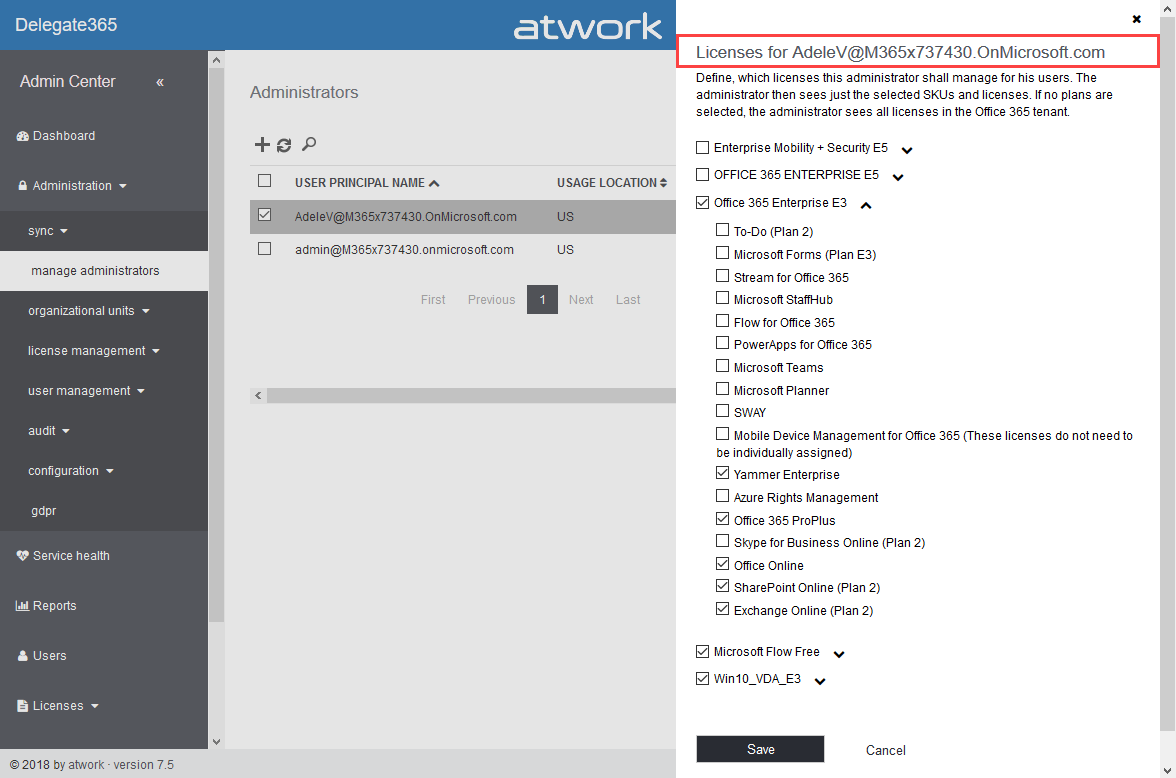
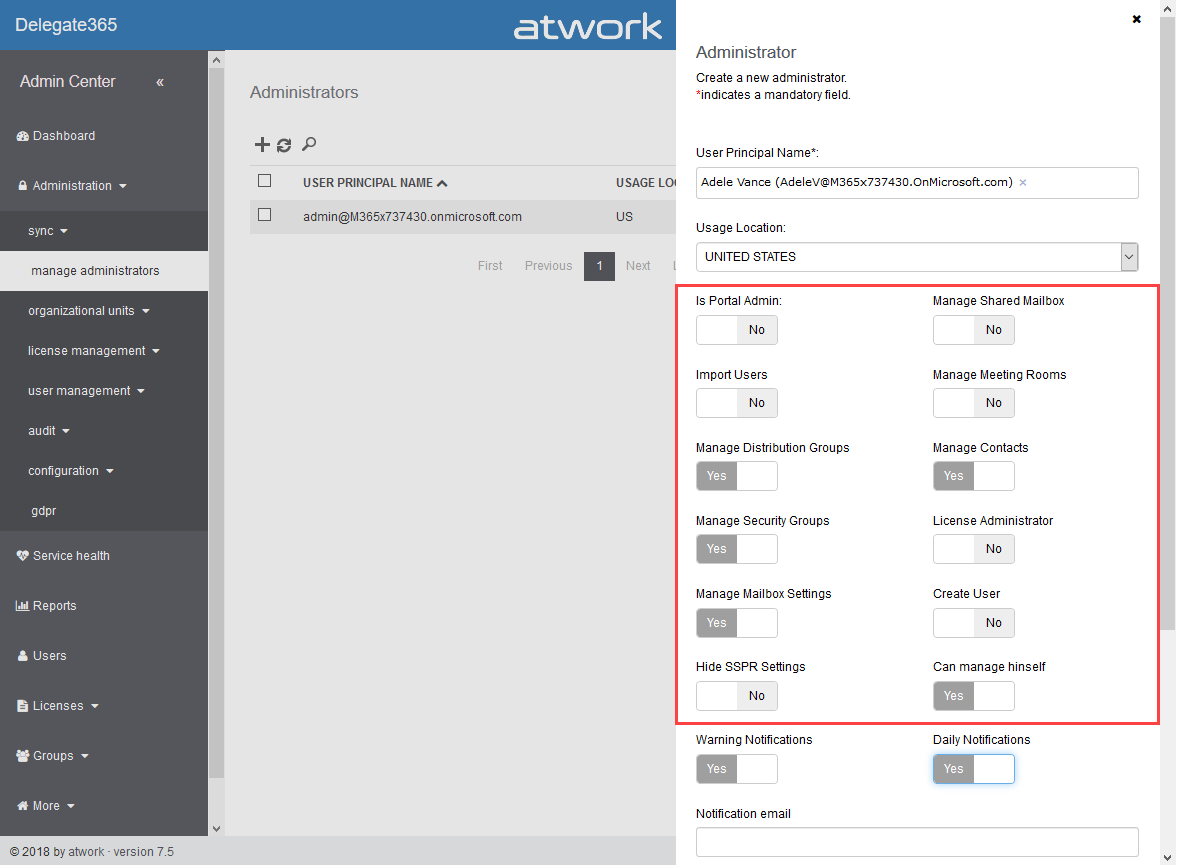
With Delegate365 version 8.0, besides many other features, a brand new feature has been added to Delegate365: Group OU’s. In short, a Group OU can be used by Scope Admins for using members of another OU they do not manage themselves. See how this works here. In Delegate365, Scope Admins can manage all objects of their assigned OU’s. But, they could not assign other users they don’t manage to any group. This is where Group OU’s come in. To illustrate this new feature, let’s have a look at this sample. ...

July 25, 2018 · 4 min · Toni Pohl
Delegate365 changelog version 8.0-A new major release

Delegate365 changelog version 8.0-A new major release

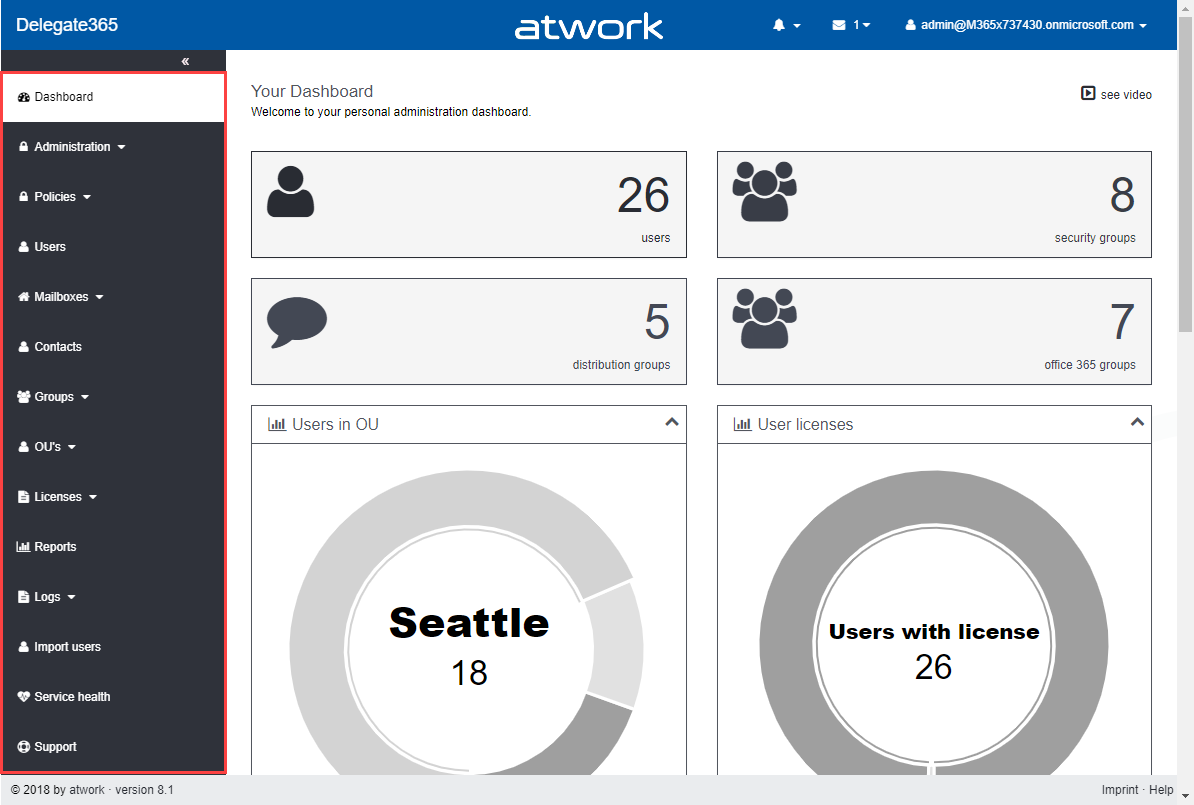
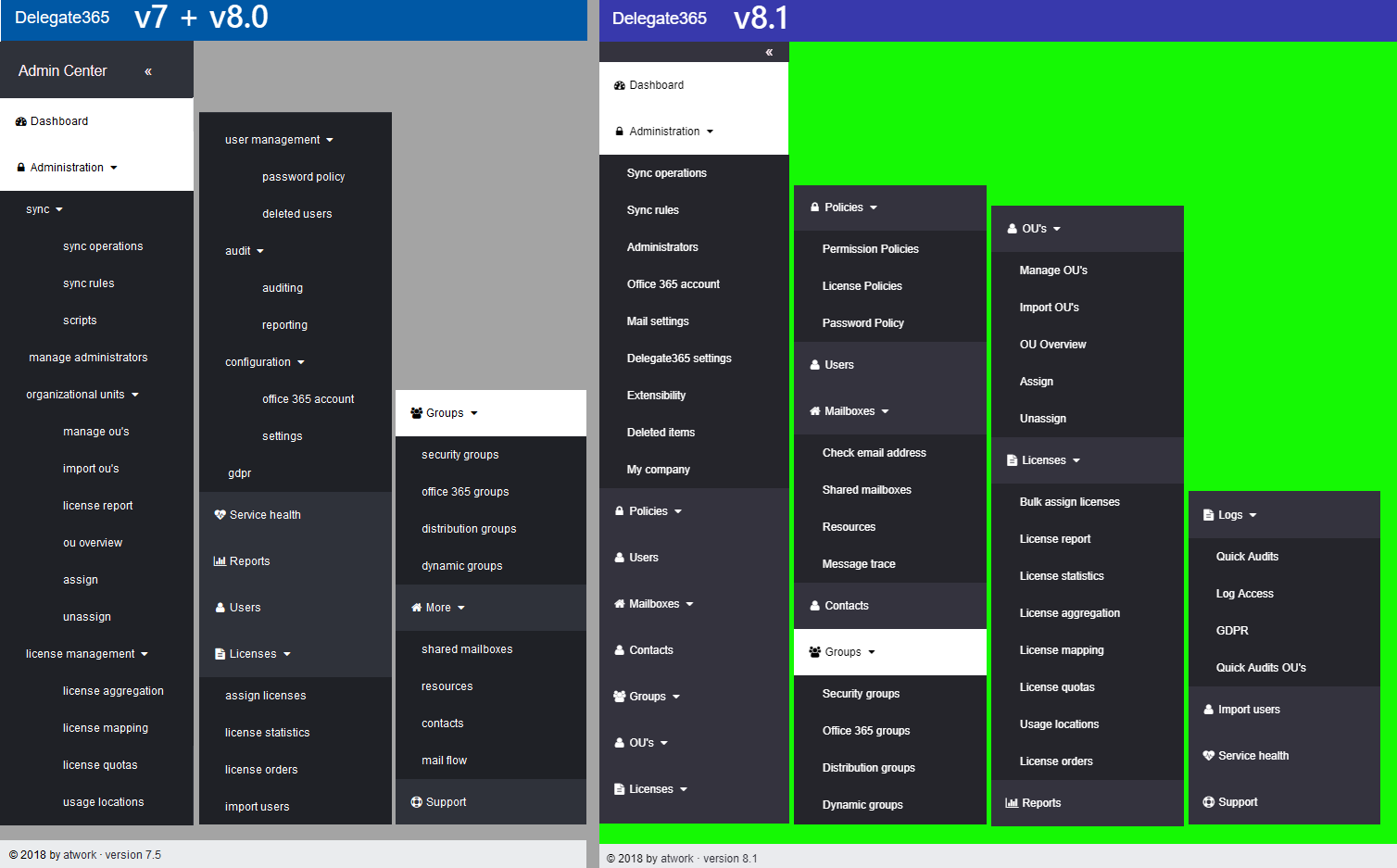
Delegate365 version 8.0 is a major release with a bunch of new features and updates. This Delegate365 version brings support for a new partner login, improvements in the setup process after updates, integration of Azure Event Grid, new user profile features, new Group OU’s, a new check email address module, some bugfixes, new security features and some more features. See the details here. The last update of Delegate365 version 7.5 took place in April. We have been busy developing and testing Delegate365 since then. Now is the time to launch the new Delegate365 version 8 and the new features. Let’s start with the new setup. ...

July 24, 2018 · 9 min · Toni Pohl

Microsoft commits to sustainability in their data centers

Good to see that Microsoft is committed to sustainability in their data centers as seen in the session “Inside Azure Datacenter Architecture with Mark Russinovich” from the last BUILD conference. There are a lot of interesting facts to learn about the Microsoft Azure data centers, as e.g. “Microsoft signed the largest corporate deal on solar panels for Virginia in the US in history, good for 257 Megawatts”. The goal is to reach the 100% energy use from renewable energy. ...

July 9, 2018 · 1 min · Martina Grom

Proud to be renewed as Microsoft MVP 2018!

On July 1st, the Microsoft MVP Award Program announced new and renewed MVPs. We at atwork are happy that our MVP’s have been renewed for their community contributions for 2018-2019! The MVP Award is Microsoft’s way of thanking outstanding community leaders based on their actions to share knowledge and technology in all possible ways, from speaking engagements to supporting others in communities. An MVP is awarded for contributions over the previous year. See more abut the MVP program at mvp.microsoft.com and learn about the award categories here. ...

July 1, 2018 · 2 min · Toni Pohl
Can you use nested Logic Apps in Azure?

Can you use nested Logic Apps in Azure?

Workflows really help to standardize and to solve business processes. This can be done with Microsoft Flow in Office 365 or with Logic Apps in Azure (which is the same engine). Often, I see questions, if it is possible to call an Azure Logic App from another Logic App. Does his work? Well, see this quick sample. In workflows, it’s usually a clever idea to simplify steps as much as possible. So, each step could be implemented as one independent Logic App. ...

June 25, 2018 · 2 min · Martina Grom
This was Insider Dev Tour Vienna

This was Insider Dev Tour Vienna

Yesterday, on June 20th, the Insider Dev Tour (see insiderdevtour.com) took place in our home town Vienna. It’s a roadshow for software developers in the Microsoft universe delivering the latest news about Windows, Azure, Office, Graph, AI technology and more. I enjoyed being part of the event along with my fellow MVP colleagues and the Windows Development community. The content was more or less pre-defined and included demos and code-focused overviews of the new developer technologies coming out of Redmond. The topics included building native Win32/XAML apps and Progressive Web Apps, how to connect with new ecosystems using the Microsoft Graph and Windows Timeline (my session), how to add AI (Artificial Intelligence) into your projects, and how to bring your experiences into the next dimension through Mixed Reality and more. ...

June 21, 2018 · 3 min · Toni Pohl