Unity Connect in Haarlem 2016
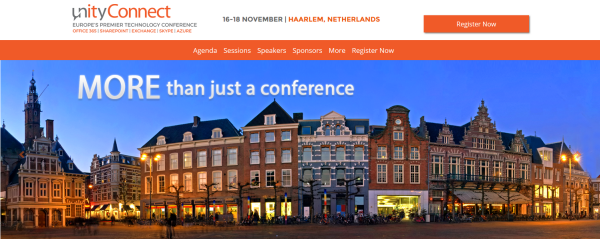
Last week Martina and I have been speaking at Unity Connect in Haarlem in the Netherlands. Unity Connect is an IT conference about Office 365, SharePoint, Exchange, Skype, Yammer, and Azure and took place from 16th to 18th November 2016 in the beautiful city of Haarlem. We arrived on Tuesday evening and entered the stunning inner city of Haarlem with so many cool restaurants and bars. The banner picture of Unity Connect just gives a brief impression of the beautiful buildings in that small town. The conference location was in Philharmonie Haarlem which is actually a concert hall but a very cool event location. With the inner city and the hotels around the corner, this event is - besides the conference offerings - one of my absolute favorite places to go in this region. ...