Taming the 429 How we analyzed Microsoft Graph API throttling and developed a workaround

Taming the 429 How we analyzed Microsoft Graph API throttling and developed a workaround

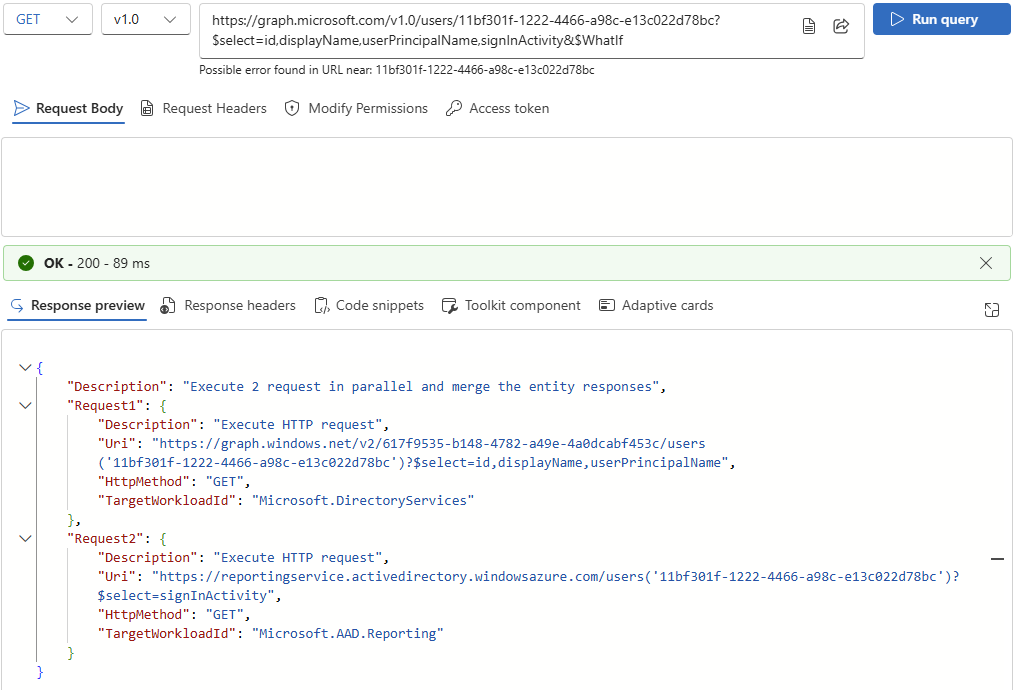
If you’ve worked extensively with the Microsoft Graph API, you’ve likely encountered the dreaded HTTP 429 Too Many Requests error. It’s a clear indication that you’ve hit a rate limit - but it’s not always clear why, when, or how to work around the problem. In this post, we’ll share our real-world experience analyzing and overcoming 429 responses while querying user data through Graph. In this article, we share our joint findings and real-world experience analyzing and overcoming 429 responses while querying user data through Graph REST API. Big thanks to my colleague Andi for testing and helping uncover these insights. ...

June 13, 2025 · 4 min · Toni Pohl
Azure Logic Apps Toolbox 11-Use long HTML content in Designer

Azure Logic Apps Toolbox 11-Use long HTML content in Designer

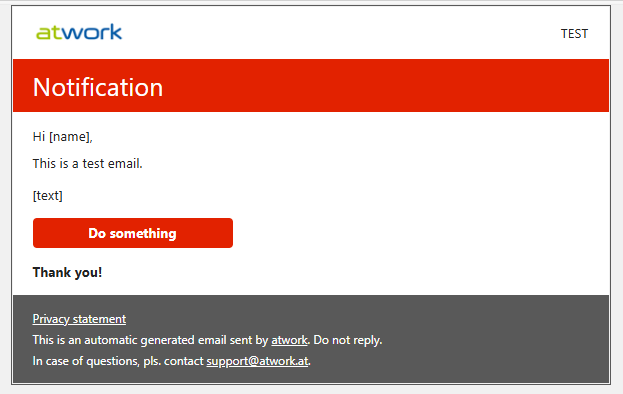
Have you encountered an issue with the new Azure Logic Apps Designer where you’re unable to save variables containing lengthy content? This has become a challenge for me recently, especially when working with HTML templates used in automated email workflows and other scenarios. I’ve been unable to update these long email strings as variables directly within the new Azure Logic Apps Designer. Well, here is the workaround. Scenario Our goal is to send an HTML-formatted email using a Logic App. To achieve this, the Logic App stores a reusable email template and dynamically inserts values retrieved from external systems. Below is an example of the HTML template used in this scenario: ...

May 19, 2025 · 4 min · Toni Pohl
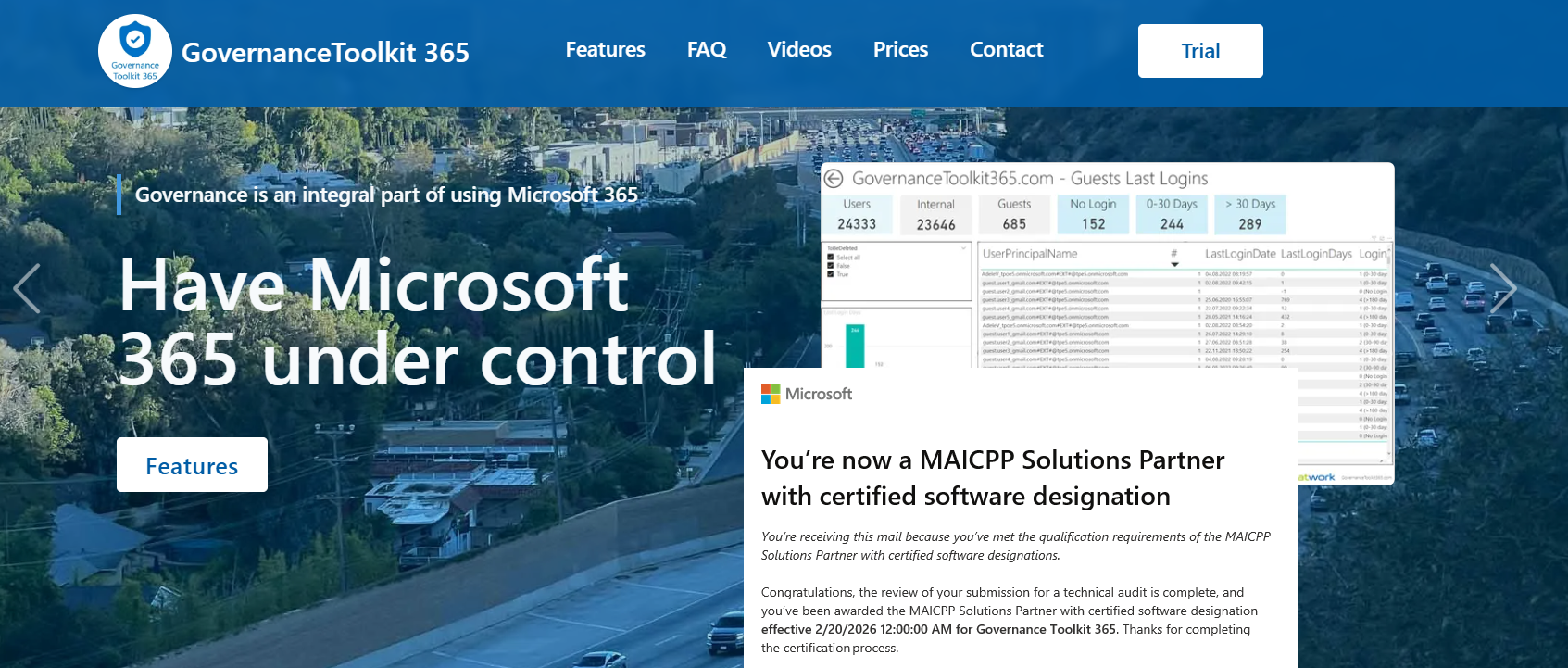
Important Update for Governance Toolkit 365 Users Configuration Changes Required for Power BI Integration

Important Update for Governance Toolkit 365 Users Configuration Changes Required for Power BI Integration

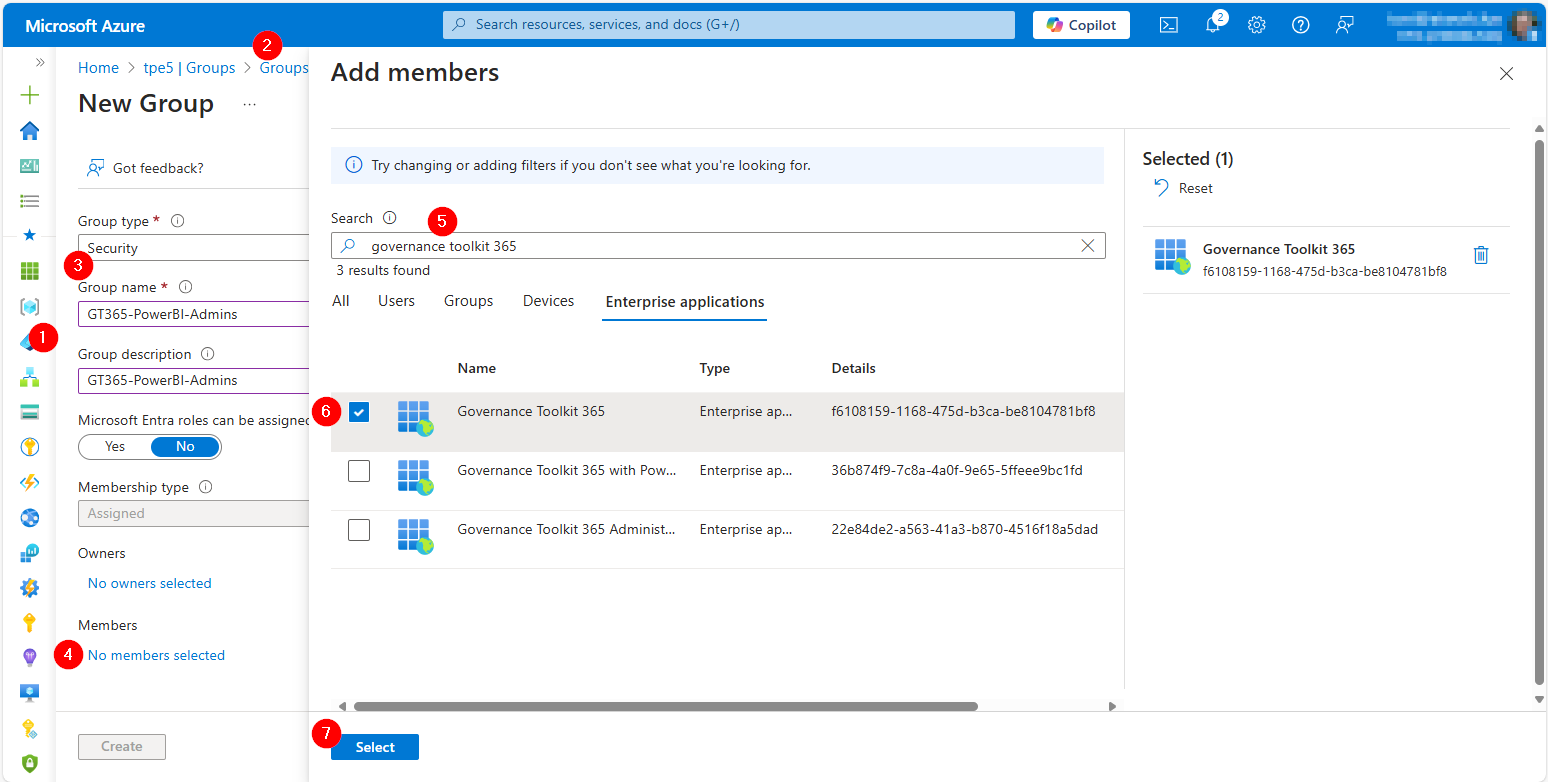
We are excited to announce an important update to our SaaS solution, Governance Toolkit 365 (GT365). To enhance security and streamline data access, we have replaced the Power BI data refresh authentication method with the Power BI built-in Admin API permissions. This change will take effect on February 21st. To ensure uninterrupted access to your Power BI data, it is crucial that you update your Microsoft 365 tenant configuration as described here. ...

February 10, 2025 · 3 min · Toni Pohl
How to enable Copilot in Power BI

How to enable Copilot in Power BI

In today’s data-driven world, the ability to quickly analyze and visualize data is crucial for making informed decisions. Microsoft Power BI has long been a powerful tool for business intelligence, and with the introduction of Copilot, it has become even more versatile. See the following resources for activating Copilot for Power BI in your organization. Copilot leverages advanced AI capabilities to assist users in creating reports, analyzing data, and generating insights more efficiently. Enable Copilot in Power BI as described here, to ensure you can take full advantage of this innovative feature. ...

November 24, 2024 · 3 min · Toni Pohl

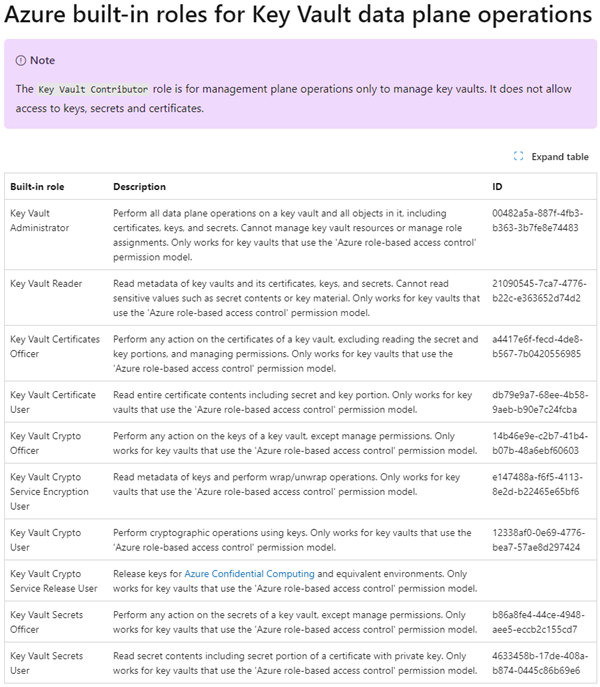
Unlocking Secrets The Key Vault Role You Need

In my use of Azure Key Vault with code and flows with Managed Identities, I moved to role-based access control (RBAC) to manage access to secrets and certificates. However, I encountered a problem when using the “Key Vault Reader” role as it denied me the required access to secret content. This experience highlighted the importance of understanding the specific roles within Azure Key Vault, and I want to share this insight to help others avoid similar pitfalls. ...

August 26, 2024 · 4 min · Martina Grom
List Flows as Admin V2 API endpoint

List Flows as Admin V2 API endpoint

A year ago, Microsoft announced the “Transition to List Flows as Admin V2 action from deprecated List Flows as Admin action” for Power Automate. Well, we were using the old API endpoint for working with flows in our own software until it stopped working recently. It took some time until we found workarounds or a successor. Also the PnP modules still are using the old API, and the endpoint address is currently not documented on any Microsoft website. Find it here! ...

July 14, 2024 · 2 min · Toni Pohl
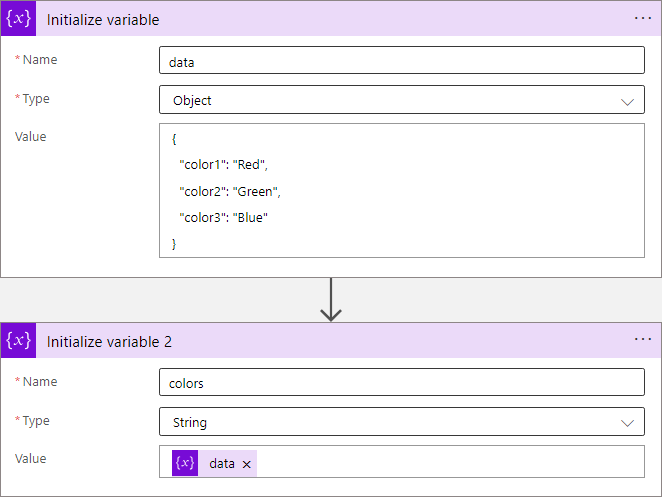
Azure Logic Apps Toolbox 10-Dynamic access to keys and values in a JSON object

Azure Logic Apps Toolbox 10-Dynamic access to keys and values in a JSON object

In Azure Logic Apps, looping through objects is a common requirement. When we have prior knowledge of an object’s properties, the process is straightforward. However, things get more challenging when attempting to access properties dynamically. See a method to access data in a JSON object dynamically here. JSON (JavaScript Object Notation) is a format for storing and transferring data. Here we want to dynamically access data from a JSON object in an Azure Logic App. To demonstrate this, consider this example. ...

June 1, 2024 · 8 min · Toni Pohl
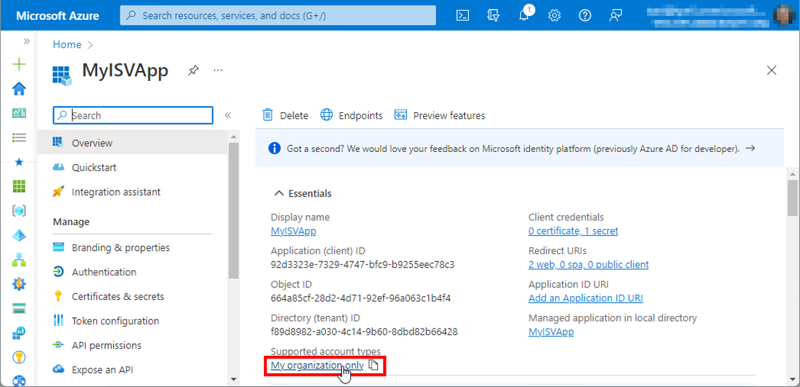
Working with Microsoft Entra ID Applications - Part 2

Working with Microsoft Entra ID Applications - Part 2

In Part 2 of this series we look into setting up and managing applications in a Microsoft 365 tenant. In Part 1, I focused on how Azure AD applications can be used to provide secure access control to data and services. I demonstrated how to create an Azure AD application in the home tenant and the importance of integrating with Azure AD for centralized app registration, management, and security measures. In this article, I will dive deeper into the topic and exploring how to use and manage a multitenant app in foreign M365 tenants. So, let’s get started! ...

May 14, 2024 · 11 min · Toni Pohl
Working with Microsoft Entra ID Applications - Part 1

Working with Microsoft Entra ID Applications - Part 1

Microsoft Entra ID (or Azure AD) applications are cloud-based applications that can be integrated with Azure AD for authentication and authorization purposes. Using such applications provides a way to centrally manage and secure access to your cloud-based applications and services using Azure AD identities and credentials. This article is presented in two parts, exploring the practical implementation and functionality of apps across tenant boundaries. It provides an overview of how these apps operate and the details of permissions when used in a real-world setting. ...

May 6, 2024 · 13 min · Toni Pohl

M365 Copilot for everyone

As announced yesterday, Microsoft is removing the 300 seat purchase minimum for commercial plans and making Copilot available to Office 365 E3 and E5 customers upon purchasing the Copilot license. This change will make it easier for more people and businesses to access the benefits of the M365 Copilot. Microsoft Copilot is an AI-powered tool that assists users in their daily tasks. The goal is to give every user the opportunity to use Copilot as an everyday AI companion to support their daily tasks on their computers with familiar software. Microsoft also has introduced Copilot Pro, a new premium subscription for individuals that provides a higher tier of service for AI capabilities. ...

January 16, 2024 · 1 min · Martina Grom