How to develop an Office App in real world-part 2

How to develop an Office App in real world-part 2

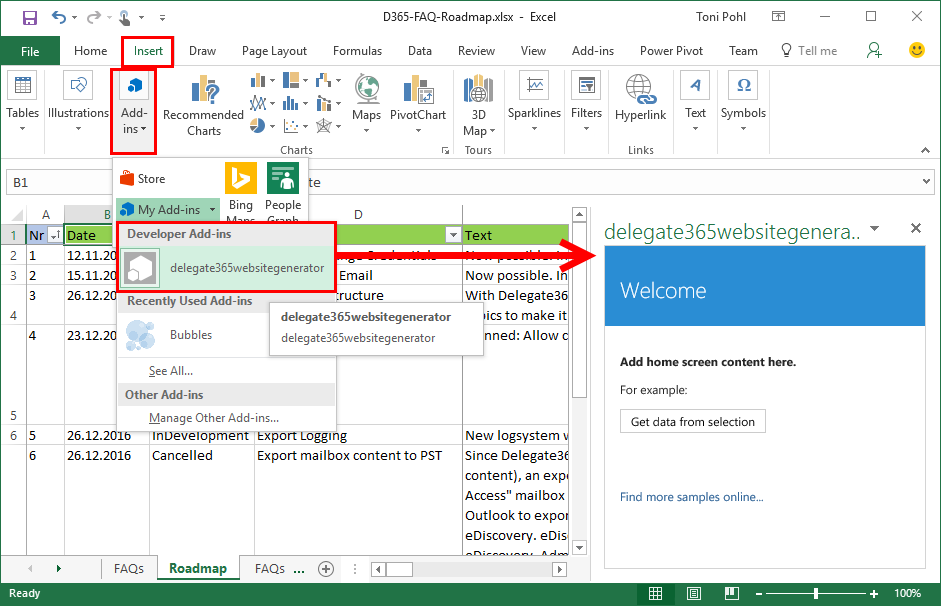
After part 1, we now look into the app side of our Excel solution. I want to point out some basics here to make it easy for developers to create their first Office App (with Excel). Here we go. Working with the API To easily access the Excel or Word functions with JavasScript, Microsoft provides an object with an anonymous function and a context (*ctx *here) as parameter. So, accessing Excel works basically as here: ...

December 30, 2016 · 4 min · Toni Pohl
How to develop an Office App in real world

How to develop an Office App in real world

Sometimes, it’s the small things that cost (unnecessarily) time. Recently, I wanted to create a quick Office App for an existing Excel file to loop through rows and do some transformation for the values. I was stumbling over some topics when developing in real world. So here’s my short How To for working with Visual Studio and Office Apps with helpful tips. Set the start document If you are not used to develop Office Apps often, this maybe isn’t easy to find: How to set an existing document as start file. ...

December 29, 2016 · 4 min · Toni Pohl
A new version of Microsoft Azure Storage Explorer is available

A new version of Microsoft Azure Storage Explorer is available

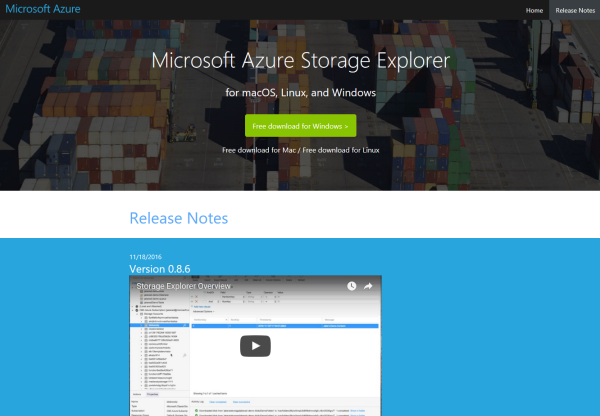
Azure-guys, there’s a new version of the cost free Microsoft Azure Storage Explorer available! Check it out here: https://storageexplorer.com! This is version Version 0.8.6 from 18th November 2016. And no, it’s not just a new logo and themes… The team included a lot of fixes and new stuff, as multiple editors in different tabs, search, modifications of data, improvements for uploads and downloads and more! See the details in the releasenotes! ...

November 30, 2016 · 1 min · Toni Pohl
Our Office-AddIns numbers

Our Office-AddIns numbers

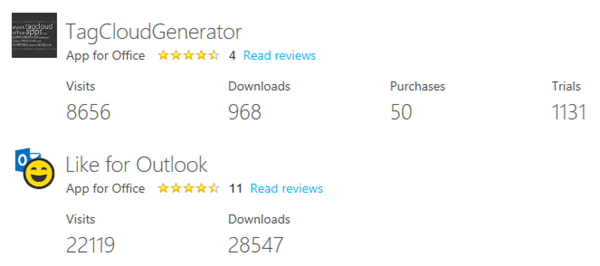
Nice numbers of our two Office-AddIns “TagCloud Generator” and “Like for Outlook”. Both Apps are available in the Microsoft Office Store. TagCloud Generator is a simple to use tagcloud generator for Microsoft Word (working with Word 2013 and above) and delivers an overview of a document rapidly. Like for Outlook enables users to send a Like with one click and works in Outlook 2013 or later, Outlook 2016 for Mac, Outlook on the Web. ...

October 29, 2016 · 1 min · Toni Pohl
Check the Azure services status

Check the Azure services status

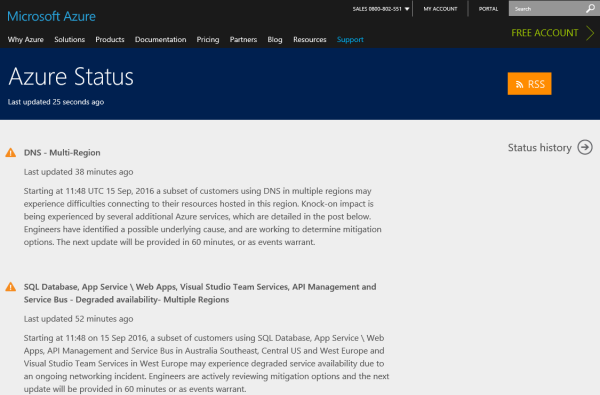
If you have systems running on the Microsoft Azure platform and issues occur, check out this helpful status page! https://azure.microsoft.com/en-us/status/ …and the history https://azure.microsoft.com/en-us/status/history/ Tip: You can also subscribe to the RSS feed! https://azure.microsoft.com/en-us/status/feed/ Hope this helps – just in case!

September 15, 2016 · 1 min · Toni Pohl
Vorteile von Azure Websites

Vorteile von Azure Websites

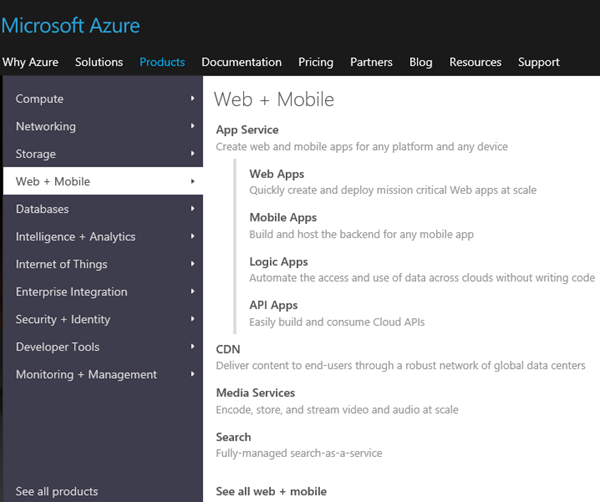
Microsoft Azure ist eine Plattform zum hochverfügbaren, skalierbaren und sicheren Betrieb von IT-Services, von virtuellen Maschinen bis hin zu Websites. Im Gegensatz zu herkömmlichen Hosting-Lösungen bietet Azure eine Vielzahl von zusätzlichen Services. Nur, welche Vorteile bieten Azure Websites im Vergleich zu anderen Angeboten von Providern? Hier einige Gründe für den Einsatz von Azure Websites. Die Basis Weblösungen werden unter Microsoft Azure als “App Services” bezeichnet (siehe https://azure.microsoft.com/en-us/services/app-service/). Ein App Service kann eine Web App, Mobile App, Logic App oder API Apps sein. Diese (und weitere) Dienste können beliebig kombiniert werden. Eine “Standard”-Website ist eine “Web App”, welche auf einem vorkonfiguierten Webserver in einer bestimmten Größe läuft. Dies ist eine abgesicherte, virtuelle Maschine, die vom Provider als Platform-as-a-Service (PaaS) System bereitgestellt wird. Dabei kümmert sich der Betreiber (Microsoft) darum, dass die Website hochverfügbar und sicher läuft und dass es Backups, LoadBalancer, Berechtigungen und vieles mehr gibt. Also ein “Rundum-Paket” für den sicheren Betrieb. ...
August 30, 2016 · 5 min · Toni Pohl
SharePoint Framework Developer Preview Release is here

SharePoint Framework Developer Preview Release is here

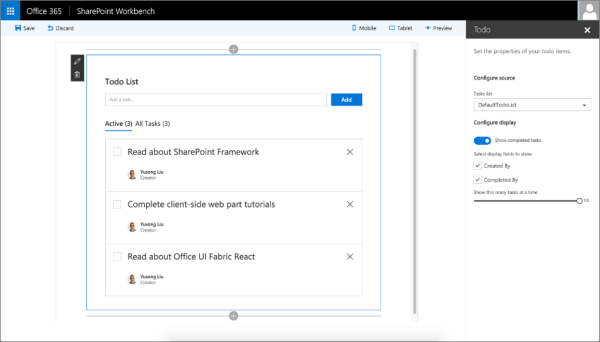
After the announcement on May 4th at the Future of SharePoint event, now the first public developer preview of the SharePoint Framework is available. The SharePoint Framework enables developers to build client-side web parts using “modern script development tools” – this means Javascript and related web components and tools. The new SharePoint Workbench allows developers to test and deploy client-side web even offline! Read the details in the Office Dev Center in SharePoint Framework Developer Preview Release! ...

August 18, 2016 · 1 min · Toni Pohl
Announcing Visual Studio Code Intro Videos

Announcing Visual Studio Code Intro Videos

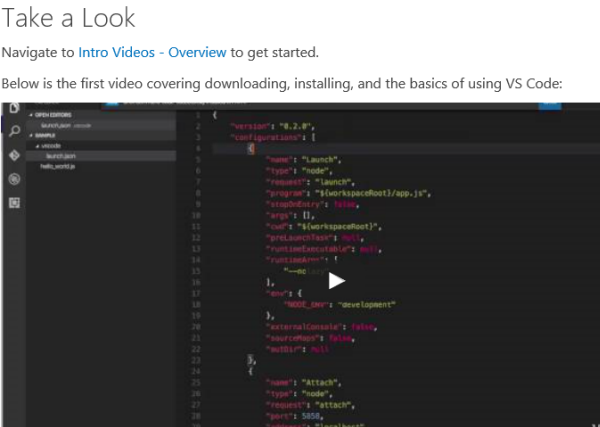
Today, Microsoft released some new videos explaining coding with the cost free Visual Studio Code environment. See the blog post in the code.visualstudio.com/docs project: Announcing Intro Videos. See the Intro Videos - Overview with the first six videos to get started. Check out Setup and Basics of VS Code. Happy coding!

August 15, 2016 · 1 min · Toni Pohl
Goodbye, Azure RemoteApp

Goodbye, Azure RemoteApp

Well, actually I liked the idea of streaming apps with Azure RemoteApps. Now Microsoft decided to discontinue RemoteApps. Read the details here. Application remoting and the Cloud New tests and the purchase of the Azure RemoteApp service are no longer possible. “Azure RemoteApp is being discontinued. The trial period for subscription *** expired on ‎13‎.‎08‎.‎2016 and can no longer access Azure RemoteApp. Click here for more information.” Existing Azure RemoteApp customers can use the service through August 31st, 2017. ...

August 13, 2016 · 1 min · Toni Pohl
Monaco Editor in eigene Web-Apps integrieren

Monaco Editor in eigene Web-Apps integrieren

Visual Studio Code verwendet ihn. Und man kann ihn auch selbst in eigenen Projekten verwenden: Den unglaublich coolen Monaco-Editor! Dieser Editor ist ein browser-basierter Code Editor, mit IntelliSense für JavaScript, JSON, HTML, CSS, Less, Sass, C# und TypeScript Support und vielem mehr. Und er kann in eigenen Web-Apps verwendet werden. Eine detaillierte Beschreibung des Monaco-Editors ist unter (Visual Studio Code) Editing Evolved vorhanden. Hier werden die coolen Features des Editors und Tipps und Tastenkombinationen beschrieben. ...

August 5, 2016 · 2 min · Toni Pohl