M365 Copilot for everyone

As announced yesterday, Microsoft is removing the 300 seat purchase minimum for commercial plans and making Copilot available to Office 365 E3 and E5 customers upon purchasing the Copilot license. This change will make it easier for more people and businesses to access the benefits of the M365 Copilot. Microsoft Copilot is an AI-powered tool that assists users in their daily tasks. The goal is to give every user the opportunity to use Copilot as an everyday AI companion to support their daily tasks on their computers with familiar software. Microsoft also has introduced Copilot Pro, a new premium subscription for individuals that provides a higher tier of service for AI capabilities. ...

January 16, 2024 · 1 min · Martina Grom
Azure Logic Apps Toolbox 9-More useful Tips

Azure Logic Apps Toolbox 9-More useful Tips

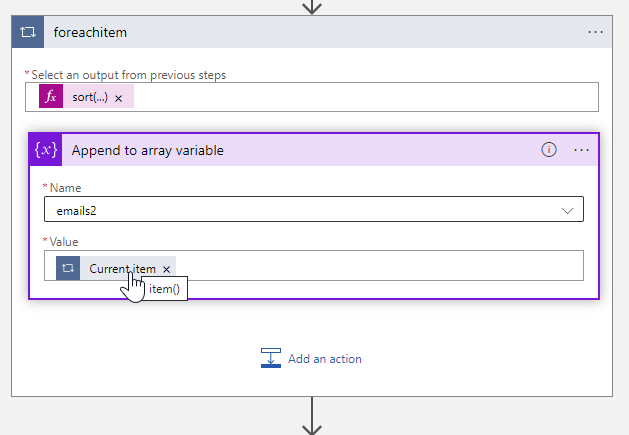
By working with Azure Logic Apps, data can be processed very quickly and conveniently. Sometimes small details are a challenge, like function names or correct syntax. This is especially true if you don’t work with logic apps all the time. In addition to our existing tips here in the blog, we have some other useful functions from various scenarios that will make your work with Logic Apps easier. If you are interested, we have already collected a number of tips in our blog in category Logic Apps. So, here are some more general tips for your flows. ...

October 5, 2023 · 4 min · Toni Pohl
Get the expiration date of application secrets and certificates in Entra

Get the expiration date of application secrets and certificates in Entra

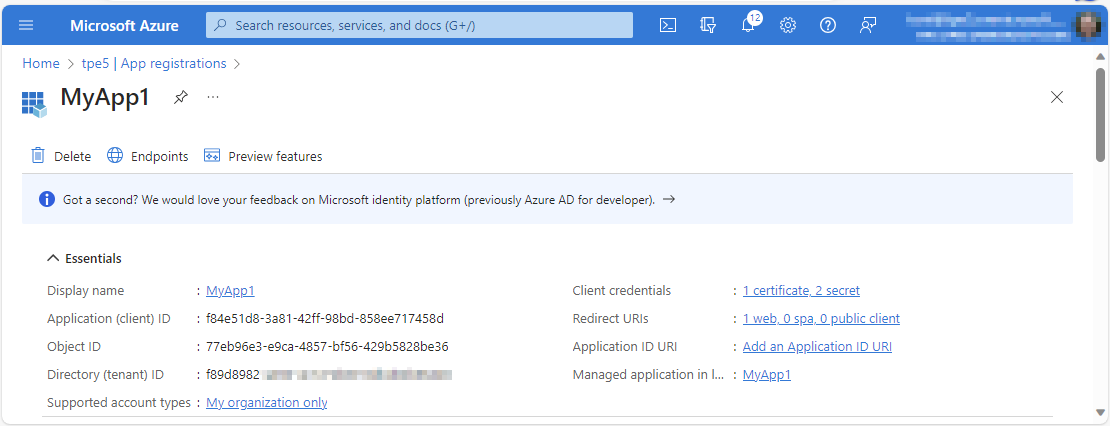
Part of the job of Microsoft 365 administrators is to ensure that their users can access and work with all services. This also includes ensuring that applications work. Microsoft Entra manages applications and the associated settings in a central location. It is relevant to know when application certificates and secrets expire in order to renew them in a timely manner. This article shows how you can query which applications need to be updated. ...

October 4, 2023 · 3 min · Toni Pohl
Power Pages architecture and governance

Power Pages architecture and governance

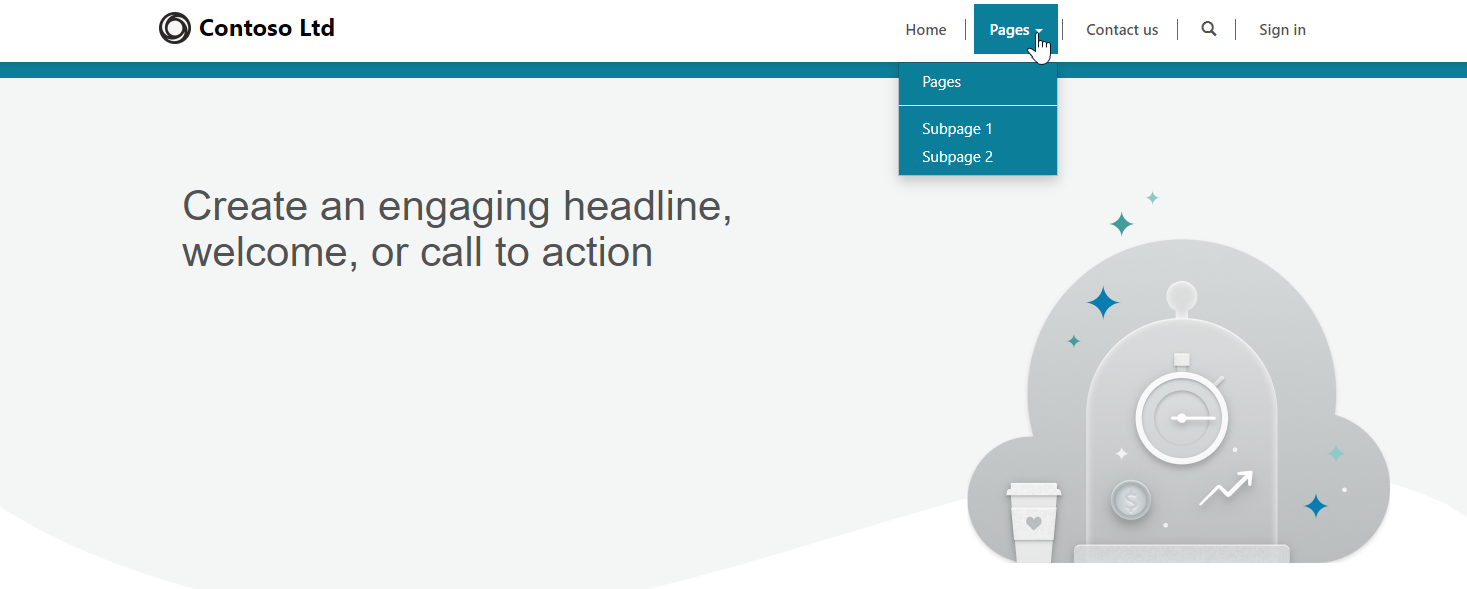
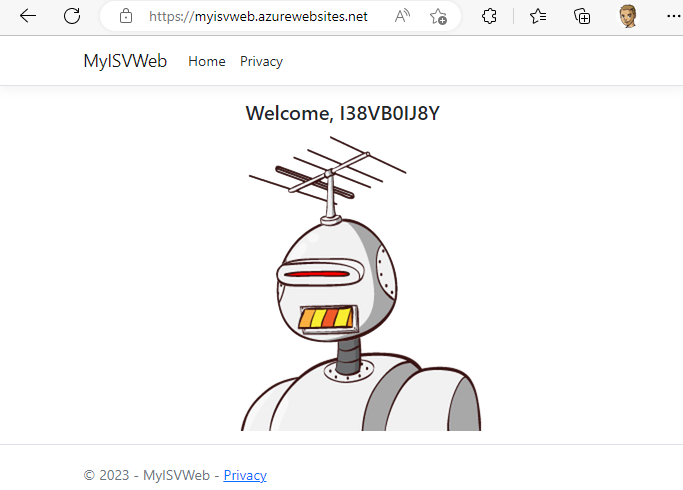
Power Pages is a enterprise-grade software-as-a-service platform from Microsoft that provides a low-code solution for building, managing, and hosting dynamic enterprise websites. It enables citizen developers and professional developers within organizations to quickly and securely build custom external-facing web applications. These applications are tailored for use by the organization’s consumers, partners, community users, and internal users. Learn more about Power Pages here. Power Pages architecture The rapid shift towards digital technologies has led to a significant increase in remote work, heightened customer expectations for online applications and services, and increased use of advanced technologies across the board. Behind all of these advances is the driving force of cloud computing, which is enabling and enabling these transformative changes. Today, some IT solutions no longer require software development. Power Pages tries to address this and is part of Microsoft’s Power Platform. It is built on Microsoft Azure and leverages the same security stack as Azure, which integrates with Microsoft 365 compliance tools. This screenshot shows a quick sample of a generated Power Pages site. The site can be enriched with forms and workflows. ...
September 11, 2023 · 5 min · Toni Pohl
How to get all SharePoint Online sites with their owner with Graph

How to get all SharePoint Online sites with their owner with Graph

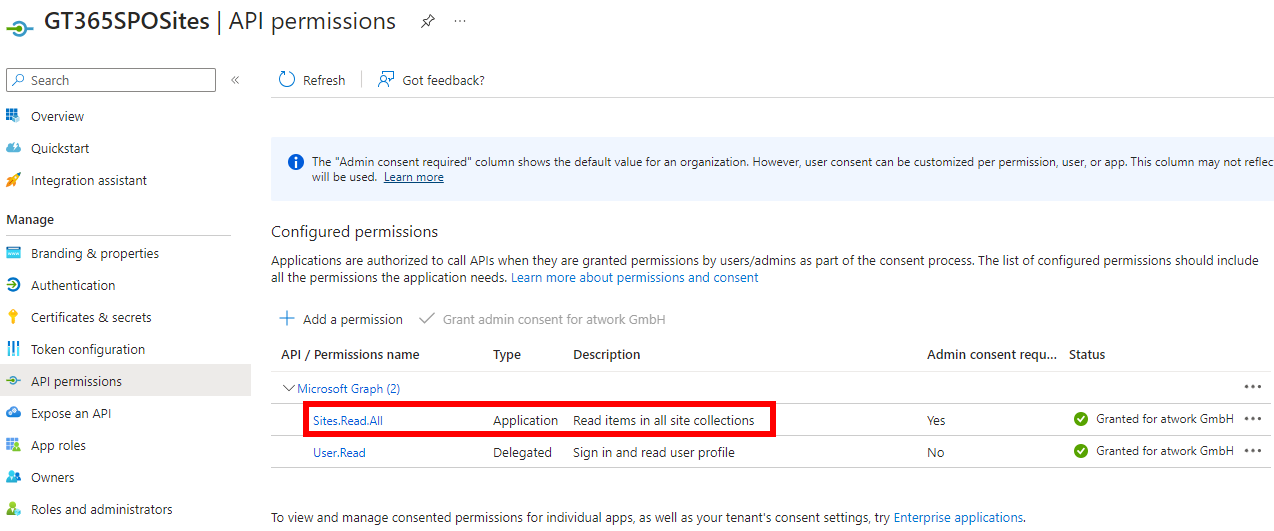
Microsoft Graph is the key to access data in Microsoft 365. When working with SharePoint, we have some access with Graph, but there is still a lot missing. In my case I needed a list of all SharePoint sites with their owners for governance reasons. Here I show how you can get this data today with the Graph API. Tools to communicate with the Graph API and the docs To use Microsoft Graph, we can use any conceivable methods that can call the Graph API. The Graph API is well documented on https://learn.microsoft.com/en-us/graph/api/overview. Try it out at Graph Explorer. ...

July 24, 2023 · 5 min · Toni Pohl
Microsoft 365 Developer Proxy for app permissions detection and improved simulating throttling

Microsoft 365 Developer Proxy for app permissions detection and improved simulating throttling

Hey, developers! Need a tool to test API calls, and to simulate errors to improve your apps? Here we go! Test out the new Microsoft 365 Developer Proxy (formerly known as Microsoft Graph Developer Proxy)! The main idea of the tool is to check if your apps properly handle API errors. But, there are some really cool features in the latest version, such as “Detect over-consented apps that use Microsoft Graph”. ...

June 29, 2023 · 1 min · Toni Pohl
Build a Viva Connections App with Adaptive Cards

Build a Viva Connections App with Adaptive Cards

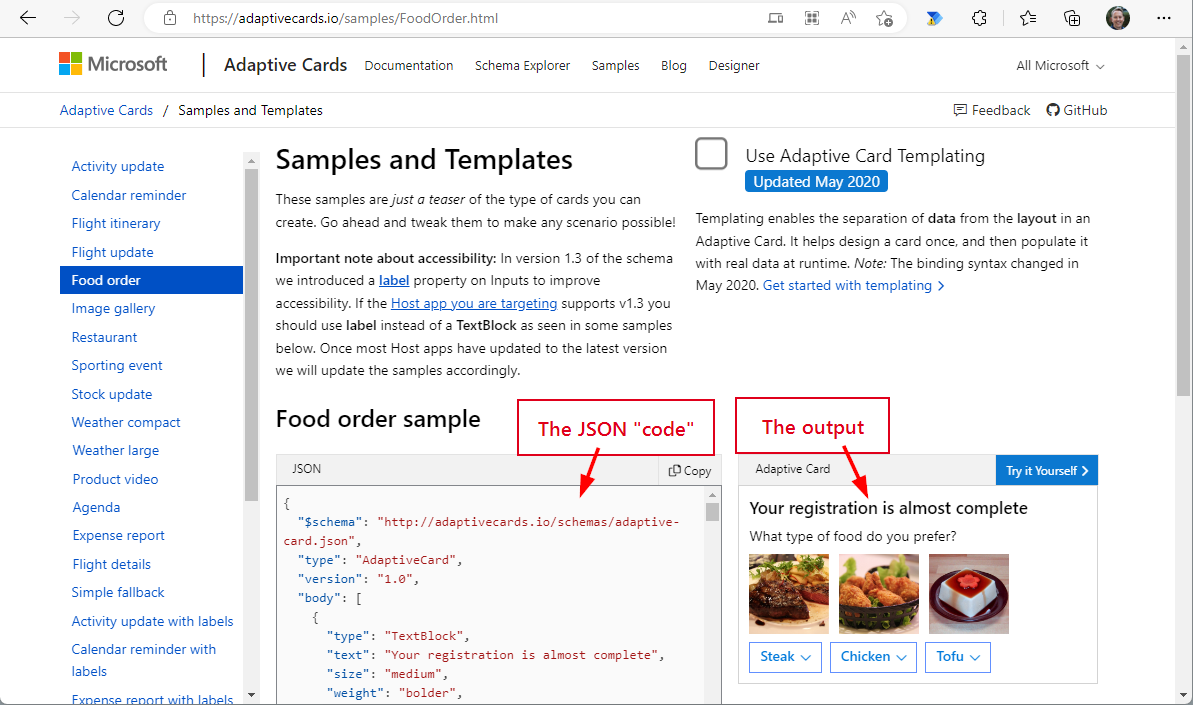
Adaptive cards are becoming increasingly popular in the Microsoft 365 ecosystem. We can find them in Microsoft Search, Power Apps, SPFx apps, Outlook email and many more services. So what are Adaptive Cards (AC) and Adaptive Card Extensions (ACE)? In this article, we show how you can harness the power of adaptive cards in Viva Connections. The purpose of Adaptive Cards Adaptive Cards are a new way for developers to exchange content in a common and consistent way. The idea behind Adaptive Cards is simple: most software developers are not known for being the best designers of forms and data presentations. In order to develop a system that would make it easy for developers to present data in attractive forms, Microsoft founded the “Adaptive Card Working Group” around 2017. This should make it easier for developers to display data in a standardized form on all possible devices. The group began developing Message Cards around 2017, which became Adaptive Cards in 2018. The latest information is publicly available on Github. ...

December 11, 2022 · 8 min · Martina Grom
Create an Adventcalendar for festive techcalendar 2022 with Power Apps

Create an Adventcalendar for festive techcalendar 2022 with Power Apps

Christmas is near. As a contribution to the festivetechcalendar.com, I describe here how to create an advent calendar with Microsoft Power Apps. You can download the Power App and use this app and this article to learn useful concepts in Power Apps. Here we go with the article for December 4th. Requirements The Power Apps Advent Calendar is designed to work like a real one, with the following rules. ...

December 4, 2022 · 10 min · Toni Pohl
Tips for PowerApps-11 Make sure a value is selected in your dropdown

Tips for PowerApps-11 Make sure a value is selected in your dropdown

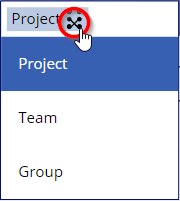
Working with Power Apps, have you seen that in the bound dropdown control the user can remove the selected item (even with single selection)? Well, there could be other solutions, but I want to make sure that a default value is always selected, even when the user clicks the button to remove the selection. In this sample Power App, I have a dropdown named *ProjectType *that is filled from a SharePoint list and a column with choices. When the user selects an item, they can remove the selection using the x-icon on the right. ...

November 2, 2022 · 2 min · Toni Pohl
Tips for PowerApps-10 Validate form input with RegEx

Tips for PowerApps-10 Validate form input with RegEx

Forms are simple. Forms are complex. Both are true depending on the functionality of the form. While you can create forms very quickly with Power Apps, it often takes a lot of time to make them as user-friendly as possible. In this article, we’ll look at how we can validate and simplify input using Regular Expressions. A sample form When creating a form, one often stumbles upon a few details designed to make it easier for the user to fill out the form. So, here´s my form with some fields. ...

November 1, 2022 · 5 min · Toni Pohl