Tips for PowerApps-Add required user permissions for PowerApps using Dataverse
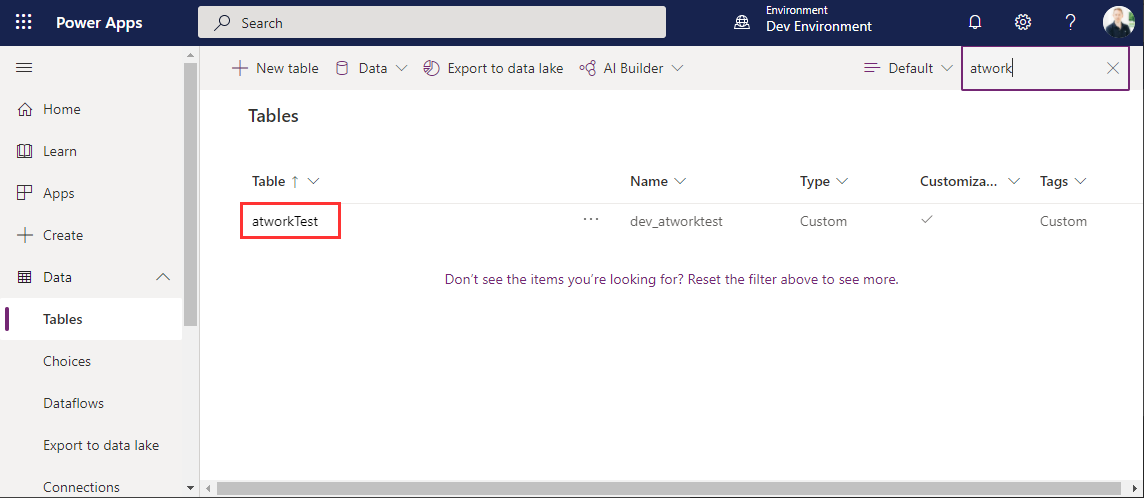
When users shall have access to a PowerApp that is using Dataverse (formerly Common Data Service - CDS), they also need to have the permissions to access the data entity (nowadays called table). So, if your users get an ugly “unknown error occurred” when accessing the PowerApp, here´s the solution to assign the required security role and permissions. The data table To demonstrate how to set permissions, I switched to the environment (in my sample, it´s the “Dev environment”) and created a new table in the https://make.powerapps.com/environments/[environment-id]/entities / Data / Table menu. The table name here is atworktest with some text columns. ...