Groups Governance Toolkit-Working with group policies

Groups Governance Toolkit-Working with group policies

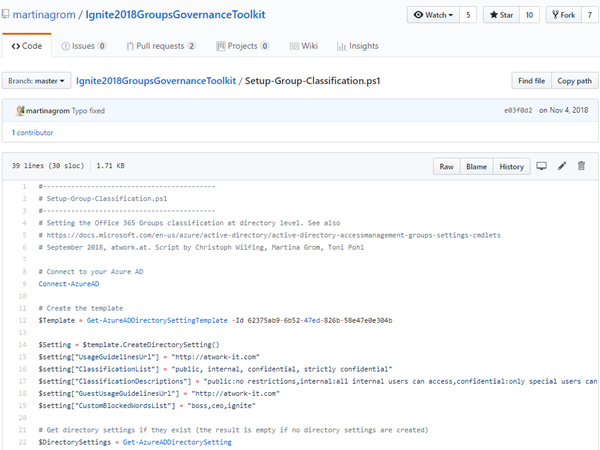
At Microsoft Ignite conference last September, we demoed an approach for a self-built Office 365 Groups Governance Toolkit. Since Microsoft 365 is an evergreen service and continues to evolve, today we have more group settings available and we extend our provisioning function to work with group naming policies as well. See here how this can be accomplished by including new Graph requests. Foreword You can find the previous articles of our governance story at Provisioning an Office 365 group with an approval flow and Azure functions-part 1, part 2, part 3, part 4, part 5 and part 6 and the source code at martinagrom/Ignite2018GroupsGovernanceToolkit. ...

May 2, 2019 · 6 min · Martina Grom
How to add custom user properties to Delve and SharePoint

How to add custom user properties to Delve and SharePoint

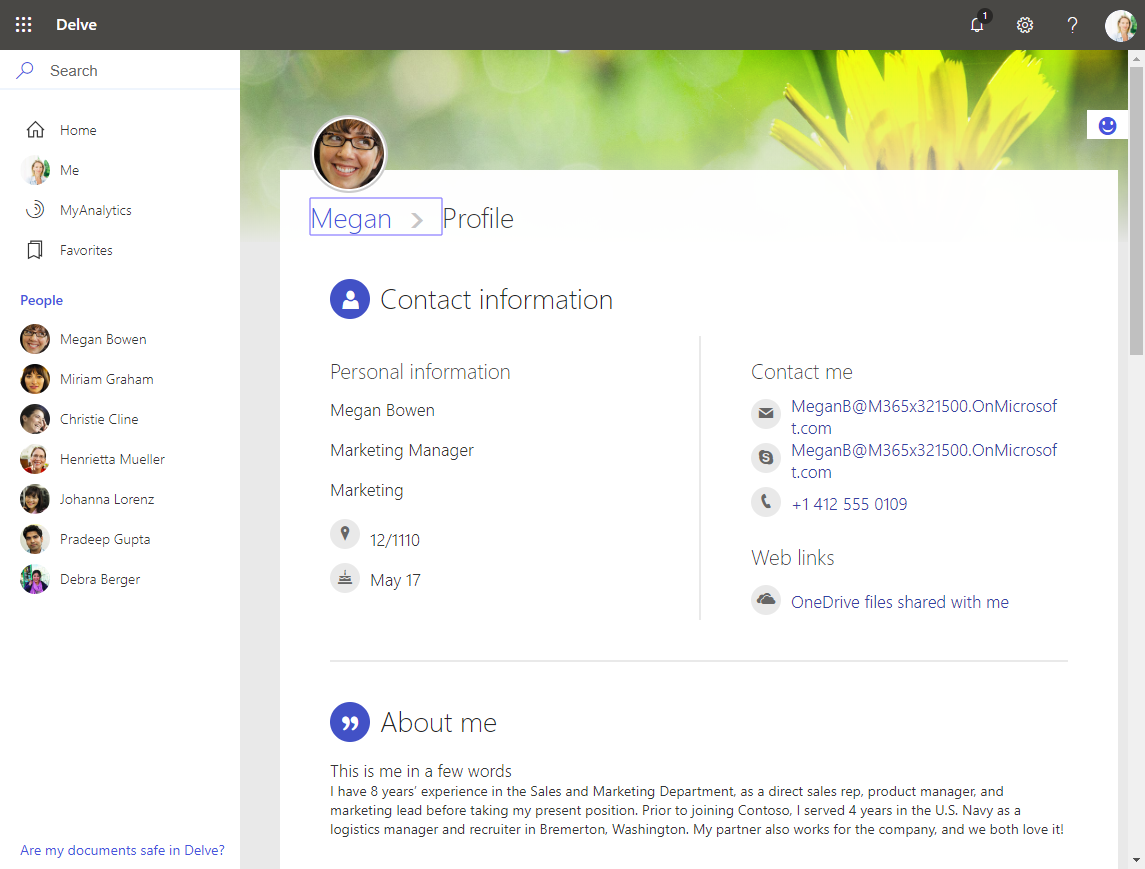
The Delve App allows to discover company and user data across Office 365. Unfortunately, while the app is very helpful, it can not be customized. Well, but we can easily add additional user information, such as personal data, a cost center, additional contact data or hyperlinks, etc. See how this works here. The default Delve experience When opening the Delve app and a user profile, this looks like in a demo tenant here: https://REGION.delve.office.com/?u=USERID&v=profiledetails ...

April 15, 2019 · 3 min · Martina Grom
Tips for PowerApps-6 tips for working with images

Tips for PowerApps-6 tips for working with images

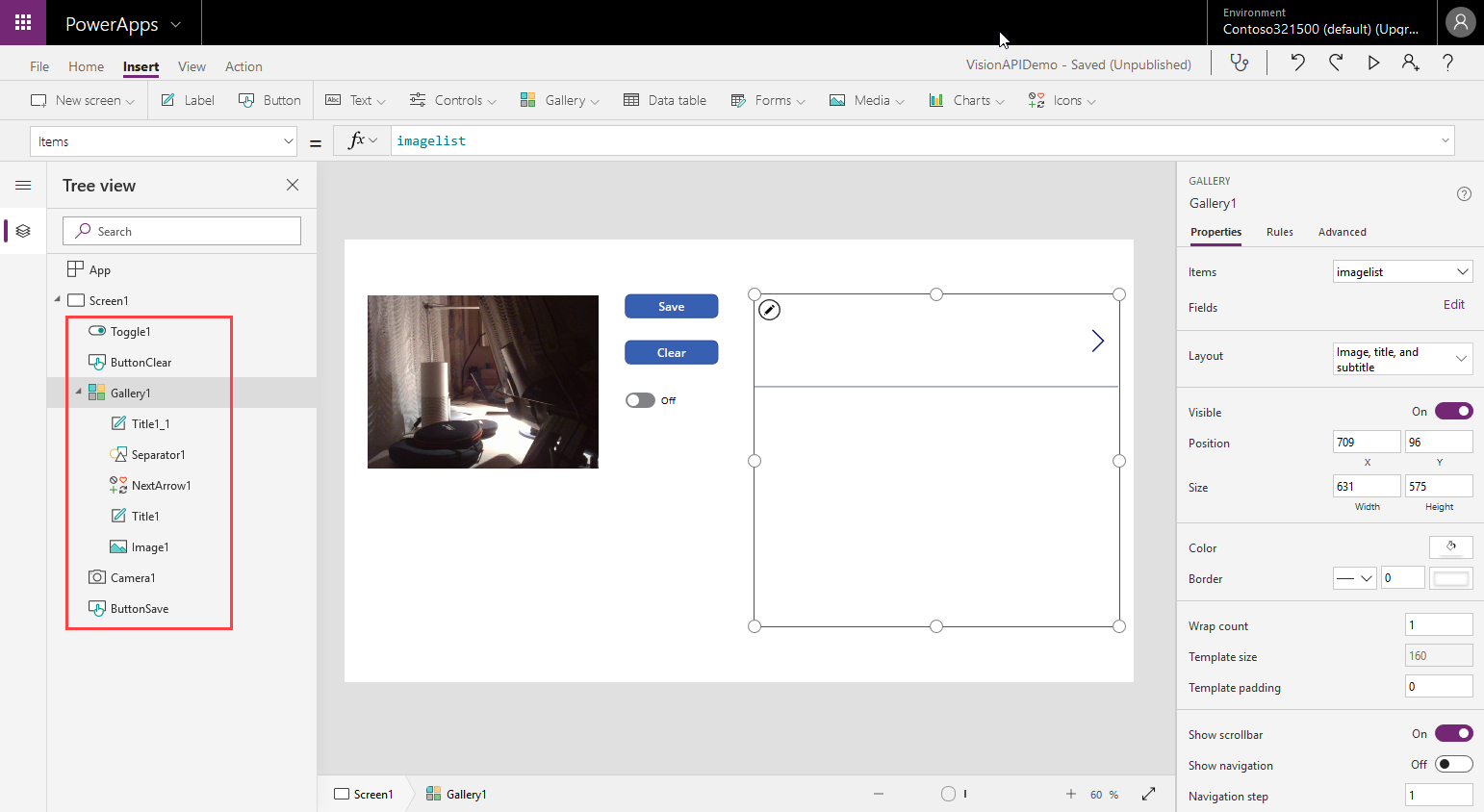
Since I use PowerApps only from time to time, I wanted to document some common actions, such as working with images and the camera control. So, here are my little notes in 6 tips. Well it´s Saturday evening, and I am listening to fancy music and playing with PowerApps (and Flow, Cognitive Services and Adaptive Cards). To not forget the following basics, I thought, it´s a good idea to document a quick intro for working with the Camera control and pictures in PowerApps. ...

April 14, 2019 · 6 min · Toni Pohl
Microsoft Edge preview with Chromium Testdrive

Microsoft Edge preview with Chromium Testdrive

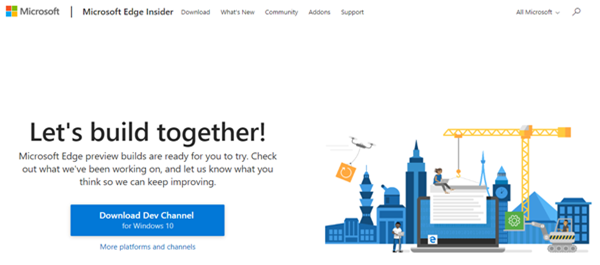
End of last year, Microsoft announced to integrate the Chromium open source project in the development of Microsoft Edge on the desktop to create better web compatibility. Well, here is Edge preview! That was quick. To try the new experience, download the preview from www.microsoftedgeinsider.com. Download, and install… the new “inspirational” look is pretty. I did start with “my data” which looks as here. Chromium also allows to integrate Chrome Plugins. ...

April 8, 2019 · 1 min · Toni Pohl
Free Book Inside Azure Management v3

Free Book Inside Azure Management v3

Are you interested or already working with Microsoft Azure? Download the freshest and latest version of the free e-book “Inside Azure Management v3”. This preview release of “Inside Azure Management” is now available with more than 500 pages in 16 chapters covering topics like implementing solutions, containers, migrating workloads, hybrid, automation, backup, costs, governance, monitoring and alerting, analytics, and more. Check it out! The e-book already has about 30.000 downloads and is written by Microsoft MVP´s. “Inside Azure Management” can be downloaded at Free Book: Inside Azure Management v3. ...

March 30, 2019 · 1 min · Martina Grom
Tips for PowerApps-Working Offline with PowerApps

Tips for PowerApps-Working Offline with PowerApps

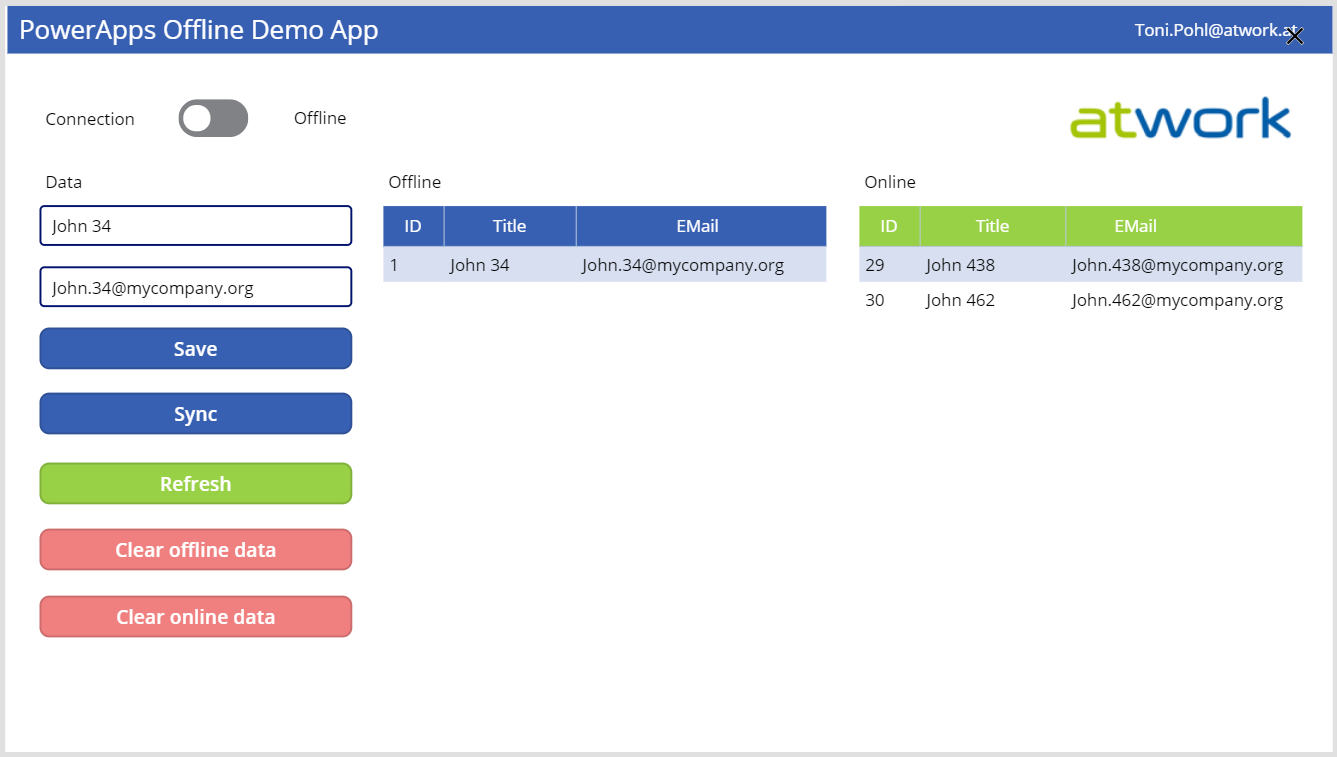
PowerApps provide a good solution for small apps. They run on a device and connect to an online data source. But what happens if no data connection is available, for instance in a building? Well, you can develop a PowerApp that works offline and synchronizes local data to the data source when you’re back online. See how this works here! A basic demo app To show the basic functionality, I developed the following, colorful demo PowerApp. The app consists of one screen in tablet mode including a connection toggle control, two input fields for a name and an email address, two data tables and some buttons. The goal is to read and write data in offline and online mode. ...

March 29, 2019 · 5 min · Toni Pohl
Having fun with IoT Flic buttons and Microsoft Flow

Having fun with IoT Flic buttons and Microsoft Flow

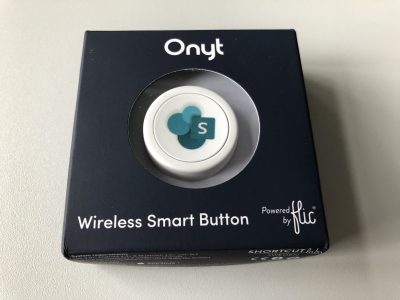
I just got a cute Flic button to play around with. It takes only some minutes to connect that IoT button to a connector and execute customs tasks. Well, as first step, I simply created a message in a Microsoft Teams channel. See the step-by-step instructions here. My colleague Christoph has started to play with the Flic button and another IoT button, so I was interested as well. Another article with that IoT button will follow shortly. ...

March 27, 2019 · 3 min · Toni Pohl
Secure a web on Azure with an Azure Active Directory Multi-Tenant App

Secure a web on Azure with an Azure Active Directory Multi-Tenant App

Azure offers a great platform for multiple types of apps and services, Web Apps are one of the PaaS service, we are using much. In some scenarios, it makes sense to host a static website on Azure, but to restrict access just for authenticated users. Well, AAD can help you with that by demanding a successful login with an Office 365 account. See how this works here. My sample static website My sample works with an Azure DevOps task that automatically generates a HTML website from a source control repository, processes the web with Jekyll in a container and saves the generated HTML artifacts to an Azure website. So, I picked a Jekyll Theme and started a documentation with Markdown files in Visual Studio Code. Then, I push the changes to my Azure DevOps repository and the build process generates the web in Azure. (That’s material for another article sometime.) Anyway, in the end there exists a static HTML website in an Azure web app that can be accessed with the https://[website].azurewebsites.net/ address. ...

March 1, 2019 · 3 min · Toni Pohl
Convert a Markdown document to PDF easily

Convert a Markdown document to PDF easily

I am a big fan of the lightweight and super useful Visual Studio Code editor. Recently, I discovered another cool extension for creating PDF, HTML, PNG, and JPEG files from a Markdown document. Simply install the Markdown PDF extension by yzane.markdown-pdf. This cool extension exports a .md file to a PDF file as shown here. You can even with configure AutoSave by adding the "markdown-pdf.convertOnSave": true option to* settings.json* and restart Visual Studio Code. Then, when saving, the file gets converted automatically. That’s useful especially for documentation. Also, there are much more extensions to discover… ...

January 3, 2019 · 1 min · Toni Pohl
Use SharePoint view column formatting for displaying pictures and conditional formatting

Use SharePoint view column formatting for displaying pictures and conditional formatting

Today I want to share just a quick tip for custom formatting views in SharePoint lists. My goal was to show a picture of a text field that contains an URL and to use conditional formatting with a traffic light system to visualize the sentiment of tweets that are written to a SharePoint Online custom list from a Flow. See the formatting options here. The articles Use column formatting to customize SharePoint and Use view formatting to customize SharePoint basically explain how to work with the JSON object that describes the elements that are displayed, which is a good start. So, the ready formatted list shall look as here. Some fields in that list are rendered with custom formatting, you will spot them easily… ...

December 4, 2018 · 4 min · Toni Pohl