Provisioning an Office 365 group with an approval flow and Azure functions-part 2

Provisioning an Office 365 group with an approval flow and Azure functions-part 2

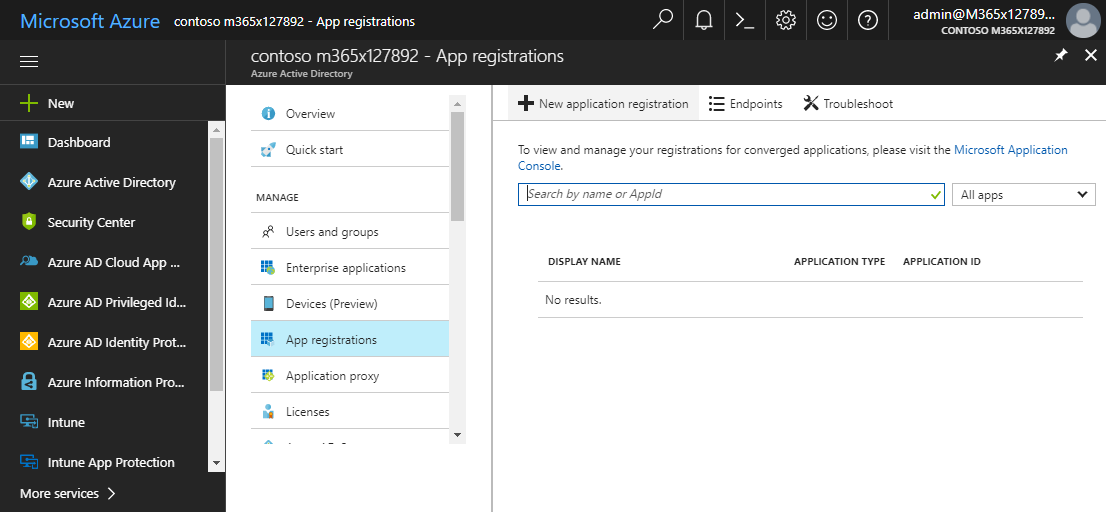
In part one, we saw how the Microsoft Graph API enables programmatic access to Office 365 groups. Now it’s time to let Azure Functions help us with the desired workflow. For the following steps, an Azure subscription and a Global Admin in the target Office 365 tenant is required. The plan We want our provision group function to be able to create a new Office 365 group without any user interaction. So, we need an app with the permission to accomplish the operations in our Office 365 tenant, in the same way as did for the administrator account in part 1. The key is, to create such an application first and to use that access data in our code. The workflow will execute our function, pass the parameters, and the function will do the work. So, these are the necessary steps. ...

October 1, 2017 · 6 min · Martina Grom
Provisioning an Office 365 group with an approval flow and Azure functions-part 1

Provisioning an Office 365 group with an approval flow and Azure functions-part 1

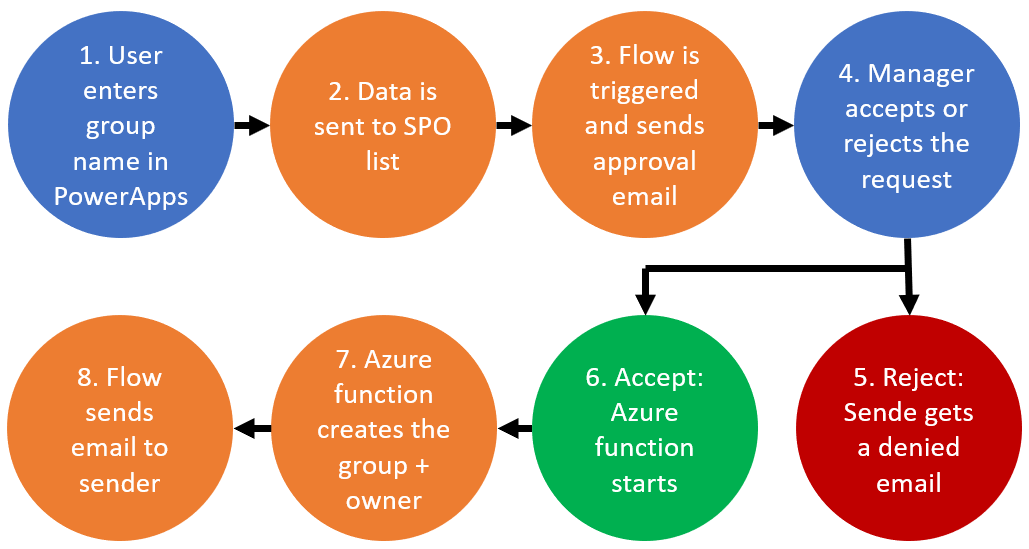
Office 365 groups span over various Office 365 services and provide a great way for collaborating. By default, every user can create an Office 365 group. While self-service is a good thing and many businesses adopted into that direction, some companies still prefer the controlled approach. In real world environments, organizations usually want to restrict the group provisioning so that IT can control the wild growth of groups. This article series shows how to create an Office 365 group with an attached approval process with SharePoint Online, Flow and Azure functions. See how this works here! ...

September 28, 2017 · 8 min · Martina Grom

How to setup Multi Factor Authentication for your personal Microsoft Account

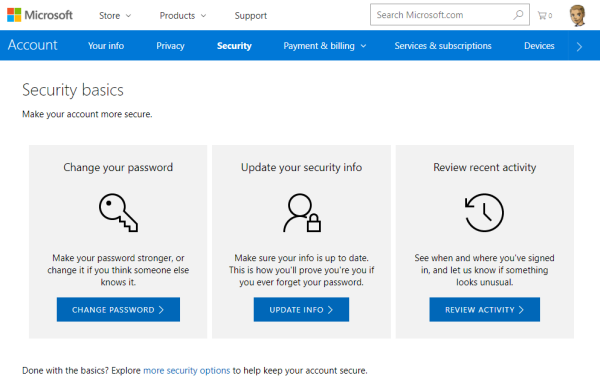
To secure a personal Microsoft Account (“MSA”, formerly known as “LiveID”), you can enable two-step verification (“MFA” for Multi Factor Authentication) easily. This article shows the How-To. The Microsoft support article About two-step verification informs about the necessary steps. ## Secure your MSA I wanted to add MFA to an existing MSA *@outlook.com. To make it short: Open the Security basics page (https://account.microsoft.com/security). Click update info, enter (or confirm) your mobile phone number. You get a SMS with a security code. ...

August 16, 2017 · 2 min · Toni Pohl

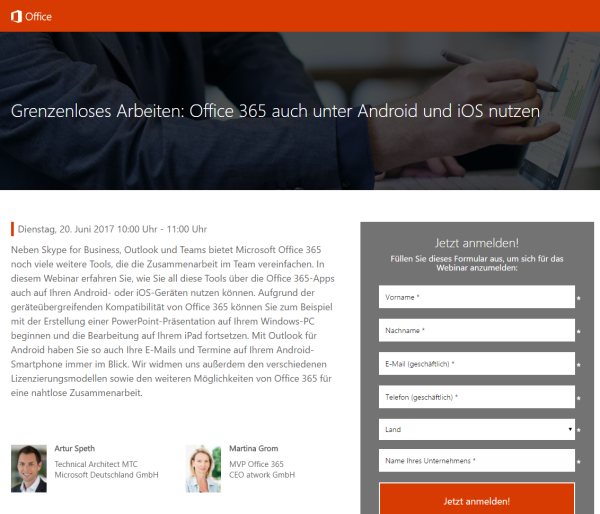
Grenzenloses Arbeiten mit Office 365 und Android oder iOS

Office 365 ist mobil! Erfahren Sie in diesem Webinar mit Martina Grom und Artur Speth, wie Sie die Office 365-Apps auf Android- oder iOS-Geräten nutzen können! Das Webinar findet live kommenden Dienstag, den 20 Juni, von 10:00 bis 11:00 Uhr statt. Weitere Informationen und die Anmeldung sind unter Grenzenloses Arbeiten: Office 365 auch unter Android und iOS nutzen erreichbar. Das Webinar wird von Artur Speth, Technical Architect MTC bei Microsoft Deutschland GmbH, und Martina Grom, CEO atwork und RD & MVP Office 365, durchgeführt und kann online angesehen werden. ...

June 18, 2017 · 1 min · Toni Pohl
Many new useful features coming in PowerApps

Many new useful features coming in PowerApps

Two days ago, a new version of the PowerApps Studio has arrived with a bunch of useful features. See the details at PowerApps Newest Feature Releases Address Top User Requests! There’s a new Explorer Tree View to access a list of controls of each screen, as shown here in this animated graphics taken from the blog post: See more about control handling here. The new Multi-Column Form Control makes sense for Tablet mode apps… ...

June 2, 2017 · 1 min · Toni Pohl
Check out this aka.msAzure hyperlinks collection

Check out this aka.msAzure hyperlinks collection

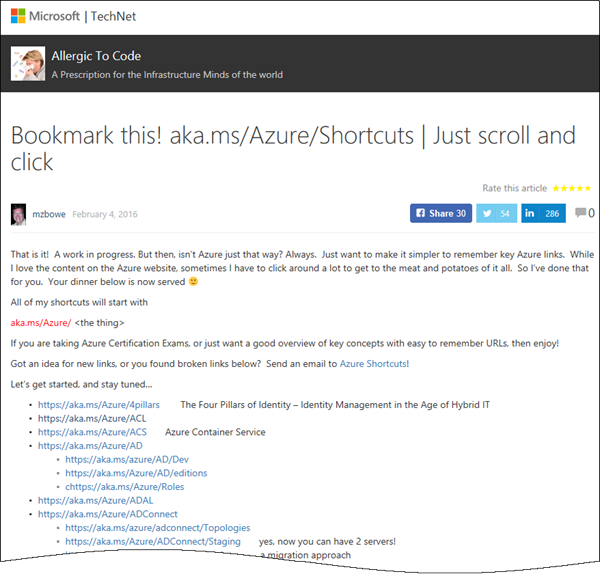
Sometimes, everybody needs a little helper. Find this helpful list of aka.ms/Azure shortcuts by mzbowe at Bookmark this! aka.ms/Azure/Shortcuts | Just scroll and click “Just want to make it simpler to remember key Azure links. All of my shortcuts will start with aka.ms/Azure/[the thing] …”. as for example https://aka.ms/Azure/VM, https://aka.ms/Azure/GraphAPI and a ton of more shortcuts. Nice list for Azure!

May 3, 2017 · 1 min · Toni Pohl
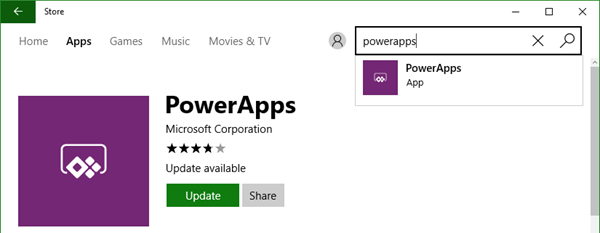
Tips for PowerApps-issues and status

Tips for PowerApps-issues and status

Recently I got an error in my PowerApp when trying to get an Office 365 User Profile, although this was working before: “The service returned an error: Office365Users!MyProfile: {“status”:402,“message”:Insufficient privileges to complete the operation.”,“source”:“127.0.0.1”}". See here how to deal with such scenarios. Well, first I tried to check my Office 365 User connection, removed the data source and added it again. But this didn’t change anything, the app still reported the same error. ...

April 16, 2017 · 2 min · Toni Pohl

All you need to know about Visual Studio Code-Tips and Tricks

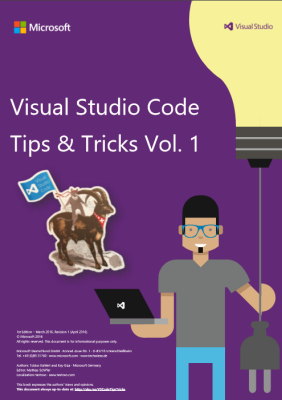
Visual Studio Code (VSC) provides developers with a fast and powerful code editor.VSC is available as cross-platform development tool, supporting OS X, Linux, and Windows and is a cost free part of the Visual Studio family. Get the Visual Studio Code Tips & Tricks Vol. 1 document to get 26 pages of tips and tricks for this great code editor. Download Visual Studio Code Tips & Tricks Vol. 1 The PDF document was authored by Tobias Kahlert and Kay Giza of Microsoft Germany. Since this is volume 1, we hope for volume 2 in future as well. ...

March 31, 2017 · 1 min · Toni Pohl
Microsoft Cognitive Services January Updates

Microsoft Cognitive Services January Updates

If you already played with Microsoft Cognitive Services, there are some important updates! First, your email address needs to be verified. Secondly, the “api.projectoxford.ai” endpoint was updated to a new, localized address “[datacenter].api.cognitive.microsoft.com*” , for example https://westus.api.cognitive.microsoft.com/face/v1.0/… See details at Cognitive Services. After the verification, you get access to your subscriptions again. Of course, you need to update your code… To get more information about the Cognitive Services team, visit https://cognitive.uservoice.com/ ...

February 7, 2017 · 1 min · Toni Pohl

Working With Office 365 Groups And Connectors article series at MVP Award Blog

Recently, the Microsoft MVP Award Program Blog published my three-part series about “Working With Office 365 Groups And Connectors”. Read the articles online in the MVP blog here: Part 1 - Working with Office 365 Groups and Connectors Part 2 - Working with Office 365 Groups and Connectors Part 3 - Working with Office 365 Groups and Connectors Also, thanks to Richard Hay for posting the summary at windowsitpro.com: Learn more about Office 365 Groups and Connectors. ...

February 2, 2017 · 1 min · Toni Pohl