Use PowerPoint for Mockups

Use PowerPoint for Mockups

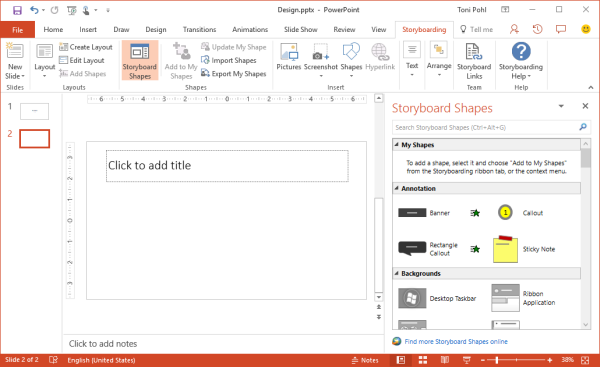
Before developing, it’s useful to create a mockup for an application. PowerPoint can help! As prerequisites, you need to have PowerPoint and Visual Studio 2013 or later installed. If this is the case, you find additional shapes in the Storyboarding / Storyboard Shapes menu. This opens a task pane with elements sorted by category (Common, Windows Apps, Desktop, Phone, etc) you need to draw an app. See more information at Storyboard your ideas using PowerPoint. ...

January 27, 2017 · 1 min · Toni Pohl
Tips for PowerApps-camera access

Tips for PowerApps-camera access

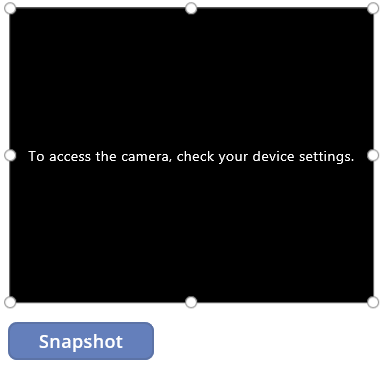
PowerApps allow to access a web or photo camera of a device. When using the camera, sometimes I got a message “To access the camera, check your device settings”. Irritating. See my workaround here. So, when I got this message in the camera control … I got mad, because I didn’t find out where to allow that access on my computer (especially because it worked before). I checked device settings, the camera control settings, PowerApps settings, googled… ...

January 20, 2017 · 2 min · Toni Pohl
Switching from Windows Phone to iPhone

Switching from Windows Phone to iPhone

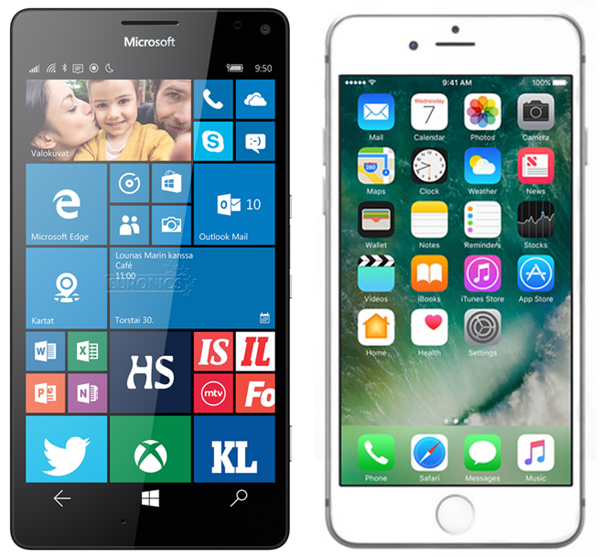
A smartphone is everybody’s companion today. About two months ago I switched from Windows Phone to Apple iPhone. This article is my personal synopsis.after a short period of using the iPhone. My history Before, I had a Microsoft Lumia 950 for about one year. My personal smartphone history started with Windows Mobile, iPhone 3, 4 and 4s followed by Windows Phone 8, 8.1 and 10. I was satisfied with Lumia 1020 (mostly because of the good camera) and with the cool Lumia 950. ...

January 14, 2017 · 6 min · Toni Pohl
Tips for PowerApps-When does a user need a license?

Tips for PowerApps-When does a user need a license?

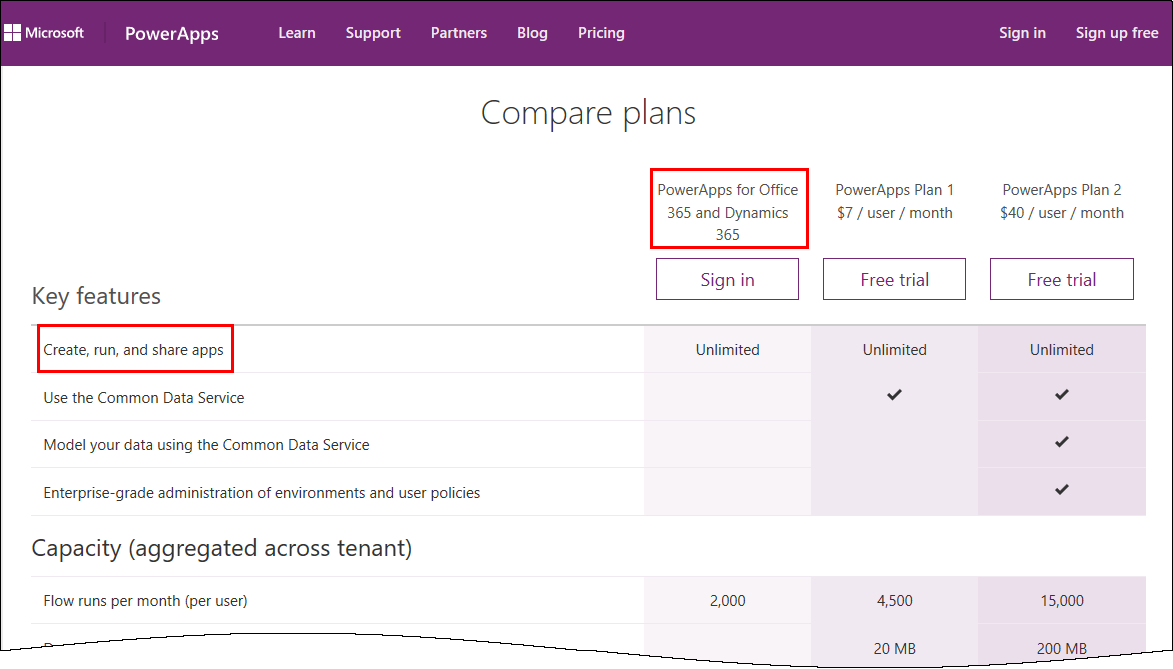
PowerApps is licensed in the Office 365 environment and offers three license plans: PowerApps for Office 365 and Dynamics 365, PowerApps Plan 1 and PowerApps Plan 2. Since it often is not clear, if end users who want to use (and not create) a PowerApps app need a license or how licensing works with data sources, I want to inform about licenses, show some samples and clarify that topic here. ...

January 5, 2017 · 6 min · Toni Pohl
Tips for PowerApps-A drivers logbook

Tips for PowerApps-A drivers logbook

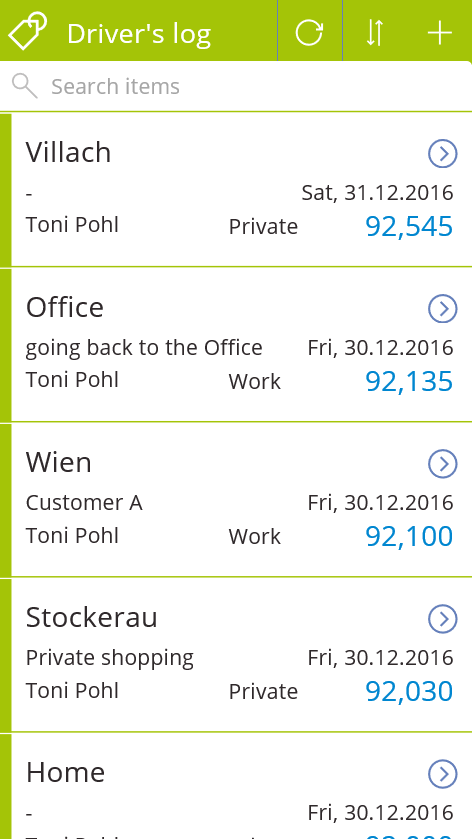
PowerApps are a great way to accomplish simple tasks by end users. A new PowerApp is usually done in minutes (if the underlying data source is existing and working). Nevertheless, it often takes much more time to polish the app and to find and modify details. So I decided to post from time to time some tips when stumbling upon any topics in PowerApps. A driver’s log I wanted to use a very simple custom SharePoint Online list to allow colleagues to log their travels with a company car. At every destination, the user shall simply protocol his location and the mileage, and optional some information about the customer or the appointment. Very little fields, just to keep it handy. ...

January 4, 2017 · 3 min · Toni Pohl
How to develop an Office App in real world-part 2

How to develop an Office App in real world-part 2

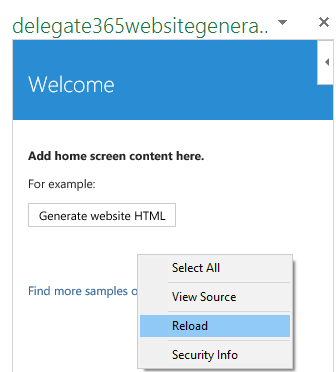
After part 1, we now look into the app side of our Excel solution. I want to point out some basics here to make it easy for developers to create their first Office App (with Excel). Here we go. Working with the API To easily access the Excel or Word functions with JavasScript, Microsoft provides an object with an anonymous function and a context (*ctx *here) as parameter. So, accessing Excel works basically as here: ...

December 30, 2016 · 4 min · Toni Pohl
How to develop an Office App in real world

How to develop an Office App in real world

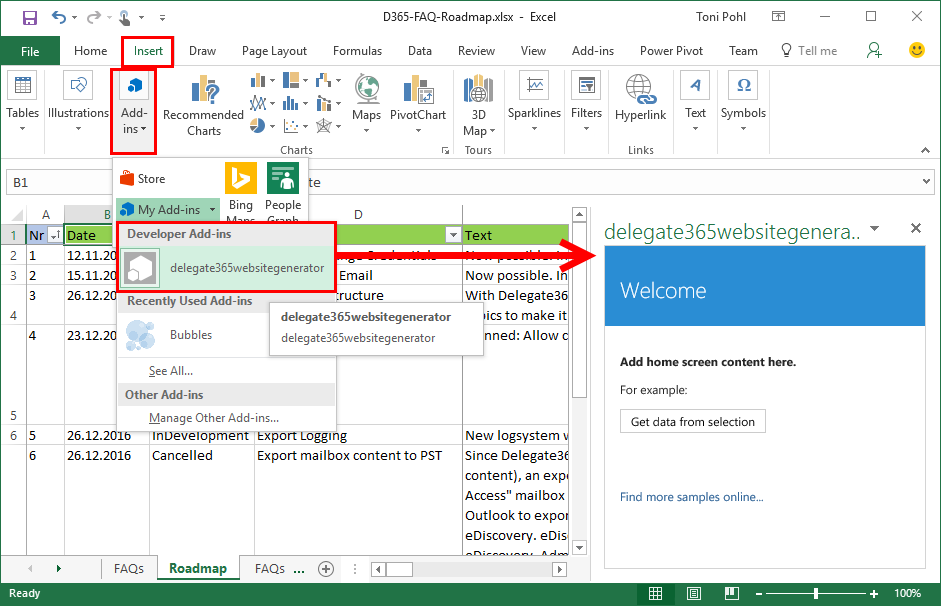
Sometimes, it’s the small things that cost (unnecessarily) time. Recently, I wanted to create a quick Office App for an existing Excel file to loop through rows and do some transformation for the values. I was stumbling over some topics when developing in real world. So here’s my short How To for working with Visual Studio and Office Apps with helpful tips. Set the start document If you are not used to develop Office Apps often, this maybe isn’t easy to find: How to set an existing document as start file. ...

December 29, 2016 · 4 min · Toni Pohl

A new version of Microsoft Azure Storage Explorer is available

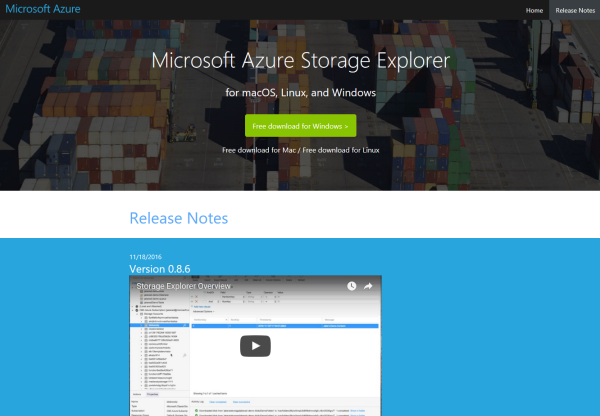
Azure-guys, there’s a new version of the cost free Microsoft Azure Storage Explorer available! Check it out here: https://storageexplorer.com! This is version Version 0.8.6 from 18th November 2016. And no, it’s not just a new logo and themes… The team included a lot of fixes and new stuff, as multiple editors in different tabs, search, modifications of data, improvements for uploads and downloads and more! See the details in the releasenotes! ...

November 30, 2016 · 1 min · Toni Pohl

Our Office-AddIns numbers

Nice numbers of our two Office-AddIns “TagCloud Generator” and “Like for Outlook”. Both Apps are available in the Microsoft Office Store. TagCloud Generator is a simple to use tagcloud generator for Microsoft Word (working with Word 2013 and above) and delivers an overview of a document rapidly. Like for Outlook enables users to send a Like with one click and works in Outlook 2013 or later, Outlook 2016 for Mac, Outlook on the Web. ...

October 29, 2016 · 1 min · Toni Pohl

Check the Azure services status

If you have systems running on the Microsoft Azure platform and issues occur, check out this helpful status page! https://azure.microsoft.com/en-us/status/ …and the history https://azure.microsoft.com/en-us/status/history/ Tip: You can also subscribe to the RSS feed! https://azure.microsoft.com/en-us/status/feed/ Hope this helps – just in case!

September 15, 2016 · 1 min · Toni Pohl