Learn more about the Governance Toolkit 365 as an applied cloud story

Learn more about the Governance Toolkit 365 as an applied cloud story

The Governance Toolkit 365 (GT365) is a software-as-a-service solution that offers insights into a Microsoft 365 tenant and is part of the Microsoft Applied Cloud Stories initiative (#AppliedCloudStories). GT365 reads cloud data, stores the data and offers IT administrators monitoring and reporting functions to get a tenant overview at a glance, for example as a newsletter, in Power BI, as API or as a Bot that can be integrated in Microsoft Teams. The GT365 workloads are fully processed in Microsoft Azure using serverless computing. Here are some architectural insights on how to avoid throttling and how to use fan-out functions. ## The application ...

February 4, 2020 · 7 min · Toni Pohl
Delegate365 - Methods of getting license statistics

Delegate365 - Methods of getting license statistics

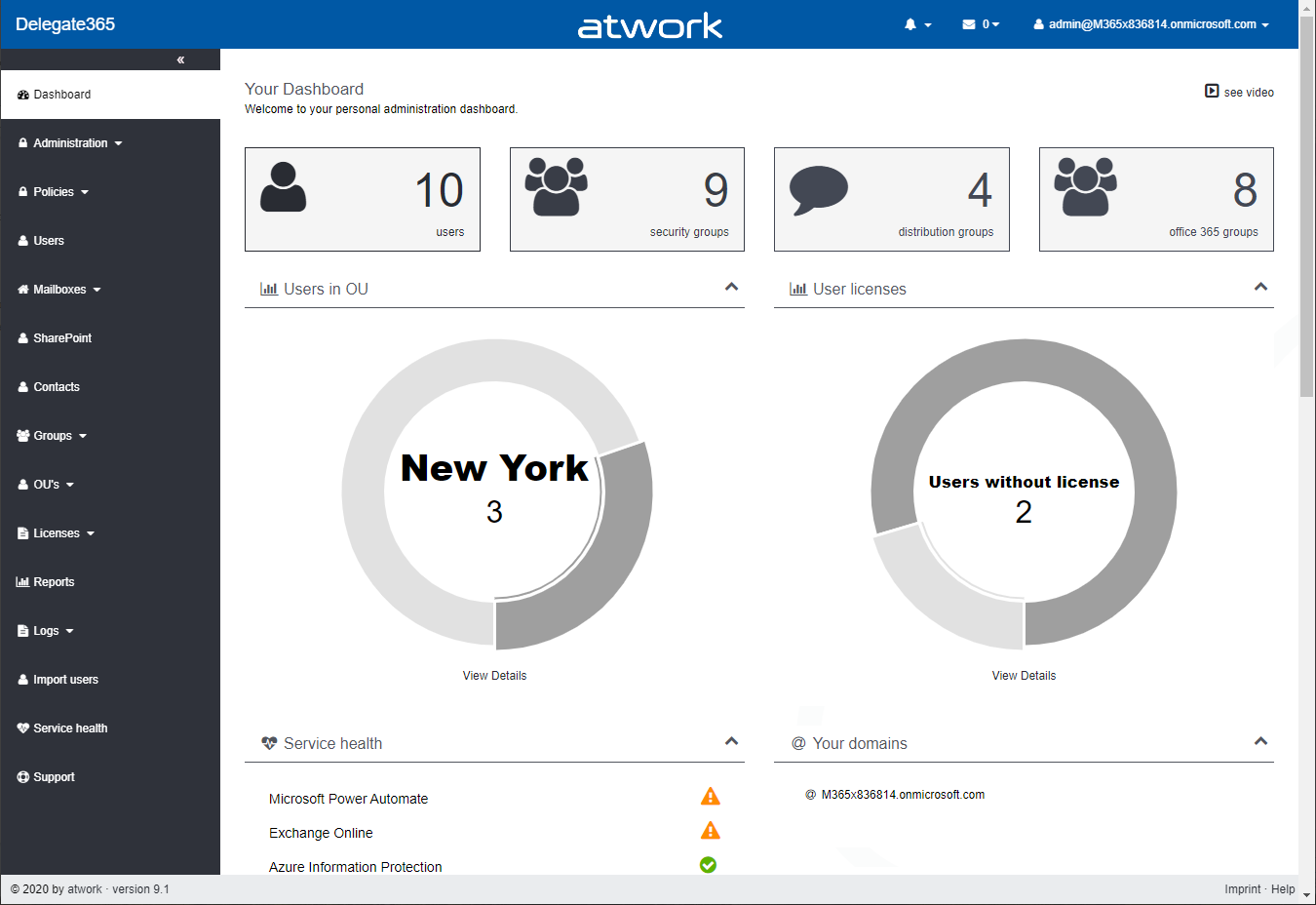
There are several ways to get the number of assigned Microsoft 365 licenses in Delegate365, depending on the administrator´s permissions policy and the OU assignments. See all methods listed here. Licenses / License report: This module shows den current status of licenses per OU as shown here. First, the Delegate365 licenses are shown. Below, every OU is listed in a box with it´s numbers per object type (such as Users, Groups, Shared Mailboxes, etc.) and the numbers of Microsoft 365 licenses that are assigned to users in that OU. If there are license quotas set, the quota is shown as well. This module is aimed at administrators, the Delegate365 licenses and number of managed objects are shown as well. Licenses / License statistics: This module is aimed for Scope Admins and shows the numbers of used Microsoft 365 licenses as follows. Licenses / License aggregation: For customers, it is often important to know later, on which day in which unit how many licenses are assigned. To enabled such a reporting, Delegate365 stores the assigned Microsoft 365 licenses on a daily basis. In the License aggregation module, administrators can filter for their OU´s and a date range. In the result list, all assigned Microsoft 365 licenses are shown for the OU and per day. This list can be easily exported using the CSV and Excel symbols in the top right of the list as shown in the screenshot below. This list shows a very detailed historical use of the licenses and quotas. Note: In this chronicle you can go back to the beginning where you started working with Delegate365, not only 30 or 90 days as Microsoft 365 stores data! Reports / Delegate365: The report License statistics in the Delegate365 section at the end of the report´s list shows the numbers of assigned Microsoft 365 licenses as well. License statistics: This reports is an exported list including the current numbers of assigned licenses and quotas per OU as shown in the Excel export here. Note: If you are interested, what objects are assigned to an OU, check out the OU overview report. This export includes all objects in a line per OU: users, groups, etc. The report Active user detail in the Office 365 section shows assigned licenses per service for a simple analysis: Note: To see a list of available reports with samples, see Delegate365 on GitHub Reports / Delegate365 / notifications: Note that every admin can choose when to receive a report in the Schedule dropdown. Available options are* Run now, Run weekly (each Monday) *and Run monthly (each 1st). This allows to automate the report generation on a individual user basis. Note: The Portal admins controls how the notification is sent to the users: Send notification with link to the Delegate365 reports page, Send notification with the report as attachment, and Send a notification with a direct download link to the report, which is valid for 24 hours. Our recommend method is to use the last option with the 24-hours link. See more at Delegate365 changelog version 8.4 - New Report notification settings. User properties / Notifications: Another option is to set the Daily Notifications to Yes in the user properties. Click on your user name in the top right corner and select Properties. Turn on the daily notifications and enter the email address to send the report to (usually that would be your work account address you use to manage Delegate365). Then, click Save. The daily notification function generates a report every night that is sent to the provided mailbox. The admin gets an overview of the assigned users of his assigned OU´s. The email is sent with the subject “D365 daily notification” and looks similar as here. This notification includes a section for every OU showing the current numbers of assigned Microsoft 365 licenses and managed objects on a daily basis automatically. Every admin can select this option if needed. So, Delegate365 provides several methods to get and to export license statistics, even historical data. ...

February 1, 2020 · 4 min · Martina Grom
Delegate365 - Sync rules and license quota example

Delegate365 - Sync rules and license quota example

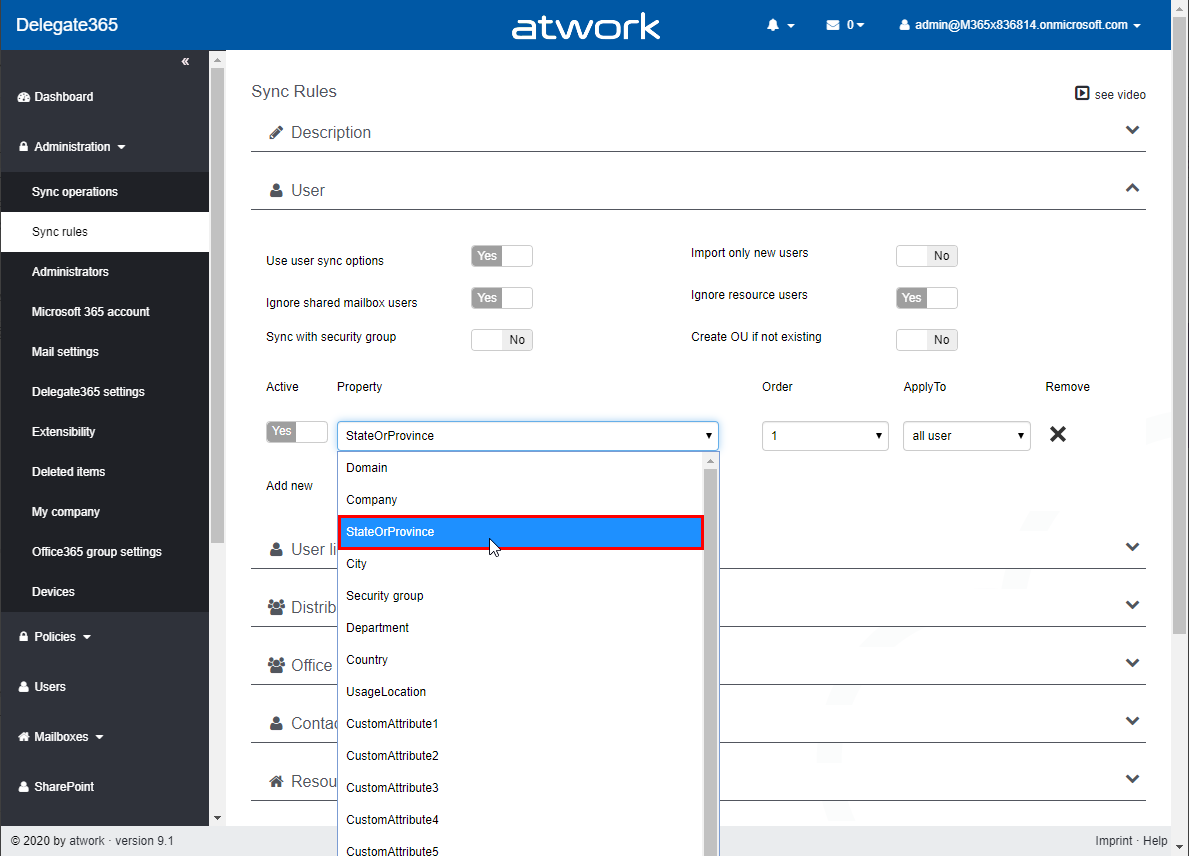
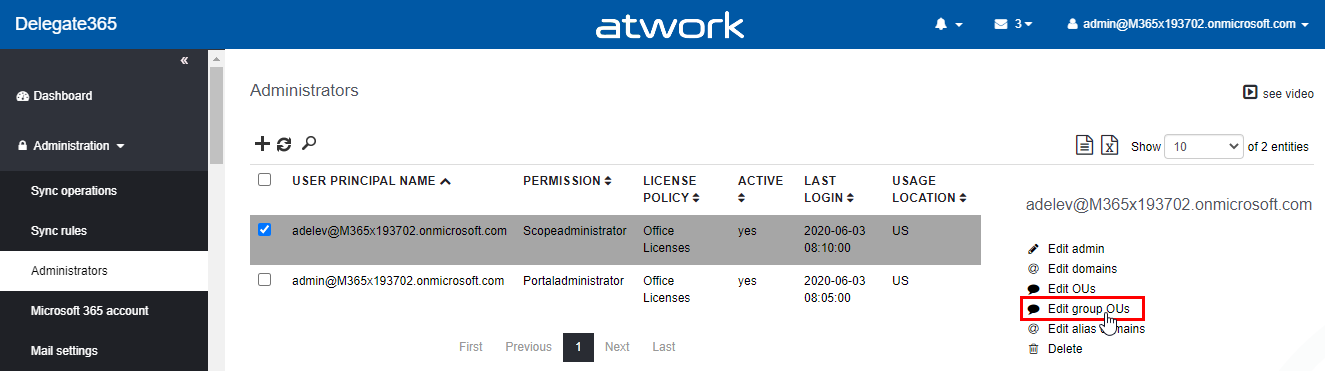
Delegate365 allows to split a Microsoft 365 tenant and to delegate management of assigned objects. With synchronization rules, licenses can be added or removed automatically. This works together with license quotas. In this article we show an example. Scenario: Here, we have a demo tenant and two administrators in Delegate365: Admin and AdeleV. The Admin can manage the OU´s “Seattle” and “New York” and has the role “Portal Admin”. AdeleV has the role “Scope Administrator” assigned and she can manage OU “New York” as we see in the Delegate365 Administration / Administrators menu. ...

January 15, 2020 · 6 min · Toni Pohl

Join us at SharePoint Conference 2020!

The SharePoint Conference (SPC) returns to Las Vegas in May 2020! Sharepoint Conference 2020 is packed with over 200 sessions, panels and workshops for everyone working in the Microsoft 365 workspace. We from atwork look forward to being there again. The SPC 2020 event registration is already open and there are reduced price packages available. Additionally, find a discount code here! Vegas, baby! SPC 2020 takes place at the MGM Grand in Las Vegas, Nevada, May 19 - 21, 2020. The workshops start on May 17th. It’s time to add the event to your calendar and to follow @SPConf and #SPC20 on Twitter and to watch SharePointTV! ...

December 28, 2019 · 2 min · Toni Pohl
Delegate365 version timeline

Delegate365 version timeline

Delegate365 has continued to evolve over the past few years. See the timeline of the Delegate365 versions in this graphic. atwork started the development of Delegate365 (www.delegate365.com) in early 2013 as an Add-On for Office 365. Many functions have been added since then. Here you can see the graphic of the Delegate365 versions timeline as of today (click to enlarge). On average, a new Delegate365 version is deployed every 3 months. Delegate365 is operated as SaaS, so updates usually happen automatically. For versions that require additional permissions, a Delegate365 administrator must run a setup once on request. You can find the Delegate365 version details in the corresponding articles here. The current version is Delegate365 v8.5. The next update will be Delegate365 version 9.1, planned for February 2020. ...

December 27, 2019 · 1 min · Toni Pohl
Merry Christmas 2019 and Happy Holidays!

Merry Christmas 2019 and Happy Holidays!

Wir wünschen all unseren Kunden, Freunden und Partnern frohe Festtage und ein schönes neues Jahr. Wir möchten uns auf diesem Wege herzlichst für die gute Zusammenarbeit im Jahr 2019 bedanken und freuen uns schon auf ein erfolgreiches 2020! We would like to wish happy holidays and a happy new year to all our customers, friends and partners. Once more, we say thank you for the good cooperation in 2019 and are looking forward to a successful 2020! ...

December 23, 2019 · 1 min · Toni Pohl
Impressions of Modern Workplace Conference Paris 2019

Impressions of Modern Workplace Conference Paris 2019

The year comes to an end and we had our last event at Modern Workplace Conference Paris 2019 this week. See a short recap here. #MWCP19 started with a workshop day on Monday, Dec. 9th, followed by two conference days from Dec. 10th to Dec. 11th 2019 with a bunch of interesting session in the Centre de Conférence Microsoft à Issy les Moulineaux. The agenda offered four tracks. The workshops and sessions were mixed, some in English and some in French. ...

December 15, 2019 · 2 min · Toni Pohl
Microsoft 365 Security and Compliance Training Day

Microsoft 365 Security and Compliance Training Day

Today, the Microsoft 365 Training Day for Security and Compliance took place at the Microsoft Office in Vienna. Microsoft 365 experts Martina Grom and Klaus Harrer-Nemecek provided information on the cloud security strategy and security implementation for the Modern Workplace. The interest was huge. The event was aimed at IT professionals, IT decision makers, security managers, legal and compliance managers and officers, and compliance consulting and technology partners. After the opening by Hermann Erlach, COO Microsoft Austria, our CEO Martina held the security keynote. Then the event was split into a teams and a safety track. Klaus, Security Technical Specialist at Microsoft Austria, filled the morning sessions about Microsoft 365 Security and the building blocks at a glance, Identity, and Information Protection. In the afternoon, Martina, MVP Office 365 and Microsoft Regional Director, held a workshop about the Security Immersion Experience (SIE) in Microsoft 365. See the event details here. ...

November 25, 2019 · 2 min · Toni Pohl
Impressions of Microsoft Ignite 2019

Impressions of Microsoft Ignite 2019

Last week, the Microsoft Ignite conference took place in Orlando, Florida. Microsoft informed about its new products and services and offered over 1000 sessions and over 200 hands-on experiences to attend and watch online. This was our 5th Ignite conference and we had a blast. See some impressions here. Microsoft Ignite, including the pre-day, took place from Sunday, Nov. 3rd to Friday, Nov. 8th, 2019 in the Orange County Convention Center (OCCC) in Orlando, Florida, at the same location as in the past three years. The logistics worked properly and all 30,000 attendees could schedule their conference days with the Microsoft Events mobile app (see Google Play and Apple App store) and online, hang out in The Hub area - the expo hall where all partners and the Microsoft booths were located and food was provided - and attend the sessions in the West building and in the Hyatt Hotel across the street. ...

November 13, 2019 · 4 min · Toni Pohl
Delegate365 changelog 8.5

Delegate365 changelog 8.5

Delegate365 version 8.5 is an update to the extensive Delegate365 version 8.4. This update includes a new sync operation “Sync with security group” and some sync fixes. See a description here. New “Sync with security group” mechanism: In Administration / Sync rules, this option allows to synchronize all members of a Security Group with assigned members of an OU. After a sync, only the members of a security group are assigned to an OU. Removed members will be removed from an OU, new members are added. See a full description of this sync feature at Sync with Security Group. ...

October 31, 2019 · 2 min · Toni Pohl