Working with the Azure Logic Apps Tools for Visual Studio

Working with the Azure Logic Apps Tools for Visual Studio

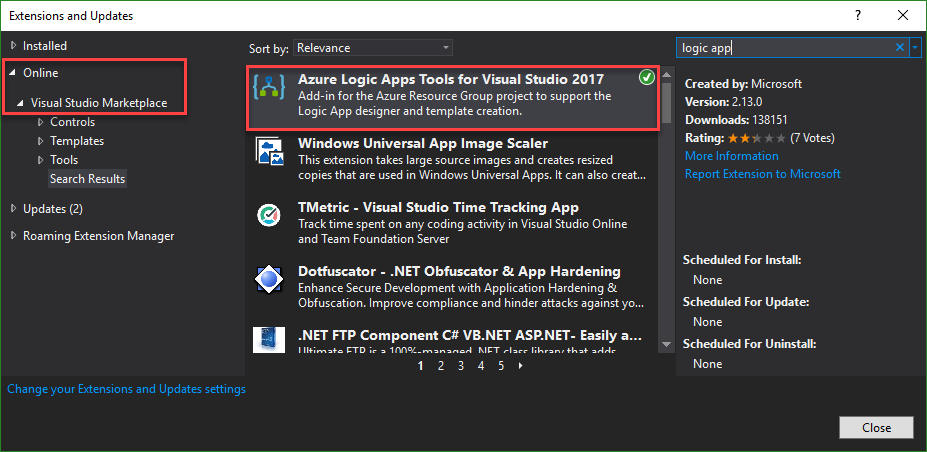
I like Azure LogicApps, they are really useful and easy to “develop” (see the latest features here). To use Visual Studio as designer environment, you can integrate the Azure Logic Apps Tools for Visual Studio easily. See how to work with that extension here. The fastest way is to install the Azure Logic Apps Tools in the menu Tools / Extensions and Updates… Search for “logic app” and install this extension. ...

August 19, 2018 · 2 min · Toni Pohl
Delegate365 changelog version 8.0-Group OUs

Delegate365 changelog version 8.0-Group OUs

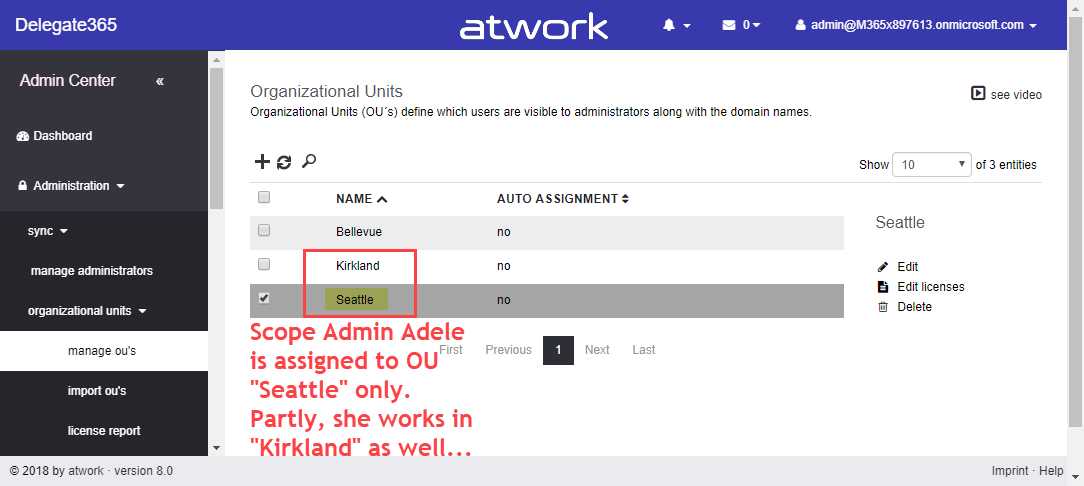
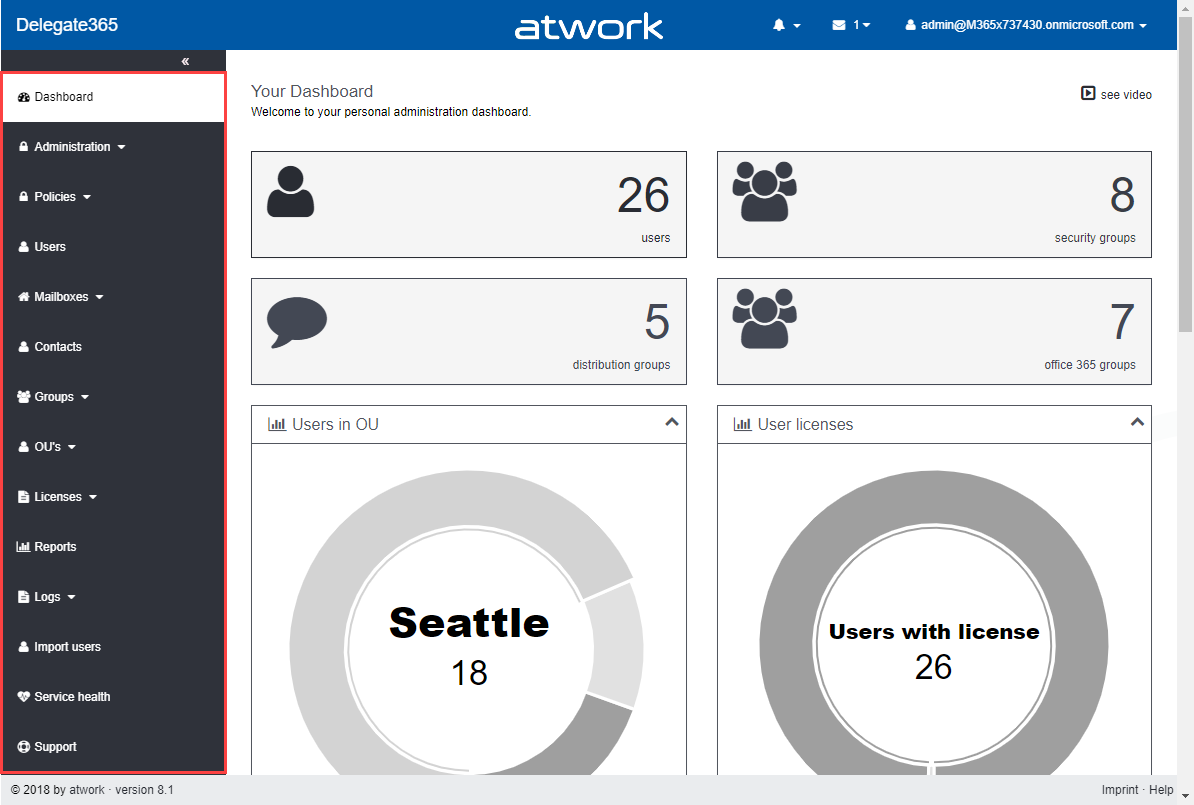
With Delegate365 version 8.0, besides many other features, a brand new feature has been added to Delegate365: Group OU’s. In short, a Group OU can be used by Scope Admins for using members of another OU they do not manage themselves. See how this works here. In Delegate365, Scope Admins can manage all objects of their assigned OU’s. But, they could not assign other users they don’t manage to any group. This is where Group OU’s come in. To illustrate this new feature, let’s have a look at this sample. ...

July 25, 2018 · 4 min · Toni Pohl
Delegate365 changelog version 8.0-A new major release

Delegate365 changelog version 8.0-A new major release

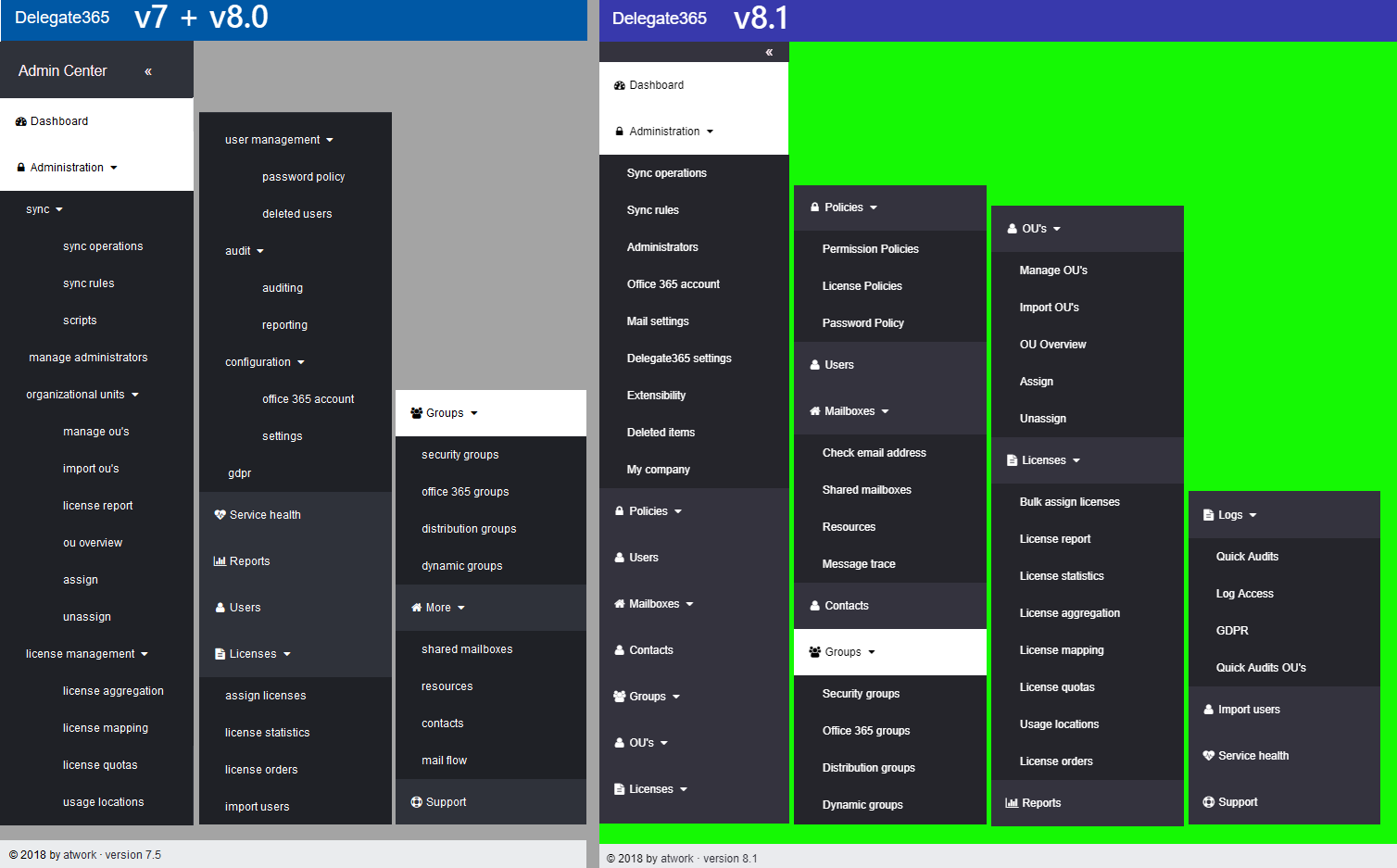
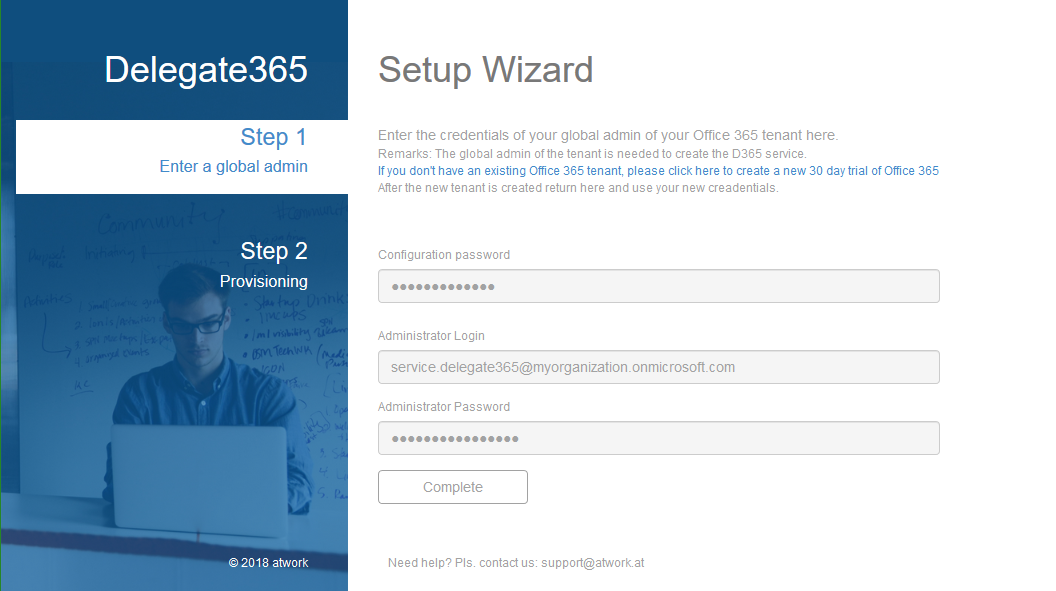
Delegate365 version 8.0 is a major release with a bunch of new features and updates. This Delegate365 version brings support for a new partner login, improvements in the setup process after updates, integration of Azure Event Grid, new user profile features, new Group OU’s, a new check email address module, some bugfixes, new security features and some more features. See the details here. The last update of Delegate365 version 7.5 took place in April. We have been busy developing and testing Delegate365 since then. Now is the time to launch the new Delegate365 version 8 and the new features. Let’s start with the new setup. ...

July 24, 2018 · 9 min · Toni Pohl

Microsoft commits to sustainability in their data centers

Good to see that Microsoft is committed to sustainability in their data centers as seen in the session “Inside Azure Datacenter Architecture with Mark Russinovich” from the last BUILD conference. There are a lot of interesting facts to learn about the Microsoft Azure data centers, as e.g. “Microsoft signed the largest corporate deal on solar panels for Virginia in the US in history, good for 257 Megawatts”. The goal is to reach the 100% energy use from renewable energy. ...

July 9, 2018 · 1 min · Martina Grom
Can you use nested Logic Apps in Azure?

Can you use nested Logic Apps in Azure?

Workflows really help to standardize and to solve business processes. This can be done with Microsoft Flow in Office 365 or with Logic Apps in Azure (which is the same engine). Often, I see questions, if it is possible to call an Azure Logic App from another Logic App. Does his work? Well, see this quick sample. In workflows, it’s usually a clever idea to simplify steps as much as possible. So, each step could be implemented as one independent Logic App. ...

June 25, 2018 · 2 min · Martina Grom
This was Insider Dev Tour Vienna

This was Insider Dev Tour Vienna

Yesterday, on June 20th, the Insider Dev Tour (see insiderdevtour.com) took place in our home town Vienna. It’s a roadshow for software developers in the Microsoft universe delivering the latest news about Windows, Azure, Office, Graph, AI technology and more. I enjoyed being part of the event along with my fellow MVP colleagues and the Windows Development community. The content was more or less pre-defined and included demos and code-focused overviews of the new developer technologies coming out of Redmond. The topics included building native Win32/XAML apps and Progressive Web Apps, how to connect with new ecosystems using the Microsoft Graph and Windows Timeline (my session), how to add AI (Artificial Intelligence) into your projects, and how to bring your experiences into the next dimension through Mixed Reality and more. ...

June 21, 2018 · 3 min · Toni Pohl
Help Global Admins to see Azure subscriptions automatically

Help Global Admins to see Azure subscriptions automatically

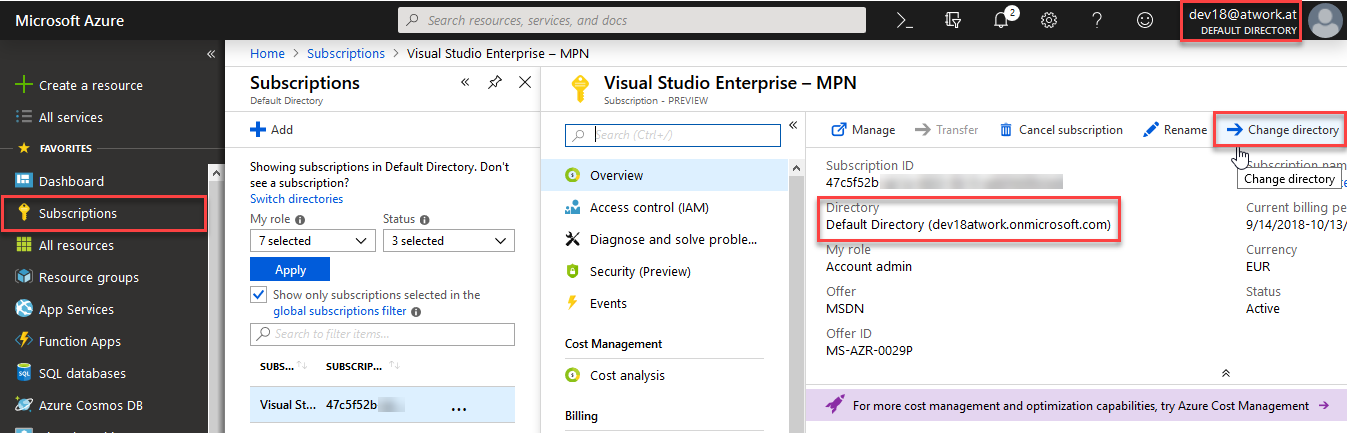
When creating a new Azure subscription, the Azure Role-Based Access Control (RBAC) permissions must be defined for users to be able to work with the subscription. But, Office 365 Admins can get permissions automatically – if you define it as here! They key you need to enable that is called “Global admin can manage Azure Subscriptions and Management Groups” in the Azure Active Directory management in the Azure Portal at https://portal.azure.com/#blade/Microsoft_AAD_IAM/ActiveDirectoryMenuBlade/Properties. See the following screenshot. ...

June 11, 2018 · 1 min · Toni Pohl

Check out the free eBook Developers Guide to Building AI Applications

Microsoft provides a bunch of cloud services, tools, and resources that provide tools for developing an intelligent Bot service. To get started, check out the free “Developer’s Guide to Building AI Applications” eBook and download it here! Azure Bot Service provides tools to build, test, deploy, and manage intelligent bots all in one place. The free eBook by Anand Raman and Wee Hyong Tok can be downloaded from Download the Developer’s Guide to Building AI Applications after providing your name and email address in the short form on the web page. Afterwards, you can download the Developer’s AI Guide. The book was published by O’Reilly and is available in PDF format. ...

June 10, 2018 · 2 min · Martina Grom
Does Delve work without an Office 365 license?

Does Delve work without an Office 365 license?

Office 365 is a wide service and offers a lot of functionality if you have the corresponding license acquired. So, one frequently asked question is: What happens in Delve if a user has no Office 365 license assigned? See it here. And the answer is: Delve works for all users in Office 365 (in an AAD). The following user Raul has no Exchange license in Office 365. So, this user has just one license plan set. ...

June 9, 2018 · 2 min · Toni Pohl

Join featured speaker Martina Grom at Microsoft Ignite

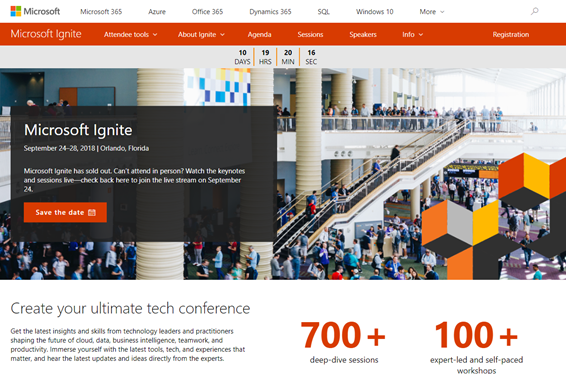
Microsoft Ignite is Microsoft’s largest, yearly conference focused on the latest insights and skills from technology leaders and practitioners with more than 25.000 attendees and will take place in September 24–28, 2018 in Orlando, Florida. We are very pleased to announce, that atwork’s CEO, Martina Grom, is a featured speaker at this year’s Ignite! As presented on the Ignite Speakers website, Martina will be among other well-known speakers within Microsoft and the Microsoft communities. ...

June 1, 2018 · 1 min · Toni Pohl