Viele Infos von Azure bis Universal Windows Platform, Visual Studio 2015 und Windows 10
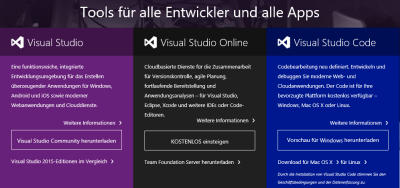
Windows 10 ist mittlerweile ein gutes Monat alt. Es gibt auch bereits viele Ressourcen zu Windows 10 und natürlich auch für Developer, angefangen von Azure bis Visual Studio. Einige davon habe ich hier gesammelt, sozusagen ein erster Überblick in loser Form (to be continued)… Wir starten mit dem Visual Studio Developer Tools Download. Hier ist der Download aller Visual Studio Versionen, inklusive VS2015, möglich. Das Windows Apps Team hat einen Überblick über UWP Apps und .NET geschrieben: .NET Native – What it means for Universal Windows Platform (UWP) developers ...