How to restore a flow from a backup to another environment

How to restore a flow from a backup to another environment

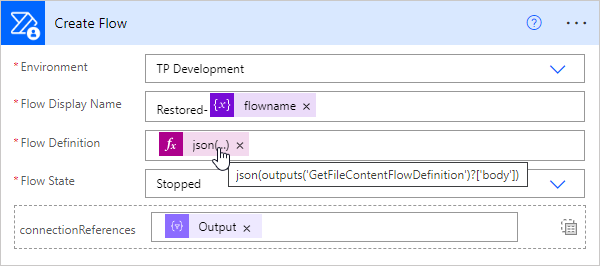
In the previous article, we showed and described two flows to backup and restore a flow. This works well when the flow’s connections are still in the same environment. But what about restoring a flow in a different environment? This is a typical use case for “moving” flows from a source environment to a target environment, such as from the development environment to the productive or department environment. In this article we show how this works with the restore flow. ...

September 13, 2022 · 4 min · Toni Pohl
How to backup and restore a flow with another flow

How to backup and restore a flow with another flow

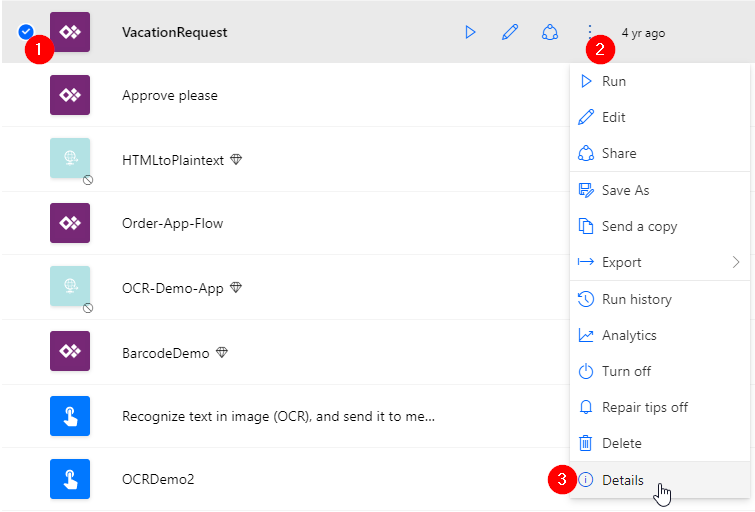
Did you know that you can backup and restore a flow (or multiple flows) with another flow in Power Automate? This is very helpful for backing up and restoring important flows in the company. Well, I knew the mechanism. Now I’ve tested it myself and found that this process is undocumented and I’ve only found examples that didn’t work. Reason enough to develop the process to work and describe it with all workarounds. Here is the guide for real world application. ...

August 29, 2022 · 8 min · Toni Pohl
Governance Toolkit 365-Improvements July 2022

Governance Toolkit 365-Improvements July 2022

The Governance Toolkit SaaS solution provides compliance coverage across multiple workloads and offers self-services for users. We have added many new improvements and services over the past few months. We started the Governance Toolkit 365 (GT365) journey at the Microsoft Ignite conference in 2018, when my colleague Martina Grom showed a first version how to develop a Power BI governance board for Microsoft 365 and an endpoint to provision a new Microsoft 365 Group with an approval workflow. We saw that there was a great need for governance in the market and from there we developed our solution as Software-as-a-Service offering. One of the great advantages of the GT365 is that it runs completely with the on-board tools of Microsoft 365 and can be completely flexibly customized. You can find more information and test GT365 anytime at governancetoolkit365.com . ...

July 31, 2022 · 8 min · Toni Pohl
Why we need the Power Platform

Why we need the Power Platform

Today, a quick tip on an article about one of Microsoft’s fastest growing companies: Helping power users to build business apps with low-code and no-code apps. Helping regular folks build business apps The article on protocol.com is about Charles Lamanna, who is corporate vice president of Microsoft Business Applications. Charles Lamanna runs one of Microsoft’s fastest-growing businesses: Helping regular folks build business apps Microsoft’s Power Platform strategy is to allow non-technical people to build applications for their team’s needs with it´s Power Platform, which basically includes Power BI, Power Apps, Power Automate and other services out of Microsoft 365 and Dynamics 365, as the following graphics illustrates. ...

July 24, 2022 · 2 min · Toni Pohl
Tips for PowerApps-9 set data row limit for SharePoint Online lists

Tips for PowerApps-9 set data row limit for SharePoint Online lists

If you’re using a SharePoint list in a Power App and some data is missing, you can change the data row limit to a higher number in the Power App settings. See how this works here. In the Power Apps editor, open menu File and Settings. In the General section, scroll down to the “Data row limit” and modify the number how many items shall be retrieved from the data source. ...

June 26, 2022 · 1 min · Toni Pohl
Use Dynamic Groups to access SharePoint Online sites

Use Dynamic Groups to access SharePoint Online sites

Sometimes organizations want to make certain data available to dynamic groups. The good news is: SharePoint Online supports Dynamic Groups. Here is a step-by-step guide to show you how it works. With Dynamic Groups, members can be grouped based on specific characteristics, for example if a user property exists, they are assigned to a certain department and more. This is very useful if only certain users should be members of such a group, especially in large companies. In this short article, we create a new Dynamic Group in Azure AD, and assign the Group to a SharePoint Online site. ...

June 21, 2022 · 4 min · Martina Grom
Governance Toolkit 365-Turn off obfuscation

Governance Toolkit 365-Turn off obfuscation

The Governance Toolkit 365 (GT365) provides many insights from a Microsoft 365 tenant, like users, guests, teams, activities, Power Apps and Flows, Power BI reports and much more. If reports don’t show names, IDs, or other details, you’ll need to turn off the obfuscation feature in the Microsoft 365 admin center. Here´s how. The reports Here’s an example of a Teams activity report showing when Teams were last accessed. As you can see in the following screenshot, the TeamId and the TeamName are not shown correctly. ...

June 20, 2022 · 2 min · Toni Pohl
Tips for PowerApps-8 Group and chart

Tips for PowerApps-8 Group and chart

Grouping in Power Apps can be a little tricky. Here´s how to create a new collection from a data table and visualizing the grouped result in a chart control. In this small sample, I will show how you can use a data table with the group by function to visualize a summary with a chart in a Power App. The data source is minimal: It´s a SharePoint list named Fruits, containing some items. The Type column is what we want to see grouped by the number of items. ...

June 6, 2022 · 3 min · Toni Pohl

Delegate365 changelog 9.2.5-Updates

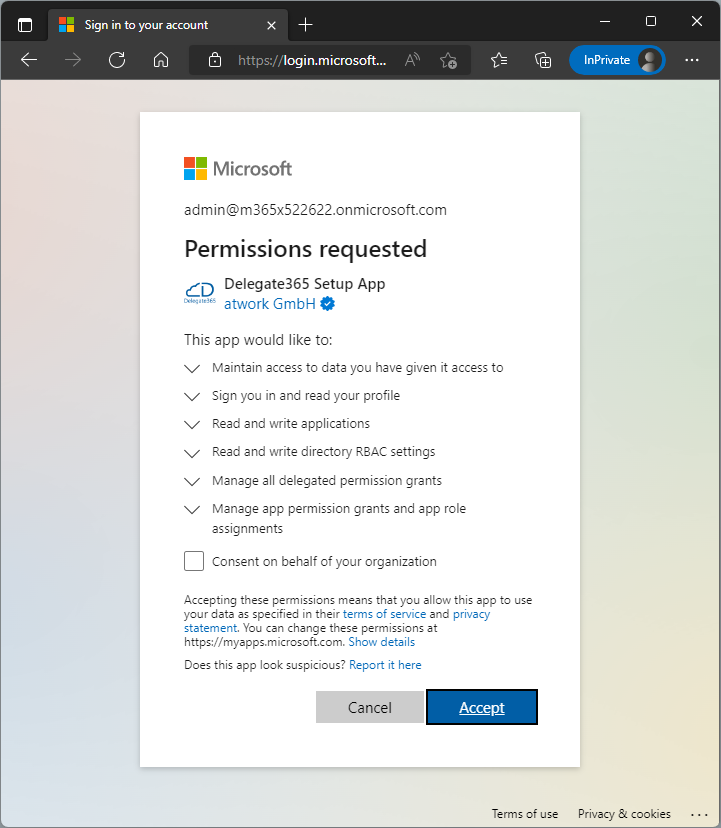
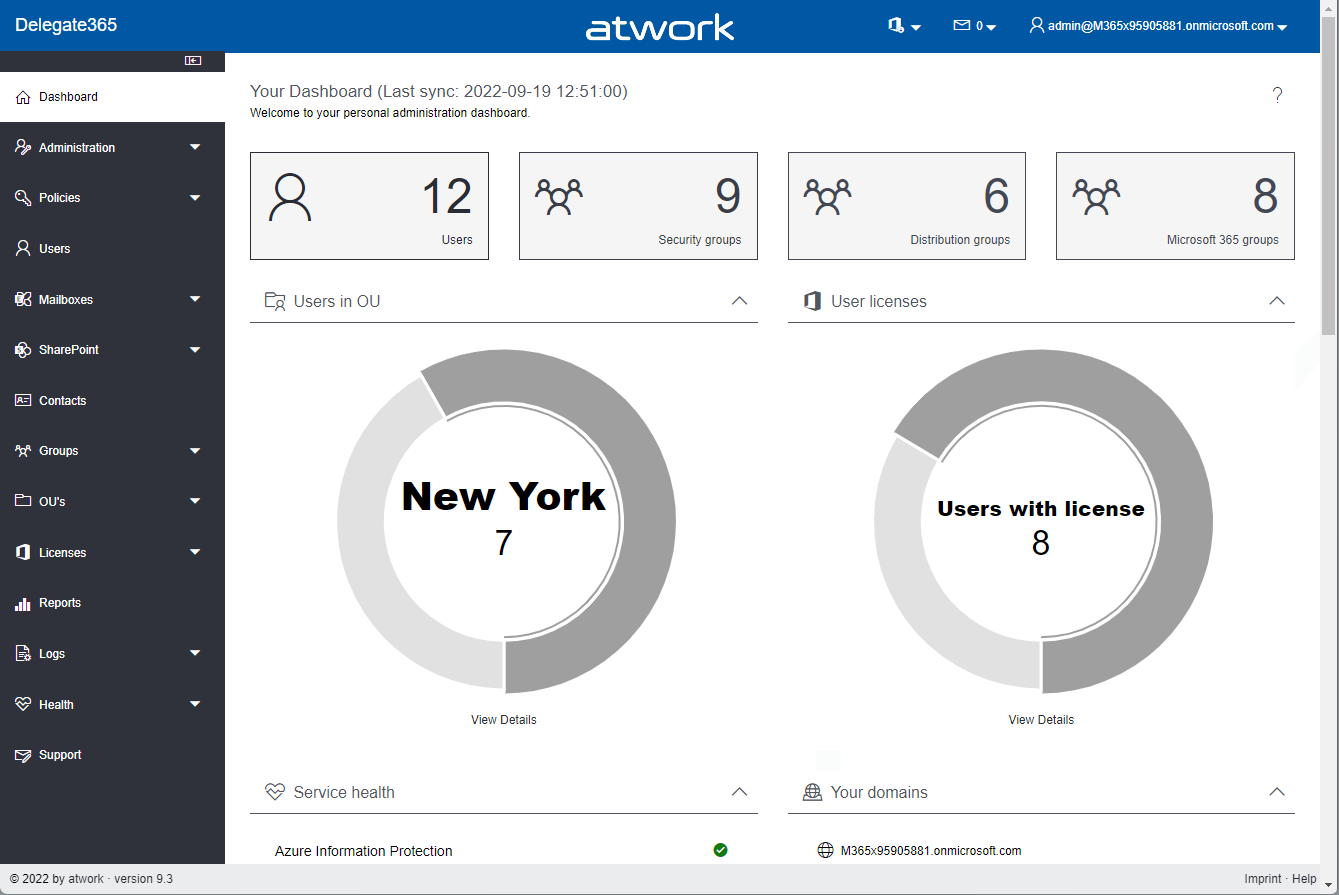
All Delegate365 tenants have been updated to the latest version v9.2.5. This enables the use of the new service health dashboard and new functions. So: If your health dashboard is not displayed correctly, please run the Delegate365 setup again (see here). This will renew the Delegate365 app with the necessary permissions for the operations. After the setup is completed, Delegate365 can be used again and the new extended service health dashboard will show the current tenant status. Otherwise, no setup is currently required. However, you can always do a setup to renew the Delegate365 app and ensure all required permissions are in place. ...

May 17, 2022 · 1 min · Toni Pohl
Get the latest Teams activity with Graph

Get the latest Teams activity with Graph

Carrying out a cleanup process from time to time helps against IT garbage. If you are an Microsoft 365 admin, the following post will help you to find out unused teams. In large organizations, many teams are often created over time (which are not used). While Microsoft 365 now supports the cleanup with the renewal function (see more at Team expiration and renewal in Microsoft Teams), it is sometimes helpful to identify and evaluate teams that are no longer used and to carry out deletion actions yourself. The Microsoft Graph now offers a (beta) method for searching and identifying such teams according to your own criteria. ...

May 11, 2022 · 4 min · Martina Grom