Impressions of Microsoft Ignite 2024

Impressions of Microsoft Ignite 2024

Microsoft Ignite 2024 has once again set the stage for innovations and new Microsoft Cloud features. This year’s event was packed with exciting announcements, particularly in the realms of Azure, AI, and Copilot. Here are some impressions from the event in Chicago. ## Book of News First things first: For a comprehensive look at all the exciting announcements and detailed insights from Microsoft Ignite, be sure to visit the Microsoft Ignite 2024 Book of News. This resource is packed with in-depth articles, videos, and updates on the latest innovations in Azure, AI, Copilot, and more. Explore the future of technology and how it can transform your business and daily life. ...


November 25, 2024 · 3 min · Toni Pohl
How to enable Copilot in Power BI

How to enable Copilot in Power BI

In today’s data-driven world, the ability to quickly analyze and visualize data is crucial for making informed decisions. Microsoft Power BI has long been a powerful tool for business intelligence, and with the introduction of Copilot, it has become even more versatile. See the following resources for activating Copilot for Power BI in your organization. Copilot leverages advanced AI capabilities to assist users in creating reports, analyzing data, and generating insights more efficiently. Enable Copilot in Power BI as described here, to ensure you can take full advantage of this innovative feature. ...

November 24, 2024 · 3 min · Toni Pohl
TechCon365 Dallas A Hub of Technology and Collaboration

TechCon365 Dallas A Hub of Technology and Collaboration

We enjoyed being part of this year´s TechCon 365 conference in Dallas, Texas. From November 3-7, 2024, the conference center in Dallas Irving became the center of Microsoft 365 and Power Platform Know How as more than 500 tech enthusiasts gathered for the TechCon 365 event. This year’s conference was a melting pot of knowledge, and networking opportunities, featuring over 130 sessions and 25 workshops led by top experts in Microsoft 365, Power Platform, Azure, AI, and more. ...

November 22, 2024 · 3 min · Toni Pohl
How to Use Power BI REST API as an Admin

How to Use Power BI REST API as an Admin

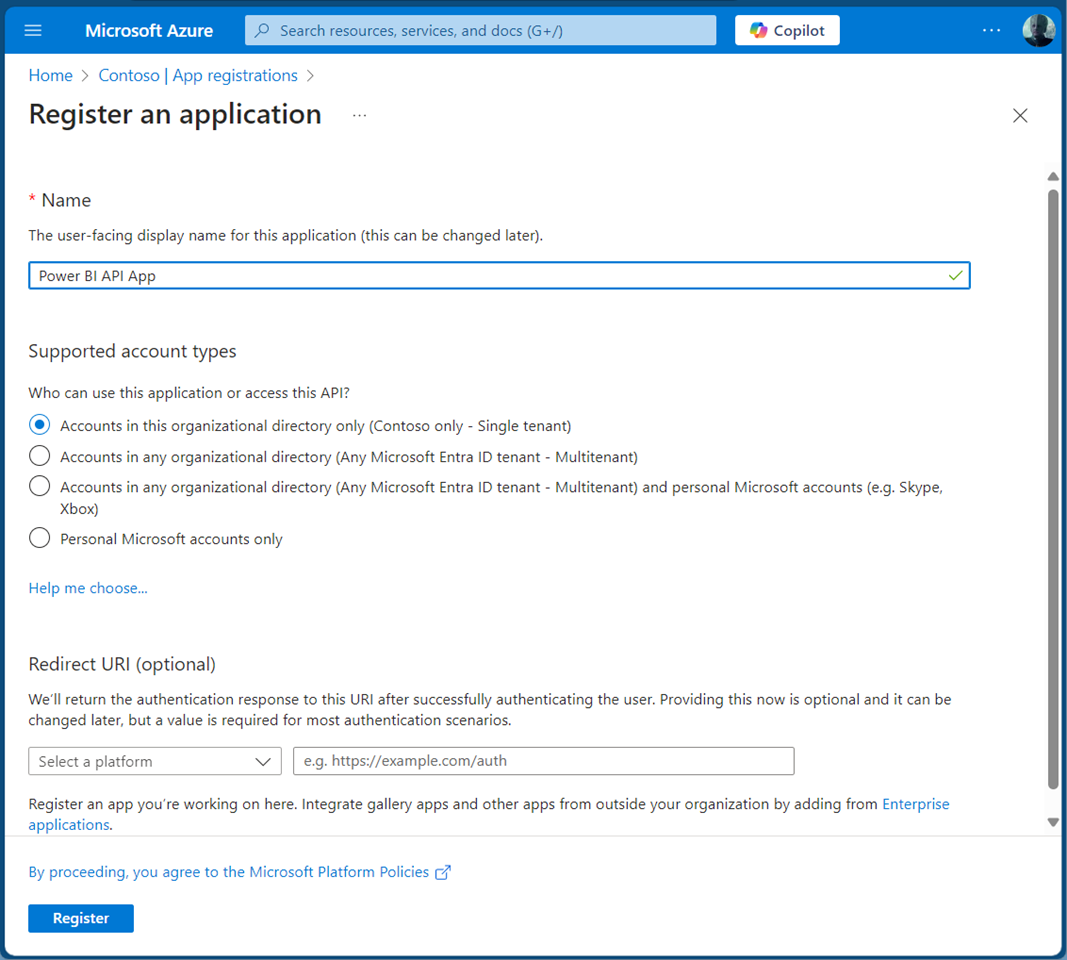
Accessing the Power BI REST API with an application is crucial for efficiently managing and monitoring your Power BI environment. This guide will walk you through using the Power BI REST API with an app as an admin. By leveraging a service principal, your app can seamlessly authenticate and interact with Power BI resources. This allows our app to read Power BI workspaces and usage data automated to streamlines administrative tasks in Power BI. A Service Principal Name (SPN) is an authentication method that enables a Microsoft Entra application to access Microsoft Fabric content and APIs. When you create a Microsoft Entra app, a service principal object is automatically generated. This object, commonly referred to as the Service Principal, allows Microsoft Entra ID to authenticate your app. Once authenticated, the app can access resources within the Microsoft Entra tenant. See more at Service principals can access read-only admin APIs. and Tenant settings index. ...

November 1, 2024 · 5 min · Toni Pohl

Setup the CoE using Azure Key Vault

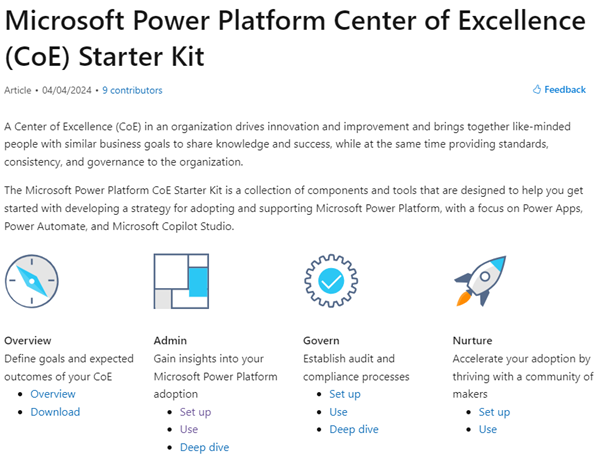
In today’s rapidly evolving digital landscape, maintaining visibility and control over your organization’s M365 Power Platform environment is crucial. The Center of Excellence (CoE) for the Microsoft 365 Power Platform serves as a vital tool for organizations to monitor, manage, and optimize your Power Platform resources effectively. In this article, we will guide you through the process of setting up the current version of the CoE Core solution using Azure Key Vault for secure and efficient Audit Log access. ...

October 17, 2024 · 5 min · Toni Pohl
Use Delegate365 with Privileged Identity Management PIM

Use Delegate365 with Privileged Identity Management PIM

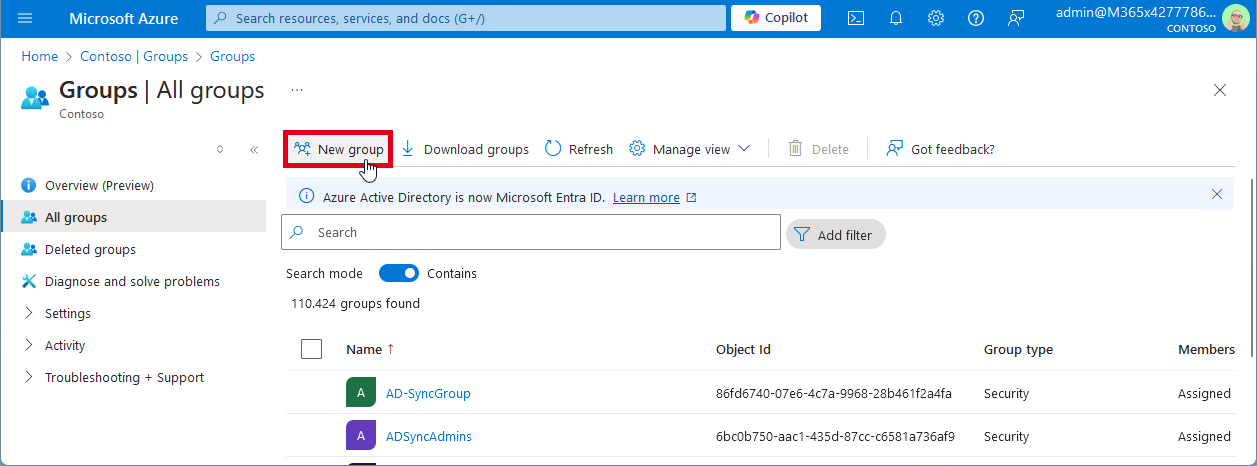
In today’s digital landscape, managing privileged access to applications is crucial for maintaining security and compliance. Microsoft Entra Privileged Identity Management (PIM) offers a robust solution to manage, control, and monitor access within your organization. In this guide, we’ll walk you through the process of configuring Microsoft Entra PIM for your application, Delegate365, ensuring that only authorized users can access it through a security group. Delegate365 is equipped with robust security features and offers seamless integration with Microsoft Entra Privileged Identity Management right out of the box. This integration ensures that administrators can only access Delegate365 using their standard work accounts when the PIM role is activated. Without activating the PIM role, access to Delegate365 is denied. ...

August 19, 2024 · 6 min · Toni Pohl
Retrieve User PIM Role Assignments and History with Microsoft Graph REST API

Retrieve User PIM Role Assignments and History with Microsoft Graph REST API

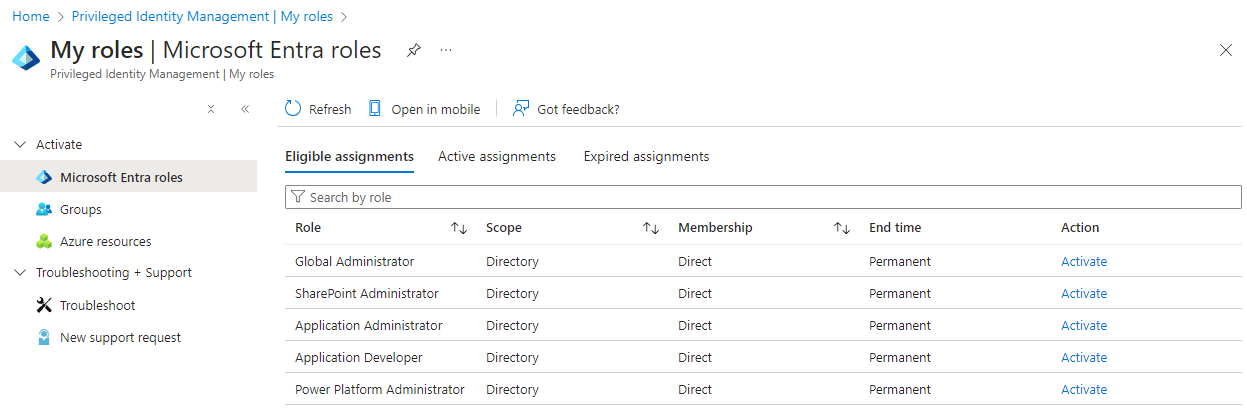
Microsoft Entra Privileged Identity Management (PIM) allows administrators to manage role assignments efficiently, ensuring that users have the necessary permissions only when needed. By following a few simple steps, administrators can make users eligible for specific roles, activate roles as required, and manage both built-in and custom roles. This process enhances security by minimizing the duration and scope of privileged access, making it a crucial tool for maintaining a secure and compliant environment. In this article, we explore how to read a user’s Microsoft Entra roles and history using PIM and the Microsoft Graph REST API. ...

August 3, 2024 · 5 min · Toni Pohl
List Flows as Admin V2 API endpoint

List Flows as Admin V2 API endpoint

A year ago, Microsoft announced the “Transition to List Flows as Admin V2 action from deprecated List Flows as Admin action” for Power Automate. Well, we were using the old API endpoint for working with flows in our own software until it stopped working recently. It took some time until we found workarounds or a successor. Also the PnP modules still are using the old API, and the endpoint address is currently not documented on any Microsoft website. Find it here! ...

July 14, 2024 · 2 min · Toni Pohl
Enhance your Copilot with Graph Connector relevance tuning

Enhance your Copilot with Graph Connector relevance tuning

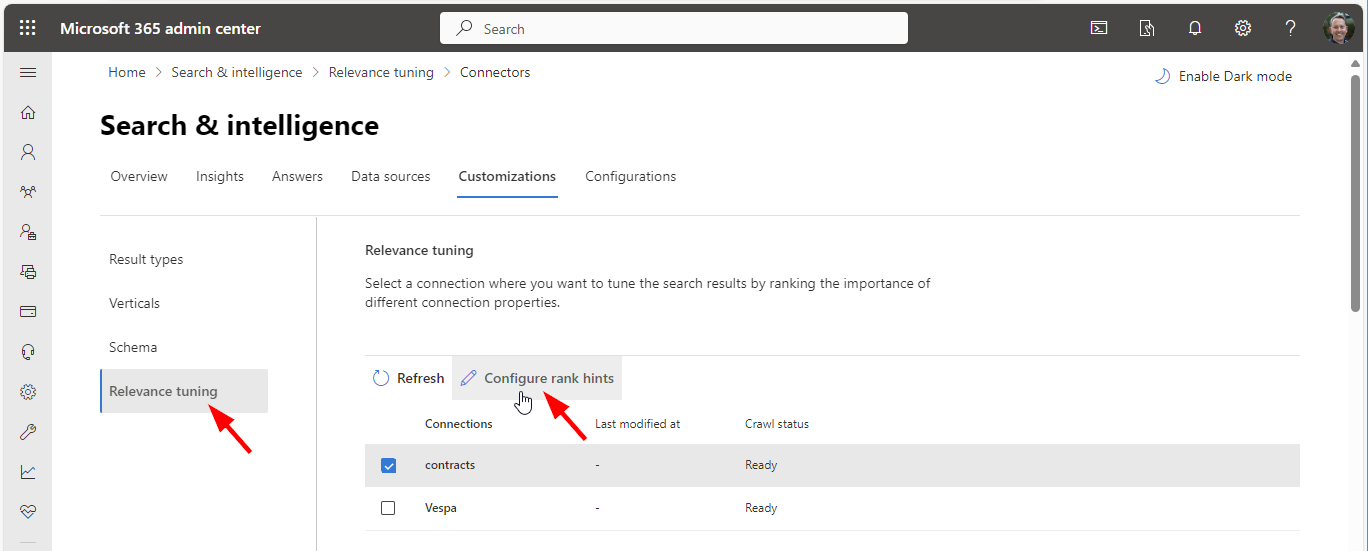
Utilizing Graph connectors simplifies the process of incorporating your data into Microsoft 365 search and Microsoft 365 Copilot, enhancing your experience with seamless integration. A fresh addition to Copilot’s capabilities is the Relevance Tuning feature, that significantly enhances Copilot’s functionality.. The Relevance Tuning feature allows for fine-tuning the relevance of search results, ensuring that Copilot delivers even more accurate and tailored responses. By leveraging this innovation, users can expect a marked improvement in the quality and precision of Copilot’s outputs. Administrators now have the power to assign importance weights to different properties within Graph connections. This customization means that search results can be fine-tuned to align closely with an organization’s unique requirements, making the discovery of relevant content more intuitive and efficient. Administrators can find out more about that topic at Microsoft Graph connectors overview for Microsoft Search. ...

June 5, 2024 · 2 min · Martina Grom
Working with Microsoft Entra ID Applications - Part 2

Working with Microsoft Entra ID Applications - Part 2

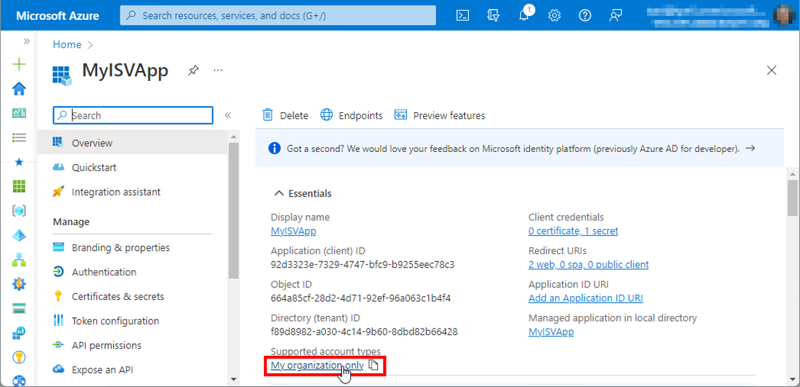
In Part 2 of this series we look into setting up and managing applications in a Microsoft 365 tenant. In Part 1, I focused on how Azure AD applications can be used to provide secure access control to data and services. I demonstrated how to create an Azure AD application in the home tenant and the importance of integrating with Azure AD for centralized app registration, management, and security measures. In this article, I will dive deeper into the topic and exploring how to use and manage a multitenant app in foreign M365 tenants. So, let’s get started! ...

May 14, 2024 · 11 min · Toni Pohl