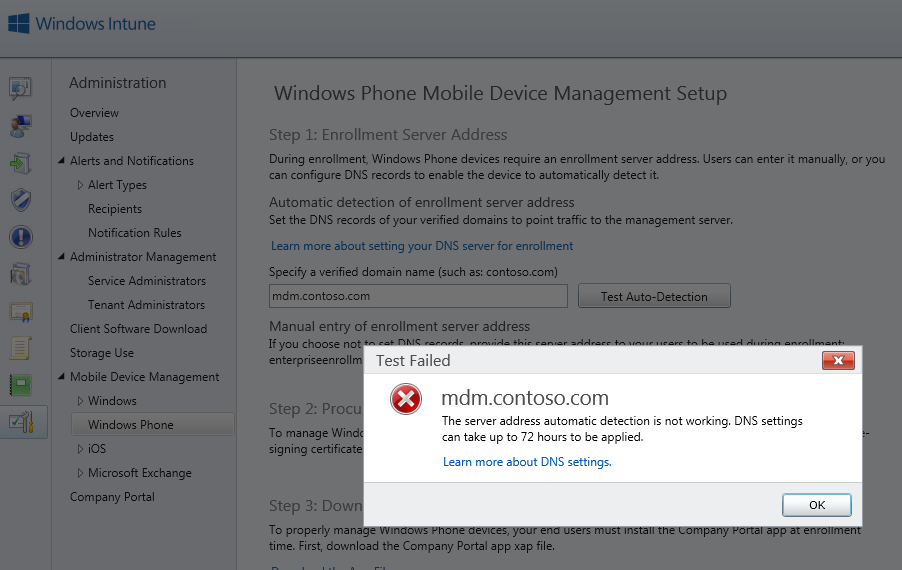
Windows Intuneadd your custom enrollment address for your mobile device management

Windows Intuneadd your custom enrollment address for your mobile device management

In the last couple of weeks I did a lot Windows Intune POC’s with Demo Customer environments. Windows Intune is a great tool for mobile device management, you can add Windows Devices as well as your Windows Phones and iOS Devices. Mobile Device Management made easy, so you can manage your devices. To setup Mobile Device Management you have first decide what the authority of your Mobile Device Management is. Since I am a public cloud addicted, I use Intune the plain way. Of course you can also configure it together with your System Center infrastructure. After you have set that you can now start configuring your Mobile Device Management. ...
February 24, 2014 · 2 min · Martina Grom
Working with the Ghost blogging platform 2

Working with the Ghost blogging platform 2

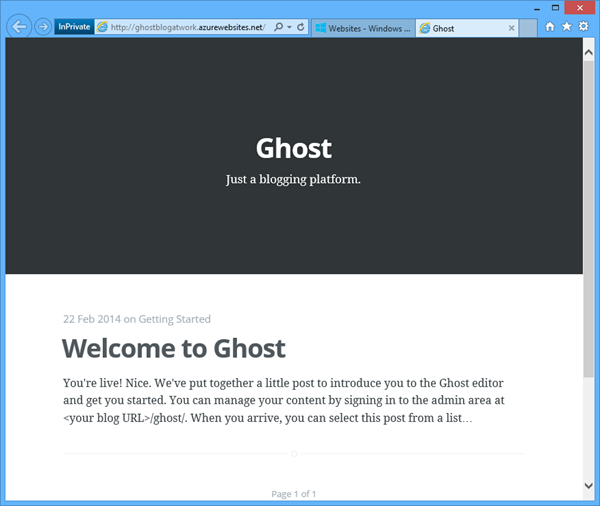
In part 1 we created a Ghost blogging platform in Windows Azure by clicking next-next-finish. Now let´s use this blog system. When calling the blog URL you get a welcome post message with the first information you need: It´s the URL for the content mangement: <your blog URL>/ghost/ …at the first call you land at the signup form which looks like this: Fill in your Full Name as the name you want to appear as the author of blog posts and choose your email and a strong password. Then click “Sign Up”. Here we go! ...

February 23, 2014 · 3 min · Toni Pohl
Setting up the new Ghost blogging platform on Windows Azure 1

Setting up the new Ghost blogging platform on Windows Azure 1

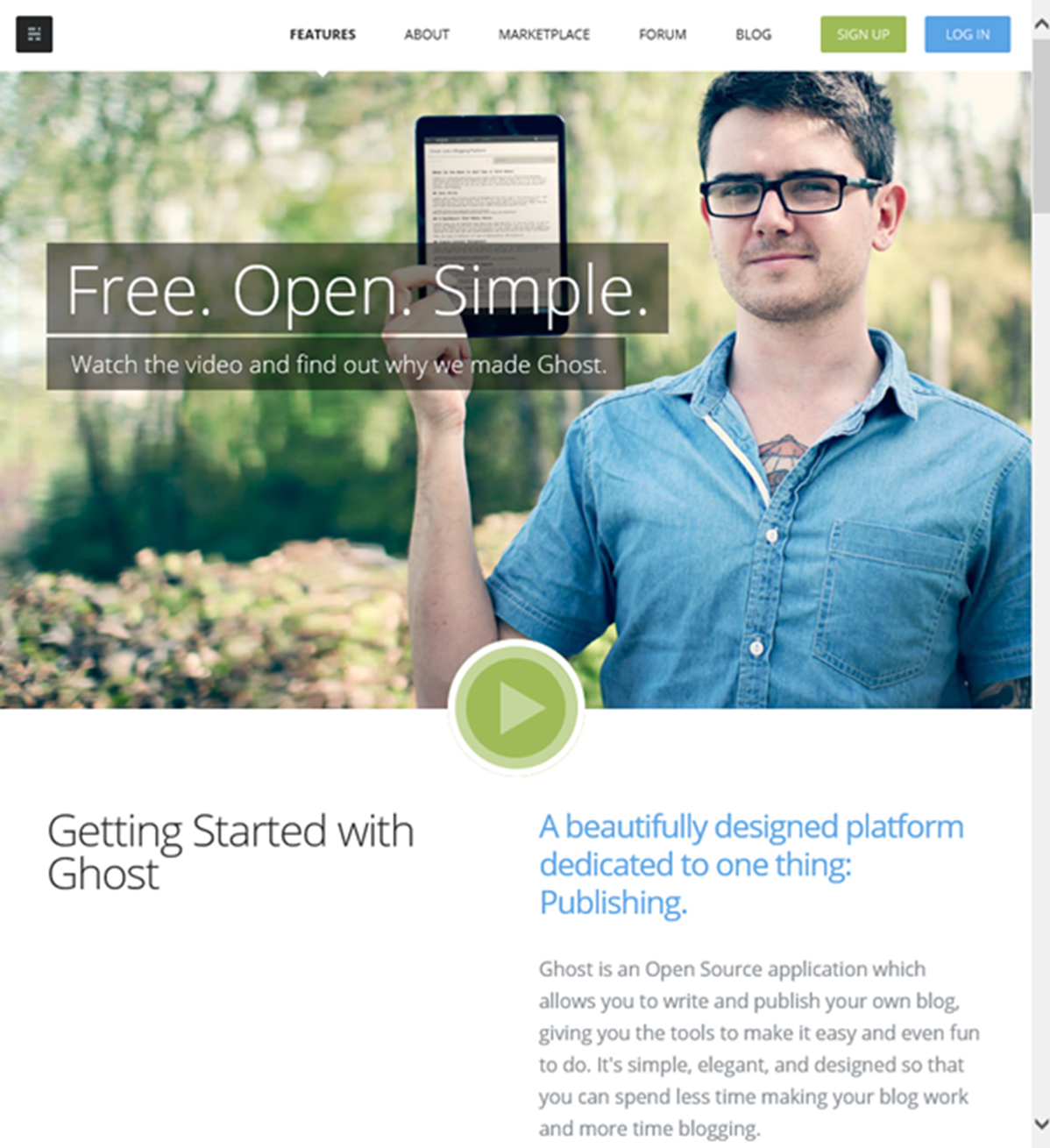
What is Ghost? Well, Ghost is a brand new blogging platform (https://ghost.org/features/) which is built on Node.js. You can install Ghost locally on your computer or – which is much more easy and faster – use Windows Azure! Our MVP colleague Albert Weinert posted that he uses this new blog system on https://blog.der-albert.com and made us curious – so we needed to have a look and to try it out! Thx Albert for your tip! ...

February 22, 2014 · 2 min · Toni Pohl
sharepointkonferenz.de

sharepointkonferenz.de

Gestern und heute fand in München die sharepointkonferenz.de von ppedv statt. Direkt in der Münchner Innenstadt konnten Teilnehmer aus mehr als 30 Sessions unter dem Motto “Doing business with SharePoint - Solutions and Best Practices“ wählen. Die SharePoint-Konferenz fand gleich nach der deutschen Entwicklerkonferenz VSOne statt. Wir von atwork waren mit zwei Sessions dabei: Office 365 im Hybrideinsatz (Martina Grom) Wie Sie Office 365 mit Windows Azure steuern können (Toni Pohl) Folgen Sie den Links zu den Präsentationen auf SlideShare. ...

February 20, 2014 · 1 min · Toni Pohl
Windows Azure and the Olymics 2014 in Sochi

Windows Azure and the Olymics 2014 in Sochi

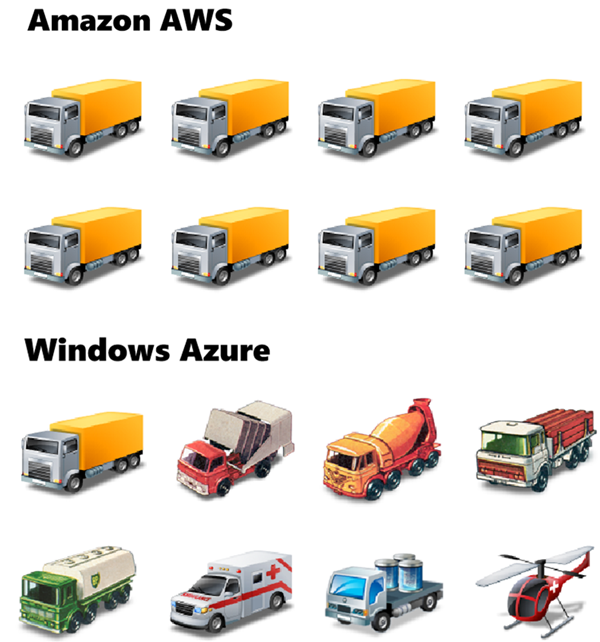
Read this article with a nice comparison: codefoster.com: Why Azure is Running the Sochi Olympics and Not AWS by Jeremy Foster, Microsoft Developer Evangelist. “…The streaming of this world event is backed by Microsoft’s Azure cloud servers - 10,000 of them to be exact. You might wonder why it’s Azure that’s backing this and not AWS. … It’s perhaps a bit like this.” Nice. Read it here!

February 16, 2014 · 1 min · Toni Pohl
Bye bye InfoPath

Bye bye InfoPath

Wir haben bereits im englischen Artikel InfoPath is dead (soon) über das Ende von InfoPath als Formular-Lösung in SharePoint Server geschrieben. Hier unsere deutsche Version. Das Microsoft Office Team hat in seinem Blog angekündigt, dass InfoPath und SharePoint Formulare in Zukunft nicht weiter entwickelt werden. In dem Artikel Update on InfoPath and SharePoint Forms schreibt das Office Team, dass InfoPath 2013 die letzte Version des Desktop Clients und InfoPath Forms Services in SharePoint Server 2013 die letzte Version der InfoPath-Technologie sind. ...

February 7, 2014 · 2 min · Toni Pohl
Hidden Features von Office 365 Auswertungen von Exchange Online leicht selbst erstellen

Hidden Features von Office 365 Auswertungen von Exchange Online leicht selbst erstellen

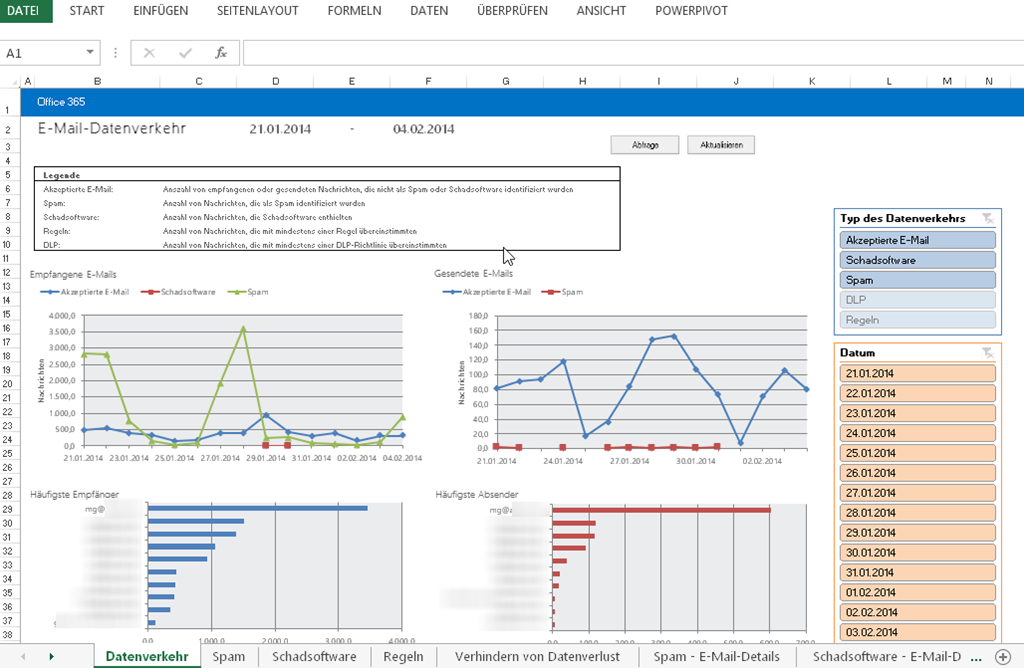
Office 365 bietet bereit viele eingebaute Reports, mit denen allerlei Funktionen ausgewertet werden können. Diese Reports befinden sich im Dashboard unter den Berichten und sind jederzeit für einen Office 365 Administrator einsehbar. Diese Berichte sind für jene Office 365 Abo’s abrufbar, wo zumindest eine Exchange Online Lizenz enthalten ist. Sie können hier abfragen, welche Postfächer aktiv und welche inaktiv sind, gelöschte Postfächer ausfindig machen und Spamreports abfragen. Außerdem sehen Sie die aktiven Lync Benutzer, wie viele OneDrive for Business (SkyDrive Pro) Websites bereit gestellt wurden, wie es rund um den Teamwebsite Speicherplatz aussieht und vieles vieles mehr. Jeder Report steht sowohl als Grafik als auch als Tabelle zur Verfügung. ...

February 5, 2014 · 2 min · Martina Grom
InfoPath is dead soon

InfoPath is dead soon

According to the blog post Update on InfoPath and SharePoint Forms by the Microsoft Office Team which was released of today, InfoPath and SharePoint forms will not be continued in upcoming new versions of SharePoint Server. “This means that InfoPath 2013 is the last release of the desktop client, and InfoPath Forms Services in SharePoint Server 2013 is the last release of InfoPath Forms Services. The InfoPath Forms Services technology within Office 365 will be maintained and it will function until further notice.” ...

January 31, 2014 · 2 min · Toni Pohl
Aus SkyDrive wird OneDrive

Aus SkyDrive wird OneDrive

Es wurde lange spekuliert, mit heutigem Datum wurde der neue Name des Microsoft Cloudspeichers “Skydrive” öffentlich bekanntgegeben: Aus SkyDrive wird OneDrive, aus SkyDrive Pro wird OneDrive for Business. Grund war eine Rechtsstreitigkeit mit der britischen Sky-Gruppe, wo sich Microsoft verpflichtet hatte, den Namen “Sky” nicht weiterzuverwenden. Nun ist es soweit und SkyDrive wird als Rebranding zu OneDrive. Wie lange es dauern wird, bis der neue Name in alle Bits Einzug gehalten hat (Apps, Windows 8.1, Office 365, Windows Phone, Apps für andere Phones,…) werden wir noch sehen. Auch ist der zuvor schon unglücklich gewählte Name SkyDrive Pro für den persönlichen Cloudspeicher in SharePoint Online mit OneDrive for Business recht sperrig, mal sehen, ob das tatsächlich so bleibt. ...

January 28, 2014 · 1 min · Martina Grom
SharePoint Client Browser Tool

SharePoint Client Browser Tool

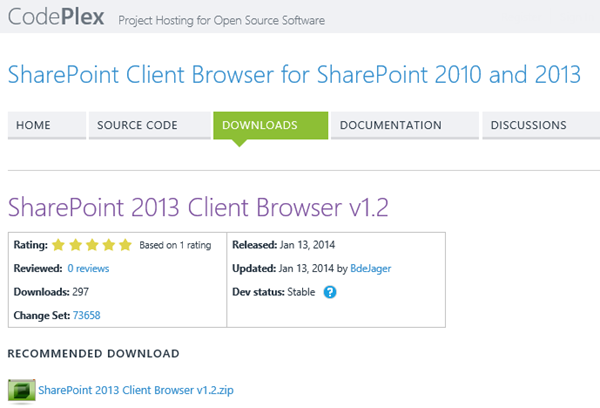
Wer mit SharePoint oder SharePoint Online im Development arbeitet findet im neu aktualisierten SharePoint Client Browser (#SPCB) einen praktikables Tool. SPCB unterstützt SharePoint 2010, SharePoint 2013 und Office 365 und verwendet CSOM um alle SharePoint Objekte in einem Tree auszulesen und anzuzeigen. Der Anwender erhält somit ein Tool um die Struktur und Eigenschaften einer SharePoint Site auszulesen. Autor des SPCB Tools ist Bram de Jager aus den Niederlanden, der dort als SharePoint Architekt arbeitet und das Tool kostenfrei auf codeplex bereitstellt. ...

January 25, 2014 · 1 min · Toni Pohl