Why we need the Power Platform

Why we need the Power Platform

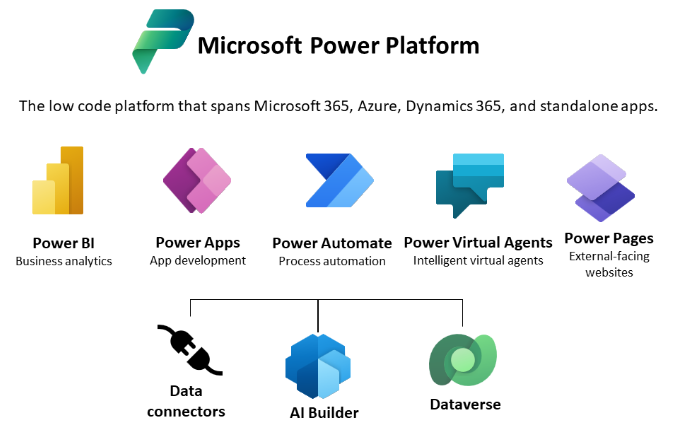
Today, a quick tip on an article about one of Microsoft’s fastest growing companies: Helping power users to build business apps with low-code and no-code apps. Helping regular folks build business apps The article on protocol.com is about Charles Lamanna, who is corporate vice president of Microsoft Business Applications. Charles Lamanna runs one of Microsoft’s fastest-growing businesses: Helping regular folks build business apps Microsoft’s Power Platform strategy is to allow non-technical people to build applications for their team’s needs with it´s Power Platform, which basically includes Power BI, Power Apps, Power Automate and other services out of Microsoft 365 and Dynamics 365, as the following graphics illustrates. ...
July 24, 2022 · 2 min · Toni Pohl
Tips for PowerApps-9 set data row limit for SharePoint Online lists

Tips for PowerApps-9 set data row limit for SharePoint Online lists

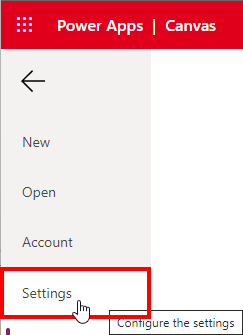
If you’re using a SharePoint list in a Power App and some data is missing, you can change the data row limit to a higher number in the Power App settings. See how this works here. In the Power Apps editor, open menu File and Settings. In the General section, scroll down to the “Data row limit” and modify the number how many items shall be retrieved from the data source. ...

June 26, 2022 · 1 min · Toni Pohl
Use Dynamic Groups to access SharePoint Online sites

Use Dynamic Groups to access SharePoint Online sites

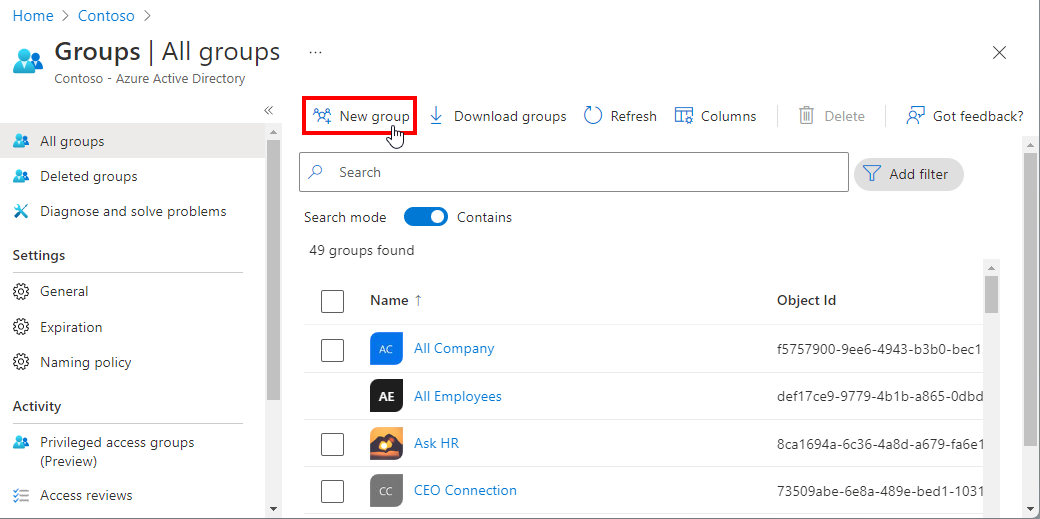
Sometimes organizations want to make certain data available to dynamic groups. The good news is: SharePoint Online supports Dynamic Groups. Here is a step-by-step guide to show you how it works. With Dynamic Groups, members can be grouped based on specific characteristics, for example if a user property exists, they are assigned to a certain department and more. This is very useful if only certain users should be members of such a group, especially in large companies. In this short article, we create a new Dynamic Group in Azure AD, and assign the Group to a SharePoint Online site. ...

June 21, 2022 · 4 min · Martina Grom
Governance Toolkit 365-Turn off obfuscation

Governance Toolkit 365-Turn off obfuscation

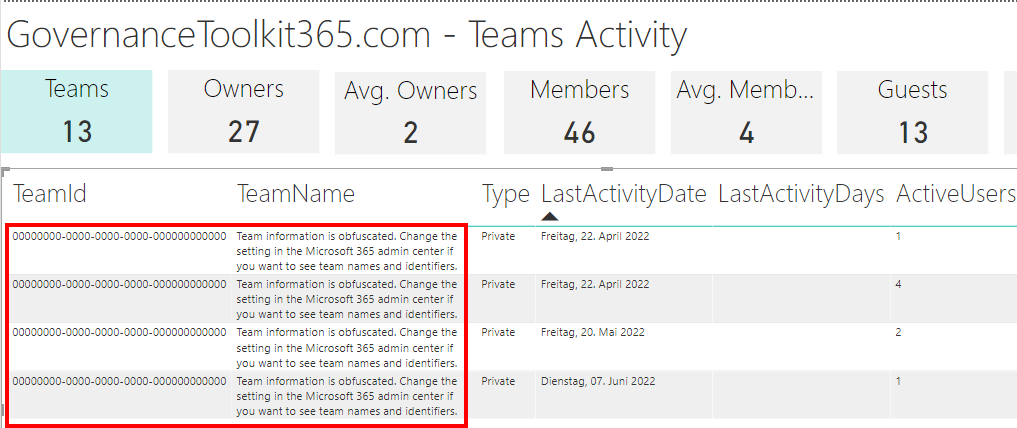
The Governance Toolkit 365 (GT365) provides many insights from a Microsoft 365 tenant, like users, guests, teams, activities, Power Apps and Flows, Power BI reports and much more. If reports don’t show names, IDs, or other details, you’ll need to turn off the obfuscation feature in the Microsoft 365 admin center. Here´s how. The reports Here’s an example of a Teams activity report showing when Teams were last accessed. As you can see in the following screenshot, the TeamId and the TeamName are not shown correctly. ...

June 20, 2022 · 2 min · Toni Pohl
Tips for PowerApps-8 Group and chart

Tips for PowerApps-8 Group and chart

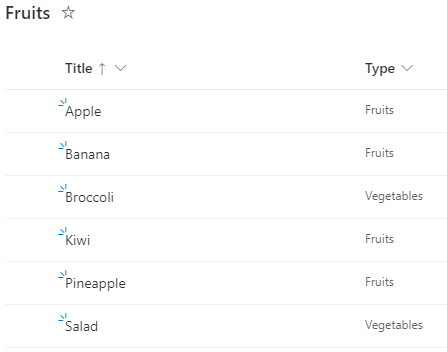
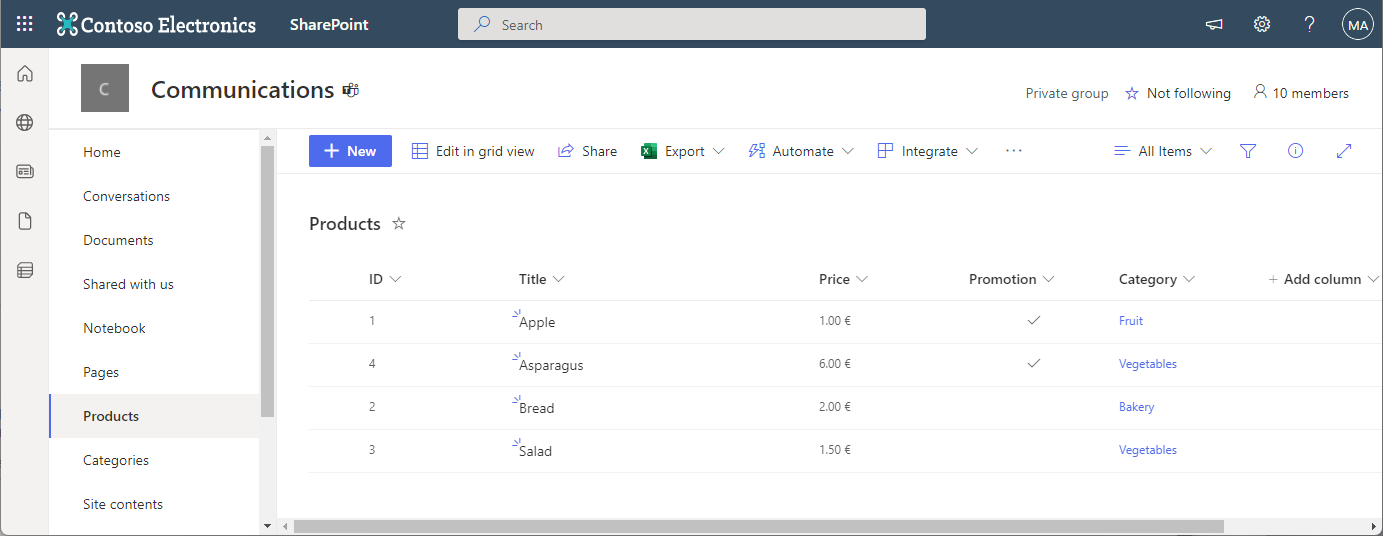
Grouping in Power Apps can be a little tricky. Here´s how to create a new collection from a data table and visualizing the grouped result in a chart control. In this small sample, I will show how you can use a data table with the group by function to visualize a summary with a chart in a Power App. The data source is minimal: It´s a SharePoint list named Fruits, containing some items. The Type column is what we want to see grouped by the number of items. ...

June 6, 2022 · 3 min · Toni Pohl
Get the latest Teams activity with Graph

Get the latest Teams activity with Graph

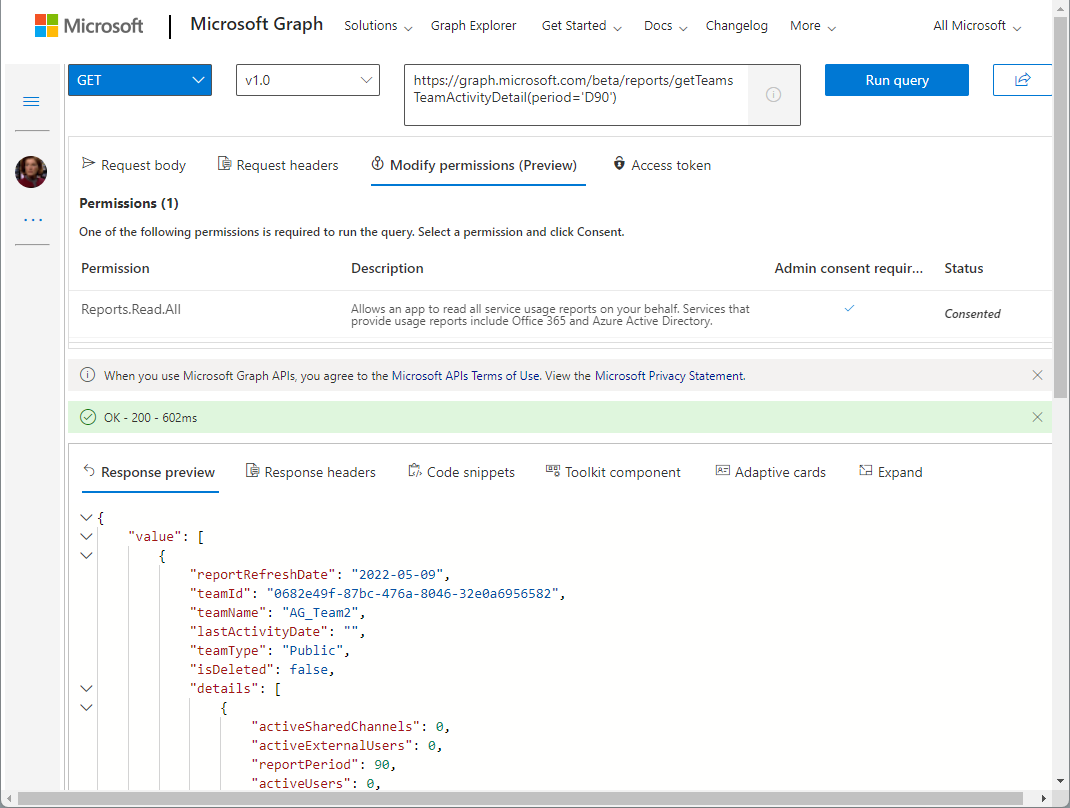
Carrying out a cleanup process from time to time helps against IT garbage. If you are an Microsoft 365 admin, the following post will help you to find out unused teams. In large organizations, many teams are often created over time (which are not used). While Microsoft 365 now supports the cleanup with the renewal function (see more at Team expiration and renewal in Microsoft Teams), it is sometimes helpful to identify and evaluate teams that are no longer used and to carry out deletion actions yourself. The Microsoft Graph now offers a (beta) method for searching and identifying such teams according to your own criteria. ...

May 11, 2022 · 4 min · Martina Grom
Join us at Thrive conference 2022

Join us at Thrive conference 2022

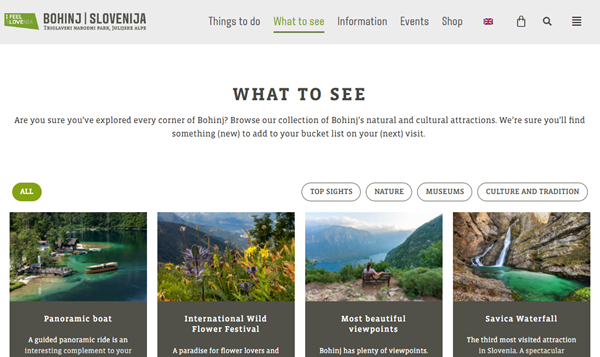
There are often hidden treasures to be discovered. The Thrive conference in Slovenia is one of them. Join us at there at the end of May! Thrive conference takes place from 24th - 25th May 2022 at ECO Hotel Bohinjska Bistrica, a small village between Bled lake and Bohinj lake in the heart of Triglav National Park, in beauftiful Slovenia. On 23rd May there are pre-conference workshops. The location is very easy to reach from Austria, by train or car. Visit the Bohinj website for more information about one of the most beautiful National Parks in the heart of Europe. ...

May 3, 2022 · 1 min · Toni Pohl
Azure Logic Apps Toolbox 8-Secure your secrets with Azure Key Vault and Managed Identity

Azure Logic Apps Toolbox 8-Secure your secrets with Azure Key Vault and Managed Identity

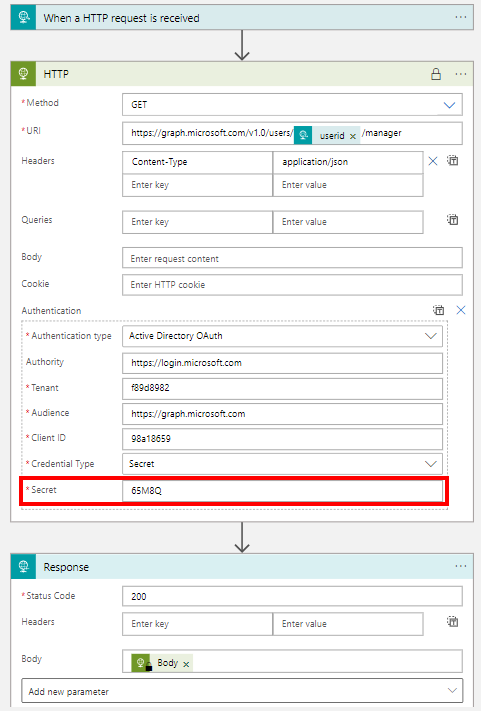
Credentials and secrets should be stored in a secure environment and not directly in an Azure Logic App or script. Azure provides the Key Vault service, which allows to store such secrets in a secure and controllable way. See how this works here. What is a secret? The Microsoft documentation of Azure Key Vault describes secrets follows: “A secret is anything that you want to tightly control access to, such as API keys, passwords, certificates, or cryptographic keys.” at Azure Key Vault basic concepts and at Azure Key Vault security. So you want to store ALL secrets in a safe location, in a Key Vault, and access them from other services. This can be done within Azure resources with a Managed Identity (see below). In this article we will focus on using an Azure Key Vault and storing such secrets and accessing them later in this step-by-step guide. ...

April 24, 2022 · 8 min · Toni Pohl
Copy a SharePoint list with PnP PowerShell

Copy a SharePoint list with PnP PowerShell

In the Microsoft 365 world, sometimes you want to copy a custom list in SharePoint Online to another SharePoint site in the same or in a different M365 tenant. While there are third-party tools for this, there is an easy-to-use method for such a scenario using PnP PowerShell. This article shows how it works with a step-by-step example. PnP PowerShell PnP PowerShell is an open-source component from Microsoft providing over 600 cmdlets that work with Microsoft 365 environments such as SharePoint Online, Microsoft Teams, and more services. We can use this simple-to-use module for our purpose. See more at PnP PowerShell overview. ...

April 22, 2022 · 5 min · Toni Pohl
Join us at TeamsNation next week!

Join us at TeamsNation next week!

Only one week left until the Teams Nation Community Conference 2022! The #TeamsNation online conference is 100% community and 100% free with 13 tracks, 140 sessions and 170 speakers! We are excited to be a part of it, along with hundreds of fellow community members. See the schedule and register today! Our contributions are the following sessions: How Microsoft 365 Priva helps to safeguard personal data and build a privacy-resilient workplace and ...

March 16, 2022 · 1 min · Martina Grom