Troubleshooting Delegate365-Login

Troubleshooting Delegate365-Login

Sometimes support cases are opened because users cannot login to Delegate365 with their Office 365 account. In most cases, the browser cache automatically signs-in a user with wrong credentials. Please follow these simple steps to see how to achieve a successful login to the Delegate365 portal in such scenarios. 1. Use a browser in Private mode The most common stumbling block is that web browser log in users automatically. Also, often users are working with multiple accounts. Thus, there is a high probability that an incorrect sign-in will occur when opening the Delegate365 portal. ...

February 21, 2019 · 4 min · Toni Pohl
Troubleshooting Delegate365

Troubleshooting Delegate365

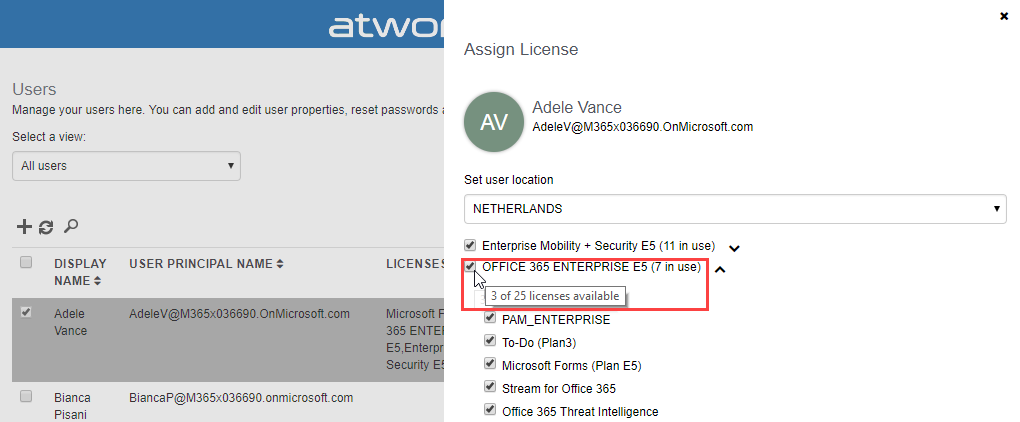
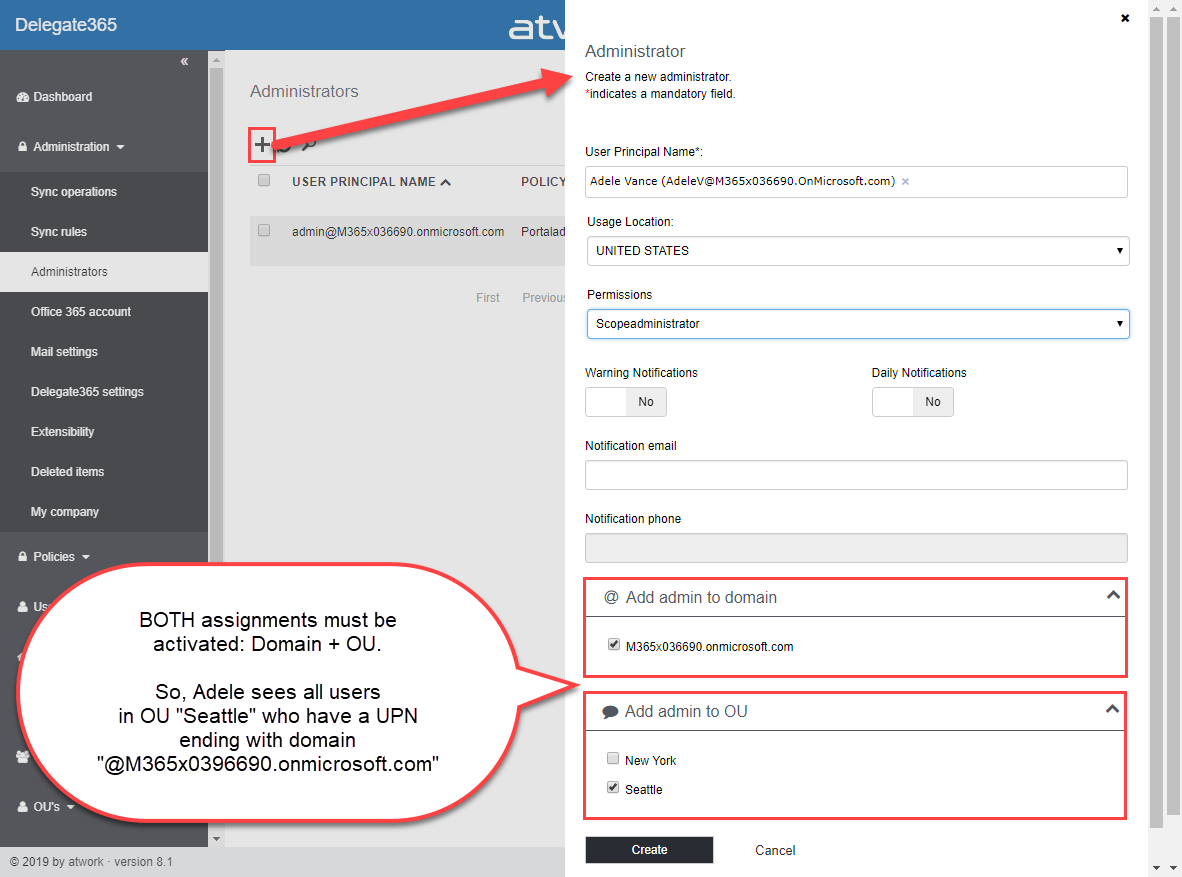
Delegate365 is a user-friendly tool to enable delegated management of users, licenses, and groups. This means that only objects assigned to a scope administrator are displayed in Delegate365. So, sometimes, we get questions as “I can’t see my users/shared mailbox or similar”. Here’s why and how to solve such issues. Why does Delegate365 not show users? Well, that’s the idea of the tool. Delegate365 shows only objects to which I am entitled to see and to manage. ...

February 13, 2019 · 7 min · Toni Pohl
Delegate365-Working with Audit Logs and Power-BI

Delegate365-Working with Audit Logs and Power-BI

Delegate365 protocols operations in it’s audit logs. This log space can be accessed from entitled users and it’s simple to create a custom Power BI dashboard for your Delegate365 data. See how this works here step-by-step. Tip: The article Delegate365-Working with Audit Logs covers the methods for accessing the data and working with the audit logs as well. This article informs how to connect to your Delegate365 with Microsoft Power BI step-by-step and how create your custom dashboard. You need to have a Power BI license, see details at Power BI Pricing. ...

January 8, 2019 · 4 min · Toni Pohl
Delegate365 PowerShell

Delegate365 PowerShell

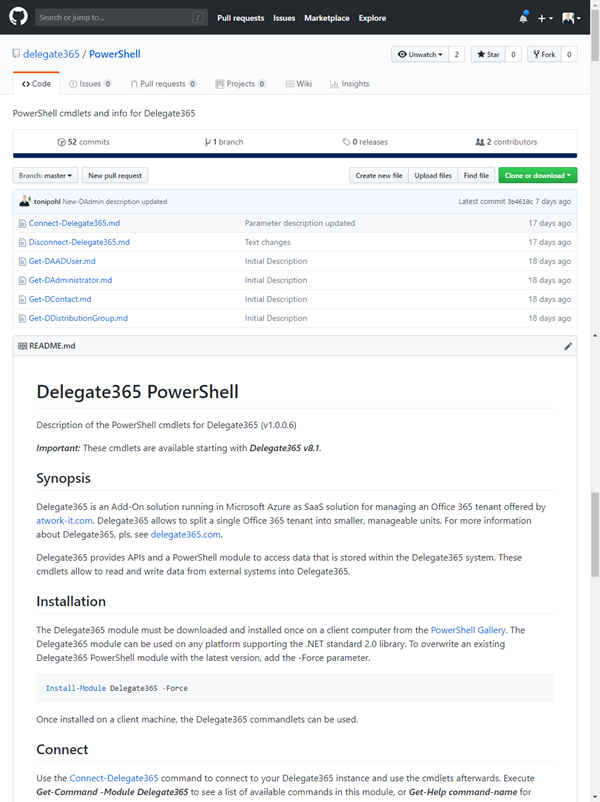
As announced in Delegate365 changelog version 8.1-Many new features, this version brings PowerShell support for administrators. All Delegate365 admins can use the PowerShell module if the access is granted by Portal Admins. See the How-To here. Note that for using the Delegate365 PowerShell module, Delegate365 version 8.1 (or higher) is required. The version number can be found in the status line at the end of the page in the Delegate365 portal, see the screenshot below. ...

November 7, 2018 · 5 min · Toni Pohl
Delegate365 regions

Delegate365 regions

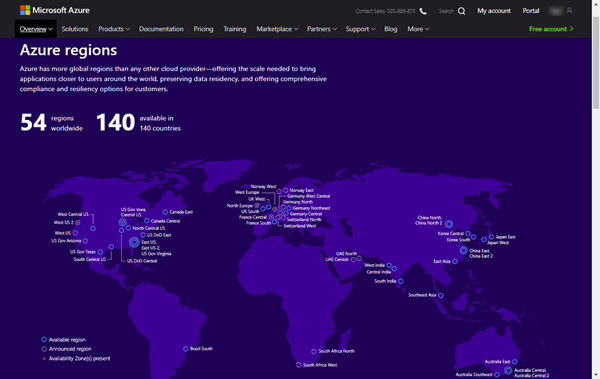
Delegate365 runs completely in Microsoft Azure, in a region of the customer’s choice. So, for US-based companies, Delegate365 is hosted within the United States of America, for EU-based customers, Delegate365 is hosted within the European Union, etc. Since we sometimes get questions about the location of the Delegate365 solution, we want to inform about the hosting options here. Delegate365 as a service Delegate365 is developed and operated by atwork and runs as Software-as-a-Service (SaaS). Customers can test and use Delegate365 instantly without any installation out-of-the-box and updates to the Delegate365 tenant are done automatically. Delegate365 runs completely in Microsoft Azure without customers having to maintain the solution in any way. The customer’s data never leave the desired region, except the customer exports his data intentionally. The hosting costs are included in the Delegate365 price. Thus, Delegate365 is delivered as a carefree package to be used instantly. ...

November 1, 2018 · 4 min · Toni Pohl
Delegate365 changelog version 8.1-Many new features

Delegate365 changelog version 8.1-Many new features

These days, the next major Delegate365 version 8.1 is released. In that new version, there are a lot of new and improved features available for all Delegate365 customers. The menu has been restructured, permission policies allow to define granular rights and license policies simplify the set of licenses for Scope Admins. Furthermore, there are a bunch of useful improvements and the Delegate365 PowerShell module is available. See the details here. Run a setup: Admins need to run the Delegate365 setup after the upgrade process, see the How-To at (Re)run the setup. ...

October 22, 2018 · 4 min · Toni Pohl
Delegate365 changelog version 8.1-New License Policies

Delegate365 changelog version 8.1-New License Policies

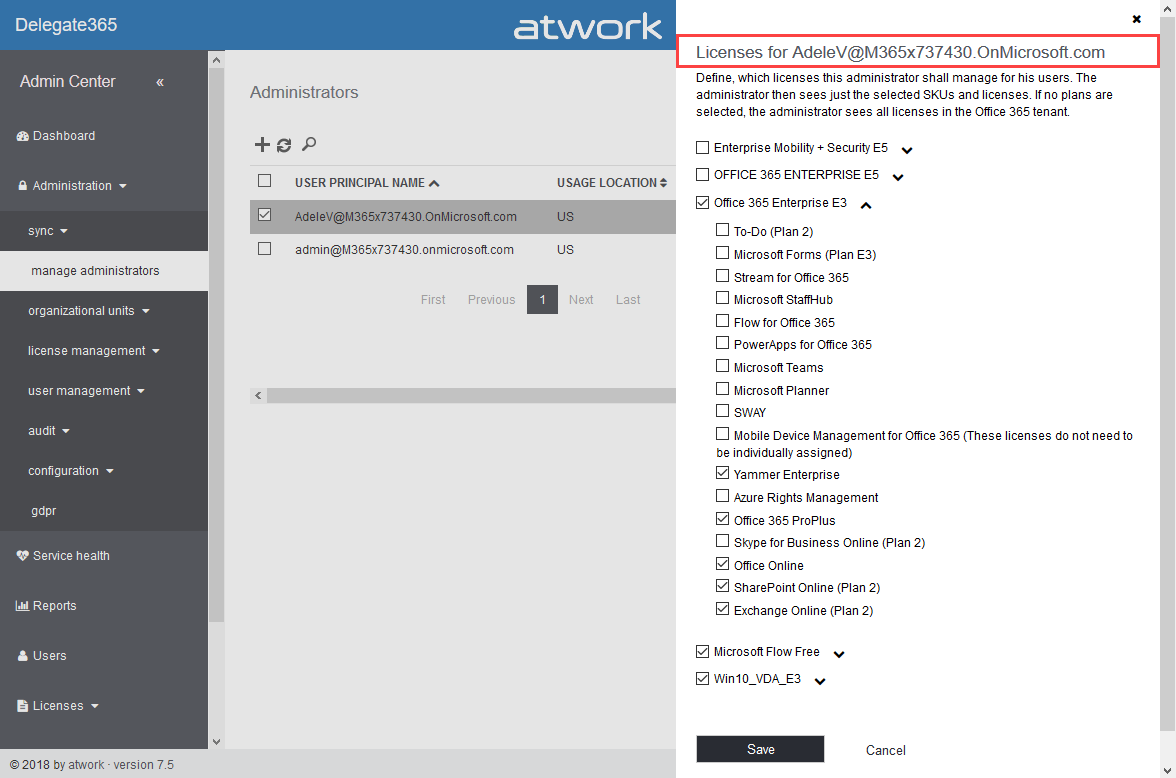
With Delegate365 version 8.1 and the new permission policies, there come the new license policies as well. In previous versions of Delegate365, Admins could restrict the Office 365 licenses and plans for each Scope Admin. Now, the license set is replaced by a license policy that can be assigned to multiple administrators. See here, how this works. Note: The license policies work analogously to the permission policies: Define once, use for multiple admins. To make it short and comprehensible, see the old and the new Delegate365 license policies at a glance here. ...

October 10, 2018 · 4 min · Toni Pohl
Delegate365 changelog version 8.1-New permission policies

Delegate365 changelog version 8.1-New permission policies

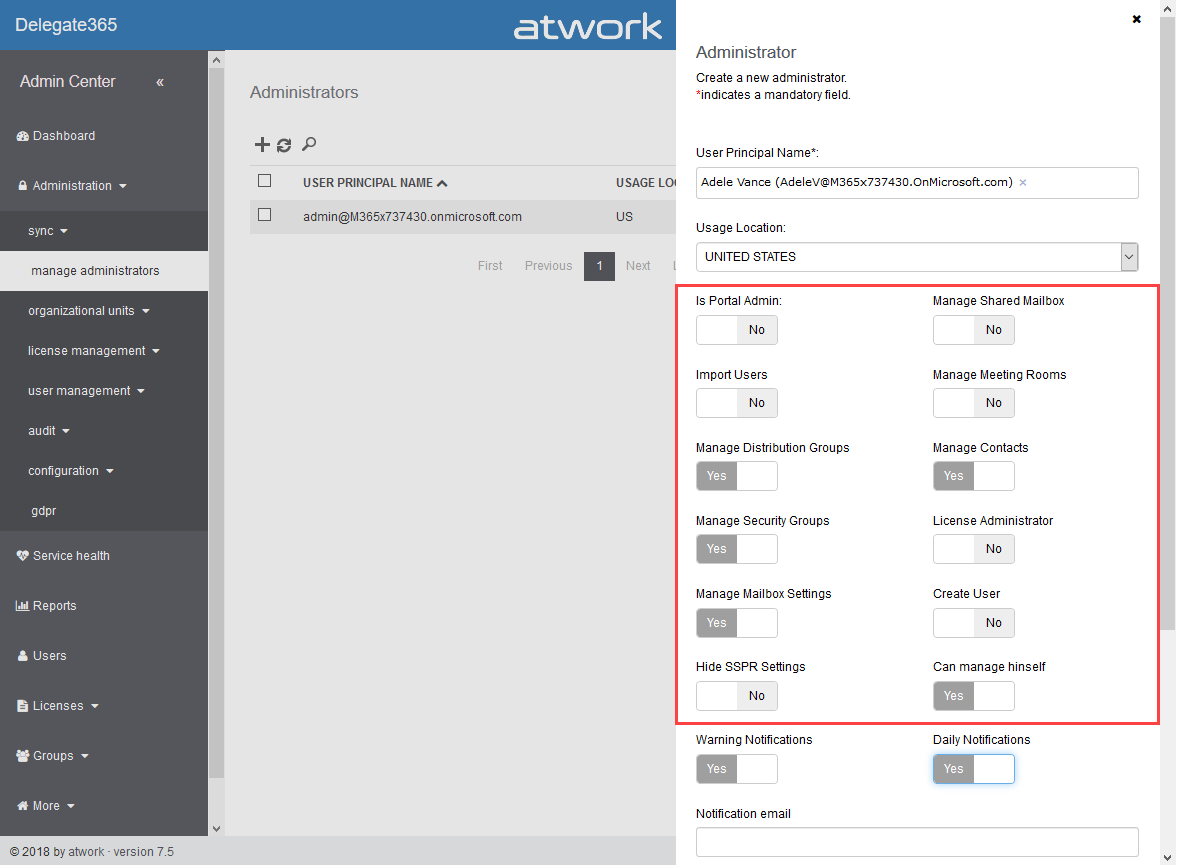
When we started with Delegate365 five years ago, basic permissions were sufficient to control what features can be used by Scope Admins. Since Delegate365 evolved with more functionality and we received requests from our customers, it was time to renew the permission control to a more granular level. So, the existing permissions have been replaced with permission policies. With Delegate365 version 8.1, each Administrator gets a permission policy assigned that controls on a very granular level, what modules and features can be managed. The new menu structuring is part of that functionality. See how the permission policies work and how existing permissions are converted here. ...

October 9, 2018 · 6 min · Toni Pohl
Delegate365 changelog version 8.1-Menu restructuring

Delegate365 changelog version 8.1-Menu restructuring

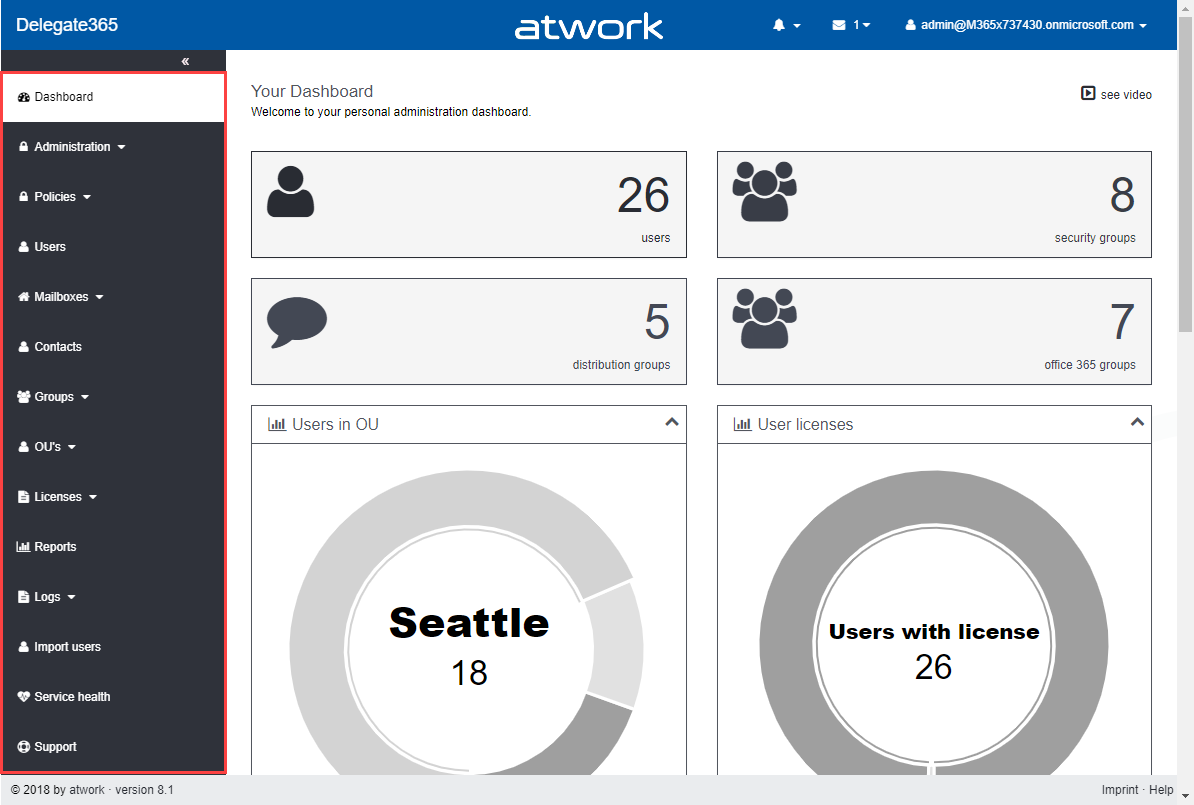
With Delegate365 version 8.1 there comes a new menu structure. The new menu groups the functions more logically and allows granular control with new permission policies. The new policies are are described in a separate article. See the menu differences before and after in this overview. Now, each topic is a group to make it easier for admins to find related features. There are only two instead of three menu levels. Enlarge the following graphics to see all menus and their new position. The left side (gray) shows the full menu of Delegate365 version 7.x and 8.0, the right side (green) shows the new menu Delegate365 version 8.1. ...

October 8, 2018 · 1 min · Toni Pohl
Delegate365 changelog version 8.0-Group OUs

Delegate365 changelog version 8.0-Group OUs

With Delegate365 version 8.0, besides many other features, a brand new feature has been added to Delegate365: Group OU’s. In short, a Group OU can be used by Scope Admins for using members of another OU they do not manage themselves. See how this works here. In Delegate365, Scope Admins can manage all objects of their assigned OU’s. But, they could not assign other users they don’t manage to any group. This is where Group OU’s come in. To illustrate this new feature, let’s have a look at this sample. ...

July 25, 2018 · 4 min · Toni Pohl