Try the VSCode Docs Authoring Pack extension

Try the VSCode Docs Authoring Pack extension

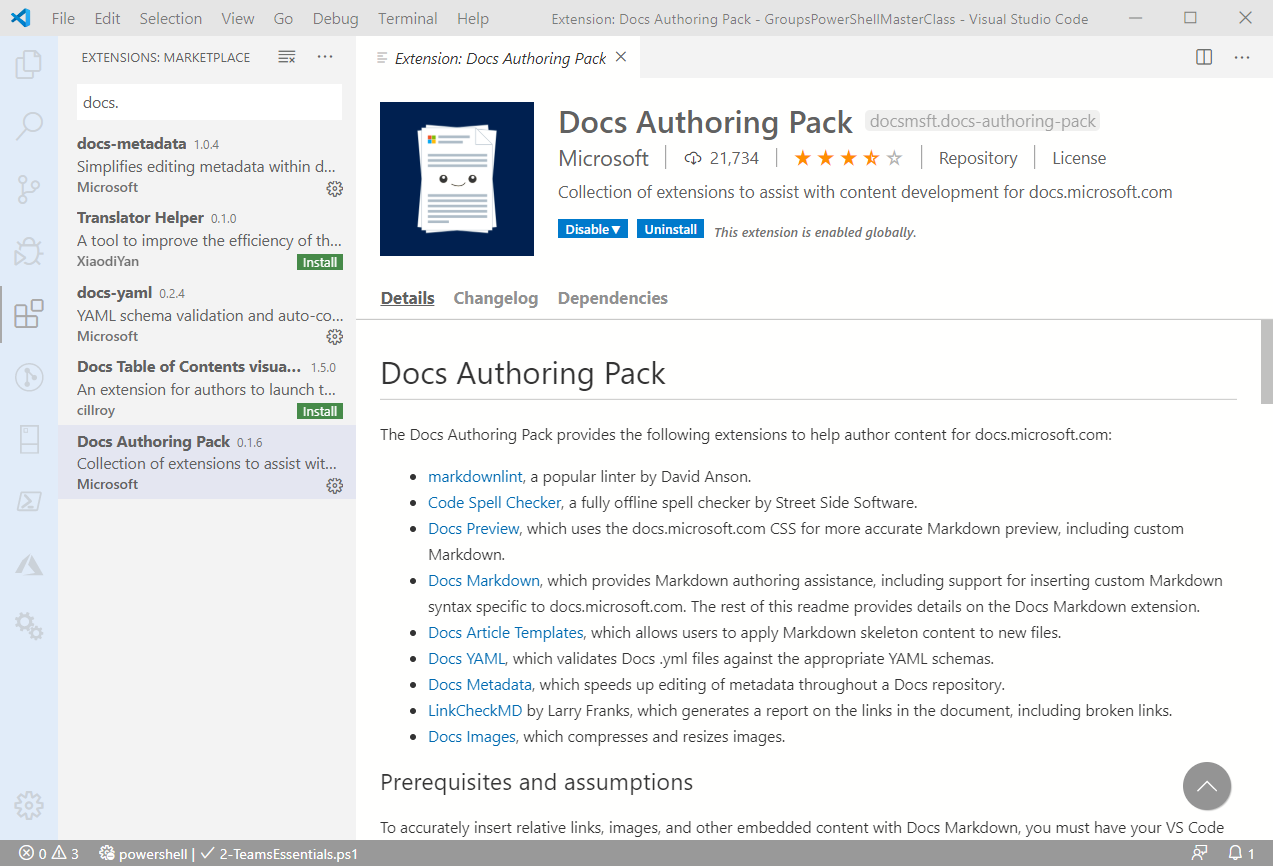
Today´s a very quick tip: If your are writing documentation in MarkDown with Visual Studio Code, try out the Docs Authoring Pack extension! Install the Docs Authoring Pack extension for VSCode. Once installed, you can use the shortcut ALT + M to access the MarkDown commands, such as the Preview function or to insert formatting. Happy documenting with the Docs Authoring Pack extension for VSCode.

February 28, 2020 · 1 min · Martina Grom
Azure Logic Apps Toolbox 2-Send text and files multipartform-data to SharePoint Online

Azure Logic Apps Toolbox 2-Send text and files multipartform-data to SharePoint Online

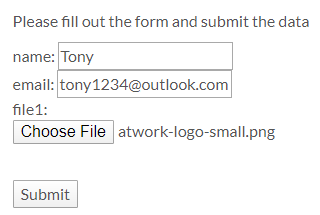
Using an Azure Logic app is often a quick fix for small computing tasks. So my scenario is as follows: I want to use a form on a website to offer text fields and file upload. The submit button is intended to send the data to a Logic App. The Logic App receives the data and writes it to a SharePoint Online list and sends a notification if necessary. See the implementation here. ...

February 17, 2020 · 8 min · Toni Pohl
Learn more about the Governance Toolkit 365 as an applied cloud story

Learn more about the Governance Toolkit 365 as an applied cloud story

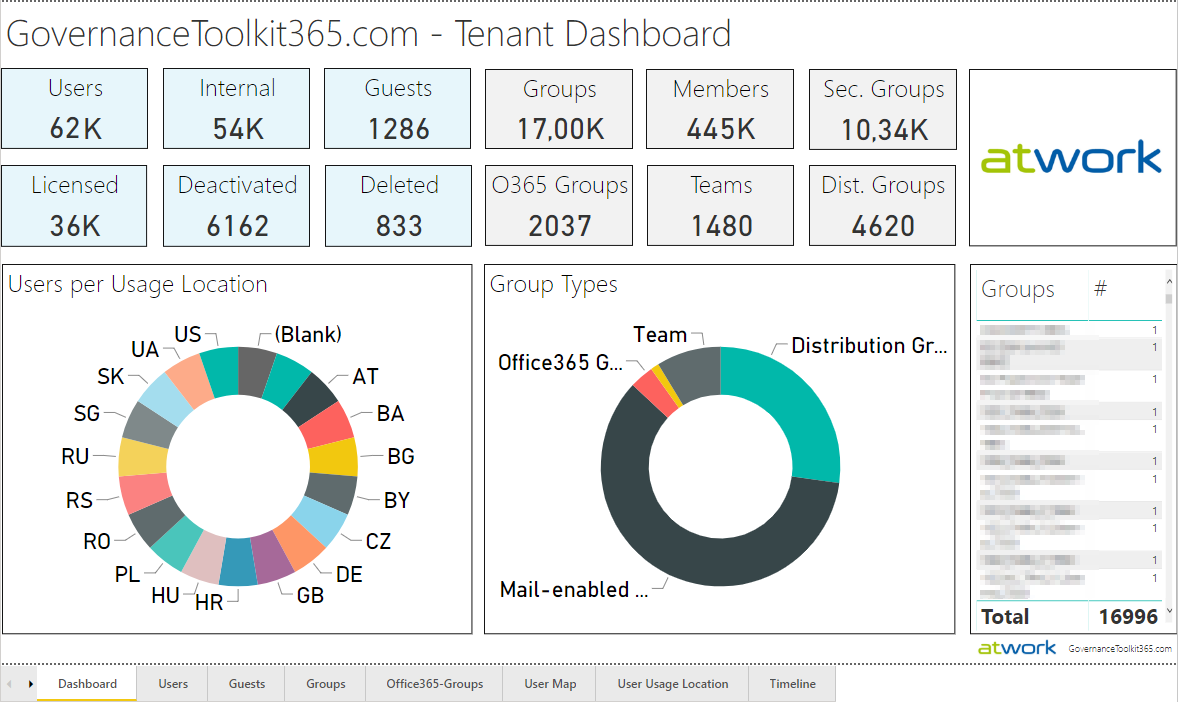
The Governance Toolkit 365 (GT365) is a software-as-a-service solution that offers insights into a Microsoft 365 tenant and is part of the Microsoft Applied Cloud Stories initiative (#AppliedCloudStories). GT365 reads cloud data, stores the data and offers IT administrators monitoring and reporting functions to get a tenant overview at a glance, for example as a newsletter, in Power BI, as API or as a Bot that can be integrated in Microsoft Teams. The GT365 workloads are fully processed in Microsoft Azure using serverless computing. Here are some architectural insights on how to avoid throttling and how to use fan-out functions. ## The application ...

February 4, 2020 · 7 min · Toni Pohl
Check out Microsoft Graph PowerShell

Check out Microsoft Graph PowerShell

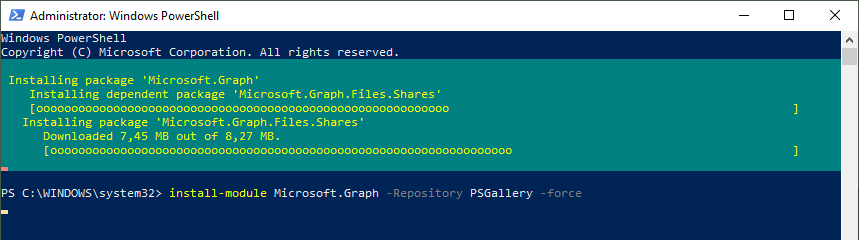
Microsoft Graph PowerShell module made it to the PowerShell Gallery! So, now you can try it out on your computer by simply running the Install-Module Microsoft.Graph.Authentication command. See more here. Microsoft Graph is the key to Microsoft 365 system. This OData interface allows to get and modify data of objects such as users, groups, their data and the tenant. Find out more at aka.ms/graph. Announced at the last Microsoft Ignite conference, admins can now use the Microsoft Graph PowerShell module directly from the PowerShell Gallery. See more details at Microsoft Graph PowerShell SDK (Preview) on GitHub. So let´s start our quick overview. ...

January 23, 2020 · 3 min · Toni Pohl
How to setup the MFA App Authenticator app on a new device for a specific Azure AD

How to setup the MFA App Authenticator app on a new device for a specific Azure AD

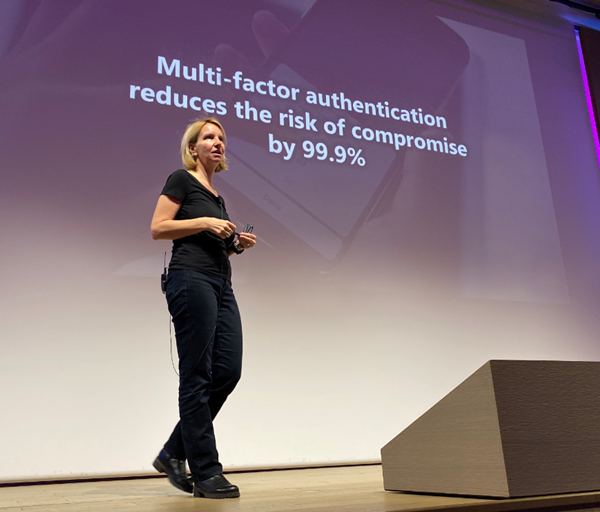
Multi Factor Authentication (MFA) reduces the risk of compromise by 99.9%. Therefore, it is a good idea to use it for every user in an organization. This article provides step-by-step instructions for setting up MFA with the Microsoft Authenticator app on a smartphone. If you have MFA enabled and you switch to a new device, follow the steps here. My colleague Martina Grom (@magrom) points out the importance of using MFA at every security session, as here at Modern Workplace Conference Paris 2019 last December. Thanks for your support to write this article, Martina. ...

January 6, 2020 · 3 min · Toni Pohl
Check out AI Labs Sketch2Code

Check out AI Labs Sketch2Code

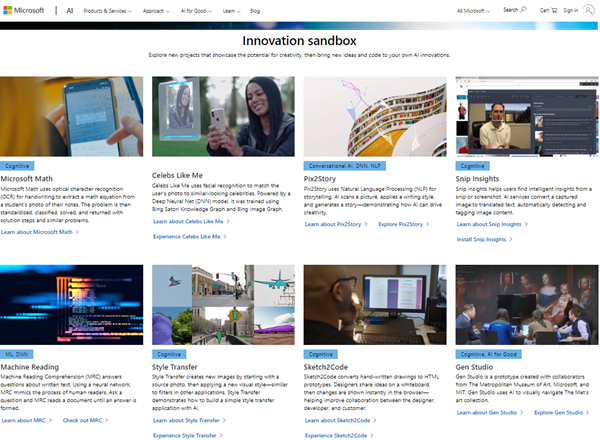
Microsoft AI Labs has some nice projects to try out on their website. One is the Sketch2Code project. “Sketch2Code uses AI to convert hand-written drawings to working HTML prototypes.” Let´s try it out! The Microsoft AI Lab projects website shows a bunch of interesting projects. Some of them are probably known, others are worth to explore. The Sketch2Code website informs about the project: Transform any hands-drawn design into a HTML code with AI. Kindly, there´s also a lab that demonstrates how to use Azure Custom Vision to create an application that is capable of transforming a hand-drawn user interface into valid HTML markup available at Sketch2Code Lab! ...

January 2, 2020 · 2 min · Toni Pohl
Check out the cool Azure Advent Calendar 2019

Check out the cool Azure Advent Calendar 2019

Welcome to the Advent season 2019! An initiative of Microsoft Azure MVP´s created an Azure Advent Calendar for 25 days on YouTube to learn Azure. Check it out! See the videos at Azure Advent Calendar: “The one and only Azure advent calendar. Join us on the count down to Christmas with some amazing Azure content. Let’s use December to learn Azure!” The Azure Advent Calendar was an idea by UK-based Microsoft Azure MVPs Richard Hooper and Gregor Suttie. A bunch of Azure community members contribute to that cool initiative. Watch the videos and get 25 days of great content covering cool topics in Microsoft Azure. Every day there will be 3 videos with a blog article posted, this makes 75 short Azure topics and videos in total. Cool stuff! ...

December 1, 2019 · 1 min · Toni Pohl
Participate in 25 Days of Serverless challenges

Participate in 25 Days of Serverless challenges

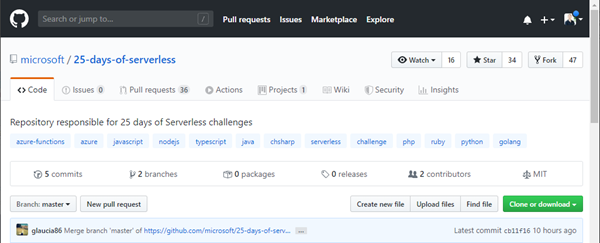
In addition to the Azure Advent Calendar 2019 and many other offers, there are more ways to learn Azure and coding microservices: Check out 25daysofserverless.com! Open 25daysofserverless.com and 25 days of serverless on GitHub and join the challenge! “There is no better way to learn a new technology than with gamification. And we’re here to help you learn Serverless once and for all with 25 daily challenges: 25 days of Serverless! Come join!” ...

December 1, 2019 · 1 min · Toni Pohl
Global Office Developer Bootcamp Vienna 2019

Global Office Developer Bootcamp Vienna 2019

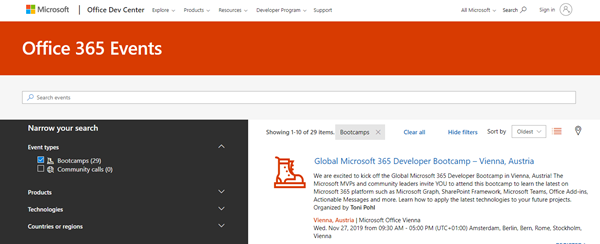
As announced, this Wednesday, on November 27th, 2019, the Global Office Developer Bootcamp took place at the Microsoft office in Vienna, Austria. See some event reflections here. The world wide Global Office Developer Bootcamps 2019 (aka.ms/M365DevBootcamp) are following the success of the Developer Bootcamps 2018 held in 41 countries with over 3,400 attendees and it is now back for its 3rd year. The Bootcamps happen between October 1 to December 15, 2019. The idea is to share the latest and greatest technologies and products (Microsoft Graph, SharePoint Framework, Microsoft Teams, Office Add-ins, Connectors and Actionable Messages, Adaptive Card, Windows, Identity and more) on the Microsoft 365 platform. It was the first time we had the event in Austria. ...

November 28, 2019 · 2 min · Toni Pohl
See updates to the Azure Platform in the Azure Heat Map

See updates to the Azure Platform in the Azure Heat Map

Here´s a quick tip from Mark Russinovich: Azure users, check out all updates to Azure services on the Azure heat map website. The Azure heat map at azurecharts.com shows the Azure Updates data for last 6 months visualized, constantly updated. To see the health of Azure services, check out status.azure.com/status. Enjoy working with Microsoft Azure!

November 24, 2019 · 1 min · Toni Pohl