Instantly install your essential software with Chocolatey
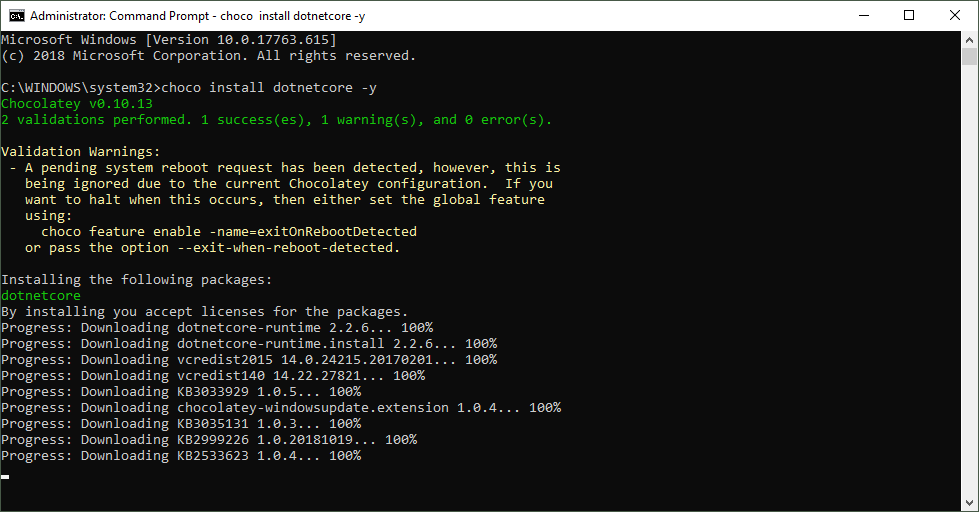
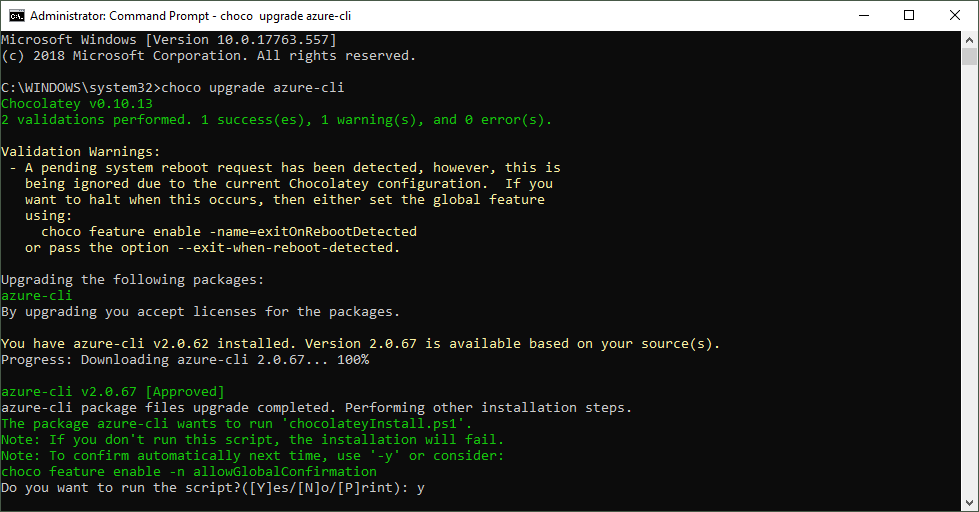
When installing a new computer, it takes some time to download and install the essential software. This is what Chocolatey is for. Chocolatey is a cost free package manager for Windows using NuGet infrastructure and PowerShell to quickly installing applications and tools that you need. I am using choco since a long time, now I wanted to show my current packaged software for my new computer. See the script here. About and Prerequisites Partly taken from About Chocolatey: Chocolatey CLI aka choco (or choco.exe) is a client that provides the core of Chocolatey and the installation store for locally installed packages. You need to have Windows 7+ or/ Windows Server 2003+ as Operating System and PowerShell v2+ (not PowerShell Core yet though) and the .NET Framework 4+ installed. Just to mention, the installation will attempt to install .NET 4.0 if you do not have it installed, see choco installation and Getting Started. Besides the client, there also exists a Chocolatey GUI and Chocolatey Agent (aka chocolatey-agent) for central administration. ...