Get the Microsoft Graph g-raph stickers

Get the Microsoft Graph g-raph stickers

If you are a Microsoft 365 developer, you will be working with the Microsoft Graph to access data in the cloud. Of course, every product needs a mascot. So, the Microsoft Graph team created their own mascot: Welcome, Microsoft Graph g-raph (giraffe). Get the artwork for the Microsoft Graph g-raph here! For me, the g-raph is a very cute and perfect visualization of “connecting the dots” within the Microsoft 365 services with Microsoft Graph technology. ...

May 16, 2019 · 1 min · Toni Pohl

Project Zuordnungseinheiten neu berechnen - Recalculate Assignment Units

Deutsch Im Artikel Zuordnungseinheiten in Project ab Version 2010 ist beschrieben, weshalb die Anzeige der Zuordnungseinheiten bei der Änderung von Dauer oder Arbeit ab Project 2010 nicht aktualisiert wird. Rod Gill aus Australien hat dazu ein Makro zur Verfügung gestellt, mit dem die Neuberechnung der Zuordnungseinheiten erfolgen kann: Reset Assignment Units. In Europa verwenden wir jedoch andere Regionaleinstellungen, daher finden Sie hier eine modifizierte Version. In Makros implementieren / Implement Macros wird beschrieben, wie ein Makro in Project übernommen werden kann.Mehr Beispielmakros sind unter VBA zu finden. ...

May 15, 2019 · 4 min · Barbara Henhapl
Project Makros implementieren - Implement Macros

Project Makros implementieren - Implement Macros

Deutsch In Foren wird häufig nach Automatisierungen gefragt, die mit Makros umgesetzt werden können. In diesem Artikel wird beschrieben, wie diese Makros in ein Projekt, auf den eigenen Rechner oder in Project Online / Project Server übernommen werden können. In künftigen Artikeln folgen dann Makros, die häufig im Einsatz sind. Verfügbare Makros sind unter VBA zu finden. Makro einfügen Um ein vorhandenes Makro in Project zu übernehmen, wird der Editor Microsoft Visual Basic for Applications benötigt. Starten Sie den Editor über Ansicht – Makros – Visual Basic oder drücken Sie die Taste F11. ...

May 12, 2019 · 5 min · Barbara Henhapl

MSBUILD 2019 News

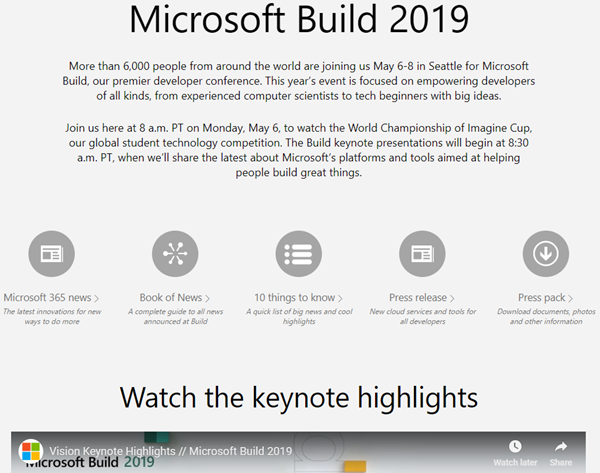
This week, from May 6-8, Microsoft BUILD conference is happening near Microsoft´s home in Seattle, WA. With about 6000 people from around the world, BUILD is Microsoft´s largest yearly developer conference. This year, we learned tons of news, and the best part is, you get the content for free and you can find a complete guide of all news announced at Build here. Find the highlights and the news at news.microsoft.com/build2019: ...

May 7, 2019 · 1 min · Toni Pohl

Groups Governance Toolkit-Working with group policies

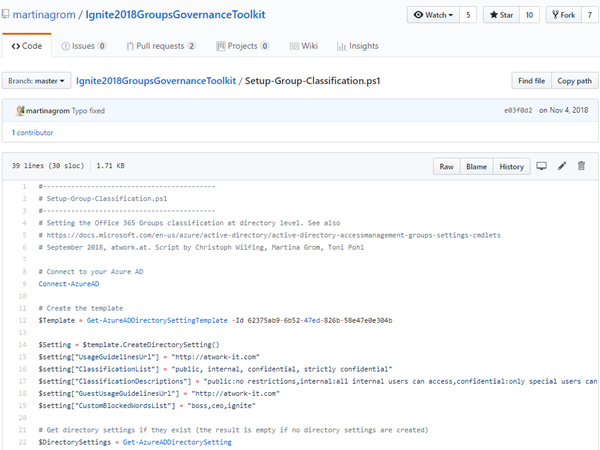
At Microsoft Ignite conference last September, we demoed an approach for a self-built Office 365 Groups Governance Toolkit. Since Microsoft 365 is an evergreen service and continues to evolve, today we have more group settings available and we extend our provisioning function to work with group naming policies as well. See here how this can be accomplished by including new Graph requests. Foreword You can find the previous articles of our governance story at Provisioning an Office 365 group with an approval flow and Azure functions-part 1, part 2, part 3, part 4, part 5 and part 6 and the source code at martinagrom/Ignite2018GroupsGovernanceToolkit. ...

May 2, 2019 · 6 min · Martina Grom
How to add custom user properties to Delve and SharePoint

How to add custom user properties to Delve and SharePoint

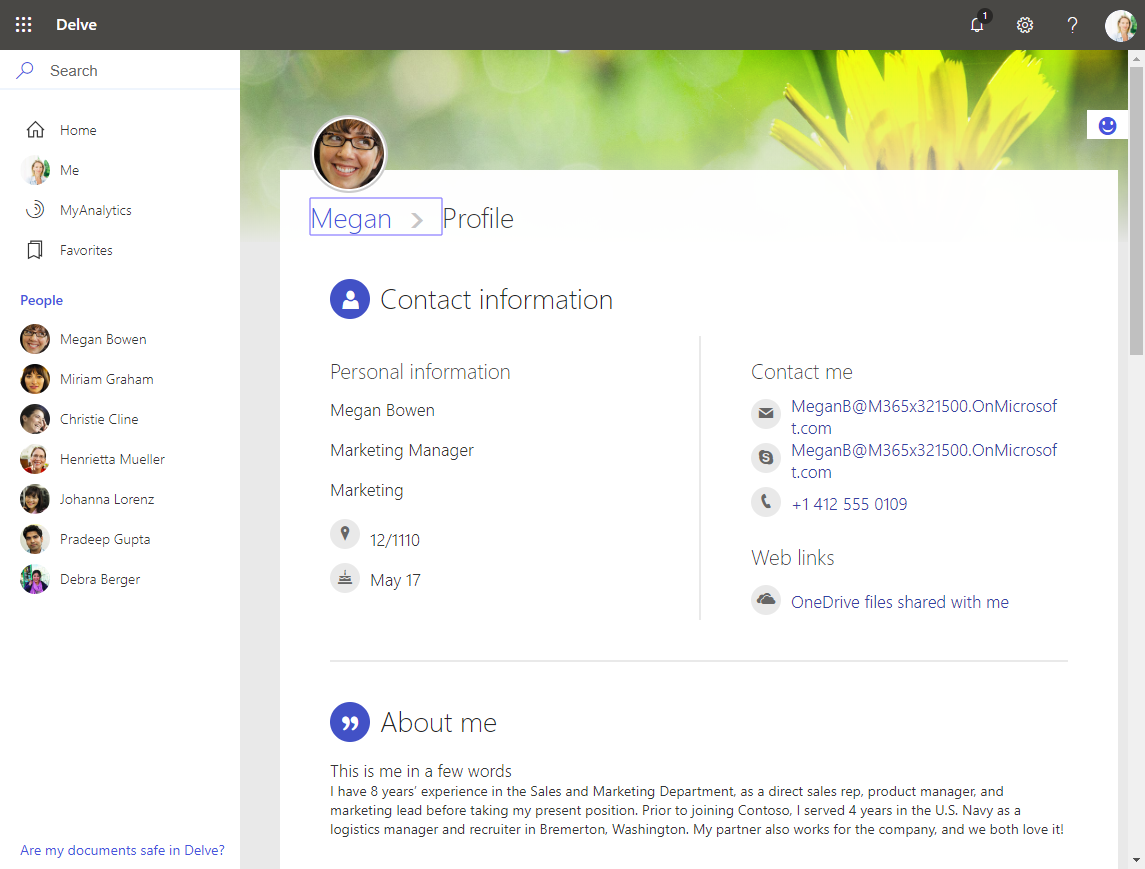
The Delve App allows to discover company and user data across Office 365. Unfortunately, while the app is very helpful, it can not be customized. Well, but we can easily add additional user information, such as personal data, a cost center, additional contact data or hyperlinks, etc. See how this works here. The default Delve experience When opening the Delve app and a user profile, this looks like in a demo tenant here: https://REGION.delve.office.com/?u=USERID&v=profiledetails ...

April 15, 2019 · 3 min · Martina Grom
Tips for PowerApps-6 tips for working with images

Tips for PowerApps-6 tips for working with images

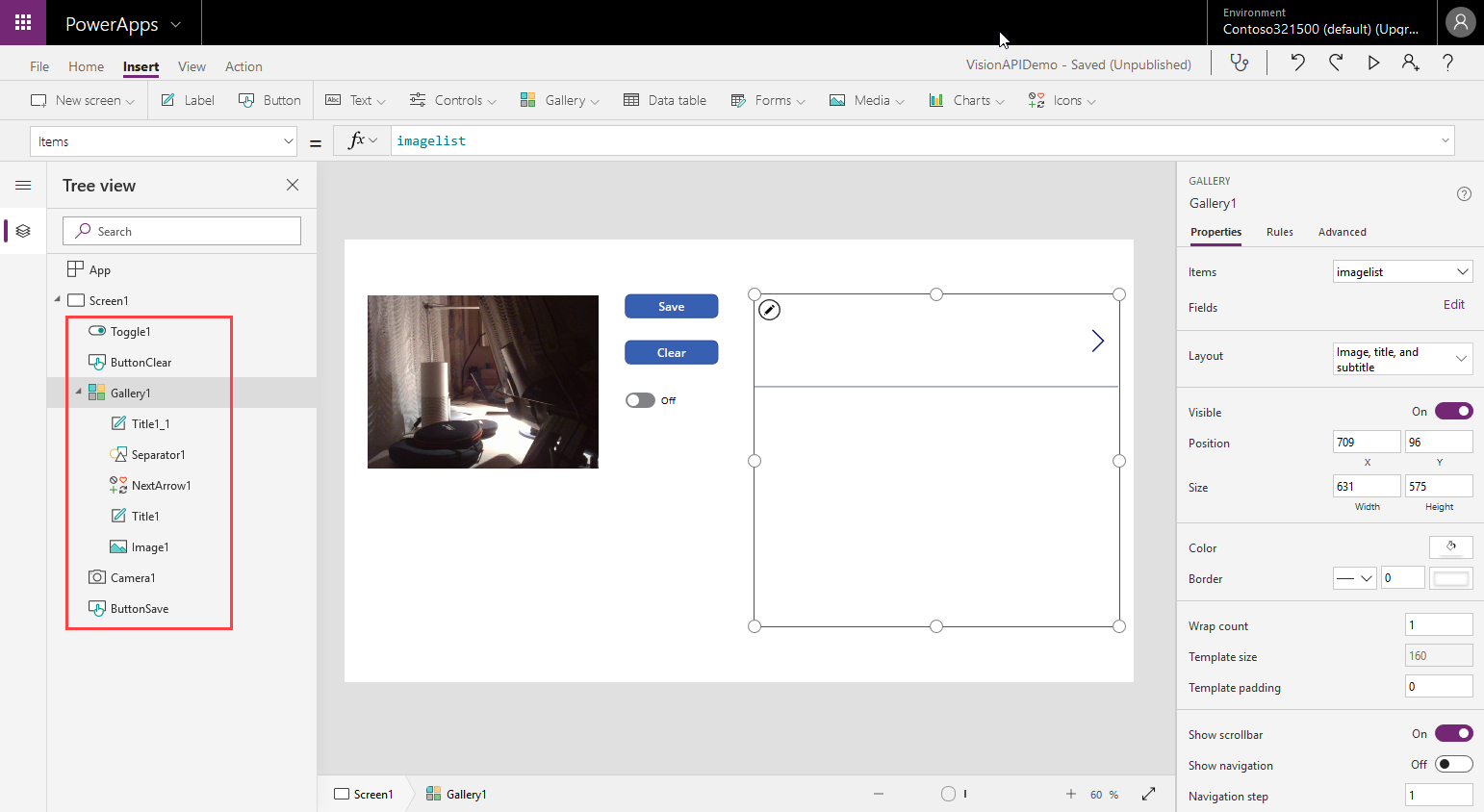
Since I use PowerApps only from time to time, I wanted to document some common actions, such as working with images and the camera control. So, here are my little notes in 6 tips. Well it´s Saturday evening, and I am listening to fancy music and playing with PowerApps (and Flow, Cognitive Services and Adaptive Cards). To not forget the following basics, I thought, it´s a good idea to document a quick intro for working with the Camera control and pictures in PowerApps. ...

April 14, 2019 · 6 min · Toni Pohl

Microsoft Edge preview with Chromium Testdrive

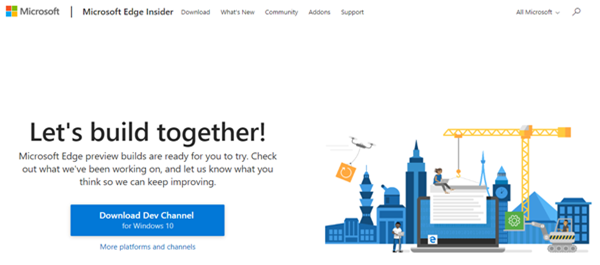
End of last year, Microsoft announced to integrate the Chromium open source project in the development of Microsoft Edge on the desktop to create better web compatibility. Well, here is Edge preview! That was quick. To try the new experience, download the preview from www.microsoftedgeinsider.com. Download, and install… the new “inspirational” look is pretty. I did start with “my data” which looks as here. Chromium also allows to integrate Chrome Plugins. ...

April 8, 2019 · 1 min · Toni Pohl

Free Book Inside Azure Management v3

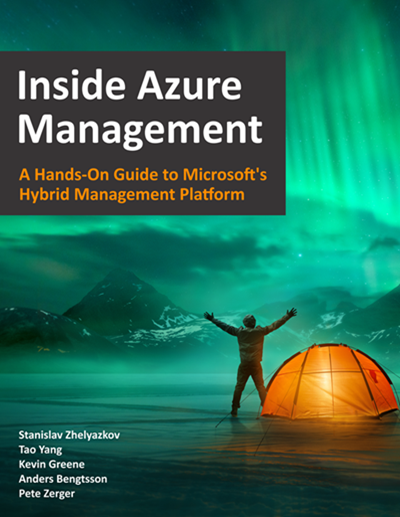
Are you interested or already working with Microsoft Azure? Download the freshest and latest version of the free e-book “Inside Azure Management v3”. This preview release of “Inside Azure Management” is now available with more than 500 pages in 16 chapters covering topics like implementing solutions, containers, migrating workloads, hybrid, automation, backup, costs, governance, monitoring and alerting, analytics, and more. Check it out! The e-book already has about 30.000 downloads and is written by Microsoft MVP´s. “Inside Azure Management” can be downloaded at Free Book: Inside Azure Management v3. ...

March 30, 2019 · 1 min · Martina Grom
Tips for PowerApps-Working Offline with PowerApps

Tips for PowerApps-Working Offline with PowerApps

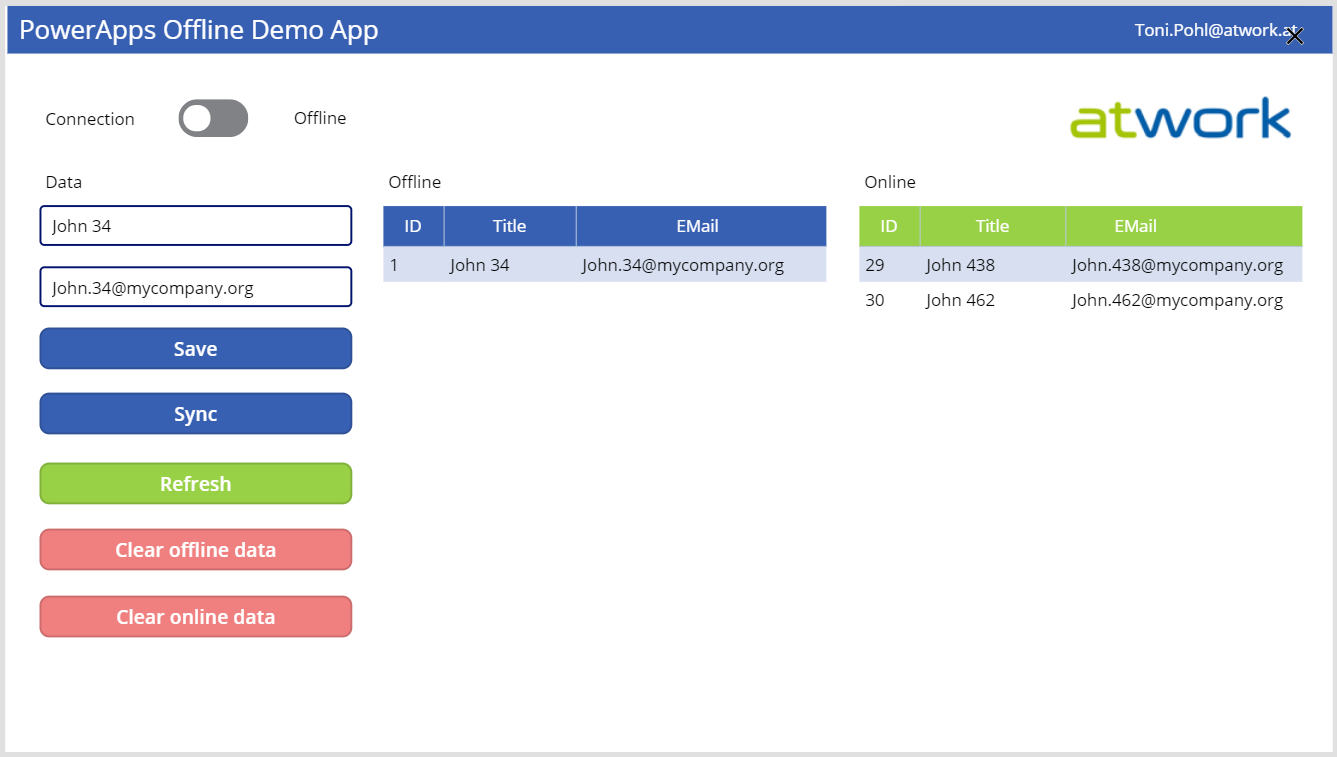
PowerApps provide a good solution for small apps. They run on a device and connect to an online data source. But what happens if no data connection is available, for instance in a building? Well, you can develop a PowerApp that works offline and synchronizes local data to the data source when you’re back online. See how this works here! A basic demo app To show the basic functionality, I developed the following, colorful demo PowerApp. The app consists of one screen in tablet mode including a connection toggle control, two input fields for a name and an email address, two data tables and some buttons. The goal is to read and write data in offline and online mode. ...

March 29, 2019 · 5 min · Toni Pohl