Azure offers a great platform for multiple types of apps and services, Web Apps are one of the PaaS service, we are using much. In some scenarios, it makes sense to host a static website on Azure, but to restrict access just for authenticated users. Well, AAD can help you with that by demanding a successful login with an Office 365 account. See how this works here.
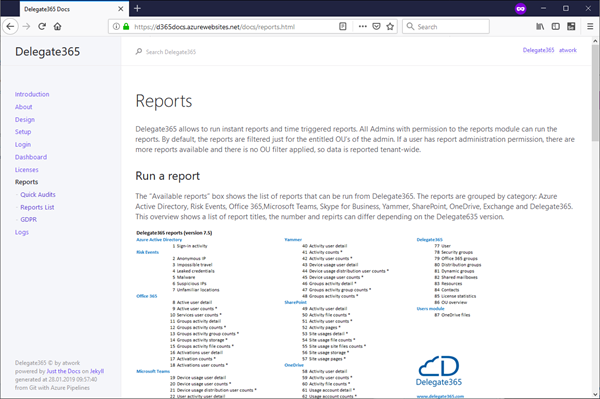
My sample static website My sample works with an Azure DevOps task that automatically generates a HTML website from a source control repository, processes the web with Jekyll in a container and saves the generated HTML artifacts to an Azure website. So, I picked a Jekyll Theme and started a documentation with Markdown files in Visual Studio Code. Then, I push the changes to my Azure DevOps repository and the build process generates the web in Azure. (That’s material for another article sometime.) Anyway, in the end there exists a static HTML website in an Azure web app that can be accessed with the https://[website].azurewebsites.net/ address.
...