Want to remove the Feedback button from SharePoint Online?

Want to remove the Feedback button from SharePoint Online?

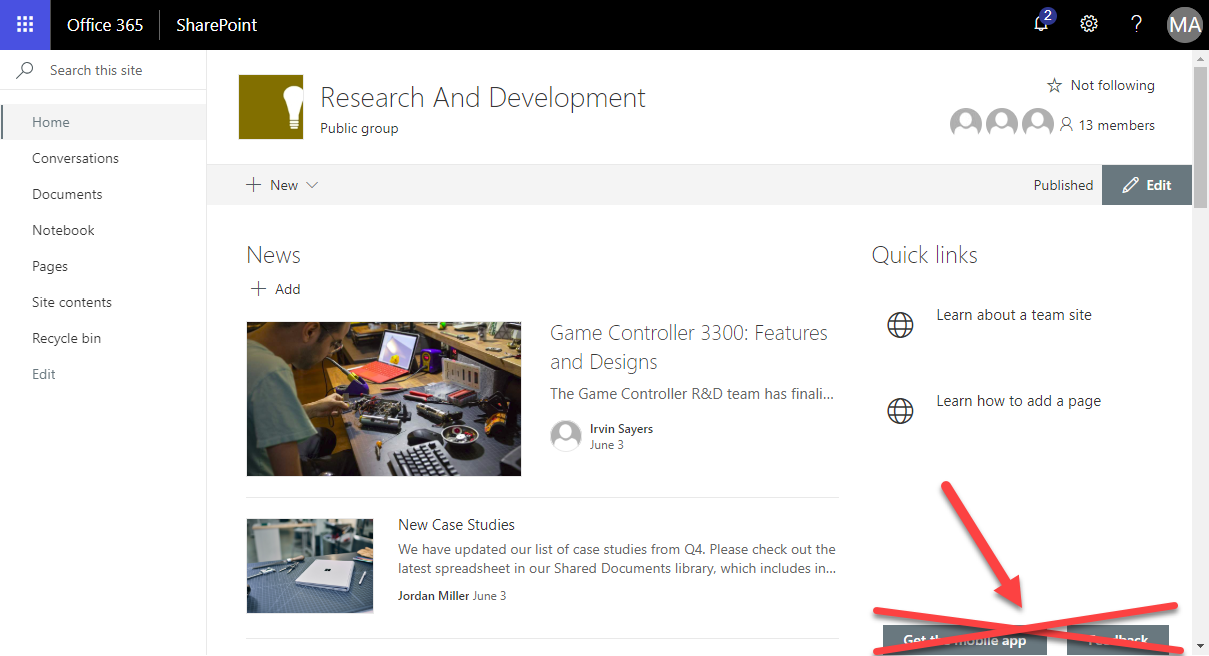
Modern SharePoint Sites come with two Microsoft buttons on the bottom of each SharePoint page: “Get the mobile app” and “Feedback”. Want to remove them from your SharePoint sites? Well, then we have an easy to use solution ready for you. Since the modern communications sites in SharePoint no longer offer any customizations with CSS or Javascript, an app solution is required here. We at atwork have developed such a small app that removes the default Microsoft buttons “Get the mobile app” and “Feedback”. The solution is not free, but we offer to purchase it from us. The package comes with the app and a short description how to deploy it. ...
August 24, 2018 · 1 min · Toni Pohl
Working with the Azure Logic Apps Tools for Visual Studio

Working with the Azure Logic Apps Tools for Visual Studio

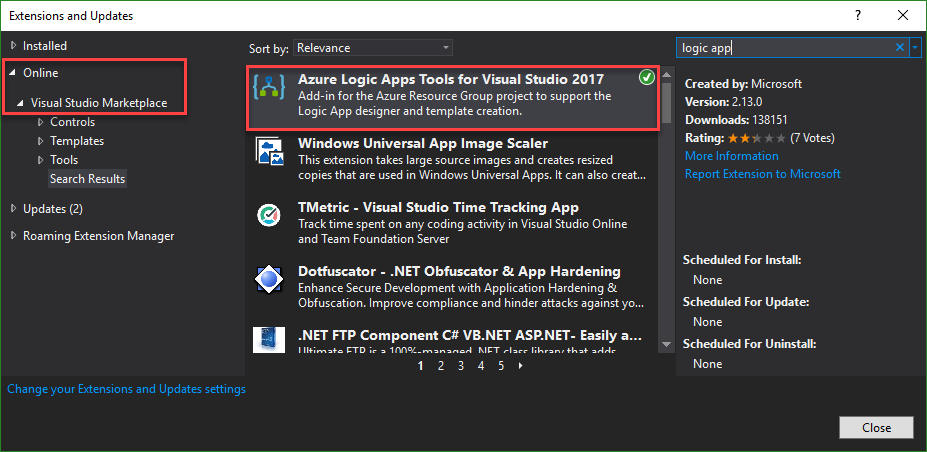
I like Azure LogicApps, they are really useful and easy to “develop” (see the latest features here). To use Visual Studio as designer environment, you can integrate the Azure Logic Apps Tools for Visual Studio easily. See how to work with that extension here. The fastest way is to install the Azure Logic Apps Tools in the menu Tools / Extensions and Updates… Search for “logic app” and install this extension. ...

August 19, 2018 · 2 min · Toni Pohl
Can you use nested Logic Apps in Azure?

Can you use nested Logic Apps in Azure?

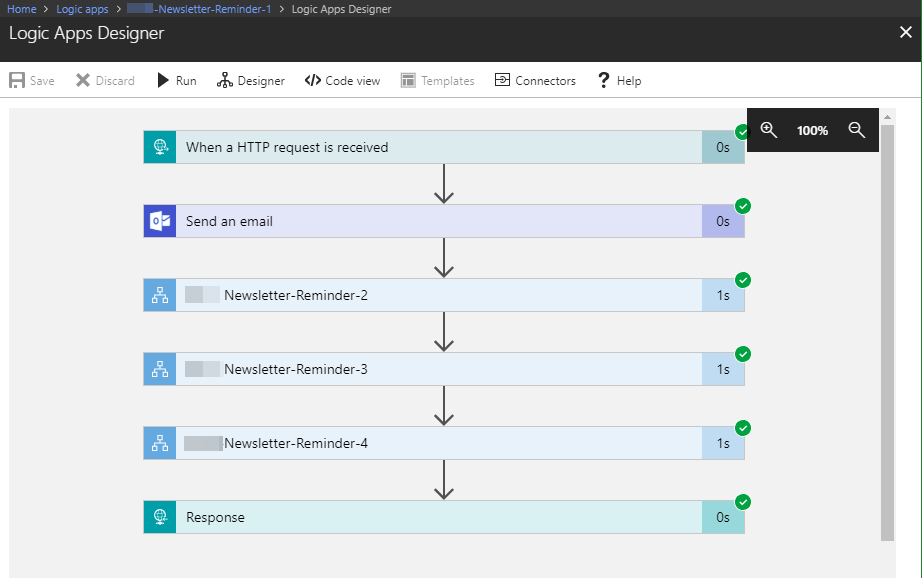
Workflows really help to standardize and to solve business processes. This can be done with Microsoft Flow in Office 365 or with Logic Apps in Azure (which is the same engine). Often, I see questions, if it is possible to call an Azure Logic App from another Logic App. Does his work? Well, see this quick sample. In workflows, it’s usually a clever idea to simplify steps as much as possible. So, each step could be implemented as one independent Logic App. ...

June 25, 2018 · 2 min · Martina Grom
This was Insider Dev Tour Vienna

This was Insider Dev Tour Vienna

Yesterday, on June 20th, the Insider Dev Tour (see insiderdevtour.com) took place in our home town Vienna. It’s a roadshow for software developers in the Microsoft universe delivering the latest news about Windows, Azure, Office, Graph, AI technology and more. I enjoyed being part of the event along with my fellow MVP colleagues and the Windows Development community. The content was more or less pre-defined and included demos and code-focused overviews of the new developer technologies coming out of Redmond. The topics included building native Win32/XAML apps and Progressive Web Apps, how to connect with new ecosystems using the Microsoft Graph and Windows Timeline (my session), how to add AI (Artificial Intelligence) into your projects, and how to bring your experiences into the next dimension through Mixed Reality and more. ...

June 21, 2018 · 3 min · Toni Pohl

Check out the free eBook Developers Guide to Building AI Applications

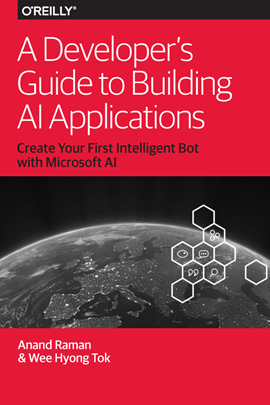
Microsoft provides a bunch of cloud services, tools, and resources that provide tools for developing an intelligent Bot service. To get started, check out the free “Developer’s Guide to Building AI Applications” eBook and download it here! Azure Bot Service provides tools to build, test, deploy, and manage intelligent bots all in one place. The free eBook by Anand Raman and Wee Hyong Tok can be downloaded from Download the Developer’s Guide to Building AI Applications after providing your name and email address in the short form on the web page. Afterwards, you can download the Developer’s AI Guide. The book was published by O’Reilly and is available in PDF format. ...

June 10, 2018 · 2 min · Martina Grom
Download Microsoft BUILD 2018 conference sessions

Download Microsoft BUILD 2018 conference sessions

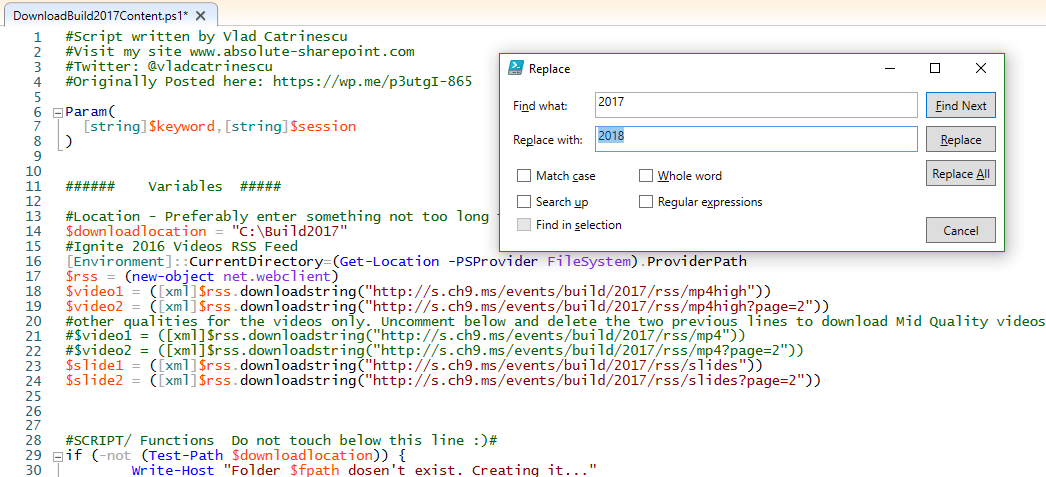
Microsoft BUILD conference 2018 took place two weeks ago in Seattle with over 350 sessions covering Azure, Visual Studios, Microsoft 365, and more. Although you can watch the sessions online at mybuild.microsoft.com/sessions, sometimes it’s helpful to have them downloaded. You can do so with the following PowerShell script. Our colleague Vlad Catrinescu has published a BUILD 2017 sessions downloader at The Ultimate Script to download Microsoft Build 2017 Videos AND slides! or for downloading directly at TechNet Gallery. Thankfully, this script works if you replace “2017” with “2018”… ...

May 22, 2018 · 1 min · Toni Pohl

Impressions of the Global Azure Bootcamp 2018 in Linz

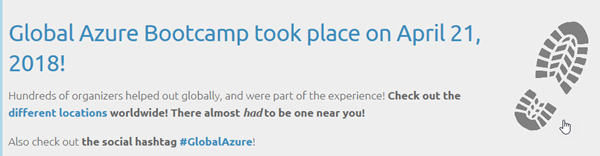
On April 21st, this year’s Global Azure Bootcamp took place in 244 locations in 68 countries. We were happy to follow the invitation of coding-club-linz who – as in the last years - organized the community event perfectly in Linz in Austria. With 5 tracks and about 200 attendees the #GlobalAzure event in Linz was a full success – thx to the organizers, speakers, community members and all helping hands! The world wide community event (global.azurebootcamp.net) is a cost free, one-day technical learning events for Microsoft Azure, organized by leaders from the global cloud developer community, see also #GlobalAzure Bootcamp 2018 and Sunday Surprise: Global Azure Bootcamp 2018. We were part of GAB in 2017 as well, see Global Azure Bootcamp 2017 Austria. This year, from our Vienna Azure Meetup Group, Martina Grom, Christoph Wilfing, Christoph Wille and I, Toni Pohl, joined the GAB2018 event. ...

May 6, 2018 · 1 min · Toni Pohl
Get data from SQL Server for GDPR and more

Get data from SQL Server for GDPR and more

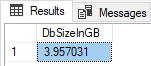
Getting ready for GDPR? Well, often data is stored in relational databases as in SQL Server – in the cloud or on premises. If you need to report what relevant data is stored in such a SQL database, the following scripts can help. Often, a data processing document is needed between the data controller (often the customer) and the data processor (the IT department or a vendor). So, how to get data for a review? Here we go with a little bit of TSQL and SQL Server Management Studio (SSMS) or SQL Operations Studio. Connect to the corresponding database and try the following commands. ...

April 20, 2018 · 2 min · Toni Pohl
Looking for Microsoft SQL Server Configuration Manager?

Looking for Microsoft SQL Server Configuration Manager?

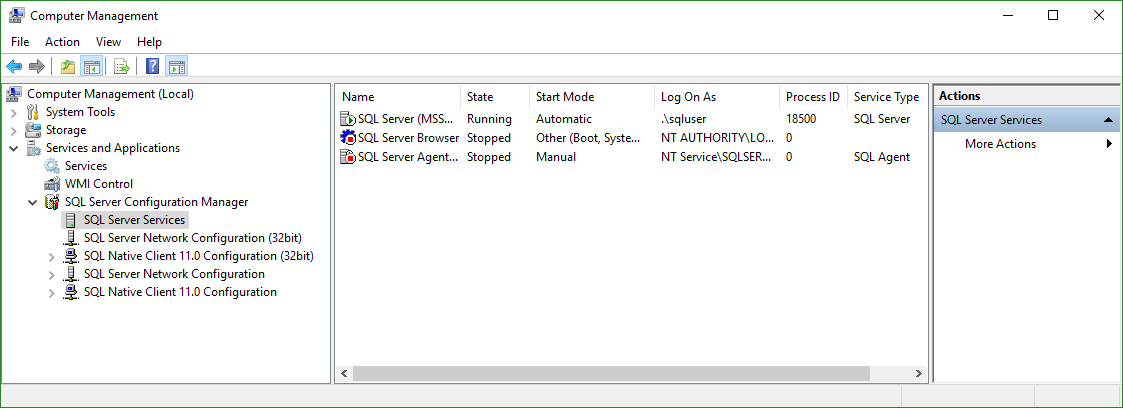
In former versions of Microsoft SQL Server, the SQL Server Configuration Manager was an extra app for configuring the SQL Server services. Since this is gone since some versions, we often get the question where to find the configuration tool nowadays with the modern versions of SQL Server… Well, the answer is simple: For SQL Server version equals SQL Server 2016 (13.x) or higher, open the Computer Management (Ctrl + X and click “Computer Management” or run* %SystemRoot%\system32\compmgmt.msc /s *). In here, you find the “SQL Server Configuration Manager” where you can configure your local services with the snap-in(s). ...

April 19, 2018 · 1 min · Toni Pohl
Use Visual Studio Code and the REST Client extension for testing HTTP Requests

Use Visual Studio Code and the REST Client extension for testing HTTP Requests

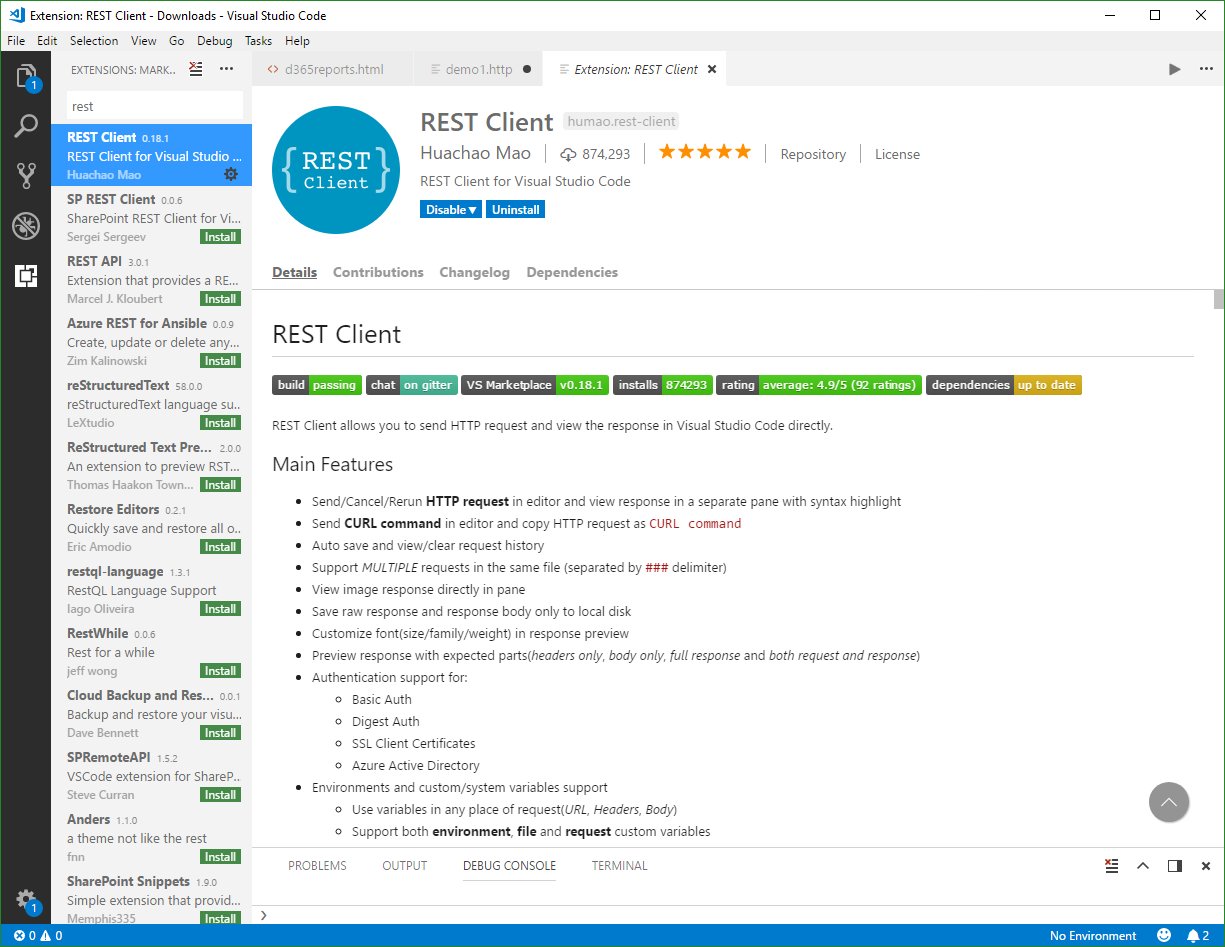
Are you using tools as Telerik Fiddler or Postman for testing HTTP Requests? Well, if you are already working with Visual Studio Code, try out the cool REST Client extension! My colleague Christoph showed me this cool extension for executing HTTP requests directly from VS Code quickly. Simply install the REST Client extension: Press F1, type ext install then search for rest-client as shown in the following screenshot. (Check out the useful Run Code from Visual Studio Code extension as well…) ...

April 15, 2018 · 2 min · Toni Pohl