Delegate365 PowerShell

Delegate365 PowerShell

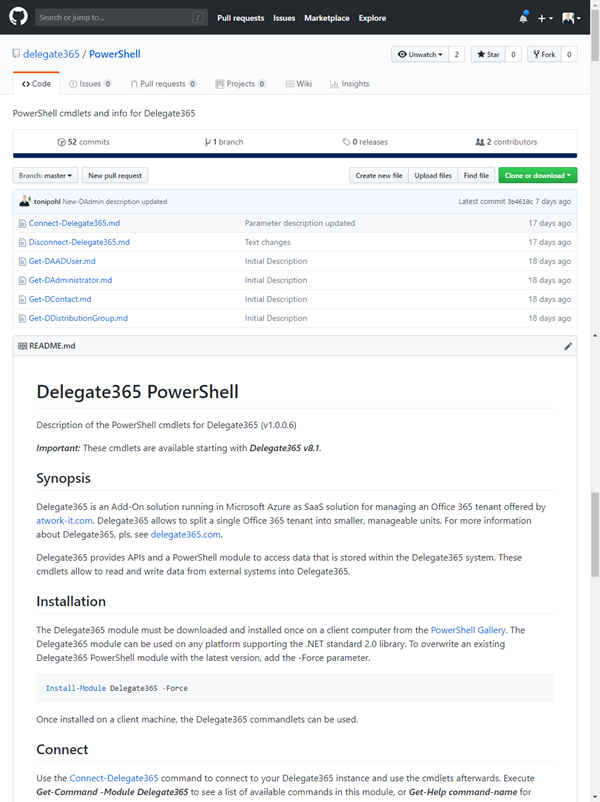
As announced in Delegate365 changelog version 8.1-Many new features, this version brings PowerShell support for administrators. All Delegate365 admins can use the PowerShell module if the access is granted by Portal Admins. See the How-To here. Note that for using the Delegate365 PowerShell module, Delegate365 version 8.1 (or higher) is required. The version number can be found in the status line at the end of the page in the Delegate365 portal, see the screenshot below. ...
November 7, 2018 · 5 min · Toni Pohl
See you at Thrive Conference 2018

See you at Thrive Conference 2018

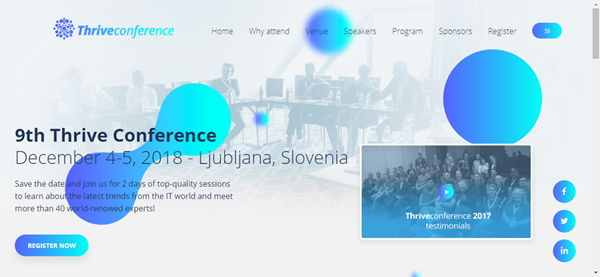
This December, the 9th Thrive Conference will take place in beautiful Slovenia. Thrive conference impresses with great content and well-known speakers in the middle of central Europe, this year in Slovenia’s capital Ljubljana from December 4th to 5th, 2018. See the conference details at www.thriveconf.com. There will be a bunch (60+) of cool sessions separated in the tracks CxO, SharePoint Development, SharePoint Pro, End User, Cloud and Development held in English. As speakers, there will be international world-class experts as Vesa Juvonen, Mike Fitzmaurice, Erwin van Hunen, Adis Jugo, Joel Oleson. Aleksandar Draskovic, Zlatan Dzinic, Radi Atanassov, just to name a few. As in 2017, we are proud to be part of Thrive conference. ...

November 4, 2018 · 1 min · Toni Pohl
How to associate an Azure subscription owned by a MSA to your organizations AAD

How to associate an Azure subscription owned by a MSA to your organizations AAD

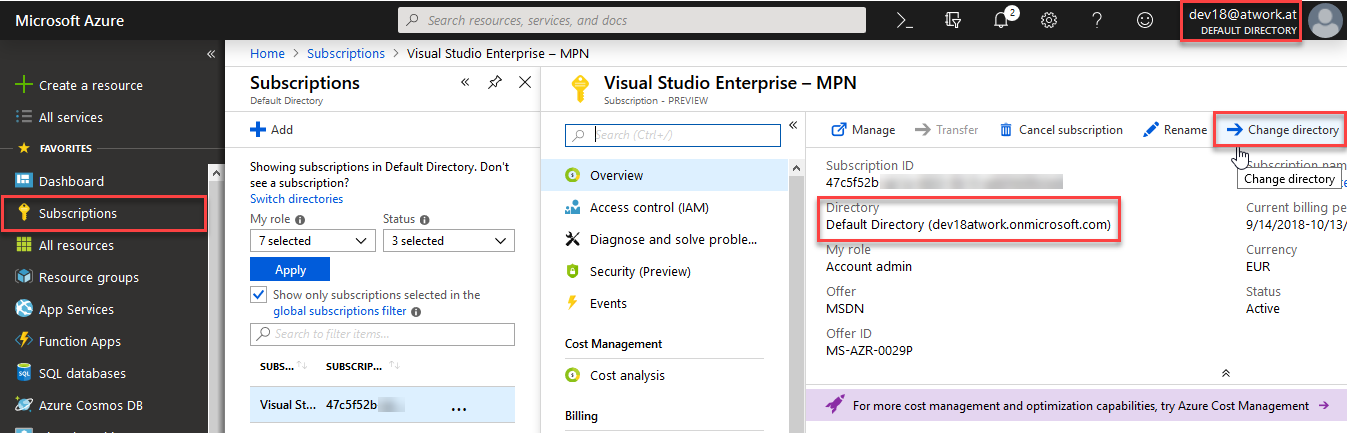
If you created new Azure subscriptions with a Microsoft Account (MSA), the subscription is managed with an own Azure Active Directory (AAD). This article shows how to integrate such an “external” Azure subscription into your organization’s AAD. Having Azure subscriptions owned by a MSA can have various reasons: Historically with older Azure subscriptions or if you are a member of the Microsoft Partner Network (MPN) which still works for MSDN subscriptions only for MSAs… (this is a different story and worth grey hair…). Anyway, if you have such a situation, see how this process works here. ...

September 14, 2018 · 3 min · Toni Pohl
Looking forward to Microsoft Ignite 2018

Looking forward to Microsoft Ignite 2018

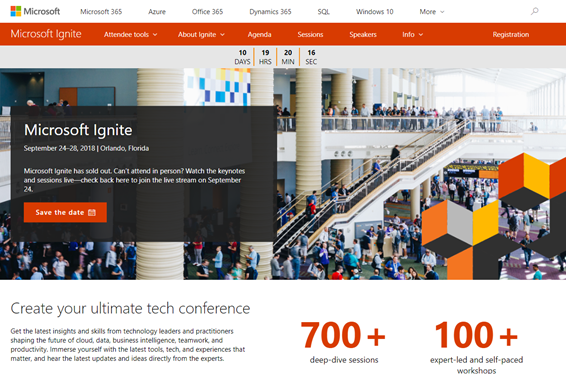
In a good week, Microsoft Ignite 2018 will start! Ignite is Microsoft’s largest yearly IT conference that will take place from September 24 - 28, 2018 in Orlando, Florida. Ignite will offer about 700+ sessions, insights and roadmaps from industry leaders, and deep dives and live demos on the products you use every day. We are looking forward to a full week to meet customers, partners and friends from all over the world. And we have prepared a bunch of great content we will deliver in our sessions! ...

September 13, 2018 · 5 min · Toni Pohl
Want to remove the Feedback button from SharePoint Online?

Want to remove the Feedback button from SharePoint Online?

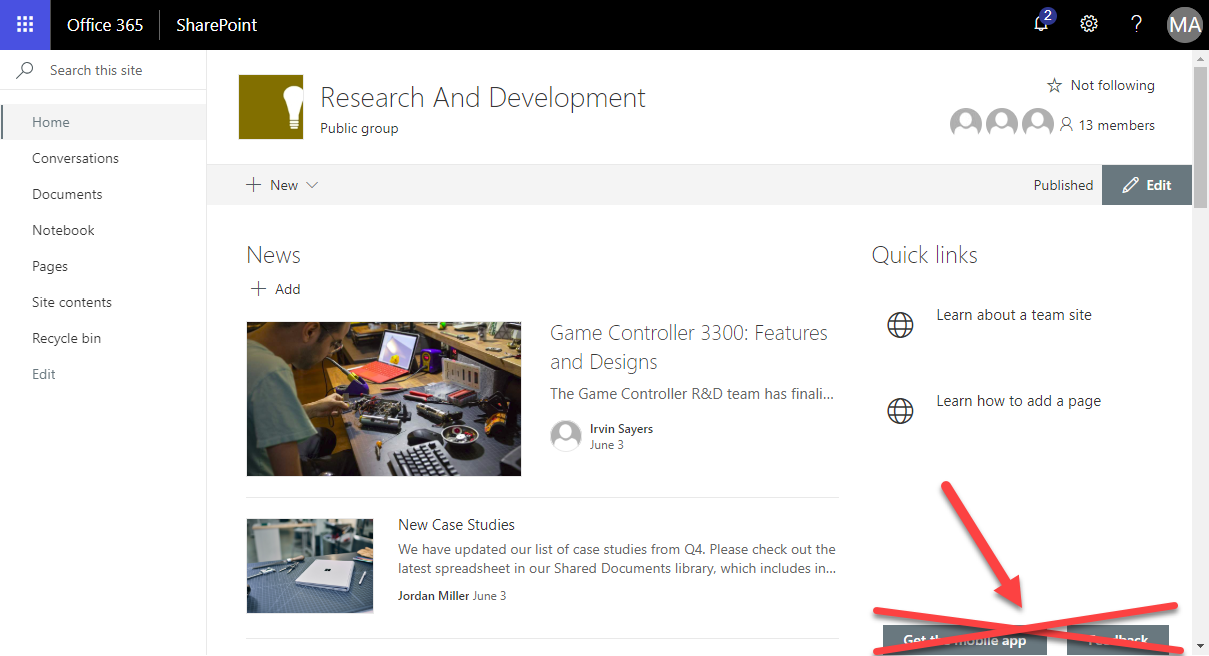
Modern SharePoint Sites come with two Microsoft buttons on the bottom of each SharePoint page: “Get the mobile app” and “Feedback”. Want to remove them from your SharePoint sites? Well, then we have an easy to use solution ready for you. Since the modern communications sites in SharePoint no longer offer any customizations with CSS or Javascript, an app solution is required here. We at atwork have developed such a small app that removes the default Microsoft buttons “Get the mobile app” and “Feedback”. The solution is not free, but we offer to purchase it from us. The package comes with the app and a short description how to deploy it. ...

August 24, 2018 · 1 min · Toni Pohl
Working with the Azure Logic Apps Tools for Visual Studio

Working with the Azure Logic Apps Tools for Visual Studio

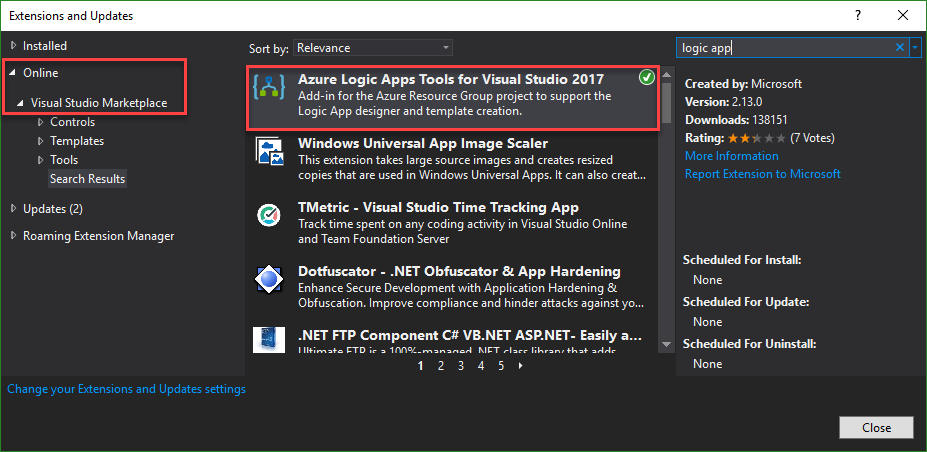
I like Azure LogicApps, they are really useful and easy to “develop” (see the latest features here). To use Visual Studio as designer environment, you can integrate the Azure Logic Apps Tools for Visual Studio easily. See how to work with that extension here. The fastest way is to install the Azure Logic Apps Tools in the menu Tools / Extensions and Updates… Search for “logic app” and install this extension. ...

August 19, 2018 · 2 min · Toni Pohl
Can you use nested Logic Apps in Azure?

Can you use nested Logic Apps in Azure?

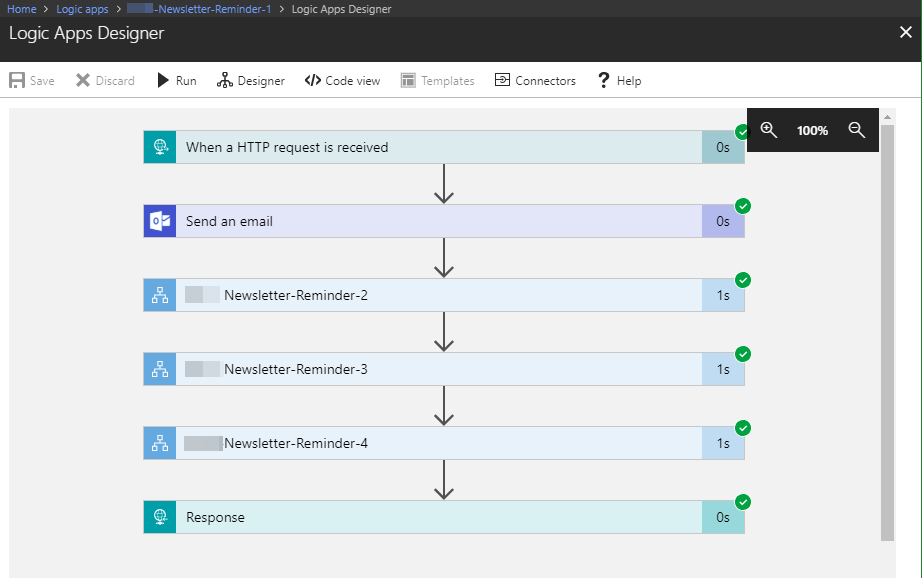
Workflows really help to standardize and to solve business processes. This can be done with Microsoft Flow in Office 365 or with Logic Apps in Azure (which is the same engine). Often, I see questions, if it is possible to call an Azure Logic App from another Logic App. Does his work? Well, see this quick sample. In workflows, it’s usually a clever idea to simplify steps as much as possible. So, each step could be implemented as one independent Logic App. ...

June 25, 2018 · 2 min · Martina Grom
This was Insider Dev Tour Vienna

This was Insider Dev Tour Vienna

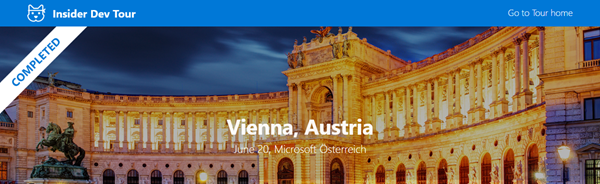
Yesterday, on June 20th, the Insider Dev Tour (see insiderdevtour.com) took place in our home town Vienna. It’s a roadshow for software developers in the Microsoft universe delivering the latest news about Windows, Azure, Office, Graph, AI technology and more. I enjoyed being part of the event along with my fellow MVP colleagues and the Windows Development community. The content was more or less pre-defined and included demos and code-focused overviews of the new developer technologies coming out of Redmond. The topics included building native Win32/XAML apps and Progressive Web Apps, how to connect with new ecosystems using the Microsoft Graph and Windows Timeline (my session), how to add AI (Artificial Intelligence) into your projects, and how to bring your experiences into the next dimension through Mixed Reality and more. ...

June 21, 2018 · 3 min · Toni Pohl
Check out the free eBook Developers Guide to Building AI Applications

Check out the free eBook Developers Guide to Building AI Applications

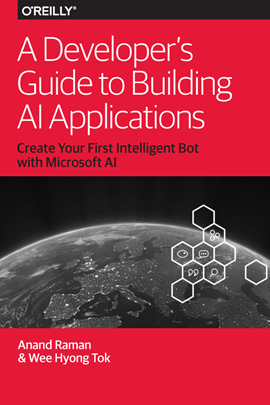
Microsoft provides a bunch of cloud services, tools, and resources that provide tools for developing an intelligent Bot service. To get started, check out the free “Developer’s Guide to Building AI Applications” eBook and download it here! Azure Bot Service provides tools to build, test, deploy, and manage intelligent bots all in one place. The free eBook by Anand Raman and Wee Hyong Tok can be downloaded from Download the Developer’s Guide to Building AI Applications after providing your name and email address in the short form on the web page. Afterwards, you can download the Developer’s AI Guide. The book was published by O’Reilly and is available in PDF format. ...

June 10, 2018 · 2 min · Martina Grom
Download Microsoft BUILD 2018 conference sessions

Download Microsoft BUILD 2018 conference sessions

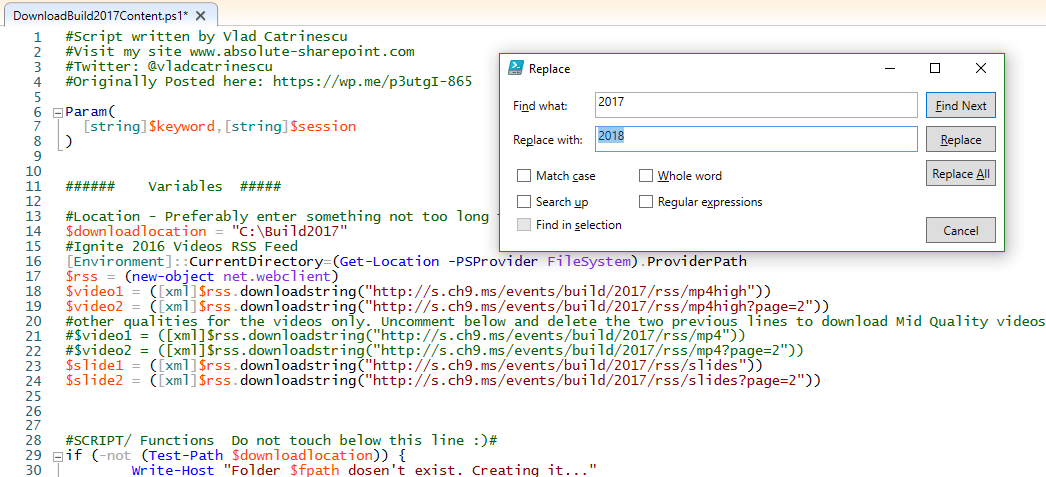
Microsoft BUILD conference 2018 took place two weeks ago in Seattle with over 350 sessions covering Azure, Visual Studios, Microsoft 365, and more. Although you can watch the sessions online at mybuild.microsoft.com/sessions, sometimes it’s helpful to have them downloaded. You can do so with the following PowerShell script. Our colleague Vlad Catrinescu has published a BUILD 2017 sessions downloader at The Ultimate Script to download Microsoft Build 2017 Videos AND slides! or for downloading directly at TechNet Gallery. Thankfully, this script works if you replace “2017” with “2018”… ...

May 22, 2018 · 1 min · Toni Pohl