Use Visual Studio Code and the Code Runner extension

Use Visual Studio Code and the Code Runner extension

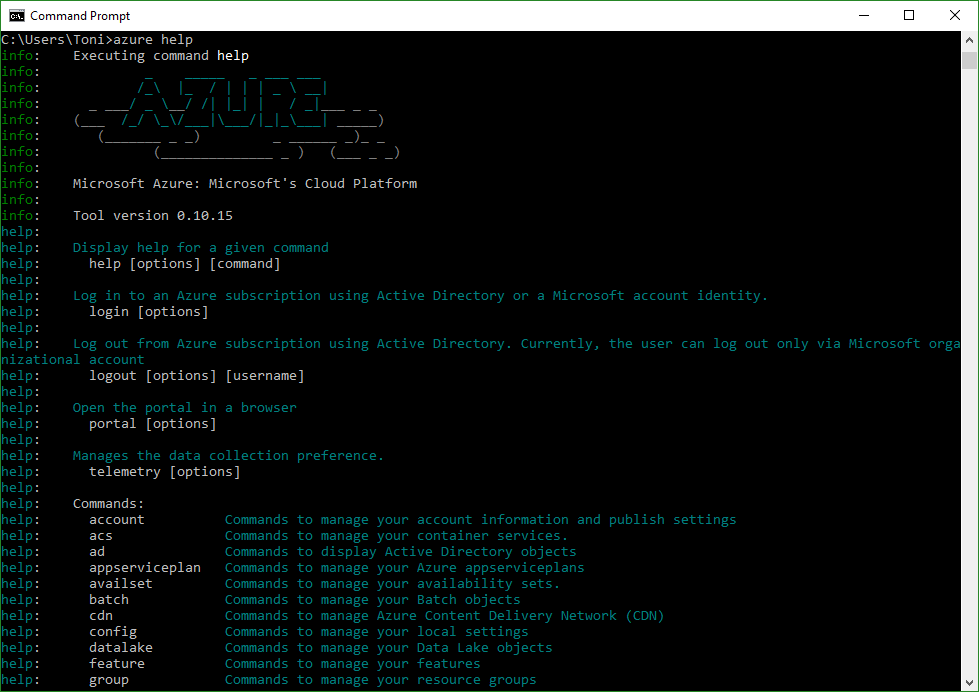
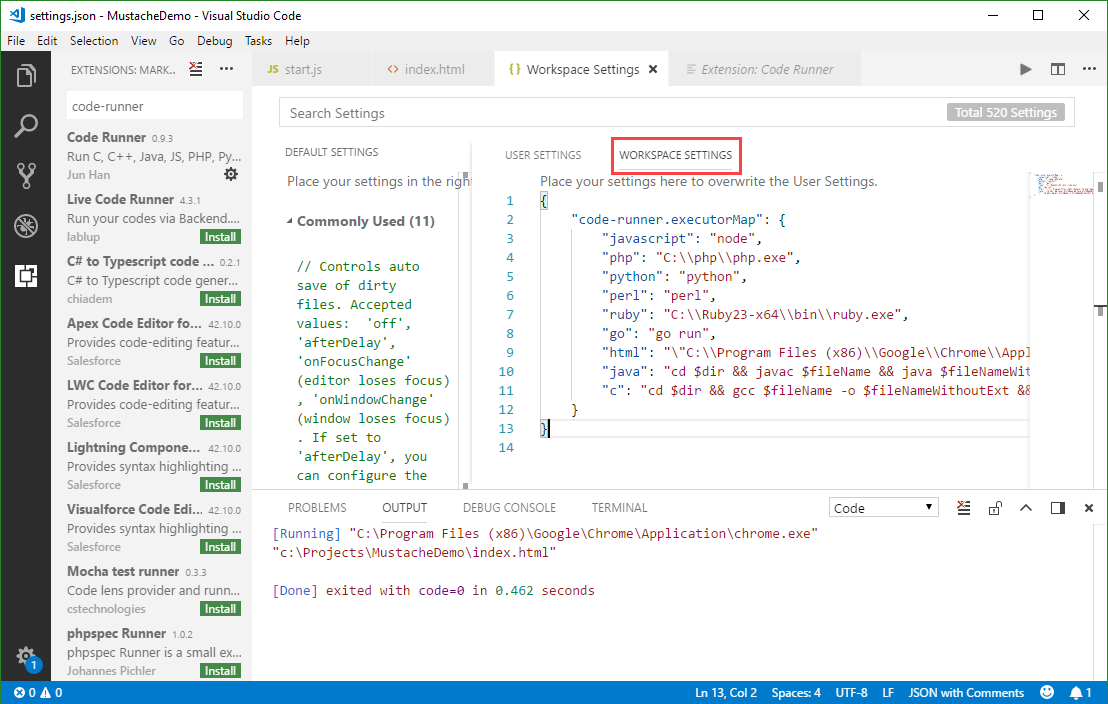
Visual Studio Code (currently, Version 1.22 is available) is a very cool developer tool providing a modern and fast code editor with a bunch of extensions. With extensions as Code-Runner, it’s easy to run a code file or active text directly from the VS Code text editor. Check out this quick description how to configure and use Code Runner. If you are new to VS Code, at a glance: To install the latest version of VS Code, get the download for Windows, Linux or macOS. To run a command, launch the Command Palette with F1 or Ctrl + Shift + P, run Quick Open by pressing Ctrl + P, etc. See all keyboard shortcuts at Windows, macOS and Linux. ...
April 8, 2018 · 3 min · Toni Pohl
Get the size of a SQL Azure database quickly

Get the size of a SQL Azure database quickly

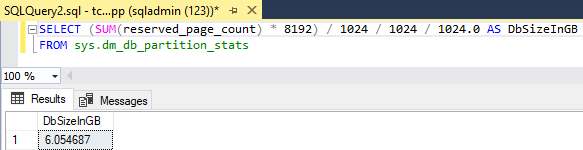
To get the size of a database, there are multiple ways. TSQL is one of the fastest methods. Here’s how. You often see querying the sys.dm_db_partition_stats DMV, and looking at the reserved_page_count column. Here’s my slightly adapted query: First open a new query in the database you want to check, then execute the following statement to get the size in Gigabytes. SELECT (SUM(reserved_page_count) - 8192) / 1024 / 1024 / 1024.0 AS DbSizeInGB FROM sys.dm_db_partition_stats ...

April 6, 2018 · 1 min · Toni Pohl

Impressions of Microsoft Tech Summit Amsterdam 2018

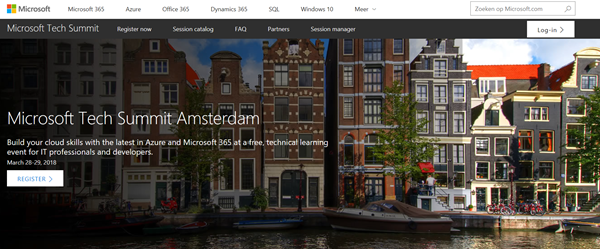
In the Easter week, we joined the Microsoft Tech Summit Amsterdam. The event took place at RAI Amsterdam from March 28-29, 2018. See some impressions here. Beside the breakout sessions, Tech Summit provided experts panels, workshops, and booths to directly get in contact with the Microsoft teams and third party vendors and to ask questions. See more details at the conference website at www.microsoft.com/techsummit/amsterdam. We from atwork were glad to contribute with breakout sessions and a workshop along with speakers from Microsoft and some fellow MVP colleagues: ...

March 29, 2018 · 1 min · Toni Pohl
Delete an unused app in Azure Active Directory

Delete an unused app in Azure Active Directory

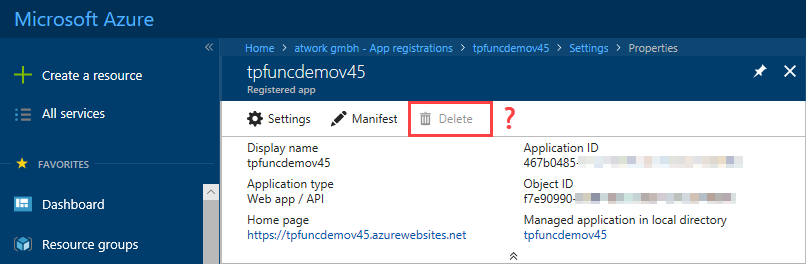
Want to cleanup unused apps in your Azure Active Directory? Well, that’s easy – but how to accomplish that if the Delete option is inactive? See the quick solution here. So, if you find a scenario as here, where you have an app in your AAD and you cannot delete it… …the reason is that the app is Multi-tenant. As an Admin, you need to modify the app level from Multi tenant to Single tenant, see also here. Open the app properties, scroll down and find the Multi tenant switch and change that to “No”. Then, save the new app properties. ...

March 28, 2018 · 1 min · Toni Pohl
How to create or renew Service Principal Names in Azure Active Directory

How to create or renew Service Principal Names in Azure Active Directory

When an automated task or an app needs to access data from Office 365, you need to create an app in the tenant’s Azure Active Directory (AAD). For having full control, e.g. for deleting objects in AAD, a so called Service Principal Name (SPN) can be used. That is similar to a Global Admin in Office 365, but just for apps and usually with a predefined expiration date. Which is good. Or? ...

March 24, 2018 · 5 min · Toni Pohl

Impressions of Microsoft Tech Summit Paris 2018

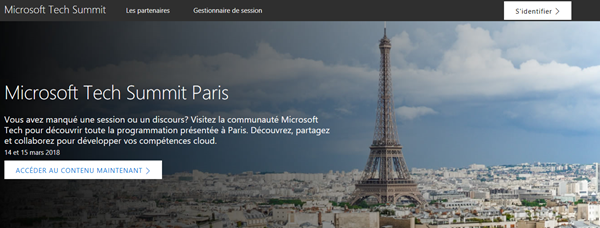
After we returned from MVP Summit, we were proud to be part of Microsoft Tech Summit from March 14th to 15th in Paris. The cost-free roadshow took place in Paris Expo Porte de Versailles and delivered two days of news and How-To’s of the Microsoft cloud services. See some impressions here. Beside the breakout sessions, Tech Summit provided experts panels, workshops, and booths to directly get in contact with the Microsoft teams and third party vendors and to ask questions. See more details at the conference website at www.microsoft.com/techsummit/paris. ...

March 18, 2018 · 2 min · Toni Pohl

Impressions of Microsoft MVP Summit 2018

In the mid of March, Microsoft’s MVP Summit took place at Microsoft’s headquarter in Redmond and in Bellevue in Washington. For us, this was a great week for getting the latest news about Microsoft products and technologies and for networking and meeting friends. MVP summit is an exclusive event for all active MVPs and Regional Directors (RDs). Microsoft trusts their community-leaders and the content is strictly confidential. We used the week for learning, building relationships and giving feedback which is simply great to directly interact with the product groups. ...

March 17, 2018 · 2 min · Toni Pohl

Join us at SharePoint Conference North America!

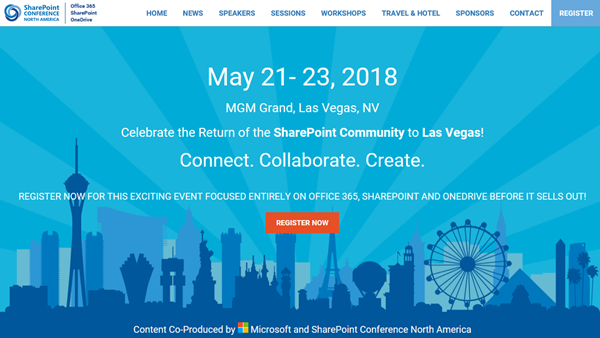
Celebrate the Return of the SharePoint Community to Las Vegas! After four years, SharePoint Conference North America is back from May 21st to 23rd 2018 at MGM Grand in fabulous Las Vegas. Meet the Microsoft SharePoint team, community members and peers from around the world there. We from atwork are happy to be there as well to meet and contribute to SPC 2018! SharePoint Conference North America provides over 150+ sessions and informs about the latest technologies of the Office 365 platform such as SharePoint, OneDrive, Yammer, and Microsoft Teams. See the details at www.sharepointna.com. ...

February 27, 2018 · 1 min · Toni Pohl

Impressions of Microsoft Tech Summit Frankfurt 2018

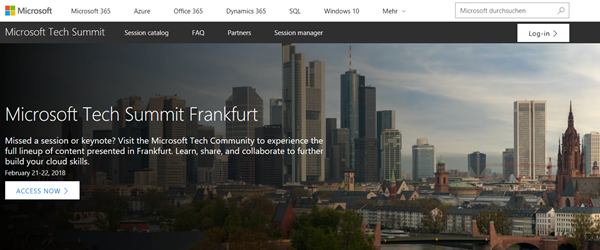
This week, the Microsoft Tech Summit roadshow took place in Frankfurt, Germany. On two days, from February 21-22, 2018, the cost-free roadshow informed about topics from Azure to Microsoft 365. We were happy to be part of the Tech Summit. See some impressions here. The keynote was delivered by Giovanni Mezgec, General Manager, Microsoft Office 365 Marketing and Corey Sanders, Director of Compute, Microsoft Azure. Then, there followed a variety of IT Pro Breakouts and Developer Breakouts. Beside the breakout sessions, Tech Summit provided experts panels, workshops and booths to directly get in contact with the Microsoft teams and third party vendors and to ask questions. See more details at the conference website at https://www.microsoft.com/de-de/techsummit/frankfurt. ...

February 25, 2018 · 3 min · Toni Pohl
Tips for PowerApps-Using SharePoint Customize forms with Bing Maps visualization

Tips for PowerApps-Using SharePoint Customize forms with Bing Maps visualization

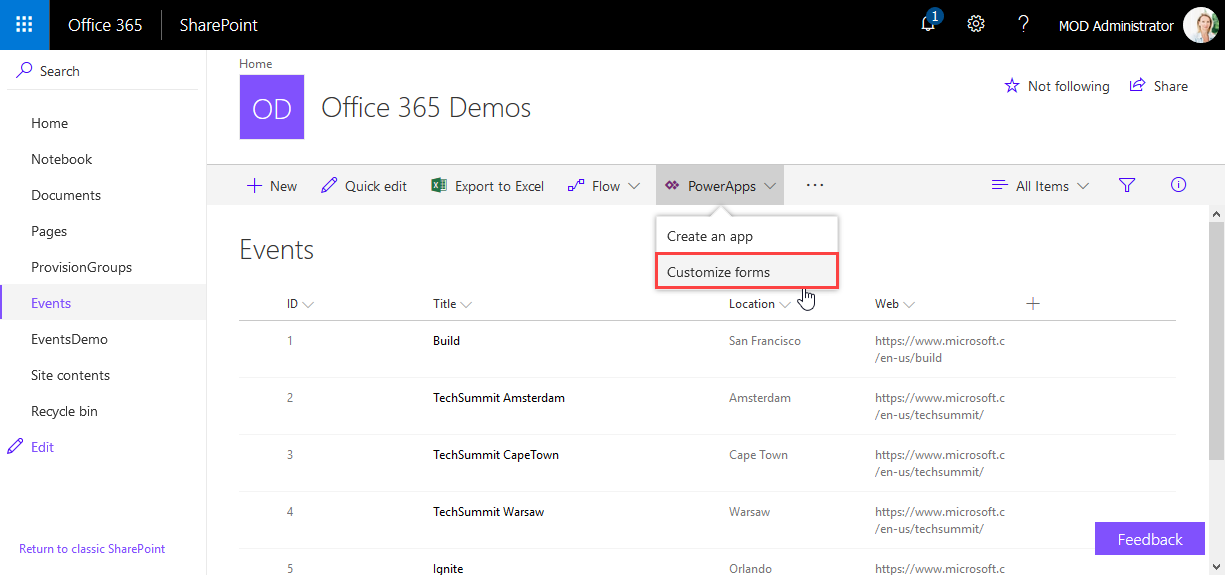
PowerApps are very powerful and simple to use.Through the integration in SharePoint Online lists, we now can create our custom forms within a SharePoint site and add additional features as calculations, modifications and even visualizations. See here, how to integrate a map for showing a location instantly directly in SharePoint without any coding! In this sample, I created a custom list and added a column Location as a single text field. In the PowerApps menu, we see the (new) Customize forms option. As the name says, this allows to modify the display and edit form of that particular list with the PowerApps Online Studio. ...

February 19, 2018 · 3 min · Toni Pohl