Free eBook Developers Guide to Microsoft Azure Second Edition

Free eBook Developers Guide to Microsoft Azure Second Edition

The free eBook Developer’s Guide to Microsoft Azure Second Edition is available! The book was written by Michael Crump and Barry Luijbregts, The introduction starts with “why cloud” and covers app development, Azure services and ends with the Azure Marketplace. And it’s free! Get more information at the Azure blog at Free eBook – The Developer’s Guide to Microsoft Azure now available or download it directly from aka.ms/azuredevebook. There’s a lot of current and useful information in that book and many hyperlinks to specific topics in the web. Thanks to the authors and to Microsoft for providing this free eBook. ...

December 8, 2017 · 1 min · Toni Pohl
Optimize your Azure SQL Database performance with Automatic Tuning

Optimize your Azure SQL Database performance with Automatic Tuning

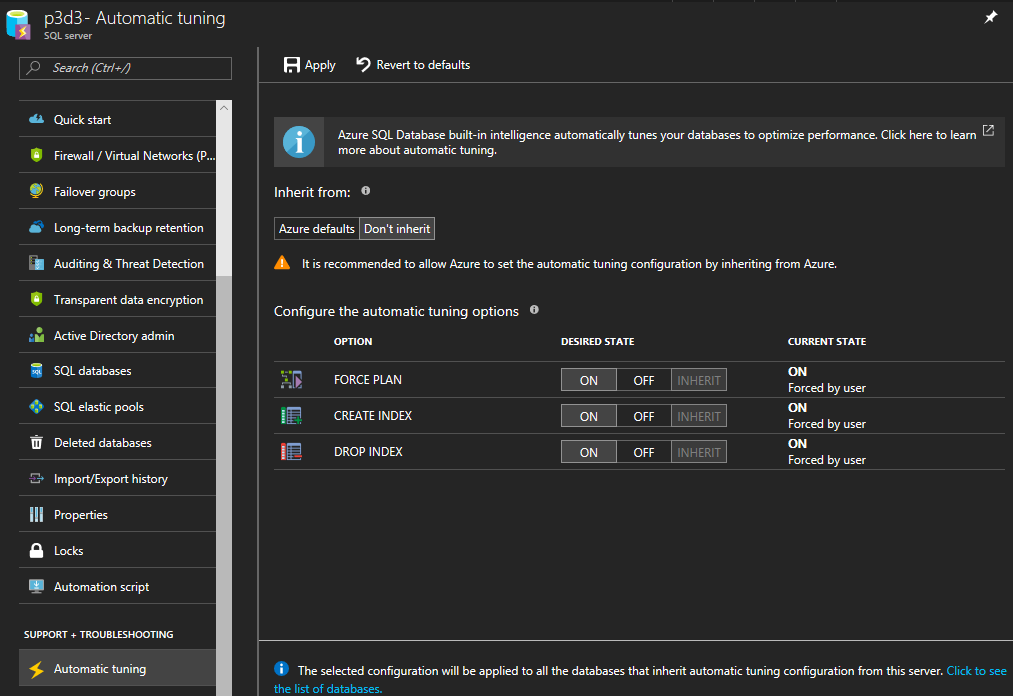
When moving SQL databases to Azure, let Azure do some work for you. As the name suggests, the Azure SQL Database Automatic Tuning feature provides automatic performance optimization for databases. Activate it, it’s simple. Once the data is available in Azure SQL Database, there is no more server maintenance necessary. Azure SQL Database is a relational database-as-a service that runs in the Microsoft Cloud. With the service there comes a bunch of benefits. One of them is the Automatic Tuning Mode. This enables stable workloads through continuous performance tuning utilizing Artificial Intelligence and applying corrective actions for databases in use. See more at Automatic tuning in Azure SQL Database ...

December 6, 2017 · 2 min · Toni Pohl
Get sample data quickly with Bing Search

Get sample data quickly with Bing Search

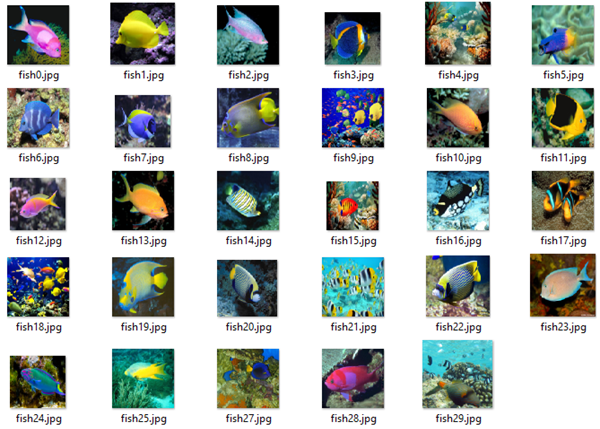
For testing purposes, having sample data is very helpful. Recently, I stumbled about a useful tool to get sample images for a custom topic quickly. See how to get test images here. So, imagine you need sample images for testing the Microsoft Custom Vision API. How to get sample pictures? Well, there’s a great source for that by Dmitri Soshnikov. at Custom Vision API demo on GitHub. Download the imdownload.exe tools and run this command line executable with a syntax as here: ...

November 20, 2017 · 1 min · Toni Pohl
Visual Studio Extension for SharePoint Framework

Visual Studio Extension for SharePoint Framework

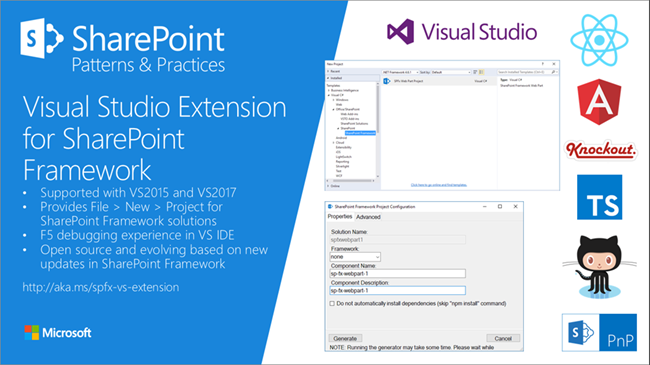
Developers who are not familiar with the new tooling for creating SPFx apps now get support by the new Visual Studio Extension for SharePoint Framework, available in the Visual Studio marketplace. Check it out at https://marketplace.visualstudio.com/items?itemName=SharePointPnP.SPFxProjectTemplate The description describes the functionality as “The Visual Studio Extension for SharePoint Framework wraps the command-line UI of the Microsoft Yeoman Generator (yo @microsoft/sharepoint) into a familiar Windows Forms experience, executes the generator project scaffolding behind the scenes and creates a Visual Studio project that includes all the necessary files for a complete web part project. Also included is a web part item template for adding new web parts to an existing Framework project. Developers can launch the Workbench local sandbox environment to test their web parts by pressing F5 or by binding to the Gulp Serve event in the Task Runner Explorer.” ...

November 4, 2017 · 1 min · Toni Pohl
Azure Functions for Visual Studio Code

Azure Functions for Visual Studio Code

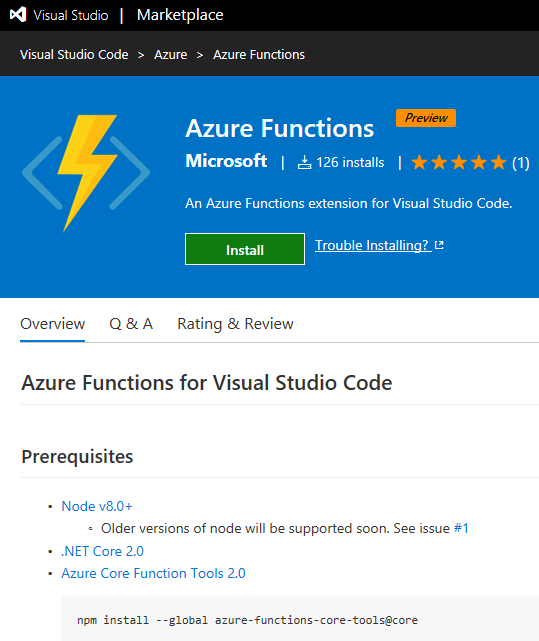
Working with Visual Studio Code? Then check out the Azure Functions extension for Visual Studio Code at the Visual Studio Marketplace! Find the extension and description at Azure Functions for Visual Studio Code. The Azure Functions for Visual Studio Code extension allows to create new projects and functions from a template, to debug function apps locally, to view and to deploy Azure functions, to start, stop and restart functions and has Intellisense support for the json-project files. ...

October 22, 2017 · 1 min · Toni Pohl
Change a connection for existing Azure LogicApps

Change a connection for existing Azure LogicApps

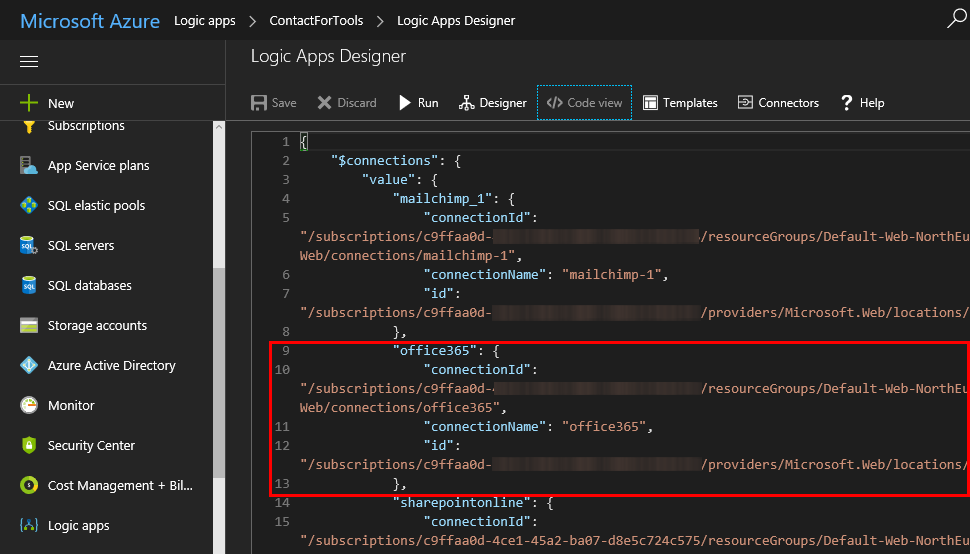
If one of your coworkers created a LogicApp some months ago and you want to “de-personalize” the connections used in a flow, you can modify the settings easily – if you know how to. So, in my case, in a LogicApp that’s sending emails and adding users to the newsletter system, the creator used a personal Office 365 account. I wanted to change that to an email “service” account. So I created a new mailbox account as first step. ...

October 20, 2017 · 2 min · Toni Pohl
See you at Thrive conference in Slovenia!

See you at Thrive conference in Slovenia!

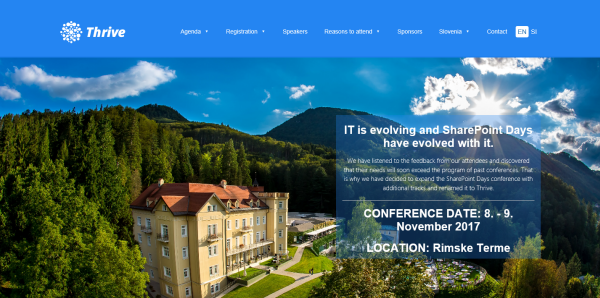
SharePoint Days conference has evolved to Thrive conference! We are looking forward to Thrive conference in beautiful Rimske Terme/Slovenia from 8th to 9th November! Join us and a bunch of experts and MVP fellows at this great event that’s close to Austria and Central Europe! Have a look a the great speakers lineup and the agenda with a lot of tracks and sessions around SharePoint, Office365 and Azure! As in the last year, Martina and I are honored to be part of Thrive conference. ...

October 18, 2017 · 1 min · Toni Pohl
Forward emails from a Microsoft Account to a Work Account

Forward emails from a Microsoft Account to a Work Account

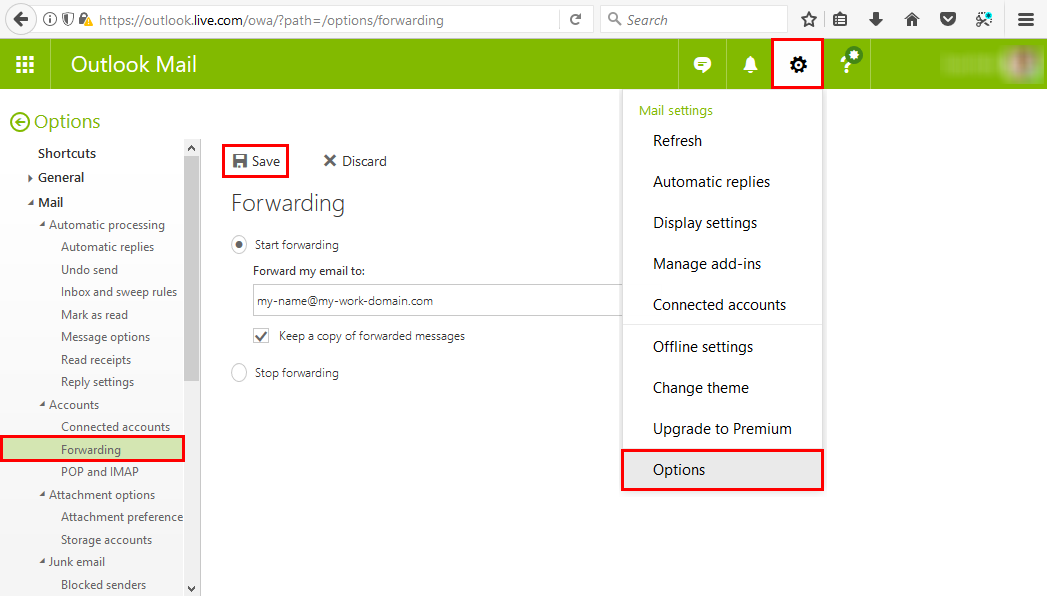
Many of us have a Microsoft Account (MSA) that we use for Microsoft Azure or similar Microsoft services. But in reality, with Office 365, we’re used to work with our Work-or-School Account (AAD). So, often it is helpful to forward all mails from one MSA to the work account primarily used. This can be accomplished easily! Login to https://outlook.com with your MSA. In Outlook for the web, open the settings icon and click Options. ...

October 9, 2017 · 1 min · Toni Pohl
Provisioning an Office 365 group with an approval flow and Azure functions-part 2

Provisioning an Office 365 group with an approval flow and Azure functions-part 2

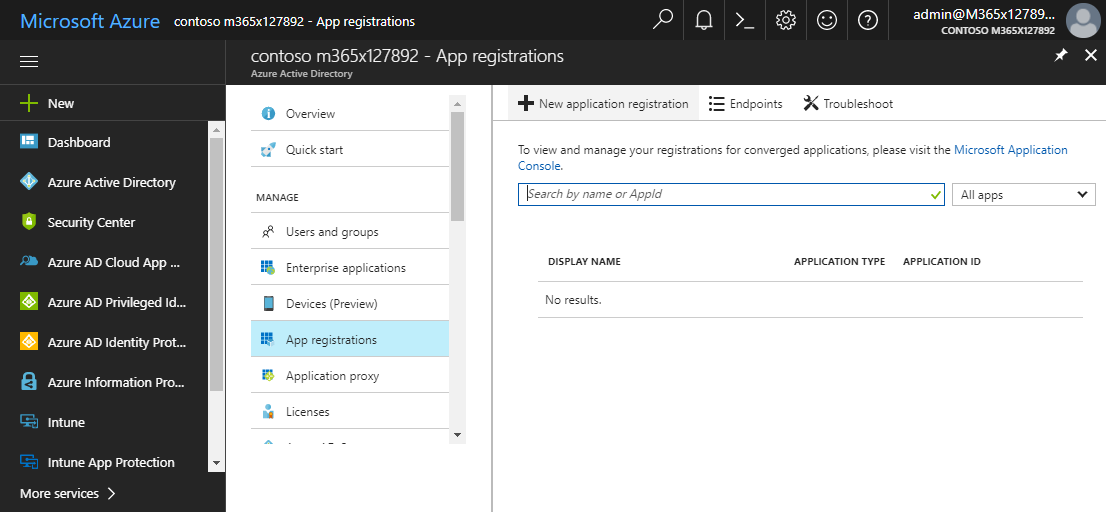
In part one, we saw how the Microsoft Graph API enables programmatic access to Office 365 groups. Now it’s time to let Azure Functions help us with the desired workflow. For the following steps, an Azure subscription and a Global Admin in the target Office 365 tenant is required. The plan We want our provision group function to be able to create a new Office 365 group without any user interaction. So, we need an app with the permission to accomplish the operations in our Office 365 tenant, in the same way as did for the administrator account in part 1. The key is, to create such an application first and to use that access data in our code. The workflow will execute our function, pass the parameters, and the function will do the work. So, these are the necessary steps. ...

October 1, 2017 · 6 min · Martina Grom
Provisioning an Office 365 group with an approval flow and Azure functions-part 1

Provisioning an Office 365 group with an approval flow and Azure functions-part 1

Office 365 groups span over various Office 365 services and provide a great way for collaborating. By default, every user can create an Office 365 group. While self-service is a good thing and many businesses adopted into that direction, some companies still prefer the controlled approach. In real world environments, organizations usually want to restrict the group provisioning so that IT can control the wild growth of groups. This article series shows how to create an Office 365 group with an attached approval process with SharePoint Online, Flow and Azure functions. See how this works here! ...

September 28, 2017 · 8 min · Martina Grom