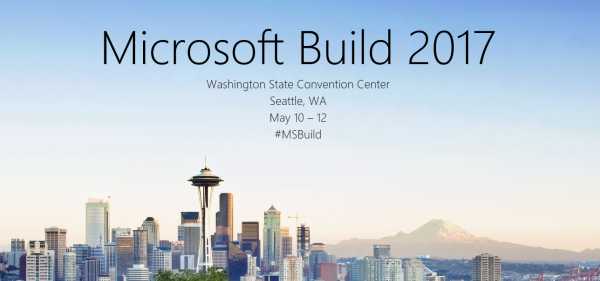
We did it again.. attending this year’s Microsoft BUILD conference in Seattle. See some of our impressions here!
This year, Microsoft BUILD conference took place from May 10th to 12th near Microsoft’s home in Seattle.
In total, this was the 7th BUILD conference. After the Professional Developer’s Conference (PDC) in the past and a break, the first BUILD started in September 2011 in Los Angeles, Anaheim, where Windows 8 was announced. The second BUILD end of October 2012 was interesting since it happened directly in Redmond at the Microsoft Campus with a big tent for the keynote (near the Conference Building 31) and Steve Ballmer himself presenting Windows 8 and Windows Phone 8. From then on (2013 to 2016), BUILD had it’s location in San Francisco at the Moscone Center. I still remember what an expensive location Silicone Valley and SanFran was. In 2013, Windows 8.1 was announced. In 2014, Universal Apps and the Lumia phone got most attention (can you remember, there was a time when Microsoft wanted to participate in the mobile device market with hardware and software…). In 2015, “Cloud First” – Azure (which was renamed from Windows Azure to Microsoft Azure in 2014 already) - took the stage, followed by Windows 10 that came in that summer. In 2016, it was time for the Cortana, Bots, Cognitive Services, Xamarin, and the Windows Windows 10 Anniversary Update. The Mixed Reality project “HoloLens” was announced in January 2016 at the virtual “Windows 10: The Next Chapter” event completely unexpected (although the Kinect project lead into that).
...