Renew the Cloud Hub Teams app permissions

Renew the Cloud Hub Teams app permissions

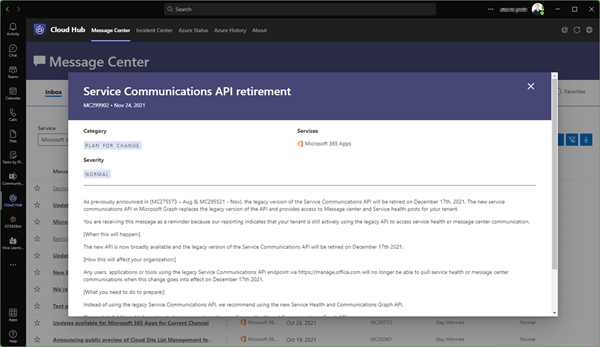
The Cloud Hub Teams app is a business application that provides data from your Microsoft 365 tenant, the Message Center and the Incident Center, as well as the status and history of global Azure services. Since Microsoft recently announced the discontinuation of the Microsoft Service Communications API, all organizations using the Cloud Hub Teams app have to renew their app permissions once in order to be able to use the successor API functions. See how it works here. ...
November 25, 2021 · 2 min · Toni Pohl
Ways to work with Power BI licenses

Ways to work with Power BI licenses

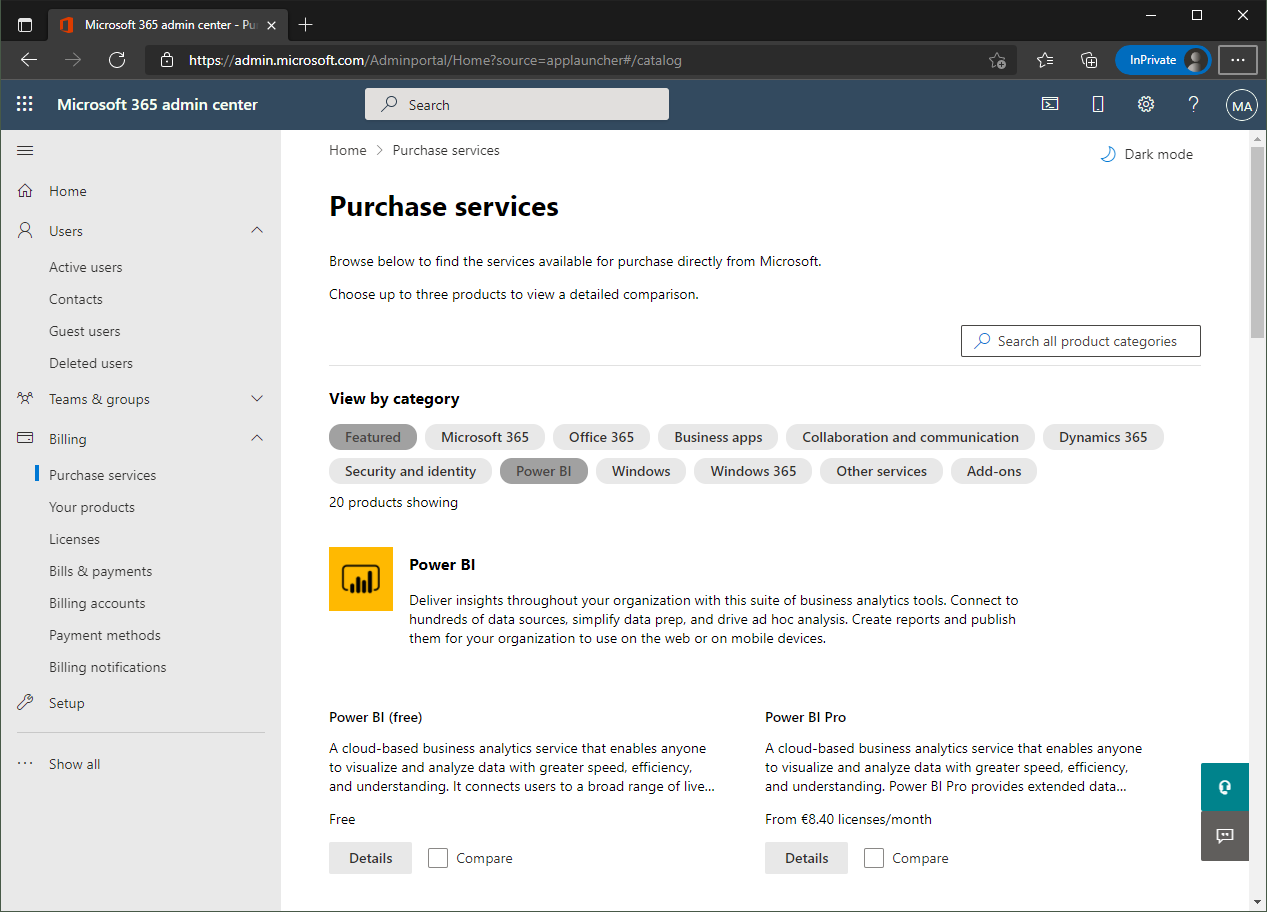
I recently wanted to share a Microsoft Power BI report with other users who only have the “Power BI (Free)” license. Well, with a “Power BI Pro” license, a report can be shared with other users. But I noticed that there are stumbling blocks when it comes to licensing. Here are my findings. First of all, I’m not a licensing expert (and don’t want to be one). However, I would like to ensure that as many users as possible can consume Power BI reports. With this goal in mind, I would like to share my experiences here. ...

September 27, 2021 · 6 min · Toni Pohl
Trust the box? Working with the Relevance Score in Microsoft 365

Trust the box? Working with the Relevance Score in Microsoft 365

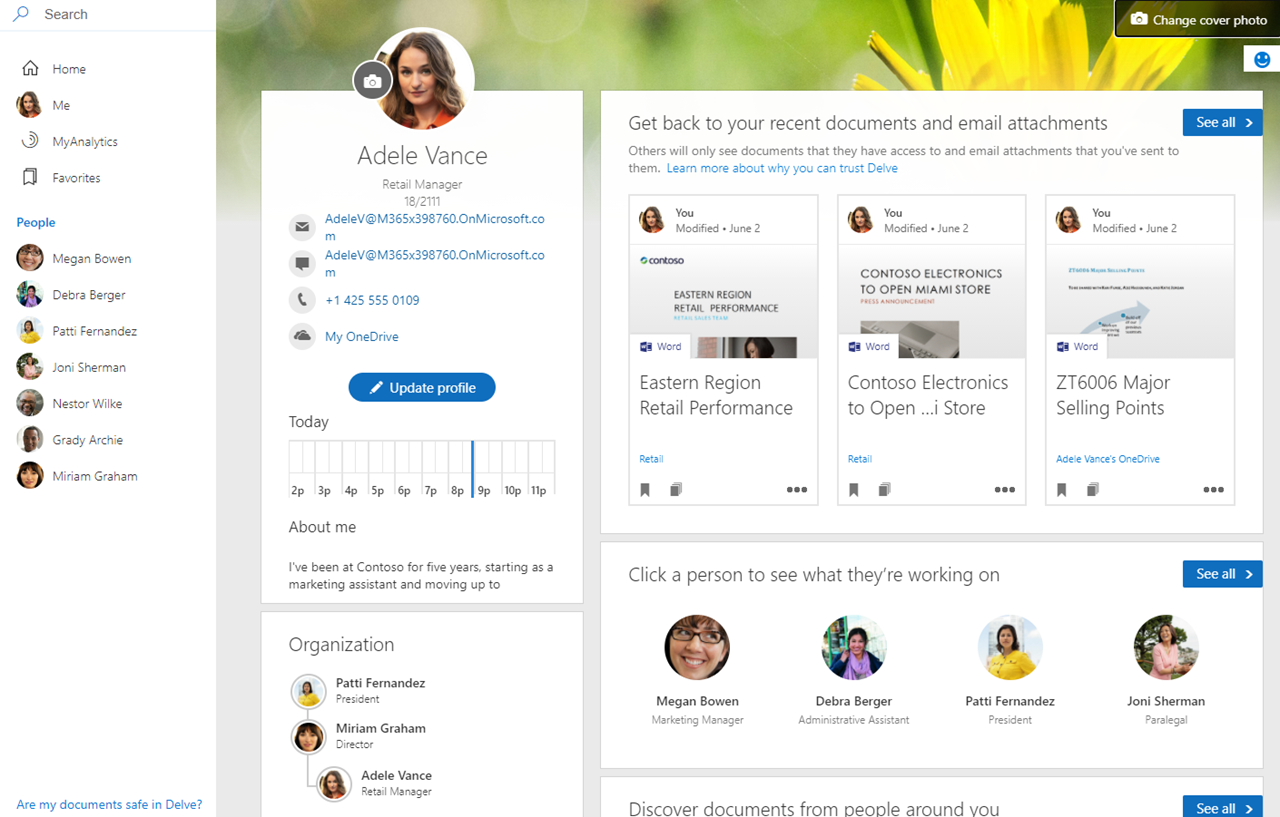
In the Microsoft 365 platform, productivity and recommendations are created to inform users about their relevant data. For example, Microsoft Delve is an app showing such information to a user. Another service is Microsoft Viva Insights (formerly MyAnalytics) that sends out statistics according to the motto “Work smarter with personal productivity insights in Microsoft 365”. While this can be very useful for users to quickly find and discover relevant data, works councils are often sensitive to personal data in a company. So how can we explain what is happening here and invalidate what data is visible to individual users and what data is visible to other users? Well, here is some information about the Microsoft 365 “works with” features. ...

September 17, 2021 · 9 min · Martina Grom

atwork launched Cloud Hub the first Microsoft Teams App that lets you receive important news directly from your Microsoft Tenant

The atwork-team is beyond excited that we recently launched our first Microsoft Teams App – Cloud Hub. With Microsoft 365 being an evergreen service, it is sometimes hard to keep up with everything which comes into your Tenant. Cloud Hub solves access regulations to the Message center and provides anytime access for Change Managers and Operations to be always informed about what is new. Cloud Hub supports your evergreening and target operating model with instant information for your Team. ...

July 19, 2021 · 2 min · Mercedes Orasch
Message Trace in Delegate365

Message Trace in Delegate365

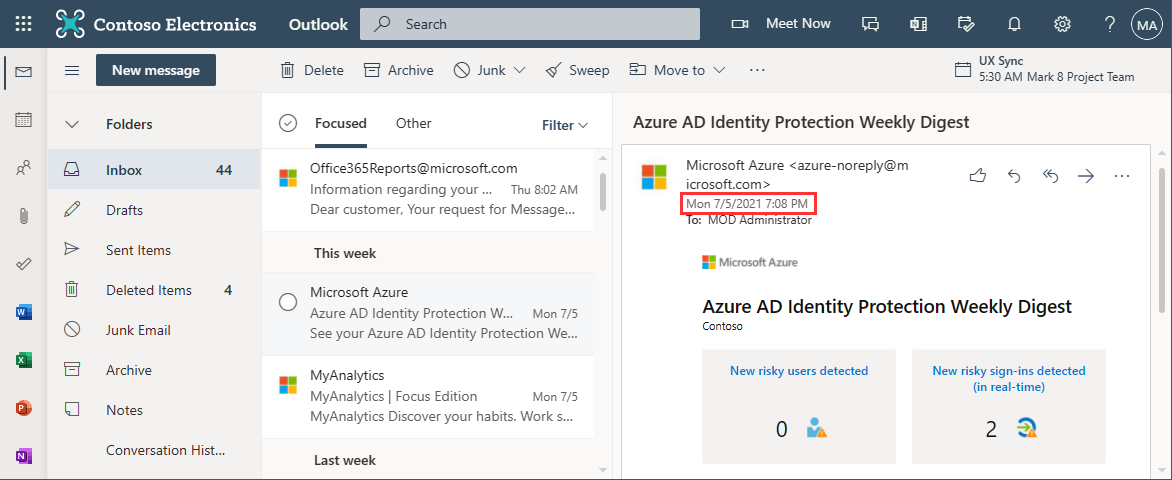
When you run a message trace operation to get status information about specific emails, the result can vary, depending on time zone settings. See a sample here. Show messages in the mail client In this sample, we work with an email sent from azure-noreply@microsoft.com. In Outlook we see the timestamp at Mon 7/5/2021 7:08 PM (2021-07-05 19:08). Message Trace in Delegate365 In Delegate365, admins can run a message trace to get information about the delivery status. When we run the message trace with the filter Startdate 2021-07-05 to Enddate 2021-07-05 - just this one day - and that user as recipient… ...

July 9, 2021 · 4 min · Toni Pohl

Power Platform Environments and Governance Tips

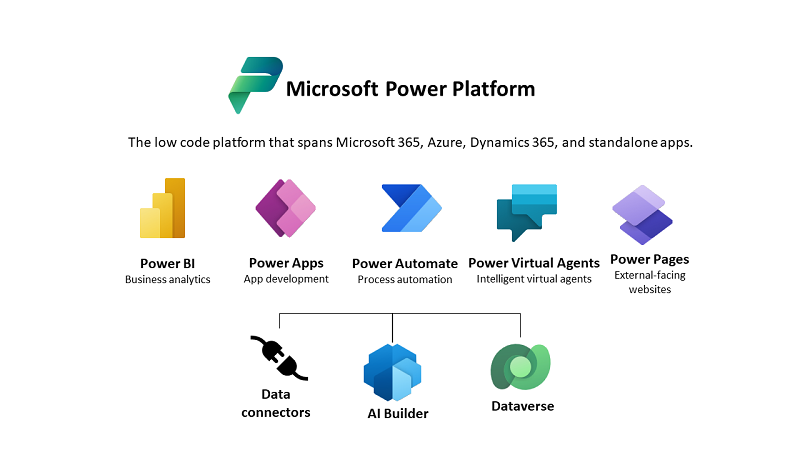
The Microsoft Power Platform enables individual solutions to be developed and business processes to be easily automated. When it comes to controlling the solutions, it is important to establish an IT governance in the organization. There are many areas and details about it. For this reason, I’ve put together a summary here with some news and helpful tips. The Microsoft Power Platform includes Power BI, Power Apps, Power Automate, and Power Virtual agents, leveraging the common infrastructure of the Microsoft Dataverse (the former Common Data Service) and Data Connectors. Dynamics 365 and the Power Platform are both deeply coupled with Dataverse and are held in containers called environments. A governance strategy usually starts with organizing the environments accordingly. Environments allow to separate Production, Test and Development. See more at Environments overview and at Microsoft Power Platform guidance documentation. ...

July 5, 2021 · 5 min · Toni Pohl
Work with the Delegate365 PowerShell in the Azure Cloud Shell

Work with the Delegate365 PowerShell in the Azure Cloud Shell

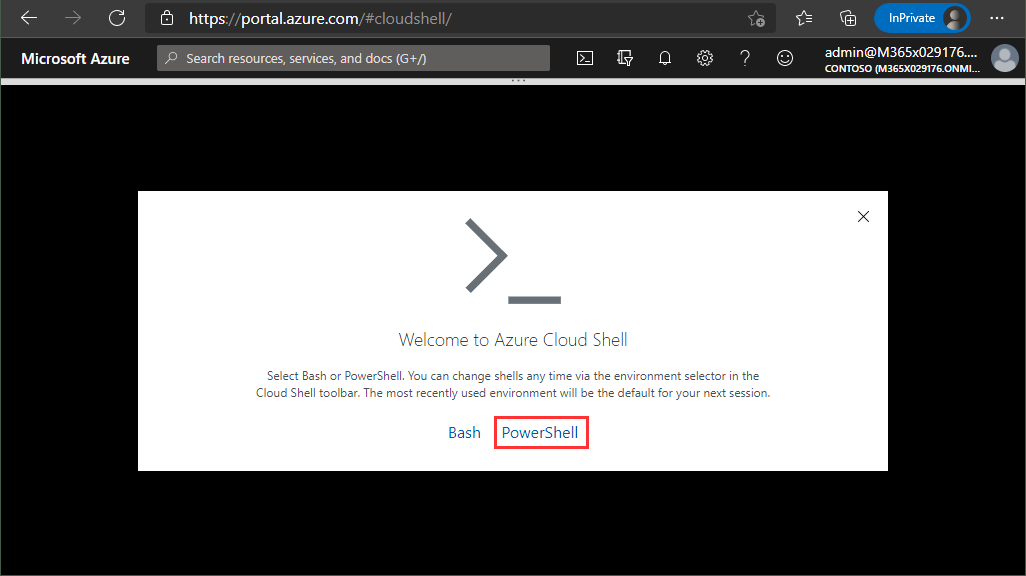
Delegate365 provides a PowerShell module to access data in Delegate365 in scripts. You can import the Delegate365 module locally, or use it in the Azure Cloud Shell as well. See here, how to use the module in Azure Cloud Shell. Here, you can find a description of the Delegate365 PowerShell module. It is hosted in the PowerShell Gallery and can be easily installed. So, here´s a step-by-step guide how to use the Delegate365 PS module. ...

May 21, 2021 · 2 min · Martina Grom
Optimize SQL queries using subqueries for lookups in Azure SQL Databases

Optimize SQL queries using subqueries for lookups in Azure SQL Databases

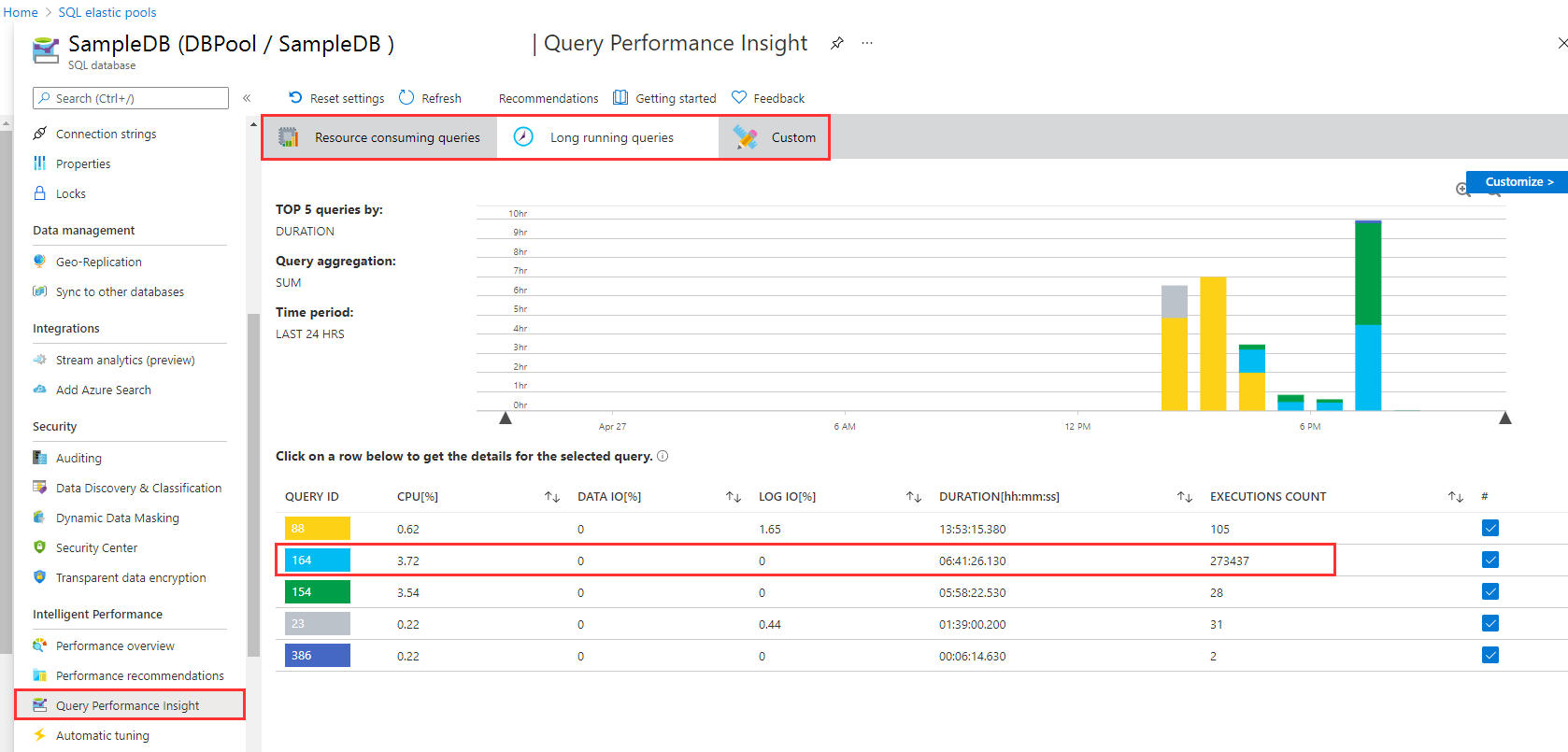
I like to work with Azure SQL Databases and use data from the cloud without any administrative effort. When working with apps, App Insights helps to detect anomalies, and to analyze bottle necks. Although SQL Azure can scale very well, we discovered performance issues in some legacy apps. Read here how we solved that by optimizing TSQL data queries. The scenario There is an older web application here that is connected to an SQL database that is running in an SQL elastic pool. App Insights showed the reason (the SQL queries) for the bad performance. Diving deeper, the elastic pool and the database / Query Performance showed performance issues in detail with certain queries which had very long runtimes. As we see in the following screenshot, there are two long running queries. Query 164 has been executed almost 274,000 times in the past 24 hours, consuming more than 6:40 hours. We started to investigate this issue. ...

April 27, 2021 · 5 min · Toni Pohl
Tips for PowerApps-Add required user permissions for PowerApps using Dataverse

Tips for PowerApps-Add required user permissions for PowerApps using Dataverse

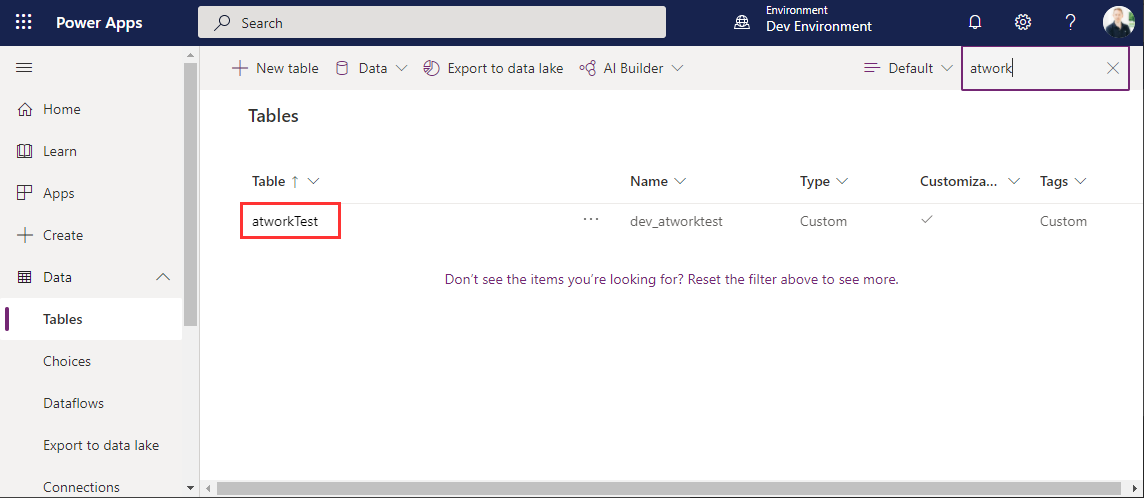
When users shall have access to a PowerApp that is using Dataverse (formerly Common Data Service - CDS), they also need to have the permissions to access the data entity (nowadays called table). So, if your users get an ugly “unknown error occurred” when accessing the PowerApp, here´s the solution to assign the required security role and permissions. The data table To demonstrate how to set permissions, I switched to the environment (in my sample, it´s the “Dev environment”) and created a new table in the https://make.powerapps.com/environments/[environment-id]/entities / Data / Table menu. The table name here is atworktest with some text columns. ...

April 1, 2021 · 4 min · Toni Pohl
Azure Logic Apps Toolbox 7-Resolve issues with the SharePoint Connector

Azure Logic Apps Toolbox 7-Resolve issues with the SharePoint Connector

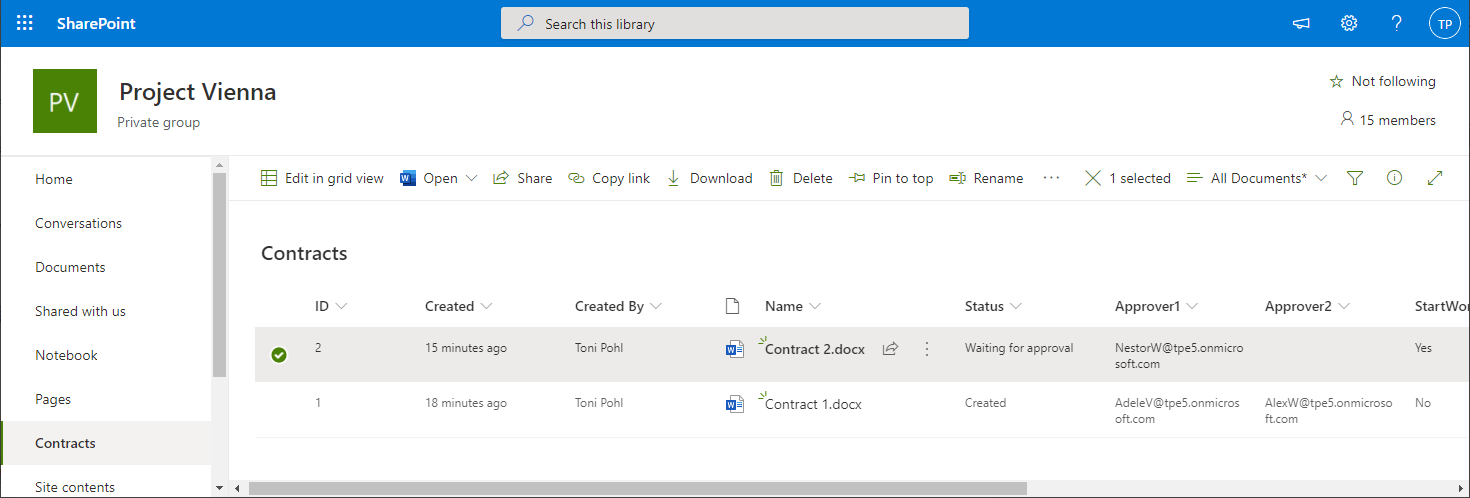
Using SharePoint Online (SPO) and Azure Logic Apps helps to automate processes. For a project, we have created some workflows with Azure Logic Apps that monitor changes to an SPO list or document library for approvals and other document workflows. We have found that the SPO connector does not always send all data in a reproducible manner: sometimes some fields were sent and sometimes not. We struggled with this behavior and found an unexpected workaround. ...

March 11, 2021 · 4 min · Toni Pohl