PowerShell, welcome to Linux!

PowerShell, welcome to Linux!

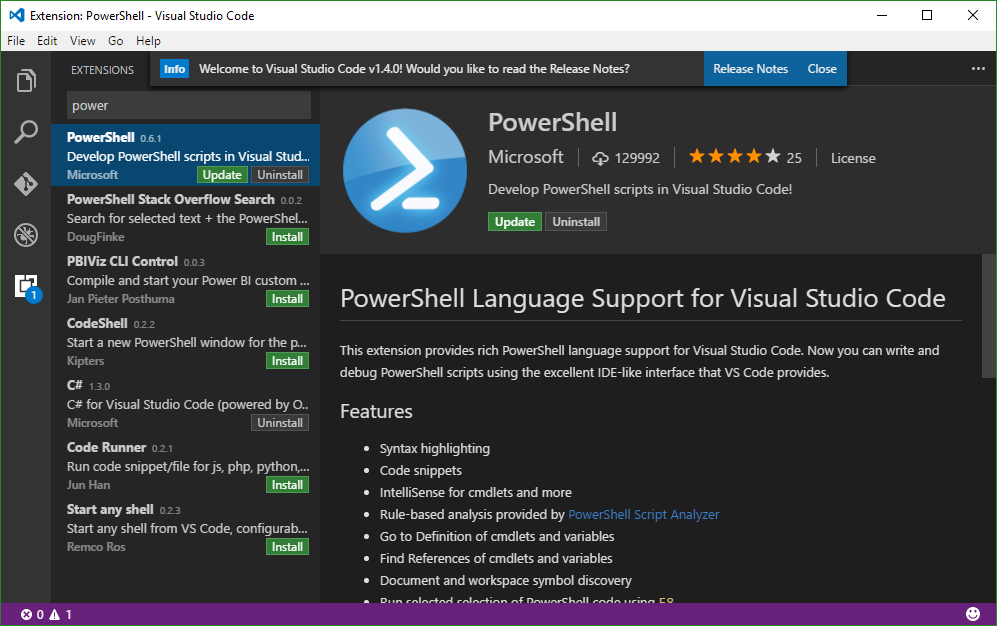
As Jeffrey Snover ,Technical Fellow at Microsoft Enterprise Cloud Group, announced recently, PowerShell is open sourced and is available on Linux! It’s interesting to see that PowerShell - as a command-line shell and scripting language which is based on the Microsoft .NET Framework – now is available on Linux. This is possible because of the new .NET Core system running on Linux. In our modern times, when “Microsoft loves Linux”, such things are possible – and seem logical! ...

August 19, 2016 · 1 min · Toni Pohl
SharePoint Framework Developer Preview Release is here

SharePoint Framework Developer Preview Release is here

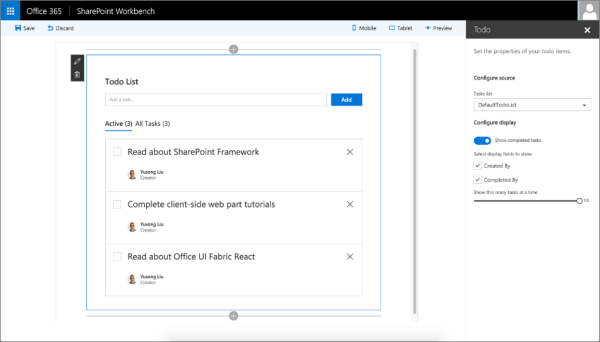
After the announcement on May 4th at the Future of SharePoint event, now the first public developer preview of the SharePoint Framework is available. The SharePoint Framework enables developers to build client-side web parts using “modern script development tools” – this means Javascript and related web components and tools. The new SharePoint Workbench allows developers to test and deploy client-side web even offline! Read the details in the Office Dev Center in SharePoint Framework Developer Preview Release! ...

August 18, 2016 · 1 min · Toni Pohl
Announcing Visual Studio Code Intro Videos

Announcing Visual Studio Code Intro Videos

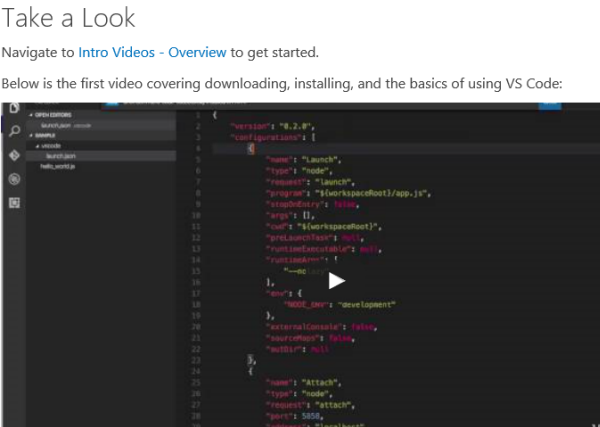
Today, Microsoft released some new videos explaining coding with the cost free Visual Studio Code environment. See the blog post in the code.visualstudio.com/docs project: Announcing Intro Videos. See the Intro Videos - Overview with the first six videos to get started. Check out Setup and Basics of VS Code. Happy coding!

August 15, 2016 · 1 min · Toni Pohl
Monitoring and Reporting of Office 365 with OMS-Part 1

Monitoring and Reporting of Office 365 with OMS-Part 1

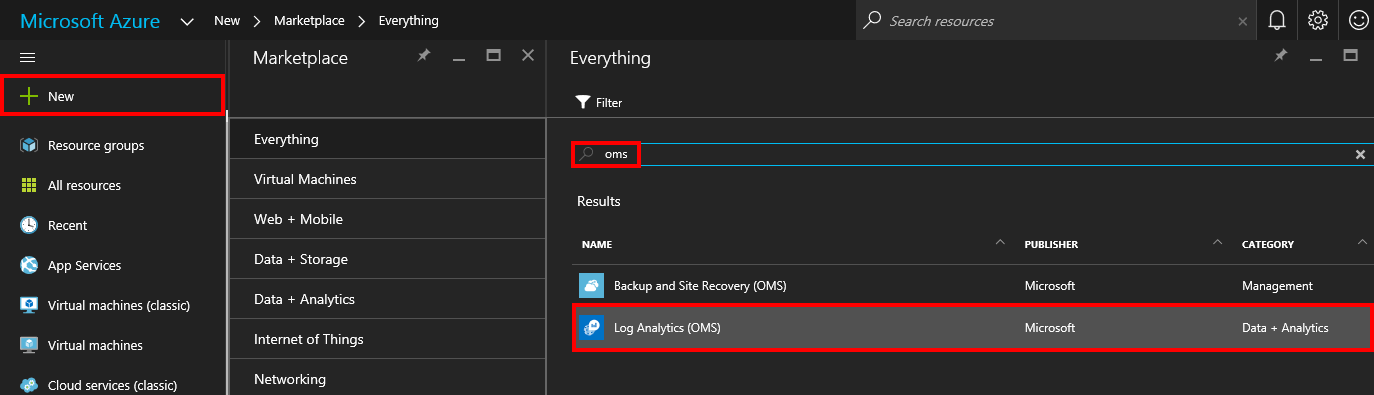
The Microsoft Operations Management Suite (OMS) delivers a great way to collect, analyze and monitor computer systems and services in your cloud and on-premises environments. Data is collected through agents and is saved to the OMS repository for further analysis. See here how this works for monitoring and reporting for Microsoft Office 365! If OMS is new to you, check out the description of OMS in What is Log Analytics?. If you want to learn more details and proceed step by step, check out this article Get started with Log Analytics ...

August 14, 2016 · 3 min · Martina Grom
Goodbye, Azure RemoteApp

Goodbye, Azure RemoteApp

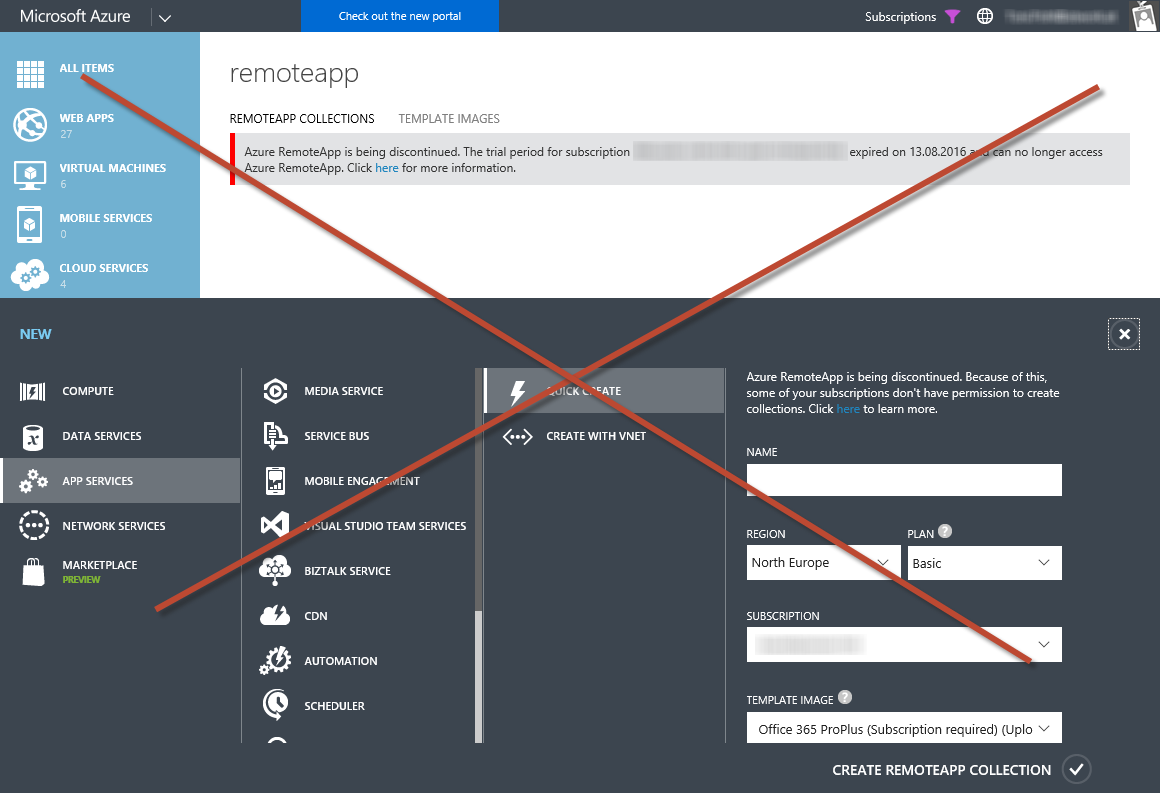
Well, actually I liked the idea of streaming apps with Azure RemoteApps. Now Microsoft decided to discontinue RemoteApps. Read the details here. Application remoting and the Cloud New tests and the purchase of the Azure RemoteApp service are no longer possible. “Azure RemoteApp is being discontinued. The trial period for subscription *** expired on ‎13‎.‎08‎.‎2016 and can no longer access Azure RemoteApp. Click here for more information.” Existing Azure RemoteApp customers can use the service through August 31st, 2017. ...

August 13, 2016 · 1 min · Toni Pohl
Check out the Microsoft Trust Center, the EU Model clause and more

Check out the Microsoft Trust Center, the EU Model clause and more

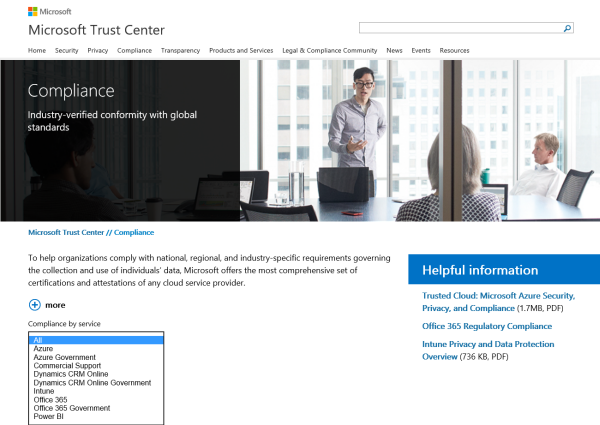
Do you plan to use Microsoft’s cloud services? See how data is secured and what mechanisms and certifications are used to fulfill organization’s need for compliance. Check out the https://www.microsoft.com/en-us/trustcenter/Compliance Filter by services to see the corresponding certifications and a describing article about the specific meaning. For example, see the EU Model clause here: https://www.microsoft.com/en-us/TrustCenter/Compliance/EU-Model-Clauses On that Microsoft Trust Center webpage ther are also direct links: Trusted Cloud: Microsoft Azure Security, Privacy, and Compliance (1.7MB, PDF) ...

August 10, 2016 · 1 min · Toni Pohl
Get the Windows 10 Anniversary Update

Get the Windows 10 Anniversary Update

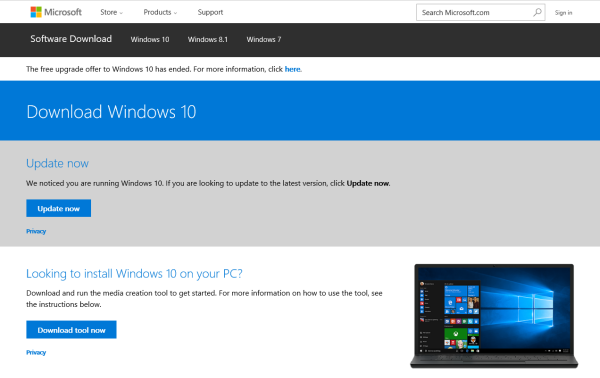
Your PC does not show the latest updates/Windows 10 Anniversary Update? Well, have a look here: https://www.microsoft.com/en-us/software-download/windows10 Hint: This update process does not work for Windows 10 Enterprise editions. When running the downloaded Windows10Upgrade9252.exe… Update: Check your current version of Windows with the winver command in the Command Prompt. Check out this article about latest info and getting the Update for Windows 10 Version 1607 (Windows Anniversary Update): ...

August 5, 2016 · 1 min · Toni Pohl
Access or export mailbox content in Delegate365 and eDiscovery

Access or export mailbox content in Delegate365 and eDiscovery

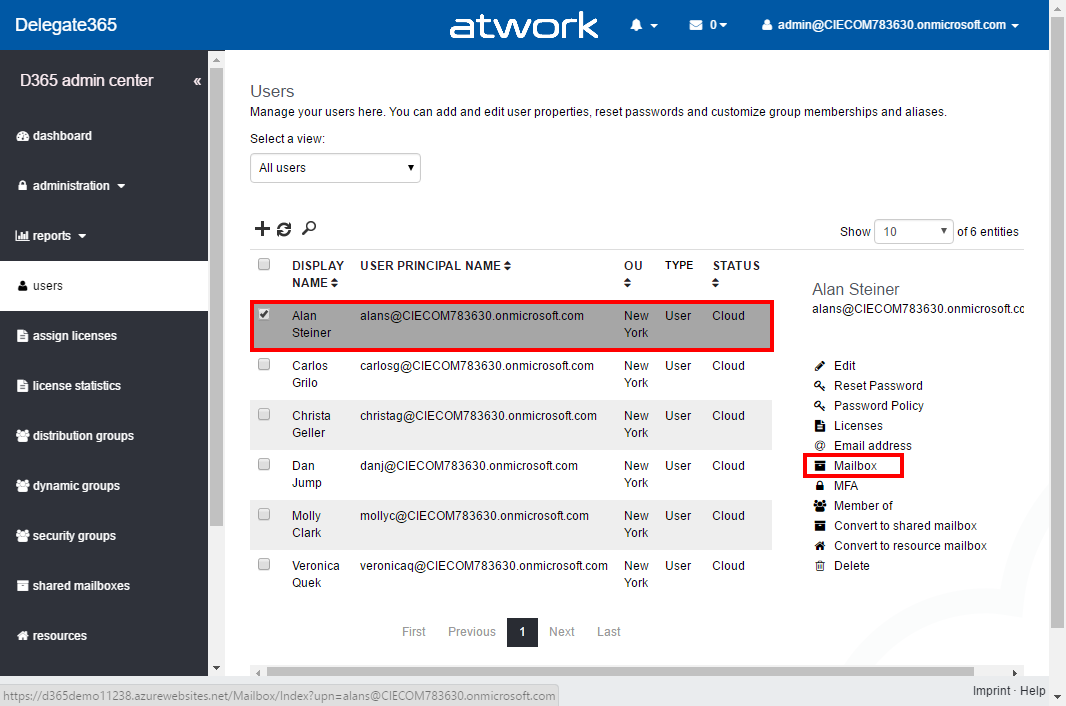
We sometimes receive questions how users can access the content of another user’s mailbox. Well, in Delegate365 you can manage the permissions, but not the content. See how to access other mailboxes, how to export and what eDiscovery is for. First, let’s see how we can assign permissions to another users mailbox in Delegate365. Assign permissions to a mailbox in Delegate365 The easiest way is, to assign mailbox permissions to another user. In Delegate365 this can be accomplished in the users list. Select the user and click “Mailbox”. (If that menu is missing in your Delegate365 portal, ask your Portal Admins to assign you the permission to use that feature.) ...
July 27, 2016 · 4 min · Toni Pohl
Raise user awareness with a MailTip for external recipients in Exchange Online

Raise user awareness with a MailTip for external recipients in Exchange Online

Policy tips in Exchange Online can be used for a lot of things: warnings if a user sends confidential information to someone outside the organization if a proper DLP policy is in place or other useful things. One simple and effective MailTip is available for a while now and helps to raise user awareness in writing e-mails. Nothing special happens, only due to the fact that the MailTip is here the sender probably thinks twice: are all my recipients correct? ...

July 24, 2016 · 1 min · Martina Grom
Community Leaders compiled by Communaut aOS on docs.com

Community Leaders compiled by Communaut aOS on docs.com

Just discovered the “Community Leaders page compiled by Communauté aOS” on docs.com with interviews with active members of the Microsoft communities! Martina and I are honored to be part of these communities with such great guys! The following picture shows Nuno Árias Silva, Hans Brender, Elio Struyf, Francesco Sodano, Jeff Teper (Microsoft Corporate Vice President OneDrive and SharePoint), Rodrigo Pinto and (the profile of) Paolo Pialorsi (and me). This photo was taken at SharePoint Saturday Paris in May 2016 and there were a lot of great speakers at that community event (see also our impressions here). ...

July 23, 2016 · 2 min · Toni Pohl