Windows Intuneadd your custom enrollment address for your mobile device management

Windows Intuneadd your custom enrollment address for your mobile device management

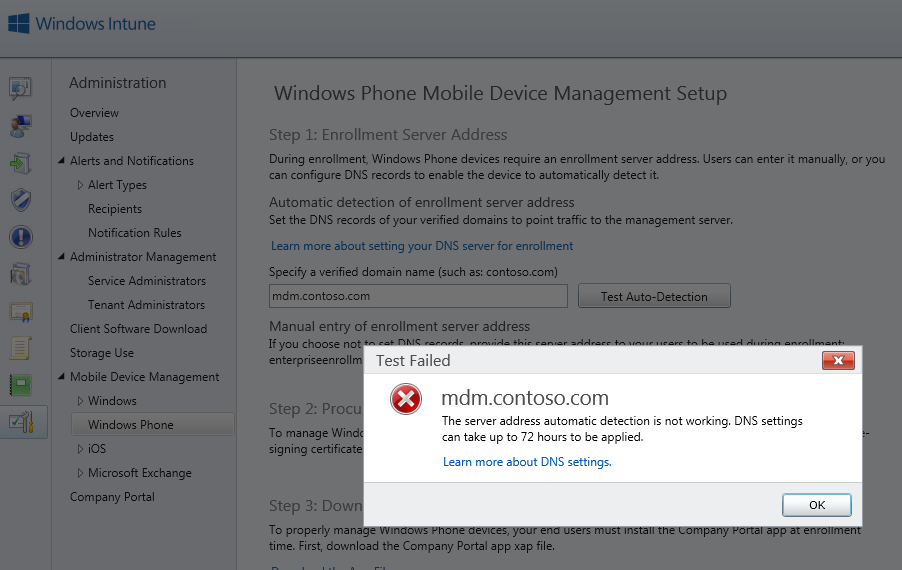
In the last couple of weeks I did a lot Windows Intune POC’s with Demo Customer environments. Windows Intune is a great tool for mobile device management, you can add Windows Devices as well as your Windows Phones and iOS Devices. Mobile Device Management made easy, so you can manage your devices. To setup Mobile Device Management you have first decide what the authority of your Mobile Device Management is. Since I am a public cloud addicted, I use Intune the plain way. Of course you can also configure it together with your System Center infrastructure. After you have set that you can now start configuring your Mobile Device Management. ...
February 24, 2014 · 2 min · Martina Grom
Working with the Ghost blogging platform 2

Working with the Ghost blogging platform 2

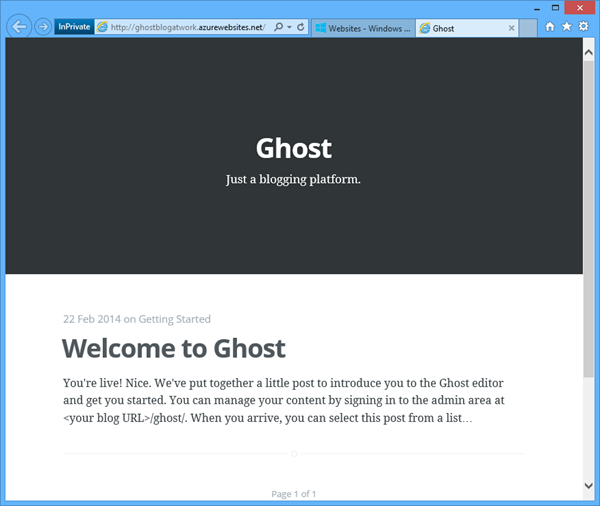
In part 1 we created a Ghost blogging platform in Windows Azure by clicking next-next-finish. Now let´s use this blog system. When calling the blog URL you get a welcome post message with the first information you need: It´s the URL for the content mangement: <your blog URL>/ghost/ …at the first call you land at the signup form which looks like this: Fill in your Full Name as the name you want to appear as the author of blog posts and choose your email and a strong password. Then click “Sign Up”. Here we go! ...

February 23, 2014 · 3 min · Toni Pohl
Setting up the new Ghost blogging platform on Windows Azure 1

Setting up the new Ghost blogging platform on Windows Azure 1

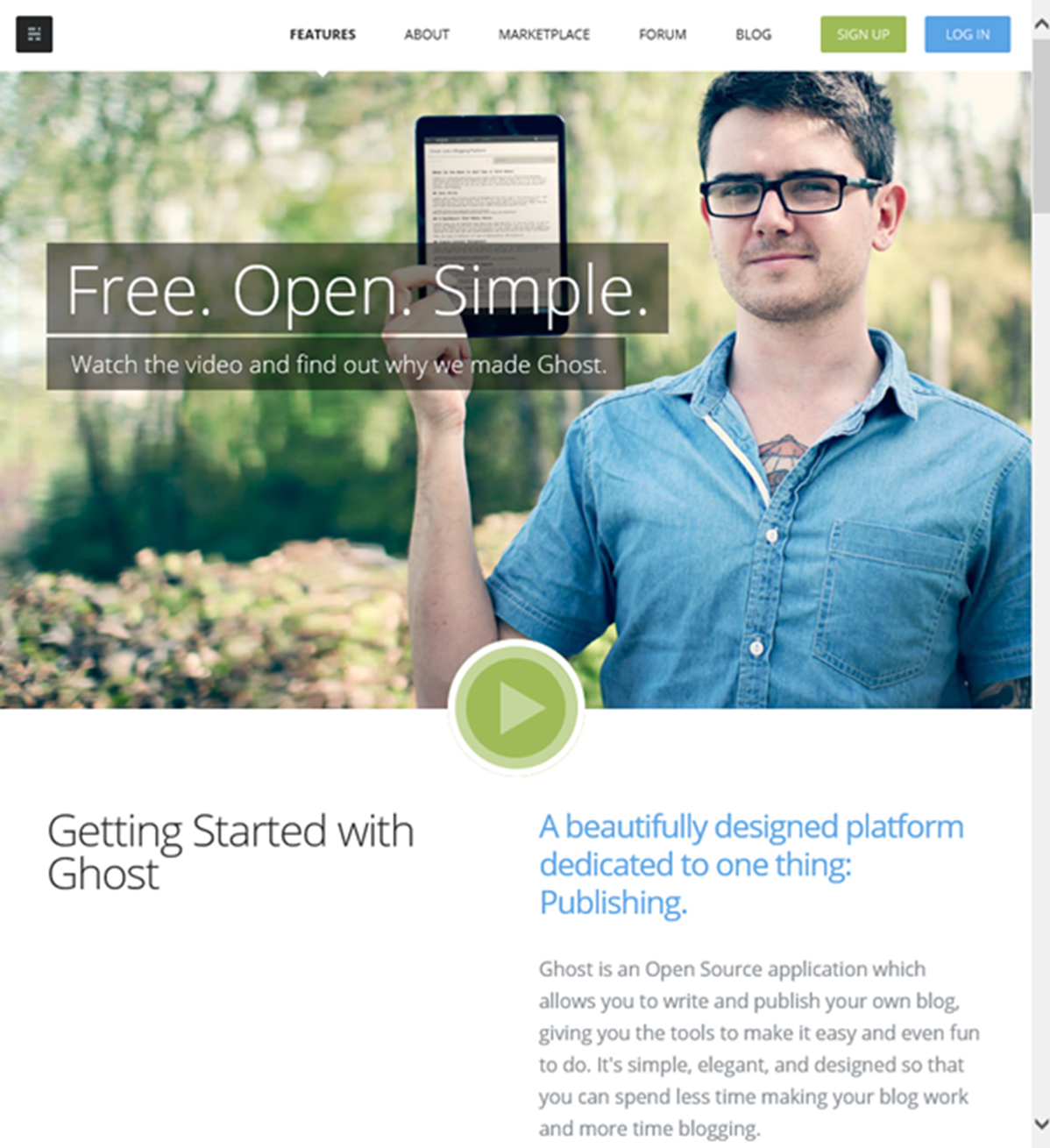
What is Ghost? Well, Ghost is a brand new blogging platform (https://ghost.org/features/) which is built on Node.js. You can install Ghost locally on your computer or – which is much more easy and faster – use Windows Azure! Our MVP colleague Albert Weinert posted that he uses this new blog system on https://blog.der-albert.com and made us curious – so we needed to have a look and to try it out! Thx Albert for your tip! ...

February 22, 2014 · 2 min · Toni Pohl
Windows Azure and the Olymics 2014 in Sochi

Windows Azure and the Olymics 2014 in Sochi

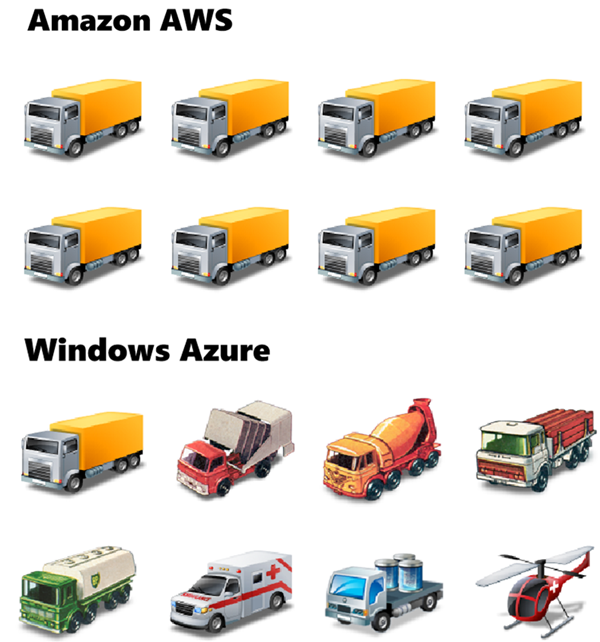
Read this article with a nice comparison: codefoster.com: Why Azure is Running the Sochi Olympics and Not AWS by Jeremy Foster, Microsoft Developer Evangelist. “…The streaming of this world event is backed by Microsoft’s Azure cloud servers - 10,000 of them to be exact. You might wonder why it’s Azure that’s backing this and not AWS. … It’s perhaps a bit like this.” Nice. Read it here!

February 16, 2014 · 1 min · Toni Pohl
3D-effect for animated GIFs

3D-effect for animated GIFs

Cool effects – with animated GIFs and two two straight lines at GIFs: 3D pictures become possible with two straight lines “Simply by drawing a couple of lines through what is a flat screen, one can achieve the illusion of viewing a movie (or at least a short clip) in 3D.” Here are my two favorite pics: Scrat from Ice Age And one more made from an action movie (or series?): ...

February 10, 2014 · 1 min · Toni Pohl
20 free eBooks for Web Designers

20 free eBooks for Web Designers

Have a look at the website of Doublemesh, there you find an article with a compilation of 20 Free EBooks For Web Designers! …and 10 more ebooks! Check it out here. Tip: In the article click on the book title to continue to the relevant download page.

February 9, 2014 · 1 min · Toni Pohl
Read our 4-part article series in the Microsoft MVP Blog

Read our 4-part article series in the Microsoft MVP Blog

We are pleased that the first three parts of our 4-part series “Identity in your own apps with Windows Azure Active Directory” are online by now in the official Microsoft MVP Blog. The article series is about using Windows Azure Active Directory (WAAD) in your own scenarios and applications, how to create an ASP.NET solution with authenticating against WAAD, managing the Active Directory, using the API and working with the cloud. ...

February 7, 2014 · 1 min · Toni Pohl
Hidden Features of Office 365 easy self-creation of detailed Exchange Online reports

Hidden Features of Office 365 easy self-creation of detailed Exchange Online reports

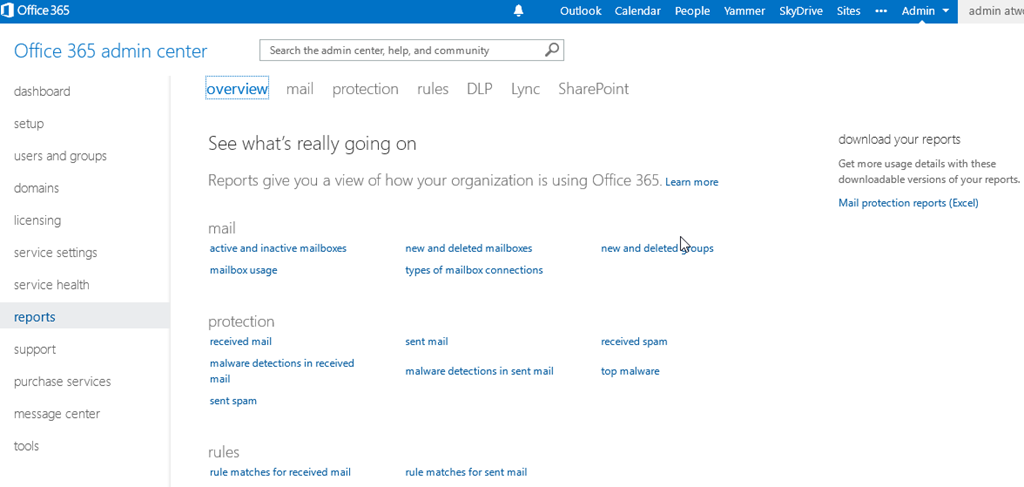
Office 365 offers already a lot of build-in Reports for the various Services within Office 365. You can find those Reports in the Admin Dashboard and the menuitem Reports. Office 365 Administrators can look at those Reports. Please be aware that those reports are visible if you have at least one Exchange Online license within your account (Thanks Erwin B. from MS Support for helping me figure this out). ...

February 4, 2014 · 2 min · Martina Grom
InfoPath is dead soon

InfoPath is dead soon

According to the blog post Update on InfoPath and SharePoint Forms by the Microsoft Office Team which was released of today, InfoPath and SharePoint forms will not be continued in upcoming new versions of SharePoint Server. “This means that InfoPath 2013 is the last release of the desktop client, and InfoPath Forms Services in SharePoint Server 2013 is the last release of InfoPath Forms Services. The InfoPath Forms Services technology within Office 365 will be maintained and it will function until further notice.” ...

January 31, 2014 · 2 min · Toni Pohl
Working with jQuery?

Working with jQuery?

Are you a web developer and working with jQuery library? Have a look at the list of detechter.com with 29 jQuery links for new and pro! BTW: Helpful Content Delivery Network (CDN) Links, see https://jquery.com/download/: Google CDN Microsoft CDN CDNJS CDN You find all available files and version here: https://code.jquery.com/

January 23, 2014 · 1 min · Toni Pohl