Several important enhancements and platform updates in GT365

GT365 September Updates

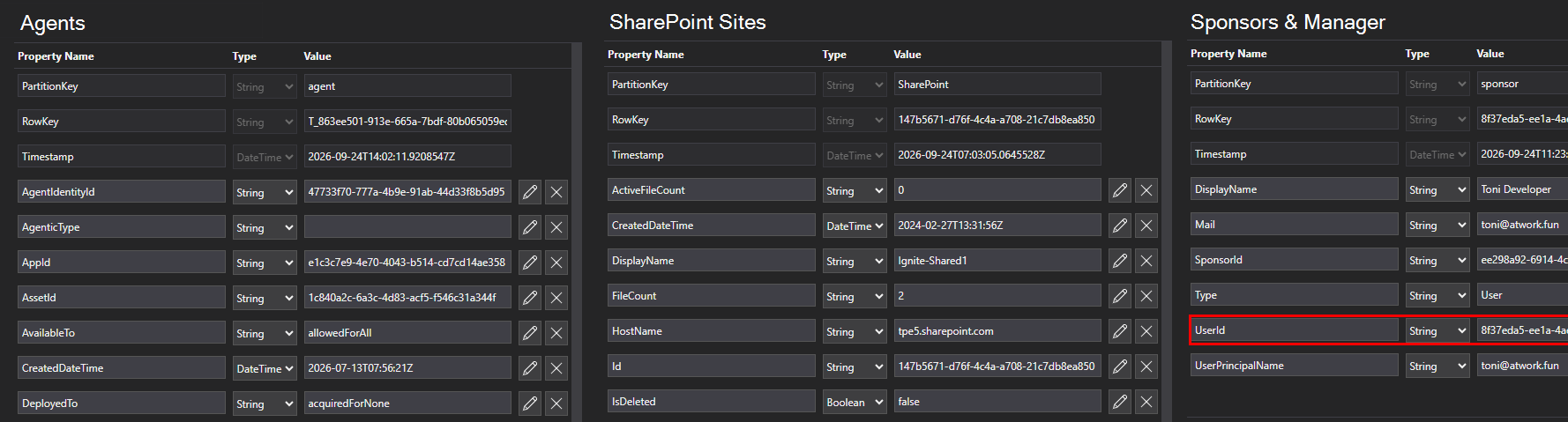
We have released several important enhancements and platform updates in GT365: Please update the GT365 application consent to enable the new functionality - see below. Agents 365 registry Agent 365 API support: Microsoft has retired the Beta Agents Registry endpoint and replaced it with the new Agent 365 API. To continue collecting agent data, customers must provide a new consent to the GT365 application. Important: Reading the agents in your M365 tenant requires at least one Agent 365 license. See License requirements Action Required: As a Global Administrator, please use the link below to grant consent to the GT365 application and approve the updated permissions required to access the new Agent 365 API: Update consent to the GT365 application The API permission AgentInstance.Read.All was removed, and CopilotPackages.Read.All was added to the GT365 app. After consent is granted and the license requirements are met, GT365 can retrieve all agents in the Microsoft 365 tenant through the new API. The data returned for an agent looks like this. ...
September 24, 2026 · 3 min · Toni Pohl
Passkeys by default

Microsoft Makes Passkeys the Future of Secure Authentication

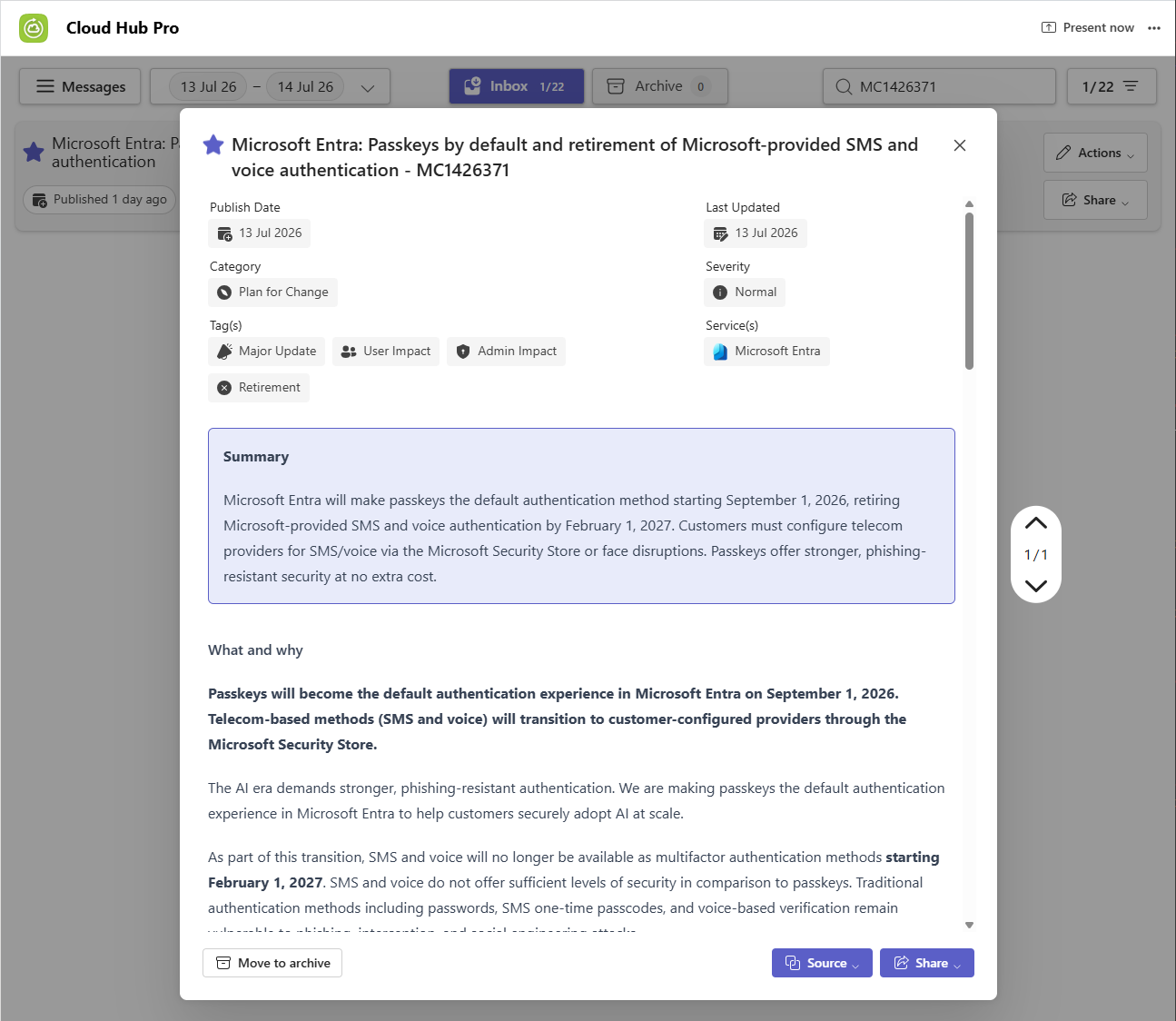
Security is more important than ever, and user accounts must be protected properly against modern threats such as phishing, credential theft, and social engineering. To strengthen identity protection, Microsoft is making passkeys the default authentication method in Microsoft Entra starting September 1, 2026. As part of this transition, Microsoft will retire its built-in SMS and voice-based multifactor authentication services on February 1, 2027. See the Microsoft article for more information: Passkeys by default and retirement of Microsoft-provided SMS and voice authentication ...

July 14, 2026 · 1 min · Martina Grom
Smarter Licensing in Delegate365: Full Control with Group-Based Assignments

Smarter Licensing in Delegate365: Full Control with Group-Based Assignments

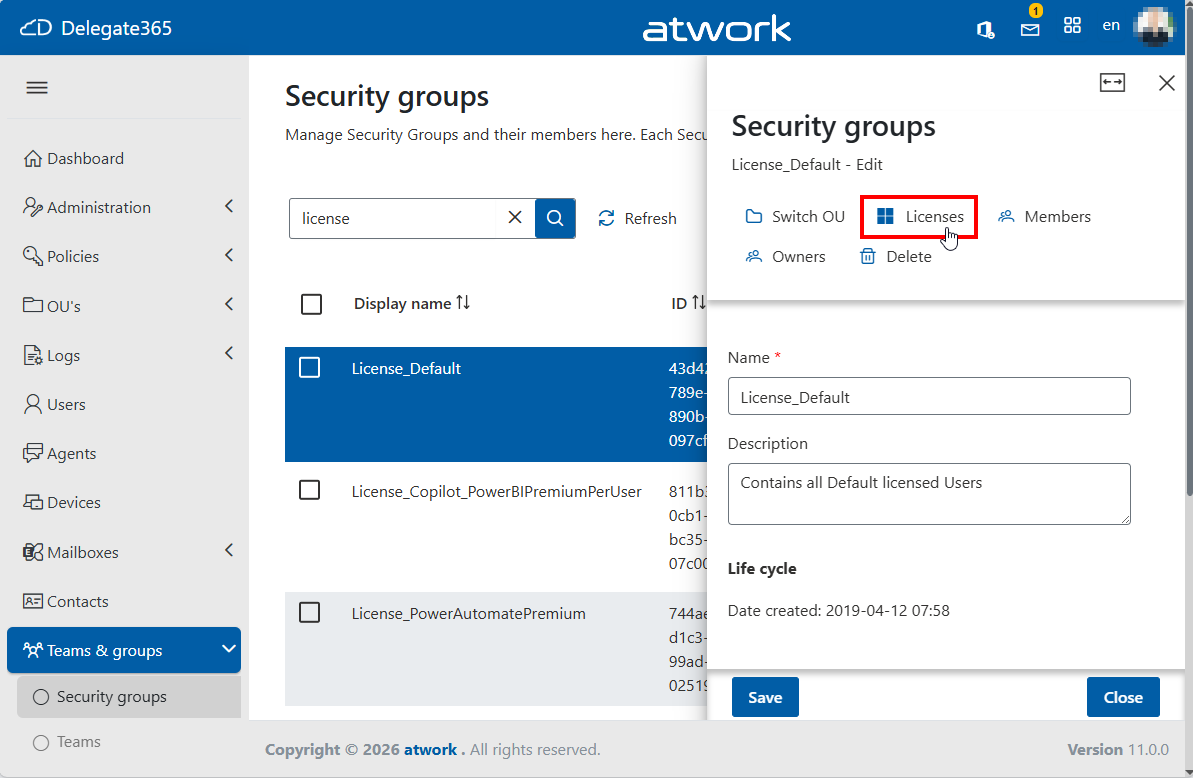
Microsoft 365 users can receive the same license through both group membership and direct assignment. For example, a user like Alex might have an E5 license assigned individually as well as through one or more groups. Delegate365 fully supports this licensing model and provides comprehensive management capabilities for license assignments. Multiple license assignments Delegate365 fully respects this updated model and ensures a clean and understandable experience: Licenses are displayed only once, even if assigned multiple times. ...

May 29, 2026 · 3 min · Toni Pohl
GT365 officially certified in the Microsoft AI Cloud Partner Program

GT365 officially certified in the Microsoft AI Cloud Partner Program

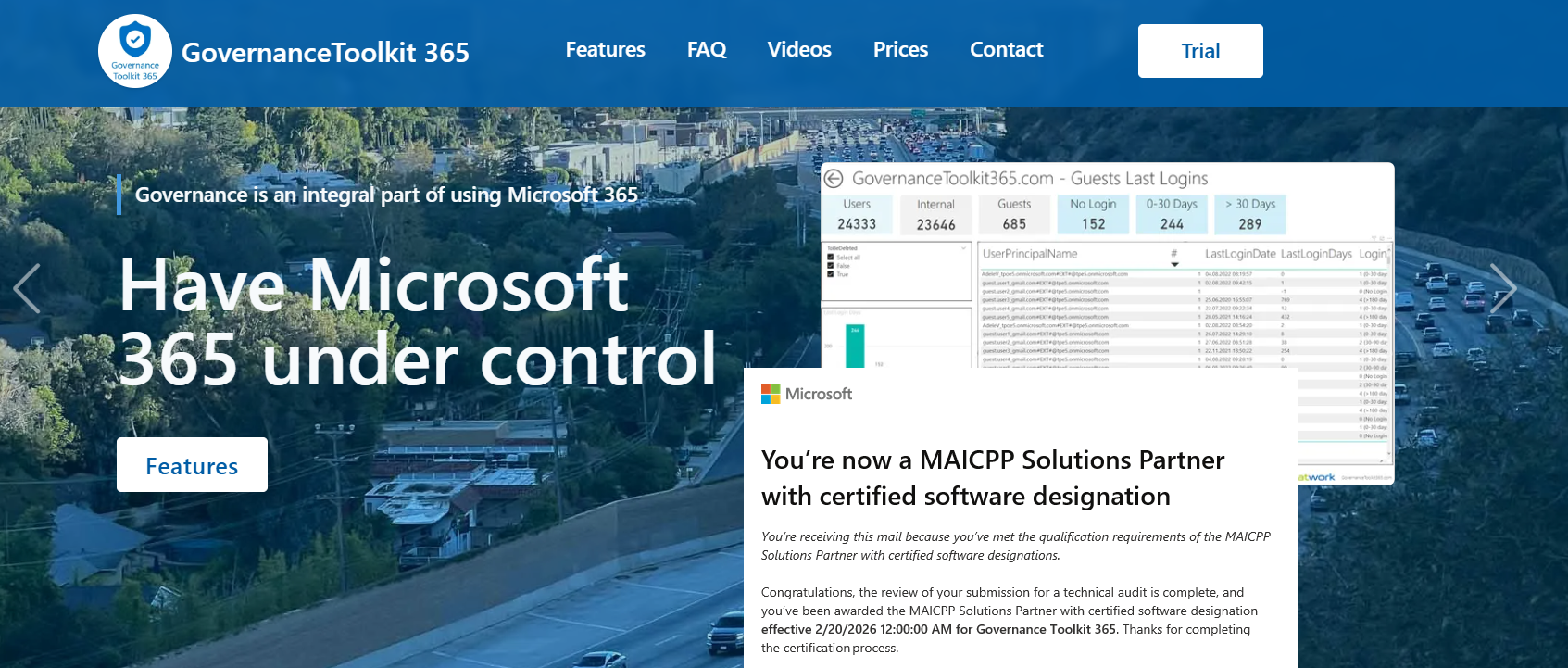
We’re proud to share an important milestone: atwork’s SaaS solution, Governance Toolkit 365 (GT365), is now officially certified within the Microsoft AI Cloud Partner Program (MAICPP). As part of this designation, GT365 successfully completed a formal technical audit and review by Microsoft. This confirms that our solution meets Microsoft’s strict requirements for quality, security, and cloud architecture. GT365 is available via Azure Marketplace and AppSource, and can be subscribed to directly through an Azure subscription. This certification is more than a badge. ...

February 20, 2026 · 2 min · Martina Grom
Using External Administrators in Delegate365

Using External Administrators in Delegate365

In Delegate365, you can add any Microsoft 365 user as an external administrator. With this mechanism, users from other Microsoft 365 tenants can sign in to your organization’s Delegate365 as external users, without being connected to your own tenant. This article explains how this works, step by step. Add an external user as an admin First, add the user as an administrator in the Delegate365 administrators list, as shown below. ...

February 18, 2026 · 3 min · Toni Pohl
Upgrade to Delegate365 v10 - The Future of Microsoft 365 Delegated Management

Upgrade to Delegate365 v10 - The Future of Microsoft 365 Delegated Management

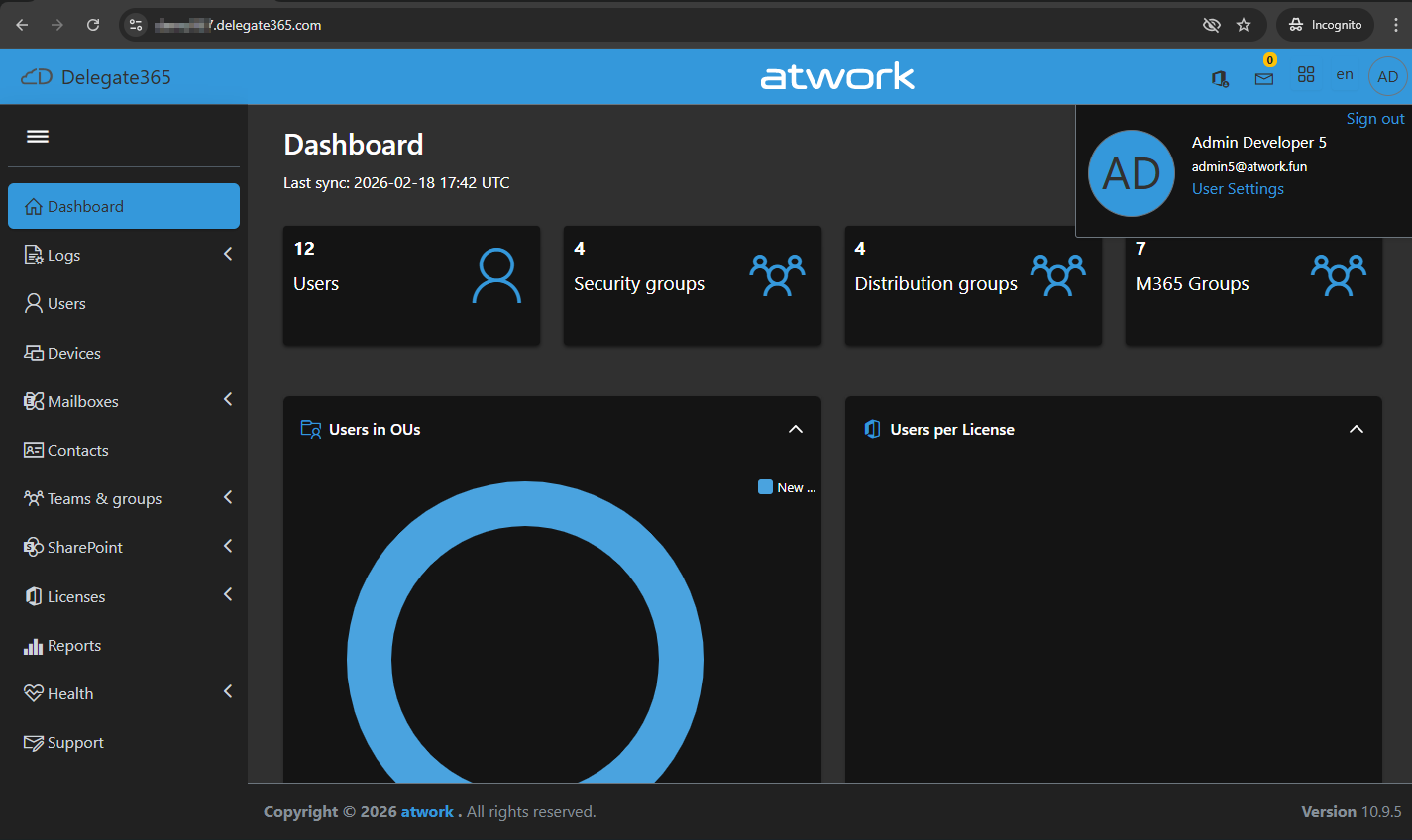
We are thrilled to announce Delegate365 version 10, the most advanced release of our SaaS solution for delegated Microsoft 365 management. Delegate365 version 9 has reached its end of life and will no longer receive updates. Update: All Delegate365 environments were scheduled to be updated to version 10 by December 14th, 2025. This date has now passed, and any environment still running an older version is no longer supported. If your environment has not yet been upgraded, please schedule an appointment with us as soon as possible to complete the update. This ensures continued support and access to the latest features and security improvements. ...

October 30, 2025 · 3 min · Toni Pohl
Delegate365-Extended Extensibility

Delegate365-Extended Extensibility

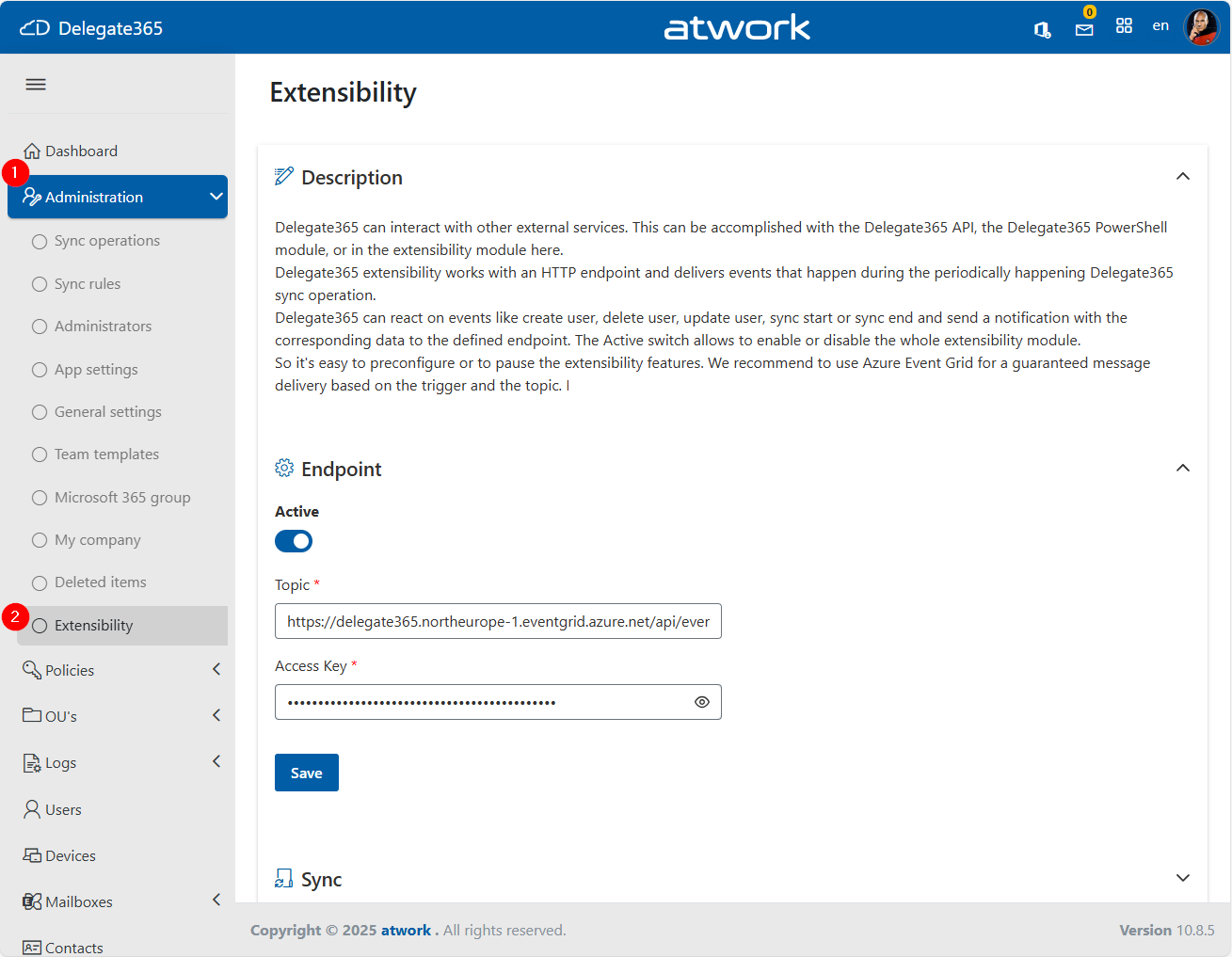
Delegate365 now supports enhanced Extensibility through integration with Azure Event Grid, enabling real-time notifications when specific actions occur within the system. This allows external systems to react to events in Delegate365, opening up new automation and integration scenarios. External systems can include ticketing platforms, monitoring tools, and custom workflows, enabling organizations to automate responses to changes within their Microsoft 365 environment. For instance, when a new user is created, they can automatically be added to a specific team based on their domain or OU, or when a new team is created, a designated administrator can be notified. This functionality requires only an Azure subscription and the provisioning of an Azure Event Grid resource. ...

October 2, 2025 · 3 min · Toni Pohl
Delegate365-September Update New Feature-Message Quarantine

Delegate365-September Update New Feature-Message Quarantine

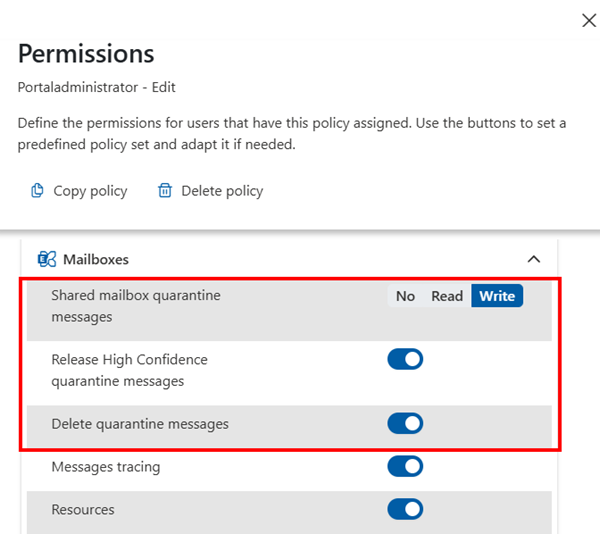
We’re pleased to introduce a powerful new feature in Delegate365 v10 that significantly extends the platform’s capabilities: Message Quarantine. This feature brings advanced security controls to Delegate365, enabling administrators to manage quarantined messages with greater precision and oversight. Message Quarantine: Delegate365 now includes a Message Quarantine feature that allows administrators to view and manage quarantined messages for users within their assigned Organizational Units (OUs). This functionality, typically reserved for Exchange administrators, is now available directly in Delegate365 with fine-grained access control. ...

September 29, 2025 · 2 min · Toni Pohl
Delegate365August Updates Enhanced Features and Improvements

Delegate365August Updates Enhanced Features and Improvements

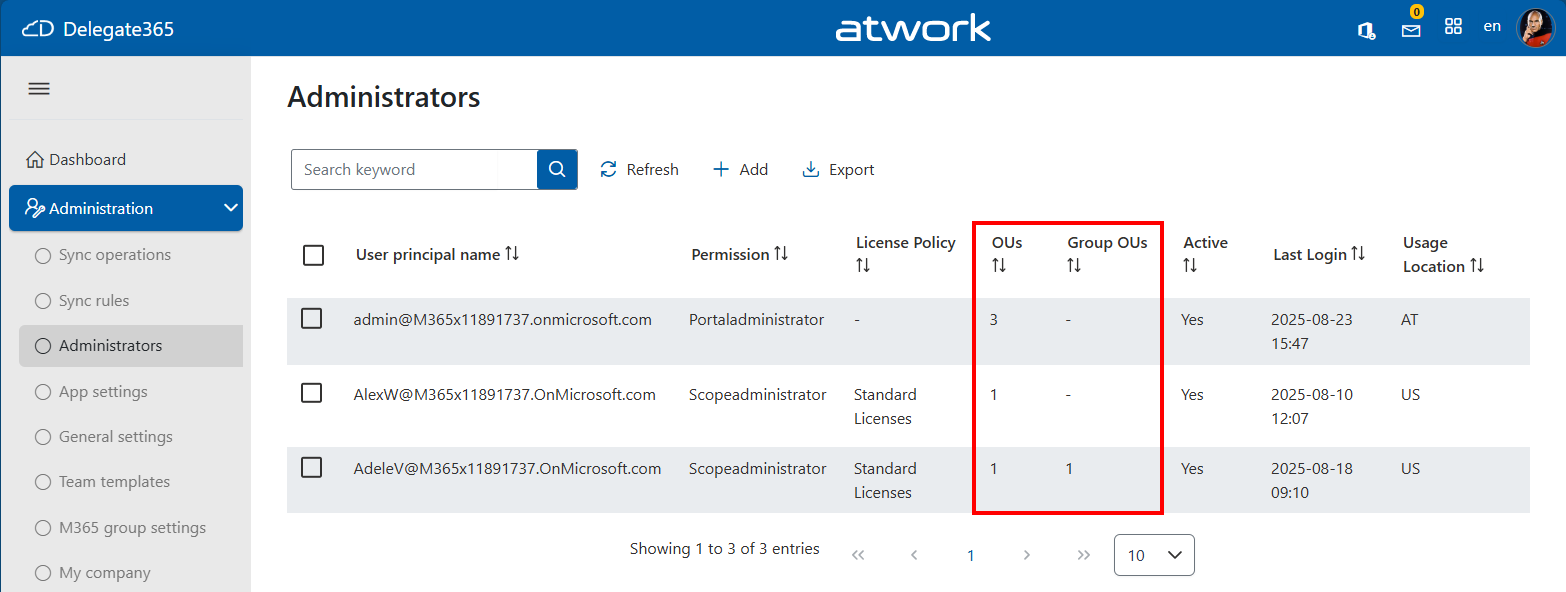
We are excited to announce the latest enhancements to Delegate365, designed to make your Microsoft 365 management even more intuitive and powerful. Building on the momentum of the recent releases, the August update introduces several user-driven improvements that provide additional productivity. Assigned OU overview for administrators: Admins can now see the number of assigned Organizational Units (OUs) at a glance thanks to the newly added OU columns *OUs *and Group OUs in the Administration / Administrators list. This helps to see the assigned policies and the number of assigned OU´s. ...

August 20, 2025 · 2 min · Toni Pohl
Troubleshoot Delegate365 Insufficient privileges to complete the operation

Troubleshoot Delegate365 Insufficient privileges to complete the operation

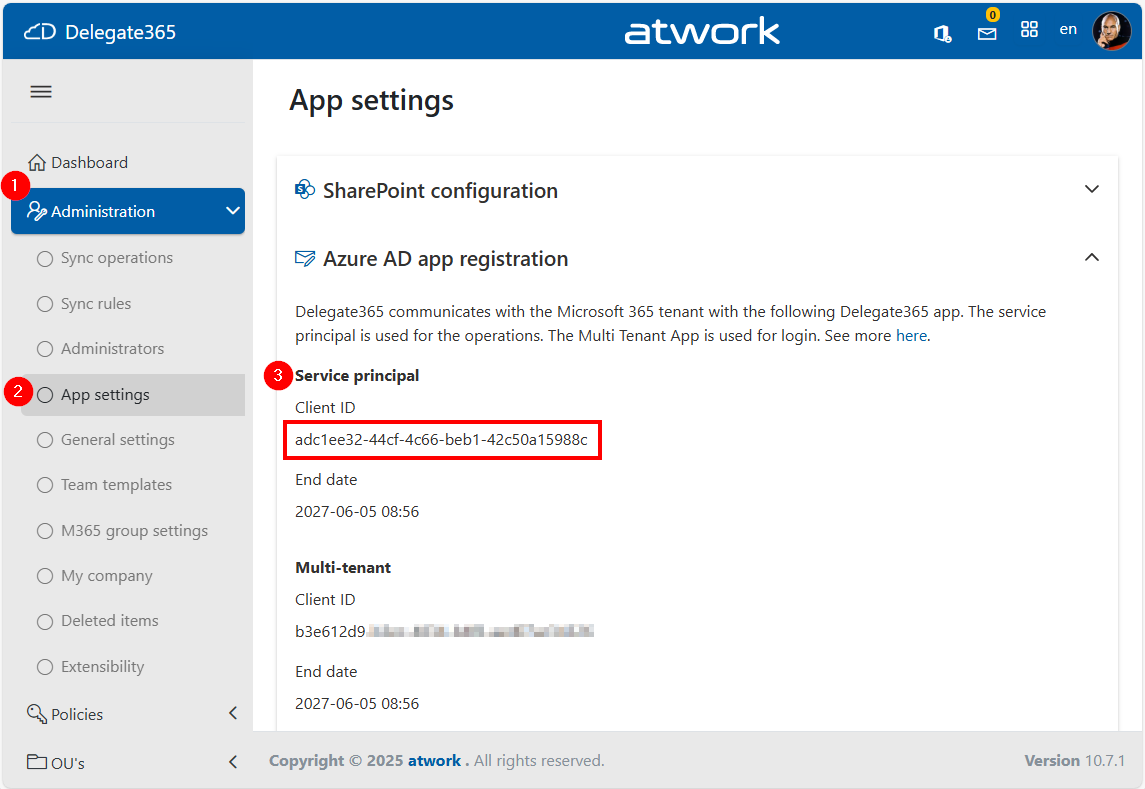
When managing devices through the Delegate365 application that integrates with Microsoft Intune, you might encounter the error “Insufficient privileges to complete the operation”, This issue may occur during specific operations if the Delegate365 setup has been used a longer time ago, or if the Global Administrator role has been removed from the Delegate 365 application by a Microsoft 365 administrator. In such cases, the administrator must reassign the necessary role to the application. The process for doing so is outlined below. ...

July 24, 2025 · 3 min · Toni Pohl