Using Microsoft 365 Security Audit Logs to Track Copilot Usage

Using Microsoft 365 Security Audit Logs to Track Copilot Usage

In our data-driven era, gaining insights into user interactions with tools like Microsoft 365 Copilot is essential for enhancing productivity. For administrators, it is vital to know which users are utilizing a Copilot license and the specific services they are engaging with. This information helps in managing licenses effectively, ensuring that resources are allocated efficiently. The Microsoft 365 Security Audit Logs offer a detailed view of user activities, including interactions with Copilot, even when the organization’s anonymization settings are enabled. Here’s how this works. ## Get Copilot Usage with Graph Reports ...

January 24, 2025 · 7 min · Martina Grom
Delegate365-License Aggregation Report Update

Delegate365-License Aggregation Report Update

Delegate365 faced significant challenges in managing license data reports due to its daily storage practices. The root cause was the accumulation of an excessive amount of license data over the years, which exceeded the available resources. So we changed that and the License Aggregation Report in Delegate365 got an update. What Happened Recently, several users encountered a “Query Timeout - operations failed” error when generating a report in menu Licenses / License Aggregation. The system recorded license data for all Organizational Units (OUs) every day, resulting in the accumulation of hundreds to thousands of rows daily. Over time, this practice led to the creation of millions of rows in the database. Consequently, the Delegate365 client struggled to process this vast amount of data efficiently. ...

December 12, 2024 · 2 min · Toni Pohl
How to Use Power BI REST API as an Admin

How to Use Power BI REST API as an Admin

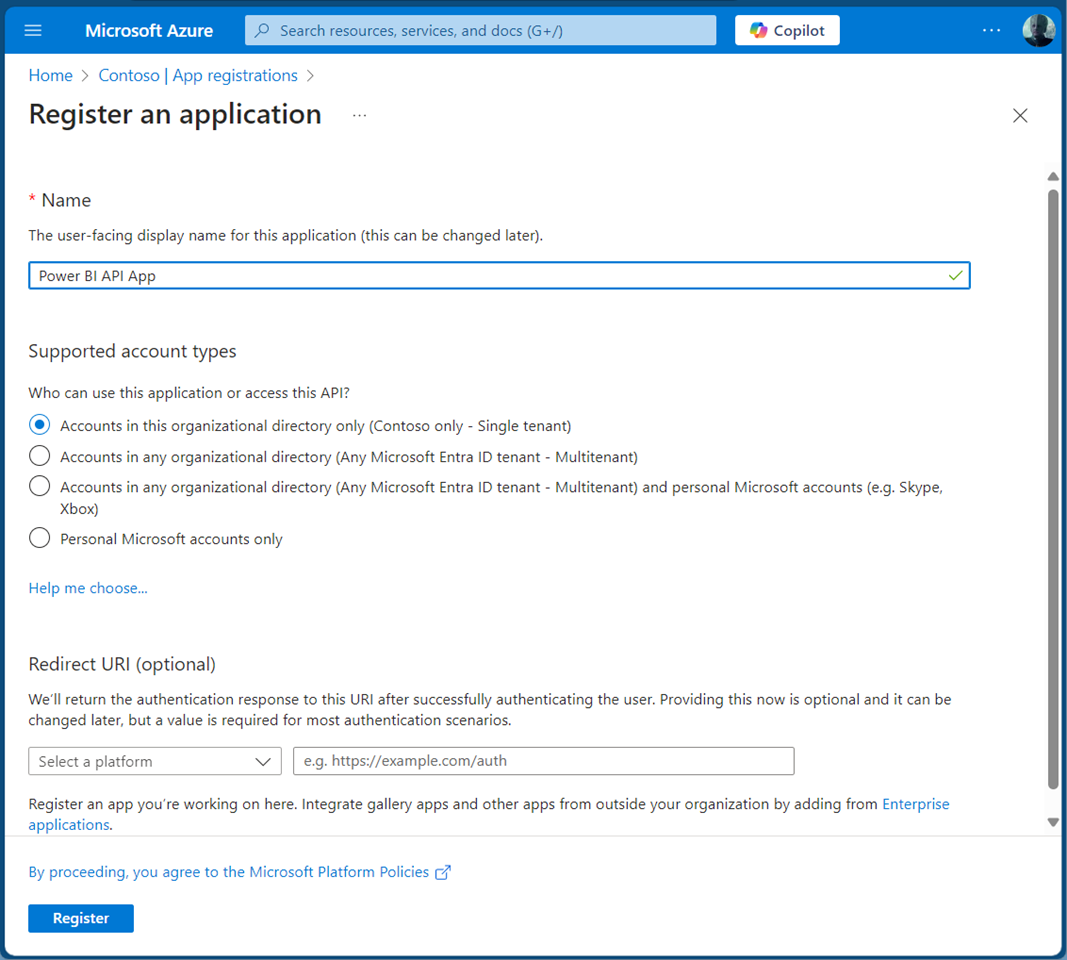
Accessing the Power BI REST API with an application is crucial for efficiently managing and monitoring your Power BI environment. This guide will walk you through using the Power BI REST API with an app as an admin. By leveraging a service principal, your app can seamlessly authenticate and interact with Power BI resources. This allows our app to read Power BI workspaces and usage data automated to streamlines administrative tasks in Power BI. A Service Principal Name (SPN) is an authentication method that enables a Microsoft Entra application to access Microsoft Fabric content and APIs. When you create a Microsoft Entra app, a service principal object is automatically generated. This object, commonly referred to as the Service Principal, allows Microsoft Entra ID to authenticate your app. Once authenticated, the app can access resources within the Microsoft Entra tenant. See more at Service principals can access read-only admin APIs. and Tenant settings index. ...

November 1, 2024 · 5 min · Toni Pohl
Introducing the new and improved Delegate365 A modern SaaS solution for efficient, delegated management of an M365 tenant

Introducing the new and improved Delegate365 A modern SaaS solution for efficient, delegated management of an M365 tenant

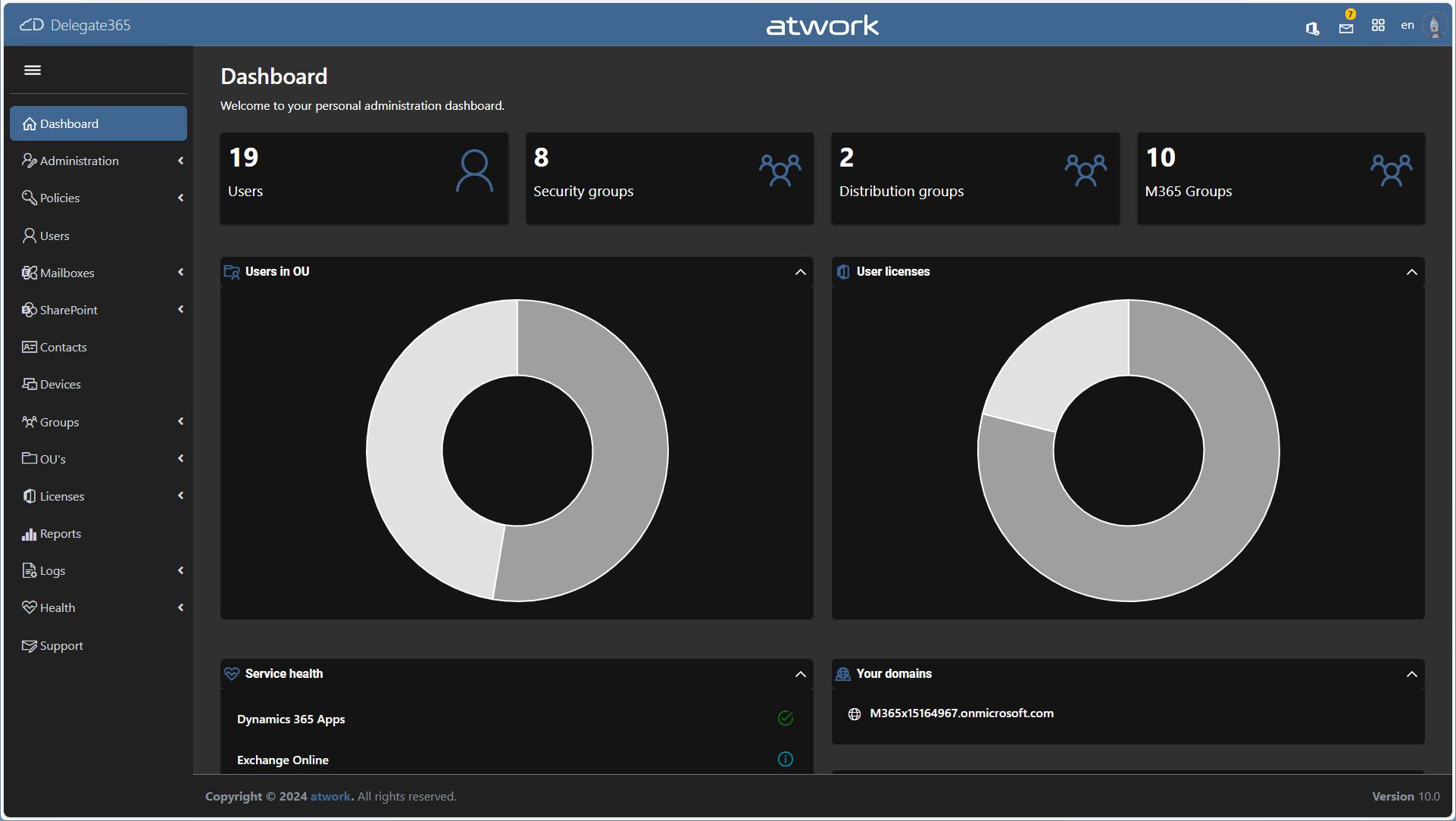
We are thrilled to announce the launch of the latest version of our Software-as-a-Service solution, Delegate365 (delegate365.com). This brand-new iteration is designed to provide a faster, more modern, and highly efficient delegated management experience. Available now for testing, Delegate365 is here to transform how you manage and delegate your Microsoft 365 environment. For the past decade, we have consistently updated Delegate365 to ensure it remains at the forefront of IT management solutions. Our commitment to security has been unwavering, with regular updates to protect against emerging threats and vulnerabilities and to enhance the platform’s security and functionality. We have continually introduced new features to meet the evolving needs of our users. From integrating advanced functionalities to improving user experience, our updates have always aimed to make Delegate365 more powerful and user-friendly. This dedication to innovation and security has made Delegate365 a trusted solution for IT management over the years. ...

October 31, 2024 · 5 min · Toni Pohl
Use Delegate365 with Privileged Identity Management PIM

Use Delegate365 with Privileged Identity Management PIM

In today’s digital landscape, managing privileged access to applications is crucial for maintaining security and compliance. Microsoft Entra Privileged Identity Management (PIM) offers a robust solution to manage, control, and monitor access within your organization. In this guide, we’ll walk you through the process of configuring Microsoft Entra PIM for your application, Delegate365, ensuring that only authorized users can access it through a security group. Delegate365 is equipped with robust security features and offers seamless integration with Microsoft Entra Privileged Identity Management right out of the box. This integration ensures that administrators can only access Delegate365 using their standard work accounts when the PIM role is activated. Without activating the PIM role, access to Delegate365 is denied. ...

August 19, 2024 · 6 min · Toni Pohl
Grant permissions to the GT365 app

Grant permissions to the GT365 app

Our Governance Toolkit 365 (GT365) provides information and automation solutions for a Microsoft 365 tenant. In order to use the functions, this app must be approved by an administrator. In addition, new solutions are constantly being added. Some of these also require new permissions. You can find out how you as an administrator can grant and renew these permissions here. GT365 requires an app “Governance Toolkit 365” that reads the data from the M365 tenant and collects it for further actions. An administrator must approve this app so that the functions can be used. There are the following functions that administrators can perform: ...

August 7, 2024 · 7 min · Toni Pohl
Delegate365-Disable MFA Legacy

Delegate365-Disable MFA Legacy

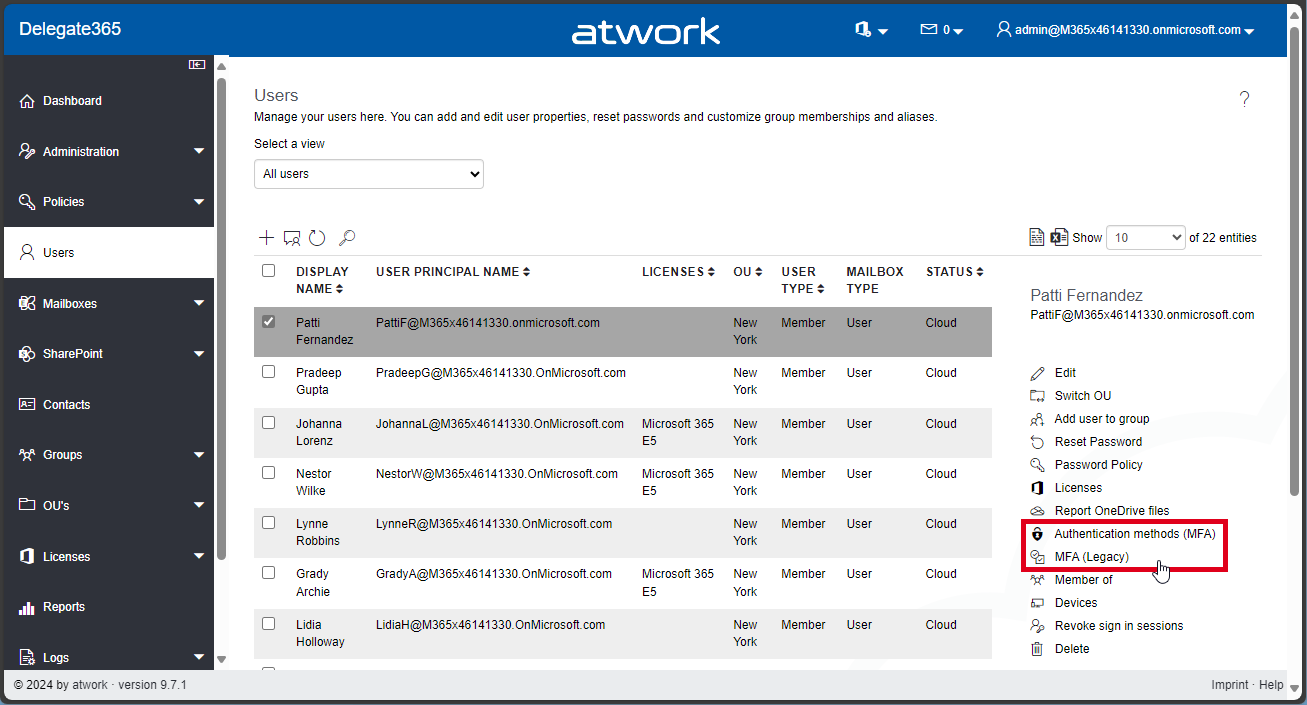
In Delegate365, there exist two methods to configure Multi Factor Authentication (MFA) for users: the functions “Authentication methods (MFA)”, and “MFA (Legacy)”. See the difference here, and how to disable the “MFA (Legacy)” feature. Authentication Methods (MFA): This is Microsoft’s modern MFA setting method. Delegate365 allows you to remove authentication methods for a user, so the user will have to reconfigure their MFA if they are removed. MFA (Legacy): This method is deprecated, which is why we called it “Legacy.” It requires a service account without MFA to work, and will stop working after March 2025, see Important update: Deprecation of Azure AD PowerShell and MSOnline PowerShell modules. Therefore, this feature is only present for historical reasons. If it is not needed, we recommend disabling it as below. ...

July 29, 2024 · 2 min · Toni Pohl
GT365-Team deep links no longer work in v2 client

GT365-Team deep links no longer work in v2 client

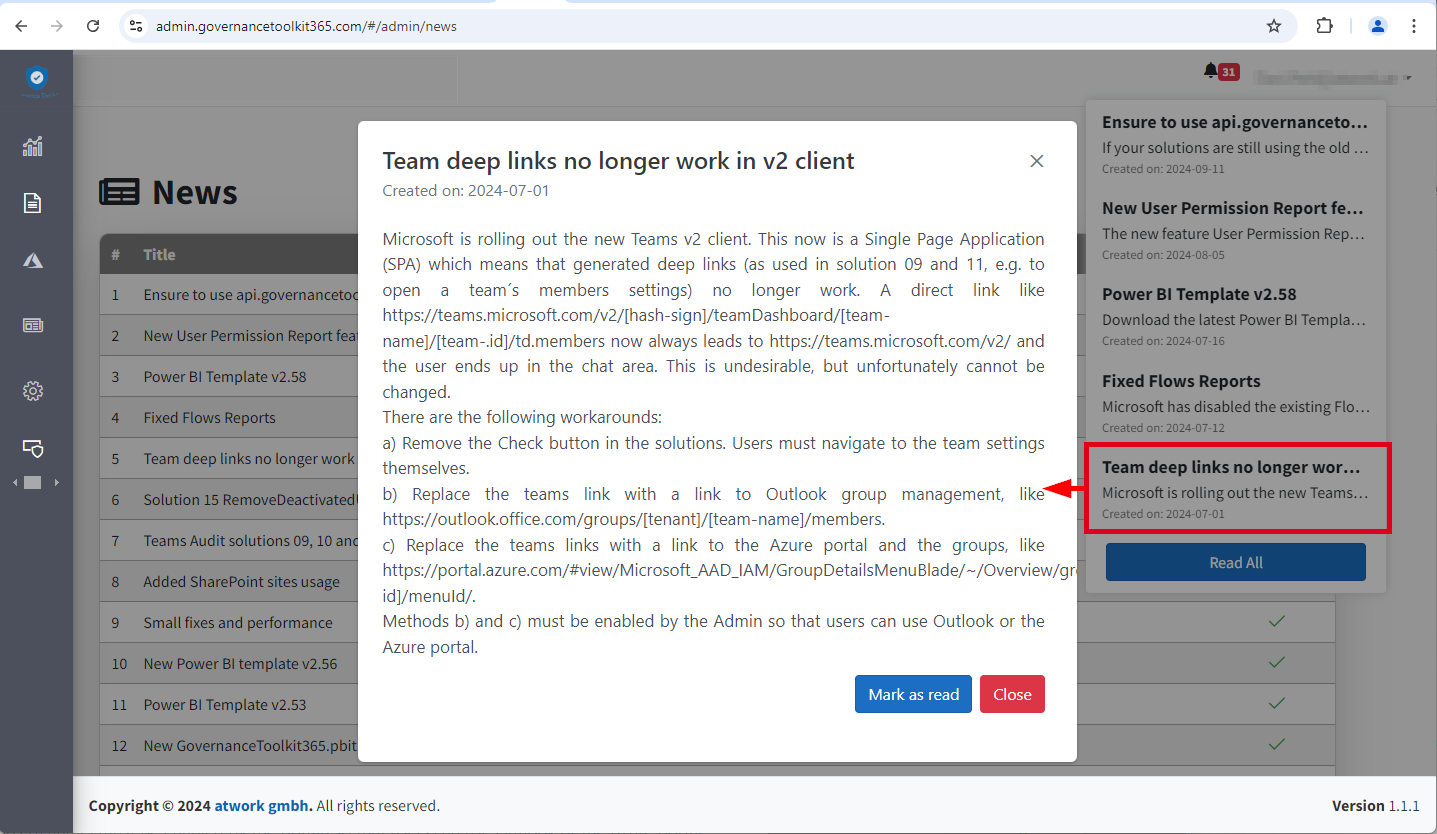
Microsoft is rolling out the new Teams v2 client. This is now a Single Page Application (SPA), which means generated deep links no longer work. Unfortunately, this also affects the GT365 solution 09 and 11, e.g. to open the settings of a team and the management of members with a button. Here you can find out why this is the case and what workarounds are possible. This means that a direct link like https://teams.microsoft.com/v2/#/teamDashboard/[team-name]/[team-.id]/td.members now always leads to https://teams.microsoft.com/v2/ and the user ends up in the chat area. This is undesirable, but unfortunately cannot be changed because Microsoft no longer supports direct links in the Teams v2 client due to the new SPA architecture. For Governance Toolkit 365 customers, see also the news entry in the GT365 admin portal. ...

July 2, 2024 · 2 min · Toni Pohl
Working with Microsoft Entra ID Applications - Part 1

Working with Microsoft Entra ID Applications - Part 1

Microsoft Entra ID (or Azure AD) applications are cloud-based applications that can be integrated with Azure AD for authentication and authorization purposes. Using such applications provides a way to centrally manage and secure access to your cloud-based applications and services using Azure AD identities and credentials. This article is presented in two parts, exploring the practical implementation and functionality of apps across tenant boundaries. It provides an overview of how these apps operate and the details of permissions when used in a real-world setting. ...

May 6, 2024 · 13 min · Toni Pohl
Delegate365 changelog 9.7-SharePoint Sharing

Delegate365 changelog 9.7-SharePoint Sharing

In December and January some features and fixes have been added to Delegate v9.7. In this update, administrators can allow or block sharing settings of SharePoint sites to comply with company policies. Global Sharing settings: In the SharePoint Admin Center, Global Administrators can control the sharing settings for their Microsoft 365 tenant (see more at Manage sharing settings for SharePoint and OneDrive in Microsoft 365). These settings apply to the entire organization in SharePoint and OneDrive. The screenshot below shows a typical setting for organizations that allow external and anonymous sharing to certain SharePoint sites, but want to restrict sharing from the OneDrive personal space. ...

February 14, 2024 · 4 min · Toni Pohl