Delegate365 changelog 9.5-Import group members

Delegate365 changelog 9.5-Import group members

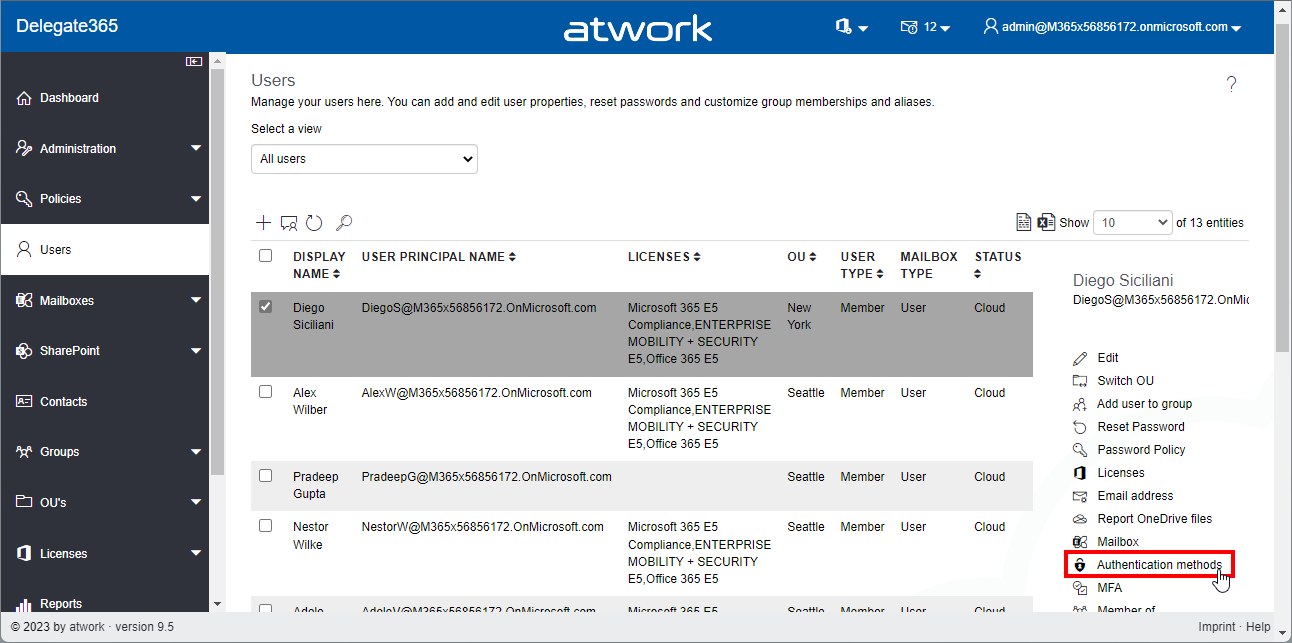
Delegate365 v9.5 brings some improvements for importing users from a list into groups, adding owners to groups, showing user authentication methods and some other benefits. See it here. User authentication methods: In the *Users *module, the panel has been extended and now shows all stored Authentication methods of the user. Select a user, and open the Authentication methods menu on the right. The Authentication methods panel opens and shows a list of all methods. Admins can remove outdated authentication methods here with the x-Icon. The question dialog “Do you really want to delete Password Authentication?” must be confirmed to delete a method. In this sample, we see some outdated authentication methods (without name, from 2017) that could be removed by the admin. *Cancel *closes the panel. Note: Users can modify or add their authentication methods anytime at https://aka.ms/mfasetup. ...

February 10, 2023 · 4 min · Toni Pohl
Delegate365 changelog 9.4-Dynamic Security Groups

Delegate365 changelog 9.4-Dynamic Security Groups

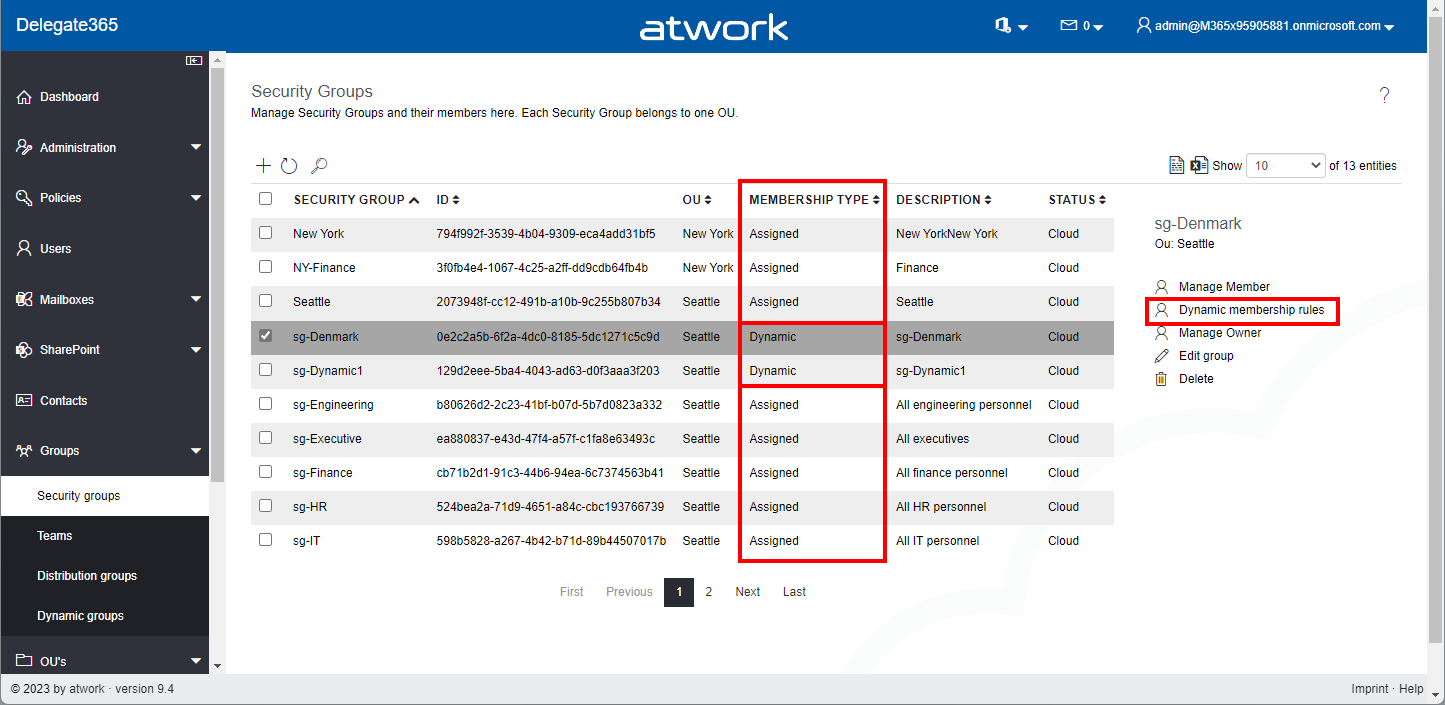
Delegate365 v9.4 brings support for managing dynamic security groups and some small fixes. See the details here. Dynamic Security Groups: In the Groups / Security Groups module, the list shows all security groups that are assigned to the administrator´s OU´s. In the list, there´s a new column Membership Type that shows if the security group is of type Assigned or Dynamic. Assigned means static users, Dynamic means a rule that includes all users whose properties match the condition (as in the M365 admin portal). The Membership Type cannot be changed for existing security groups. It must be defined when a new security group is created. If a security group is of type Dynamic, the menu on the right shows the option Dynamic membership rules. ...

January 13, 2023 · 3 min · Toni Pohl
Delegate365 changelog 9.3.1-Improvements

Delegate365 changelog 9.3.1-Improvements

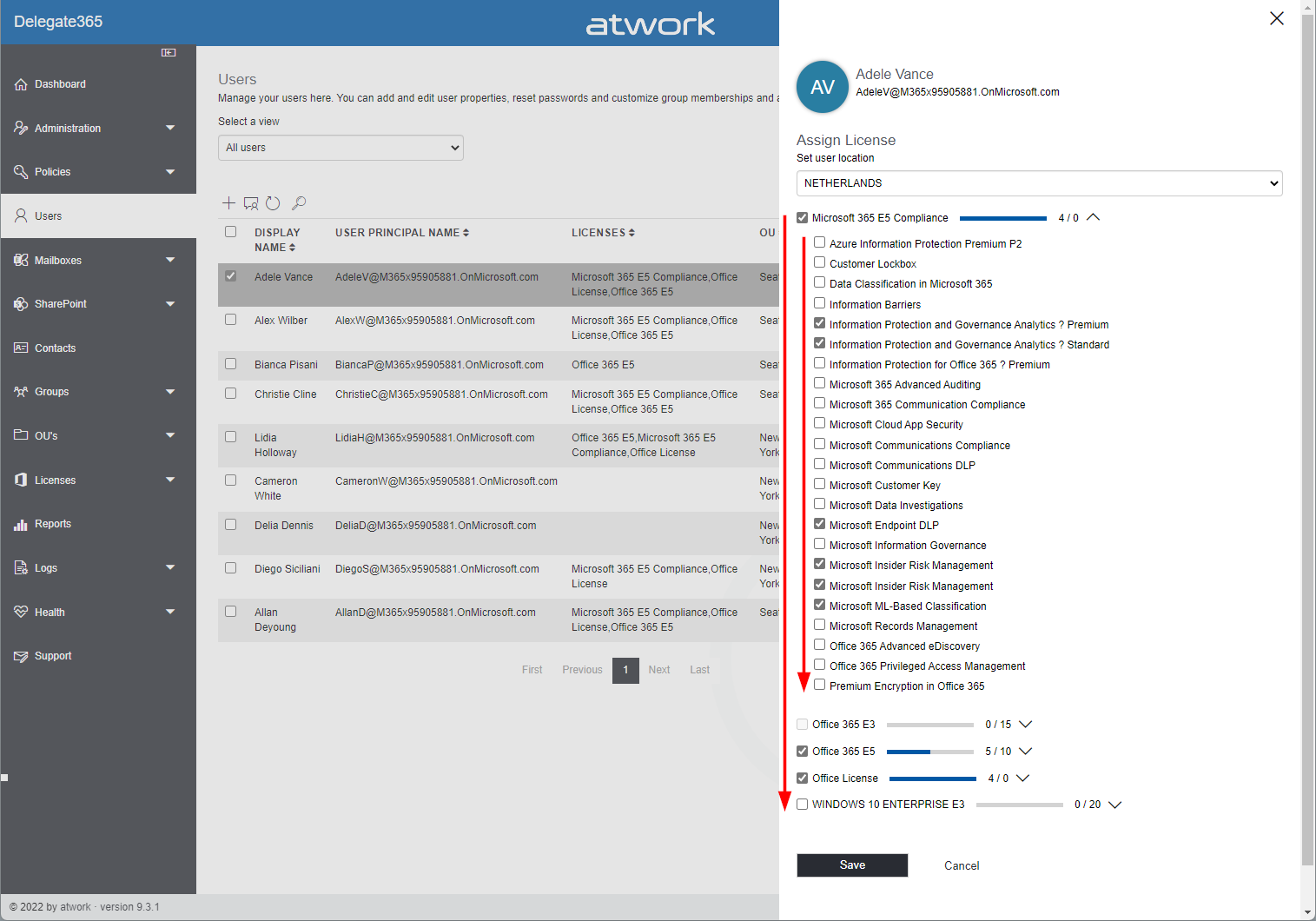
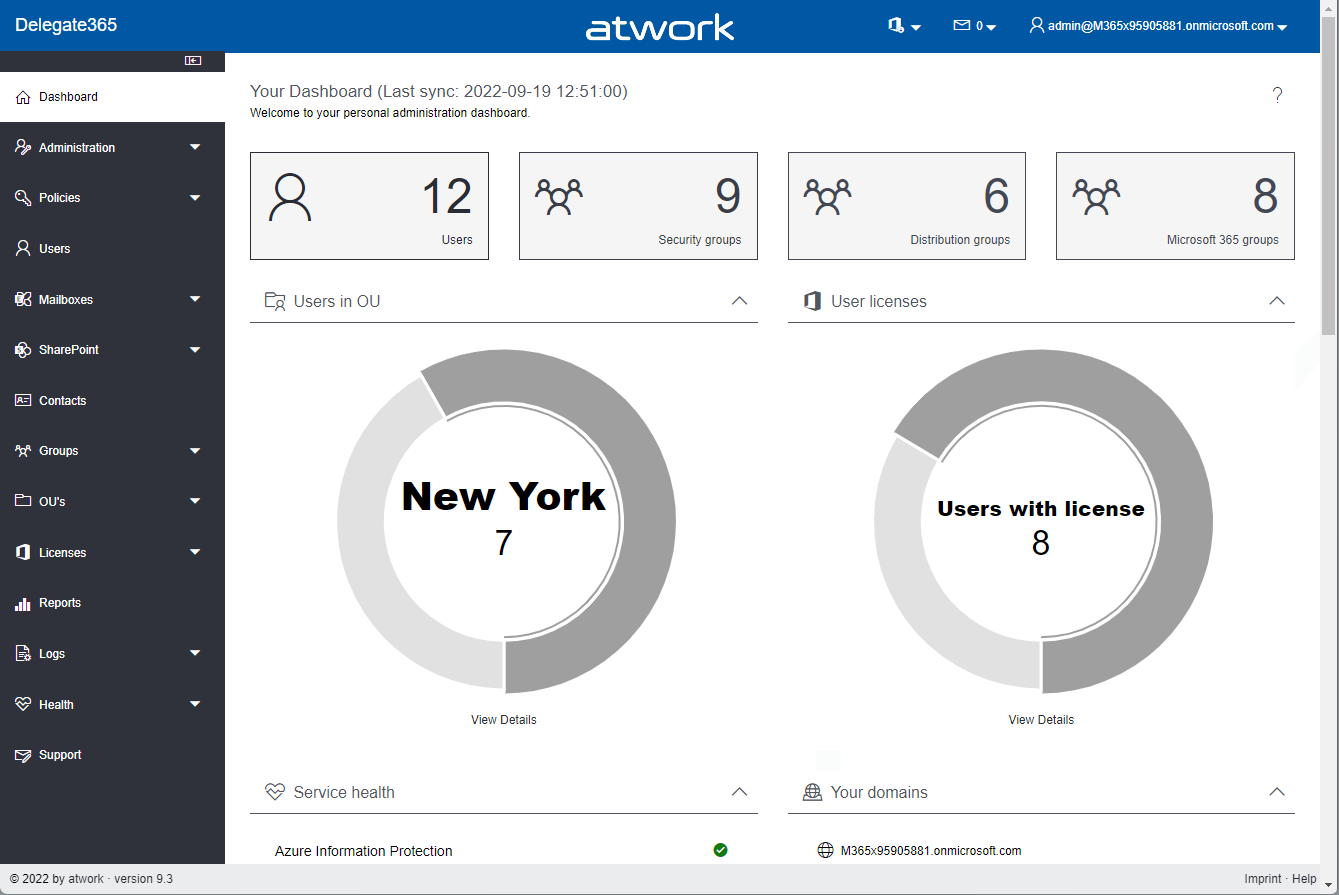
We’ve developed a new update for Delegate365 with a number of useful improvements. All existing customers will be updated to Delegate365 version 9.3.1 in the next few days. See the details here. Licenses sorted by name: All licenses and plans are now sorted by name. This makes it easier for administrators to find the licenses and plans by name and adjust the corresponding license. Sorting is applied to both license names (SKU´s) and plans, in all modules. ...

December 21, 2022 · 3 min · Toni Pohl
Delegate365 new setup

Delegate365 new setup

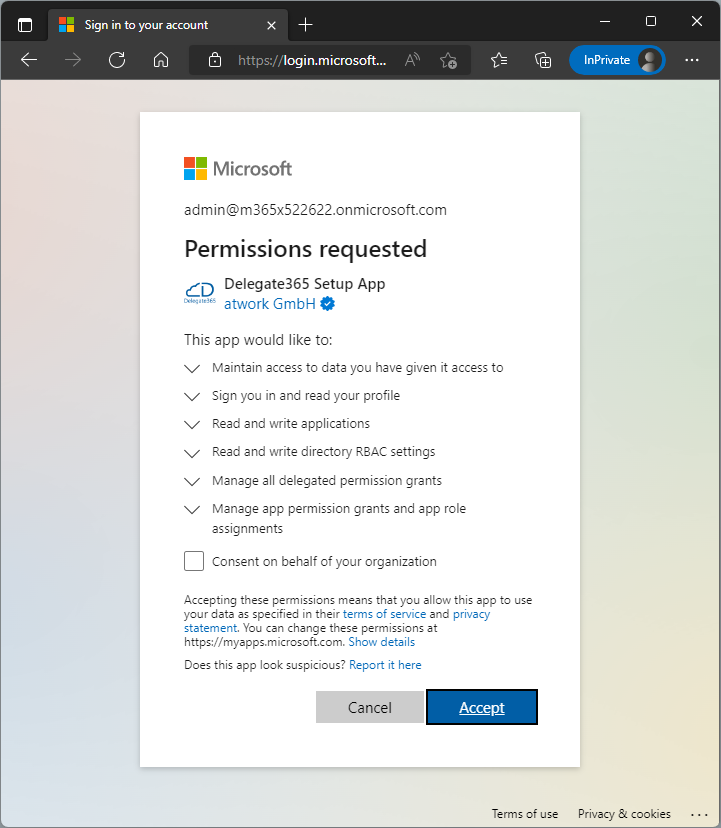
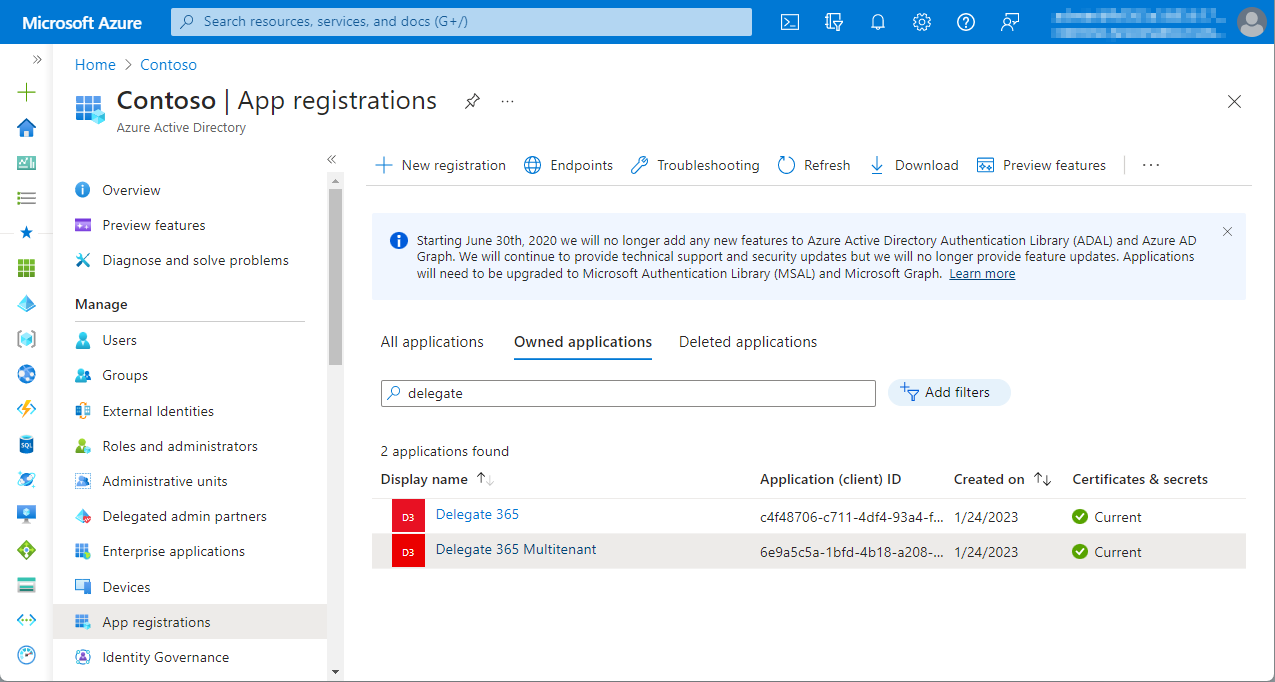
Delegate365 v9.3 and later comes with a new setup. The new setup is required to use MFA enabled admins and to generate the Delegate365 app and certificate for authentication in the Microsoft 365 tenant. Follow the steps here to setup your Delegate365 tenant. Test Delegate365 These are the steps to open a new trial of Delegate365. Navigate to the Delegate365 website and click on the Trial link. Fill out the form and enter your Microsoft 365 tenant domain that you want to manage in Delegate365. ...

October 3, 2022 · 3 min · Toni Pohl
Delegate365 changelog 9.3-Improvements

Delegate365 changelog 9.3-Improvements

Delegate365 v9.3 comes with a new setup and a bunch of other new features, such as more details, SharePoint site templates, user mailbox Automapping, and more. See a list here. Modern Authentication: Delegate365 runs as with a Microsoft Azure Active Directory app. Delegate365 uses modern authentication from the start for all operations except Exchange Online. With Delegate365 version 9.3 and up, it always is using Modern Authentication for all Microsoft 365 services, regardless of the setup method. ...

September 19, 2022 · 6 min · Toni Pohl
Governance Toolkit 365-Improvements July 2022

Governance Toolkit 365-Improvements July 2022

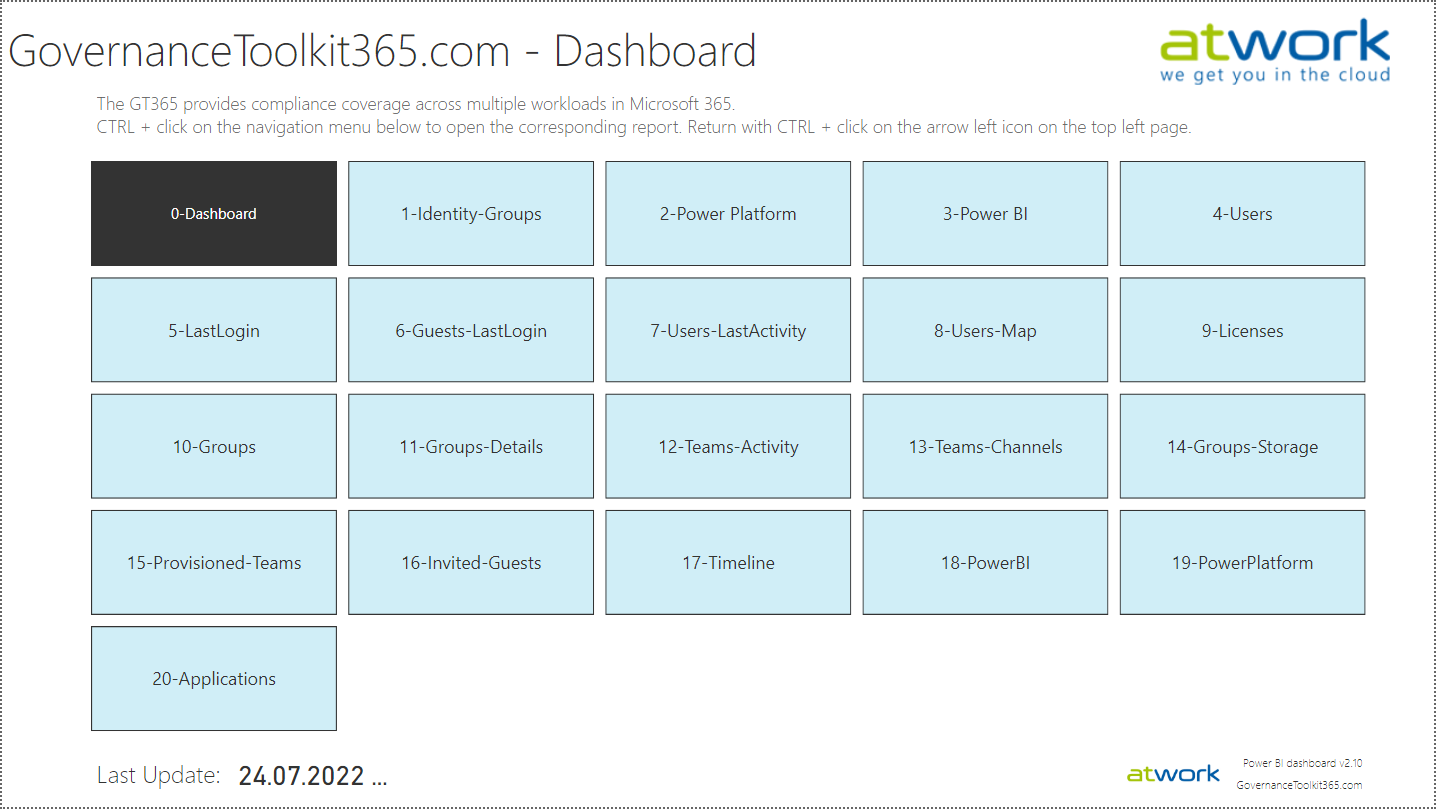
The Governance Toolkit SaaS solution provides compliance coverage across multiple workloads and offers self-services for users. We have added many new improvements and services over the past few months. We started the Governance Toolkit 365 (GT365) journey at the Microsoft Ignite conference in 2018, when my colleague Martina Grom showed a first version how to develop a Power BI governance board for Microsoft 365 and an endpoint to provision a new Microsoft 365 Group with an approval workflow. We saw that there was a great need for governance in the market and from there we developed our solution as Software-as-a-Service offering. One of the great advantages of the GT365 is that it runs completely with the on-board tools of Microsoft 365 and can be completely flexibly customized. You can find more information and test GT365 anytime at governancetoolkit365.com . ...

July 31, 2022 · 8 min · Toni Pohl
Governance Toolkit 365-Turn off obfuscation

Governance Toolkit 365-Turn off obfuscation

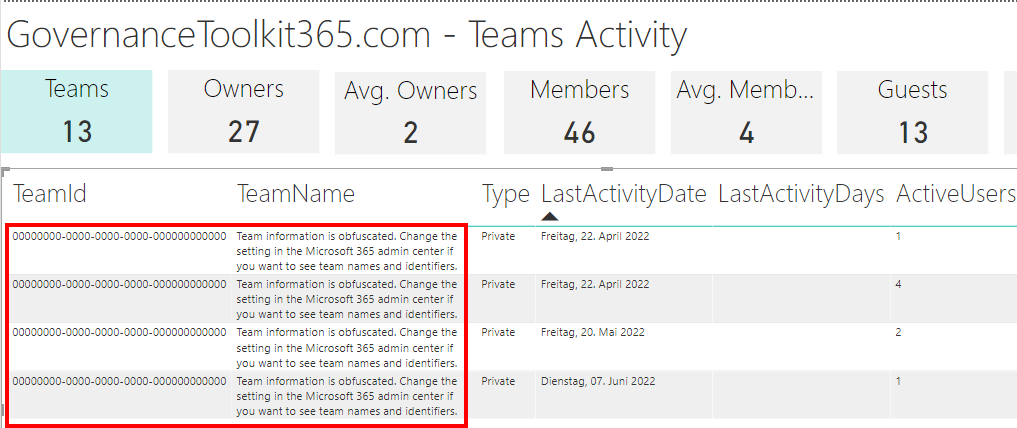
The Governance Toolkit 365 (GT365) provides many insights from a Microsoft 365 tenant, like users, guests, teams, activities, Power Apps and Flows, Power BI reports and much more. If reports don’t show names, IDs, or other details, you’ll need to turn off the obfuscation feature in the Microsoft 365 admin center. Here´s how. The reports Here’s an example of a Teams activity report showing when Teams were last accessed. As you can see in the following screenshot, the TeamId and the TeamName are not shown correctly. ...

June 20, 2022 · 2 min · Toni Pohl

Delegate365 changelog 9.2.5-Updates

All Delegate365 tenants have been updated to the latest version v9.2.5. This enables the use of the new service health dashboard and new functions. So: If your health dashboard is not displayed correctly, please run the Delegate365 setup again (see here). This will renew the Delegate365 app with the necessary permissions for the operations. After the setup is completed, Delegate365 can be used again and the new extended service health dashboard will show the current tenant status. Otherwise, no setup is currently required. However, you can always do a setup to renew the Delegate365 app and ensure all required permissions are in place. ...

May 17, 2022 · 1 min · Toni Pohl
Copy a SharePoint list with PnP PowerShell

Copy a SharePoint list with PnP PowerShell

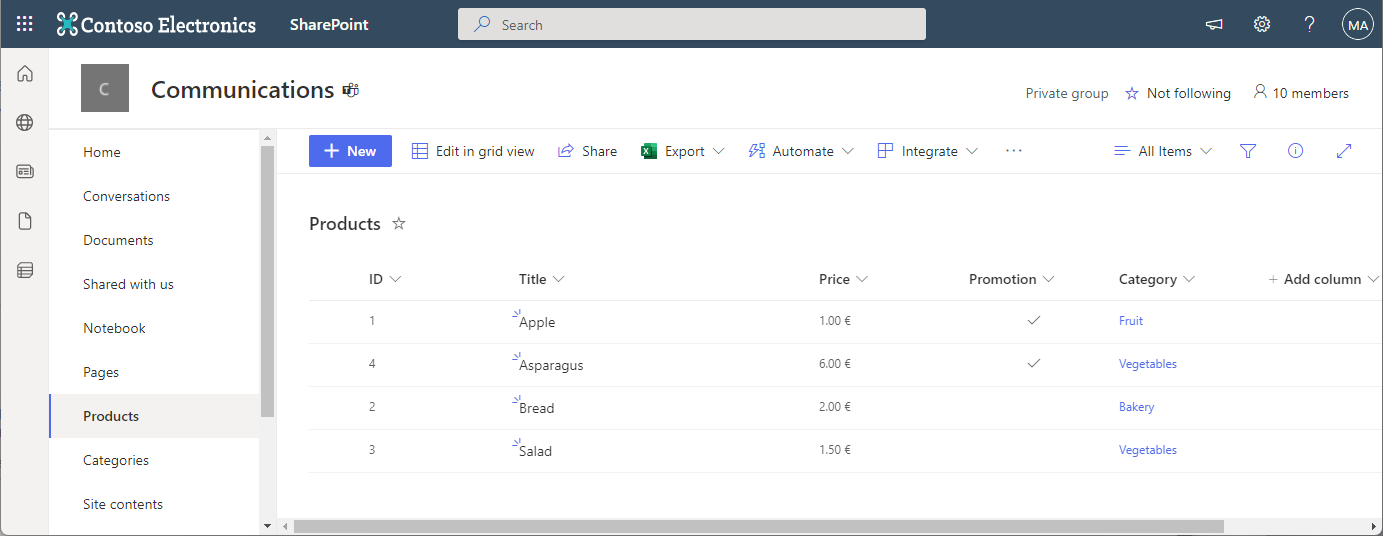
In the Microsoft 365 world, sometimes you want to copy a custom list in SharePoint Online to another SharePoint site in the same or in a different M365 tenant. While there are third-party tools for this, there is an easy-to-use method for such a scenario using PnP PowerShell. This article shows how it works with a step-by-step example. PnP PowerShell PnP PowerShell is an open-source component from Microsoft providing over 600 cmdlets that work with Microsoft 365 environments such as SharePoint Online, Microsoft Teams, and more services. We can use this simple-to-use module for our purpose. See more at PnP PowerShell overview. ...

April 22, 2022 · 5 min · Toni Pohl
Delegate365 changelog 9.2.5-Message Trace optimization

Delegate365 changelog 9.2.5-Message Trace optimization

Exchange Online message tracking logs can be searched by sender or recipient email address to find specific email messages. This update improves the speed of the runtime behavior of the message trace function in Delegate365. Message Trace: The Mailboxes / Message Trace module allows to query the Exchange logs for email messages with a specific sender or recipient within the last seven days. This works for internal and external email addresses, also for Alias addresses if required. ...

April 14, 2022 · 2 min · Toni Pohl