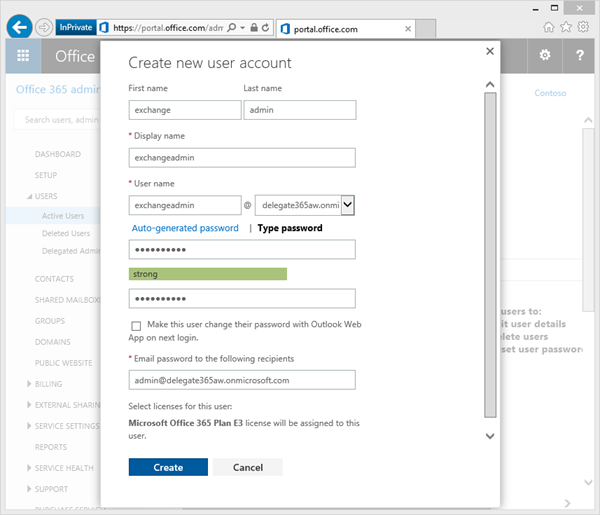
How to setup an Exchange Admin in Office 365 and use this account in Delegate365
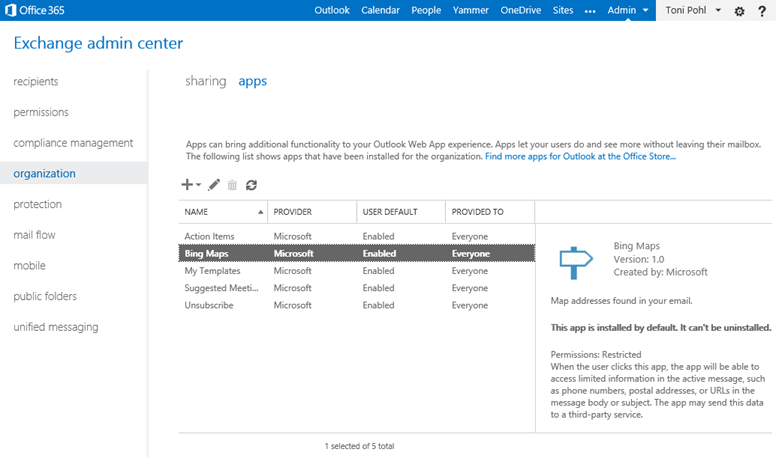
In large organizations it´s often useful to create an own Exchange administrator for performing tasks against the Exchange API´s, f.e. with PowerShell or with third party tools like our Delegate365 solution. Here´s how to create an Exchange Admin in Office 365. There are two ways to accomplish this task: The easy way is to simply create (or use) a gobal administrator in Office 365. This user gets all rights in all services of Office 365 (AAD, Exchange, SharePoint, Lync) automatically. The second way – if your want to have an own Exchange administrator - is described here. Login in as global admin First, open the Office 365 portal https://portal.office.com with a global admin account to get full rights in that Office 365 tenant. ...