Governance Toolkit 365-Improvements July 2022

Governance Toolkit 365-Improvements July 2022

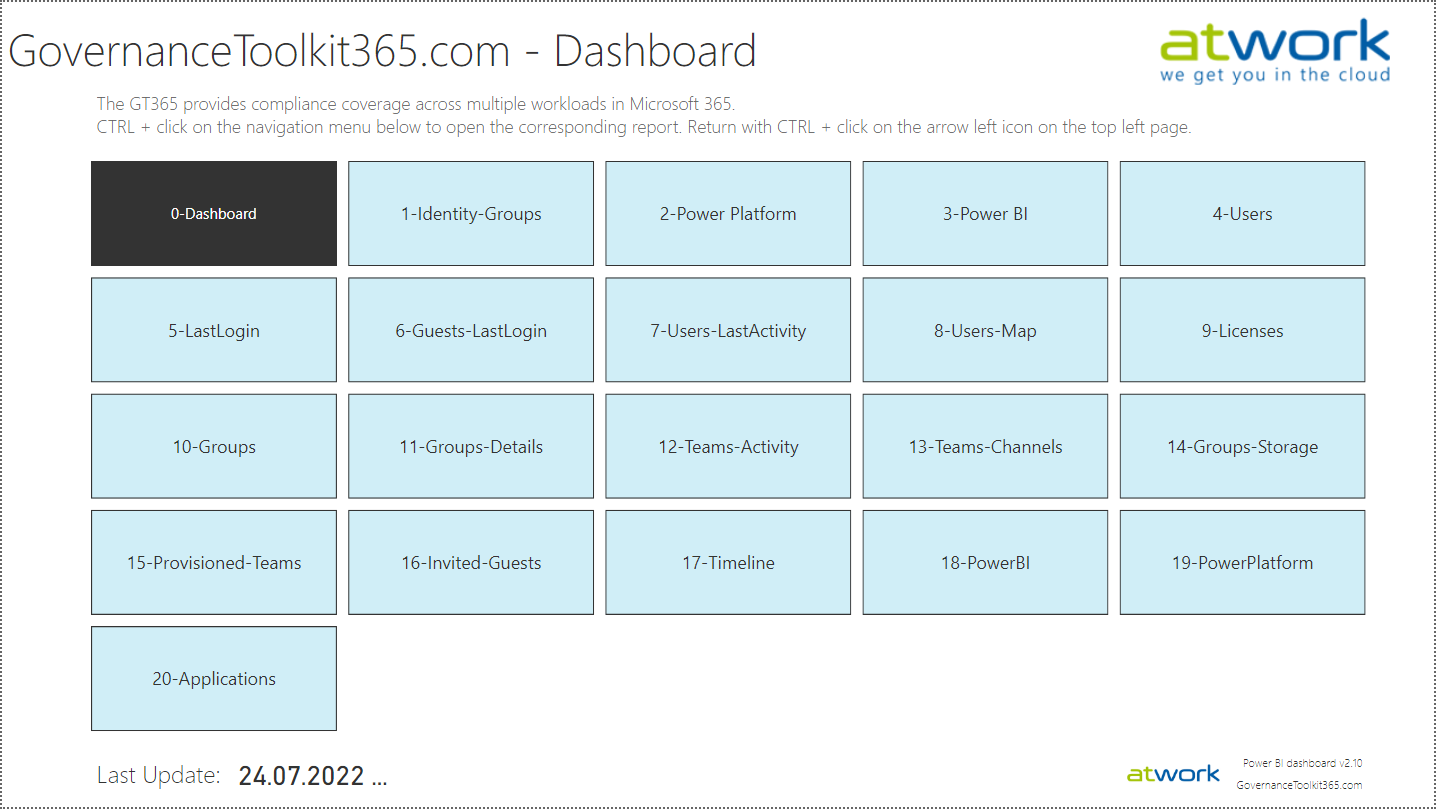
The Governance Toolkit SaaS solution provides compliance coverage across multiple workloads and offers self-services for users. We have added many new improvements and services over the past few months. We started the Governance Toolkit 365 (GT365) journey at the Microsoft Ignite conference in 2018, when my colleague Martina Grom showed a first version how to develop a Power BI governance board for Microsoft 365 and an endpoint to provision a new Microsoft 365 Group with an approval workflow. We saw that there was a great need for governance in the market and from there we developed our solution as Software-as-a-Service offering. One of the great advantages of the GT365 is that it runs completely with the on-board tools of Microsoft 365 and can be completely flexibly customized. You can find more information and test GT365 anytime at governancetoolkit365.com . ...

July 31, 2022 · 8 min · Toni Pohl
Governance Toolkit 365-Turn off obfuscation

Governance Toolkit 365-Turn off obfuscation

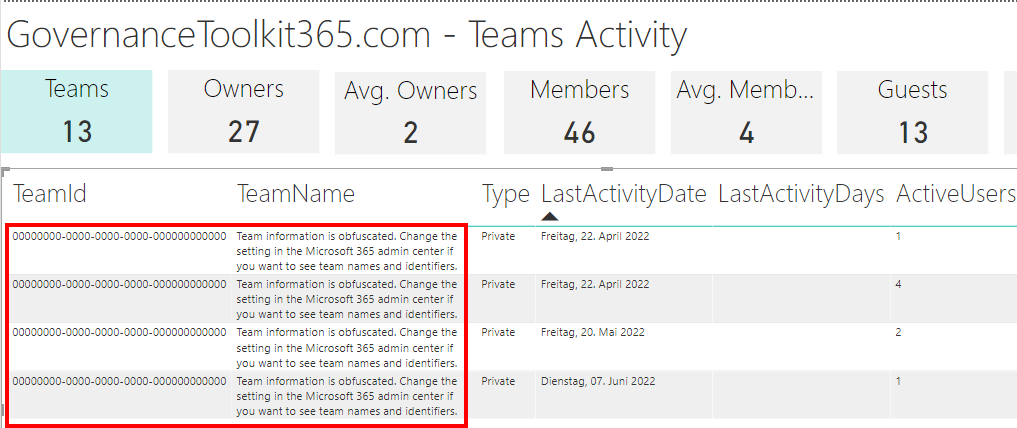
The Governance Toolkit 365 (GT365) provides many insights from a Microsoft 365 tenant, like users, guests, teams, activities, Power Apps and Flows, Power BI reports and much more. If reports don’t show names, IDs, or other details, you’ll need to turn off the obfuscation feature in the Microsoft 365 admin center. Here´s how. The reports Here’s an example of a Teams activity report showing when Teams were last accessed. As you can see in the following screenshot, the TeamId and the TeamName are not shown correctly. ...

June 20, 2022 · 2 min · Toni Pohl

Delegate365 changelog 9.2.5-Updates

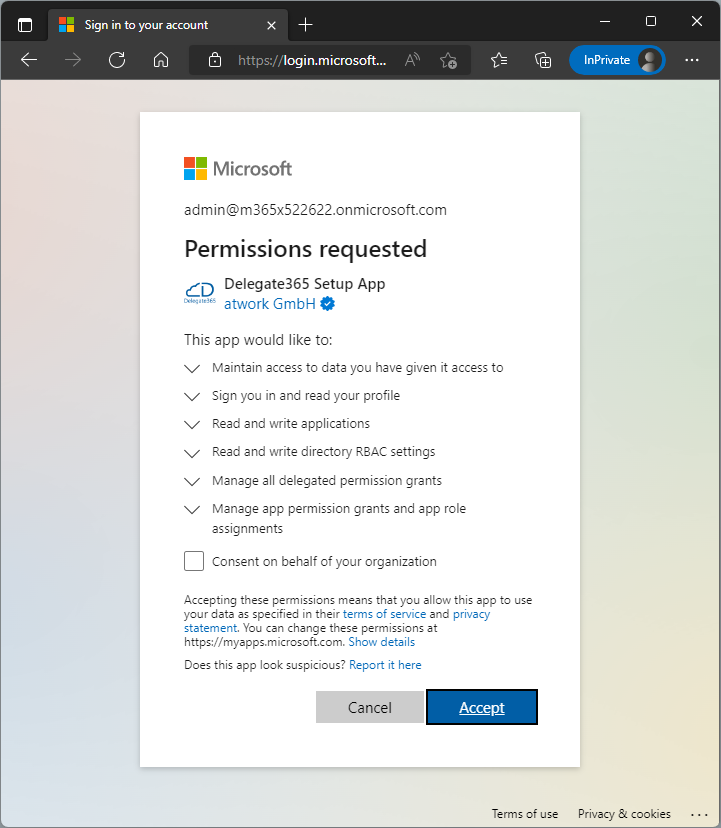
All Delegate365 tenants have been updated to the latest version v9.2.5. This enables the use of the new service health dashboard and new functions. So: If your health dashboard is not displayed correctly, please run the Delegate365 setup again (see here). This will renew the Delegate365 app with the necessary permissions for the operations. After the setup is completed, Delegate365 can be used again and the new extended service health dashboard will show the current tenant status. Otherwise, no setup is currently required. However, you can always do a setup to renew the Delegate365 app and ensure all required permissions are in place. ...

May 17, 2022 · 1 min · Toni Pohl
Delegate365 changelog 9.2.5-Message Trace optimization

Delegate365 changelog 9.2.5-Message Trace optimization

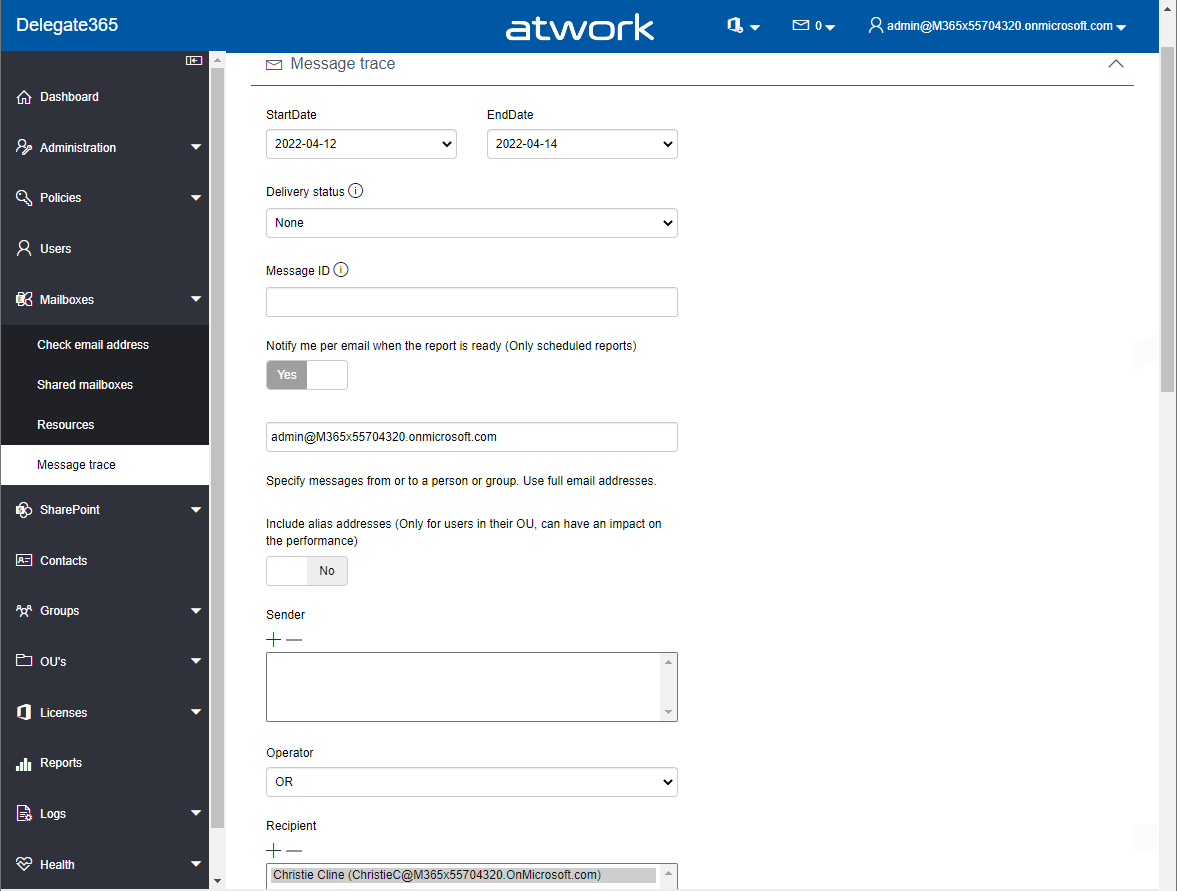
Exchange Online message tracking logs can be searched by sender or recipient email address to find specific email messages. This update improves the speed of the runtime behavior of the message trace function in Delegate365. Message Trace: The Mailboxes / Message Trace module allows to query the Exchange logs for email messages with a specific sender or recipient within the last seven days. This works for internal and external email addresses, also for Alias addresses if required. ...

April 14, 2022 · 2 min · Toni Pohl
Troubleshoot Delegate365 email delivery

Troubleshoot Delegate365 email delivery

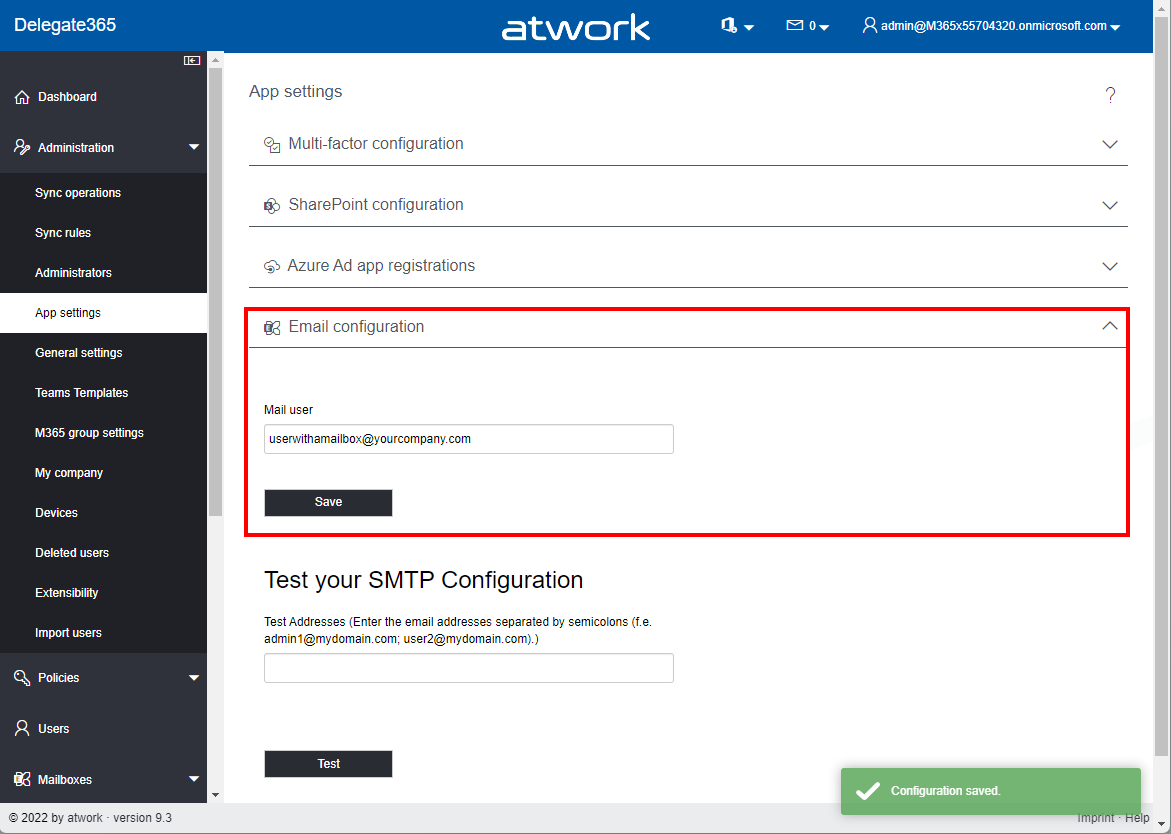
When using Delegate365, the system sends emails for various notifications. If the email is not received, check this configuration. Check these relevant points: Sender requirements: Check whether you are using an Office 365 email address that has an Exchange license. The sender address needs to have a mailbox that can be used for sending. As a Portal Admin, open the Administration / App settings menu, and open the Email configuration section. After clicking the Save button, try it out by sending a test email to a user below. The mailbox should get a test message. If this does not work, use another (service) mail account and retry. ...

March 28, 2022 · 2 min · Toni Pohl
Delegate365 changelog 9.2.5-License order document

Delegate365 changelog 9.2.5-License order document

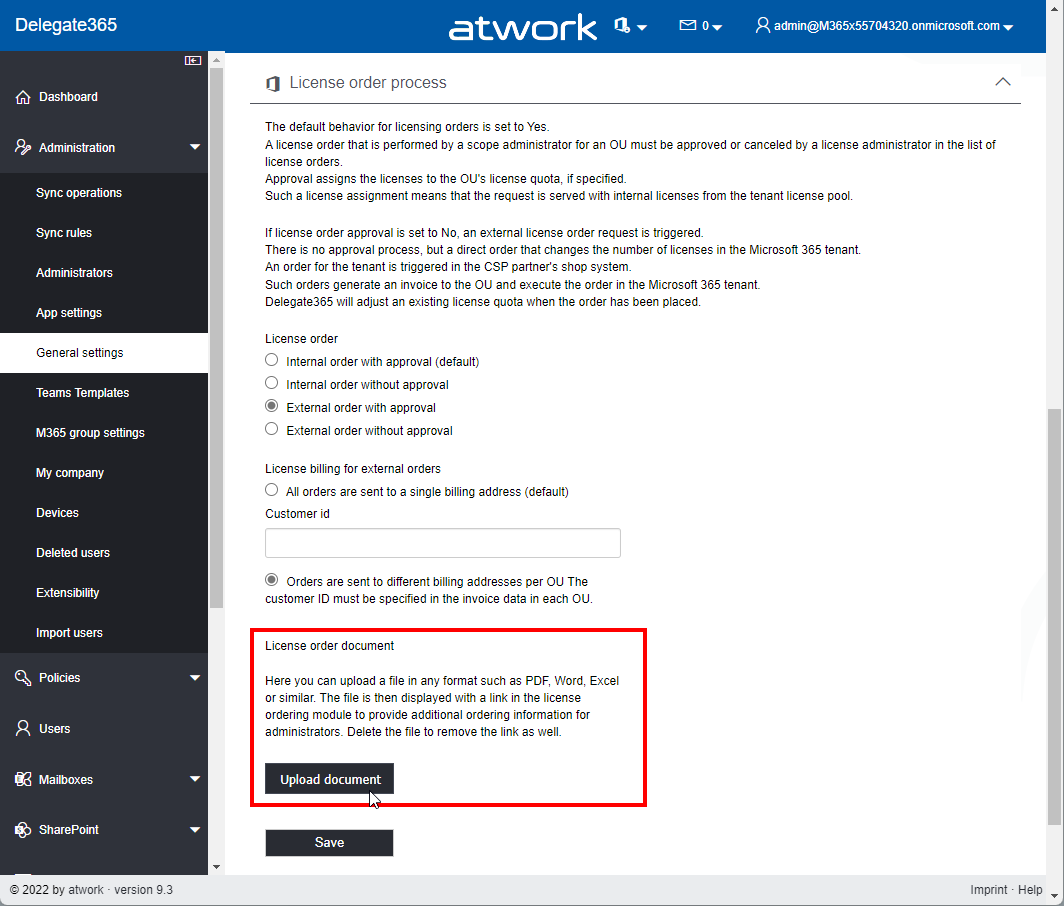
Delegate365 v9.2.5 got another update: The license ordering module can display a custom file to provide additional ordering information for administrators when requesting new licenses. This option supports administrators in their ordering process and can provide company-specific information about the order. The document is then displayed with a link in the license ordering module. Upload a document: As Portal Admin, open Administration / General settings and scroll down to the License order process section. The document part for the license order is integrated here. The file can be any file in any format such as PDF, Word, Excel or similar. One file can be uploaded, not multiple files. Click on the Upload document button and select a file from your computer. Then, click on the Save button. In this sample, a document license-order-info.pdf has been uploaded. The file is stored in the Delegate365 Azure Storage (and could be accessed in the storage directly as well). ...

February 17, 2022 · 2 min · Toni Pohl
Delegate365 changelog 9.2.5-License management for Shared and Resource Mailboxes

Delegate365 changelog 9.2.5-License management for Shared and Resource Mailboxes

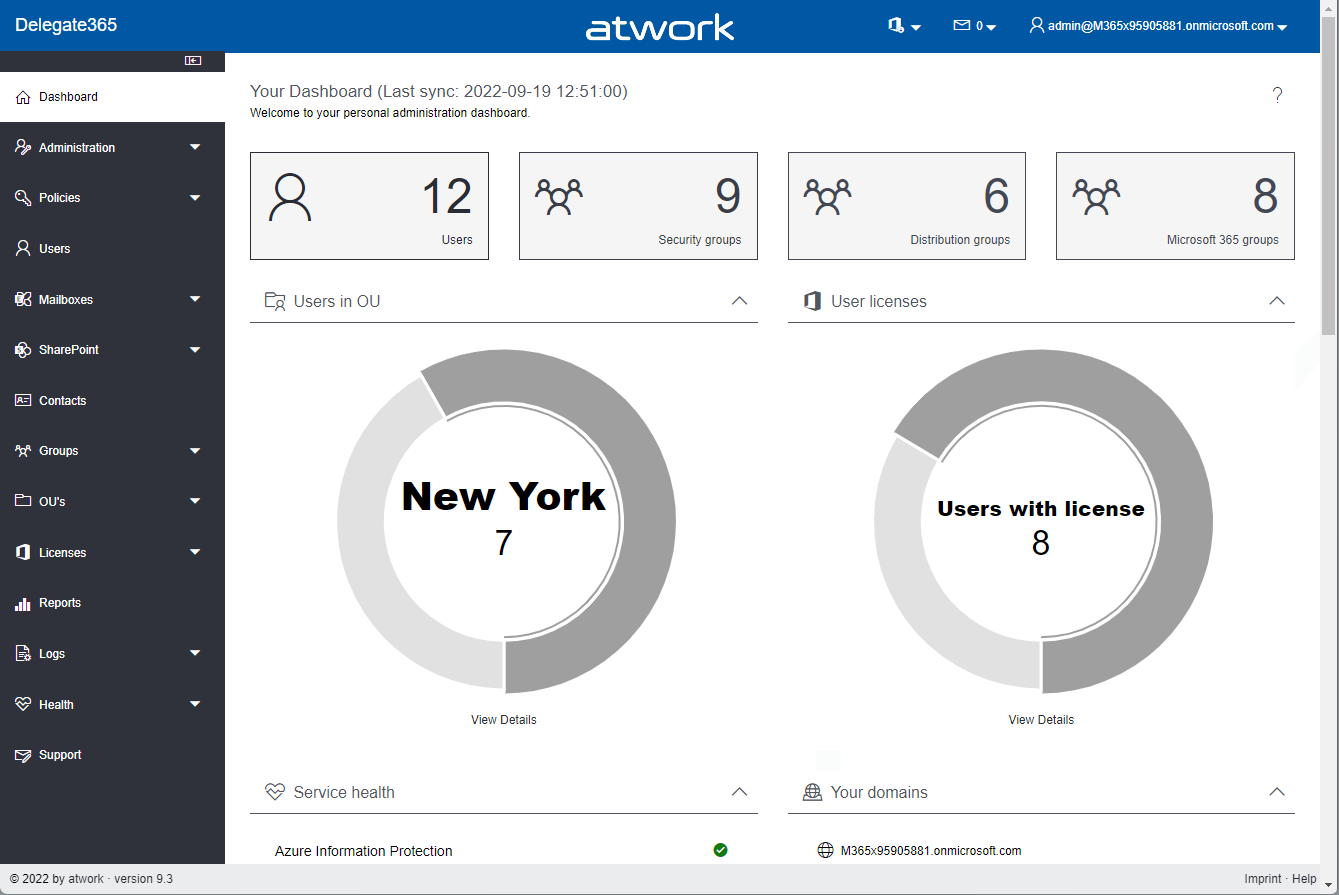
With this update, Delegate365 allows viewing and changing licenses for shared mailboxes and resource mailboxes. Since each mailbox is a user mailbox and Delegate365 works with the OU scopes, the behavior of the new license management depends on the assigned OUs and objects. Details can be found here. New menu license in Shared Mailboxes and Resource Mailboxes The modules Mailboxes / Shared mailboxes and Mailboxes / Resources now show a module Licenses in the context menu on the right when a mailbox is selected in the list. ...

February 9, 2022 · 6 min · Toni Pohl
Delegate365 changelog 9.2.5-Authentication methods

Delegate365 changelog 9.2.5-Authentication methods

Delegate365 v9.2.5 includes a new module showing a user´s authentication methods and the assigned devices. See the details here. Note: This update does not require a new setup, if the previous version was v9.2.4. Otherwise, the Admin has to run the setup after the update process. New authentication methods menu in Users: In the Users module, when a user is selected, the context menu shows the Authentication methods item. View and delete devices: After opening the Authentication methods menu, a panel opens and shows the assigned devices, and the last login to that device, as here. The admin can remove devices by clicking on the Delete icon per device. A confirmation with the device name follows, like for “Deleted Device” here: When confirmed, a toaster notification in the bottom right corner shows the successful removal of the device. That´s it. Continue as needed to cleanup old devices. ...

February 7, 2022 · 2 min · Toni Pohl
Delegate365 changelog 9.2.4-Service health, guests, and teams templates

Delegate365 changelog 9.2.4-Service health, guests, and teams templates

Delegate365 v9.2.4 is the latest update that brings new service health, guest user information, teams templates and other improvements. See the details here. Important: To upgrade to this version, Delegate365 setup must be run. We will inform all customers to make an appointment for the setup. This is required because the Delegate365 app needs additional permissions to read the service health (see below). Follow the steps at Delegate365-(Re)run the setup. The dashboard service health: As described at Delegate365 changelog 9.3-Service health, the old Microsoft Service Communications API has been retired by Microsoft. Therefore, the service health components in Delegate365 had to be changed. After the setup, the dashboard shows the service health properly again. The new service health shows more detailed information. Each service can be opened by clicking on it. ...

January 19, 2022 · 3 min · Toni Pohl
Delegate365 changelog 9.2.4-Teams templates

Delegate365 changelog 9.2.4-Teams templates

In Delegate365, a new Microsoft Team can be deployed using a teams template. Teams can also be cloned. Details can be found here. Menu Teams: A Microsoft Team is built on a Microsoft 365 Group. The Teams module can be found in the Groups / Teams menu. The following screenshot shows the new and adjusted functions. Create a new team with a teams template: As usual, click on the plus icon in the top left of the list. In the groups pane, enter the new team name and properties. By default, the Create a Team switch is set to Yes. Below that, there is a new dropdown control Template that allows to specify which teams template shall be applied to the new team. When done, click Save at the bottom of the panel. Usually the new team is ready after a few seconds to a minute. ...

January 18, 2022 · 4 min · Toni Pohl