Identify guest users and their status with Graph

Identify guest users and their status with Graph

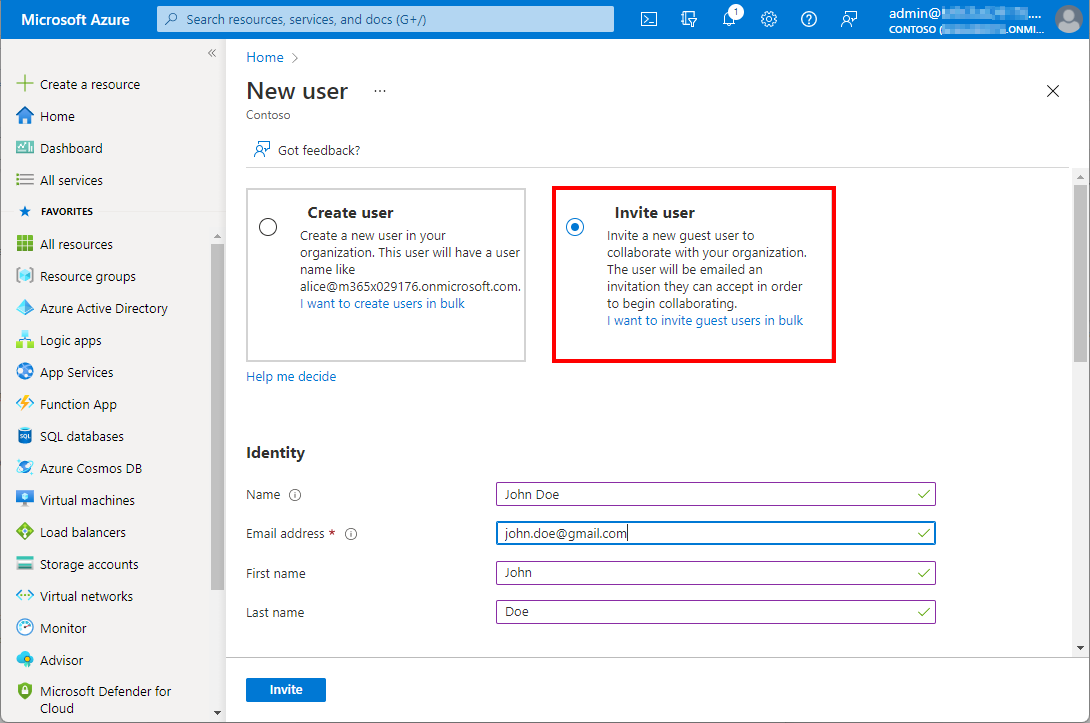
Working with Microsoft Azure and Microsoft 365, Azure Active Directory as an identity and management system becomes more and more important. Like Active Directory, Azure AD grows throughout time with guest accounts, cloud accounts and synchronized accounts. From a governance and lifecycle point of view - and also for security reasons - it is therefore important to clean up Azure AD from time to time. The cleanup process supports a healthy lifecycle management. In this article we describe how to quickly identify guest users in your own Azure AD with on-board resources. ...

January 5, 2022 · 4 min · Martina Grom
The quick way to work with SharePoint Lists and permissions

The quick way to work with SharePoint Lists and permissions

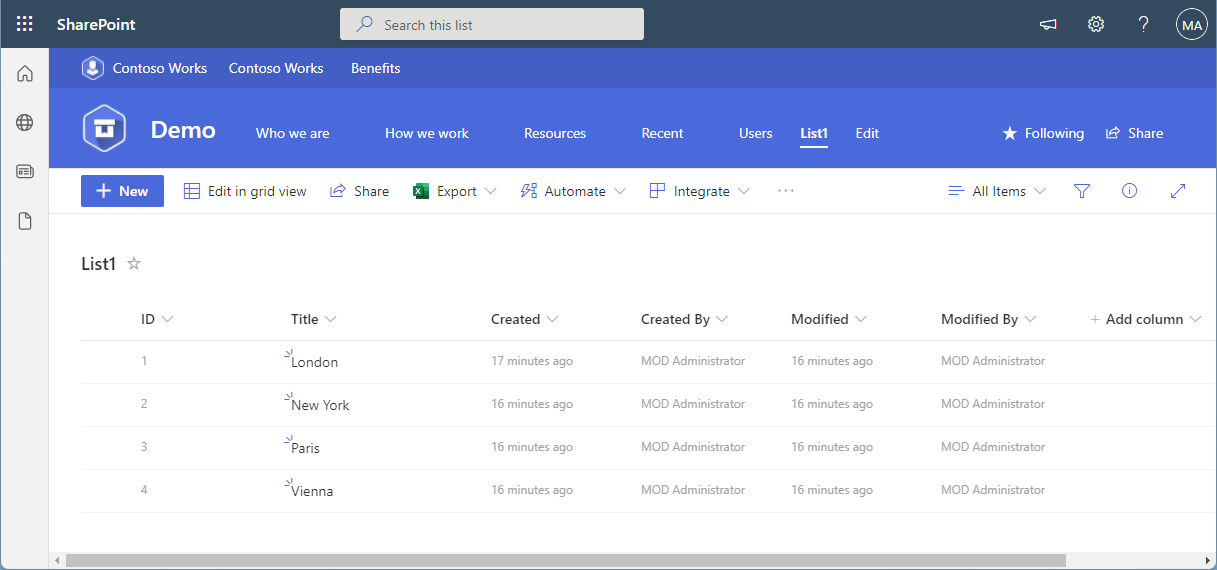
SharePoint (or Microsoft) lists provide a good storage for not too extensive structured data. Sometimes administrators want to restrict access to certain items or lines. This approach shows how you, as an administrator, can do this without using item permissions, but with simpler and easier-to-manage views and permissions. The goal Administrators often want users to see only certain records or only their own records from a larger list. Technically, it is possible to set permissions for specific users per item (see below). On the other hand, setting item permissions is not a good solution in every use case. If a SharePoint list is filled by a given user or by a task, and specific people shall see only their data in a list, depending on their department, or similar organizational information, setting item permissions can be elaborate in terms of effort. ...

December 31, 2021 · 9 min · Toni Pohl
Delegate365 changelog 9.3-Service health

Delegate365 changelog 9.3-Service health

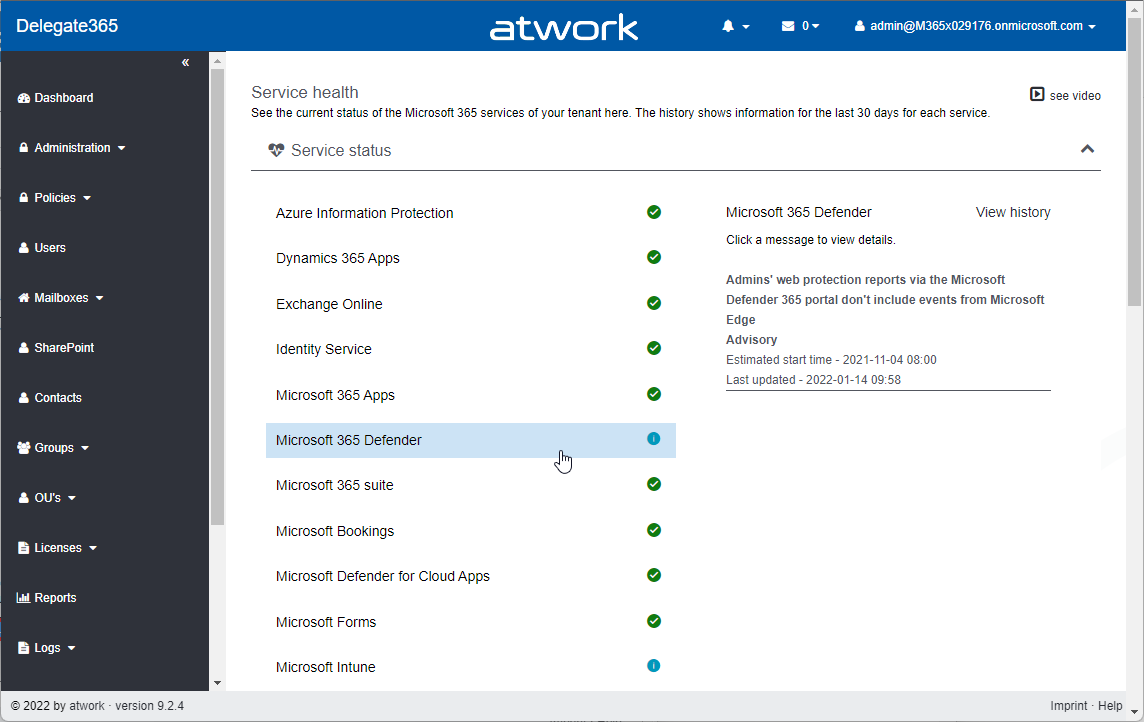
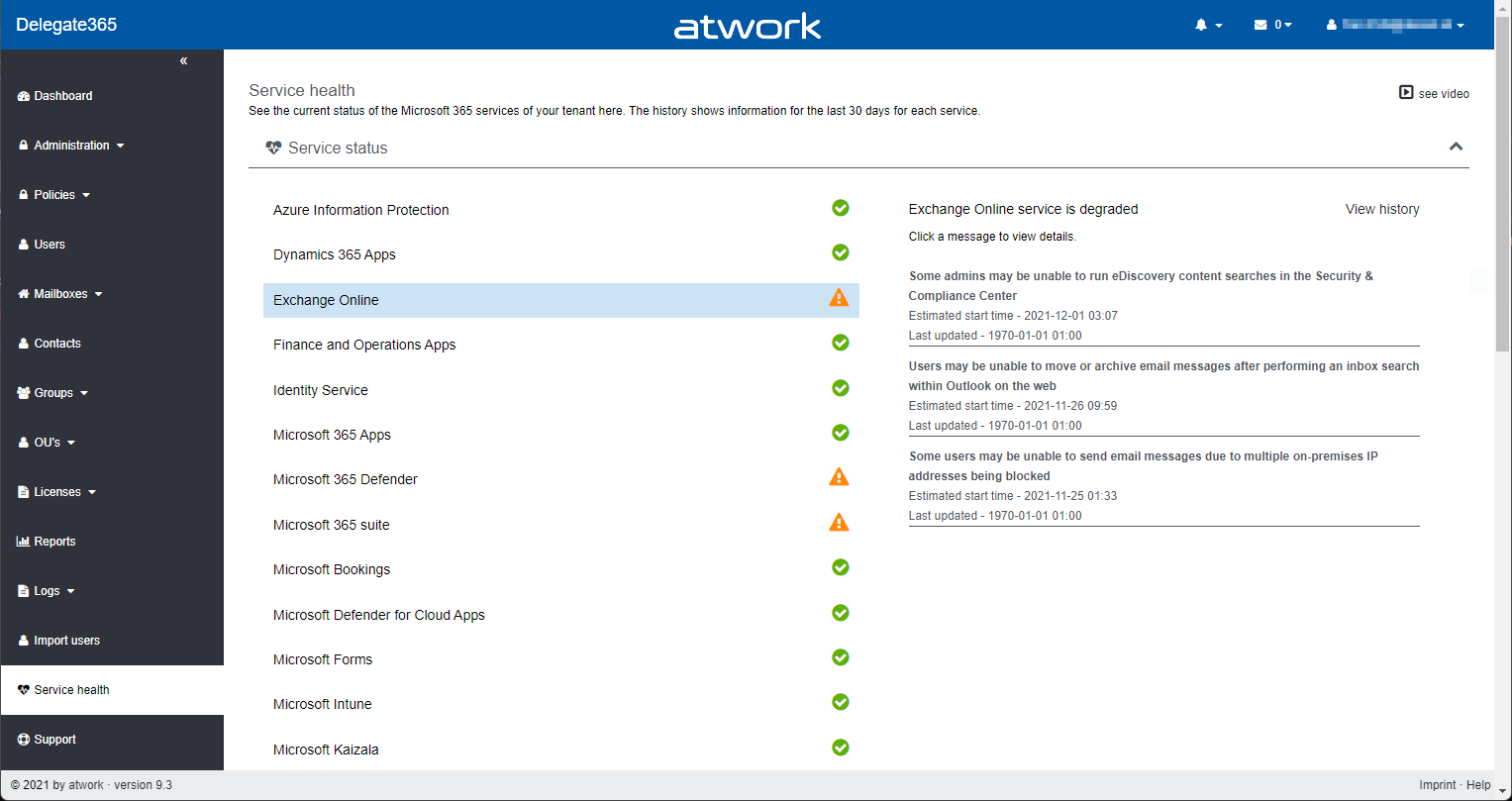
Microsoft announced the retirement of the Microsoft Service Communications API (Msg MC299902). Therefore, we changed the service health components in Delegate365 to use the successor API functions with immediate effect and to get more data. A new setup of Delegate365 is required. See the details here. The Service health module in Delegate365 shows, what´s happening in a specific Microsoft 365 tenant at a glance to all authorized users. Contrary to the required authorizations in M365, this is not necessary in Delegate365. All admins can view the service health and the message center posts. ...

December 8, 2021 · 2 min · Toni Pohl
Delegate365-Empty Reports

Delegate365-Empty Reports

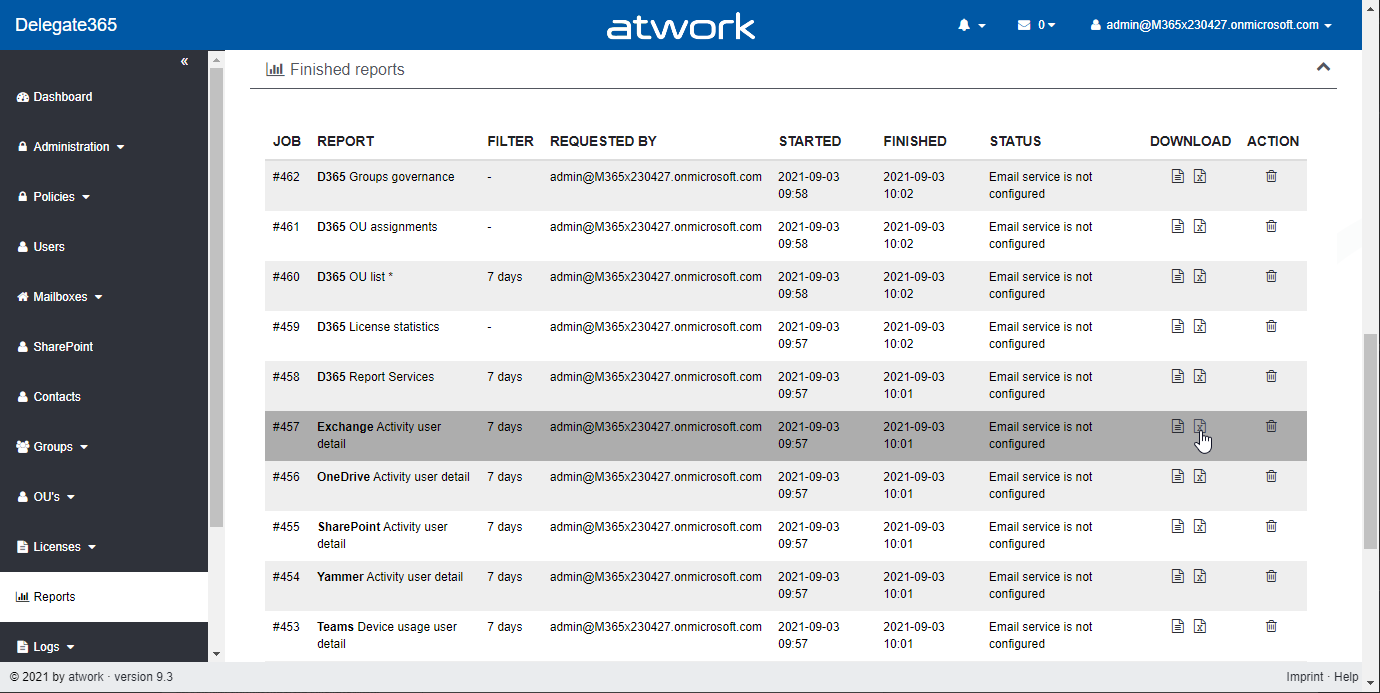
In some tenants, sometimes reports appear blank. This can happen when reports are obfuscated in the Microsoft 365 admin center. See more here. Reports can be scheduled and downloaded in the Reports menu. When the report generation is completed, they show up in the list, as here. When the report is open and “no data available” is displayed (although you see users and groups in the Delegate365 pages)… ...

September 8, 2021 · 2 min · Toni Pohl

The Post Pandemic Hybrid Workspace with Martina Grom

Richard Campbell, creator and host for Runas Radio, spoke with Martina Grom, CEO atwork, in an online conversation about hybrid workspaces, governance challenges of Microsoft 365 hybrid workers, and the migration into the Cloud during the pandemic. In this article, we summarized for you the critical insights from the marvelous 30 minutes conversation. The work-life balance equilibrium In addition to the threat to public health, economics, and social disruption, the world of work has been profoundly affected by the pandemic. Based on this, employees started to identify their work differently since there has been more flexibility within the pandemic. Therefore, many people figured out what works best for them – from starting early up to doing their work lately. Next to that, the work environment changed a lot since children, pets, and other family members became part of the daily routine when working from home. ...

August 11, 2021 · 3 min · Mercedes Orasch
Delegate365 changelog 9.2.3-Add users to groups

Delegate365 changelog 9.2.3-Add users to groups

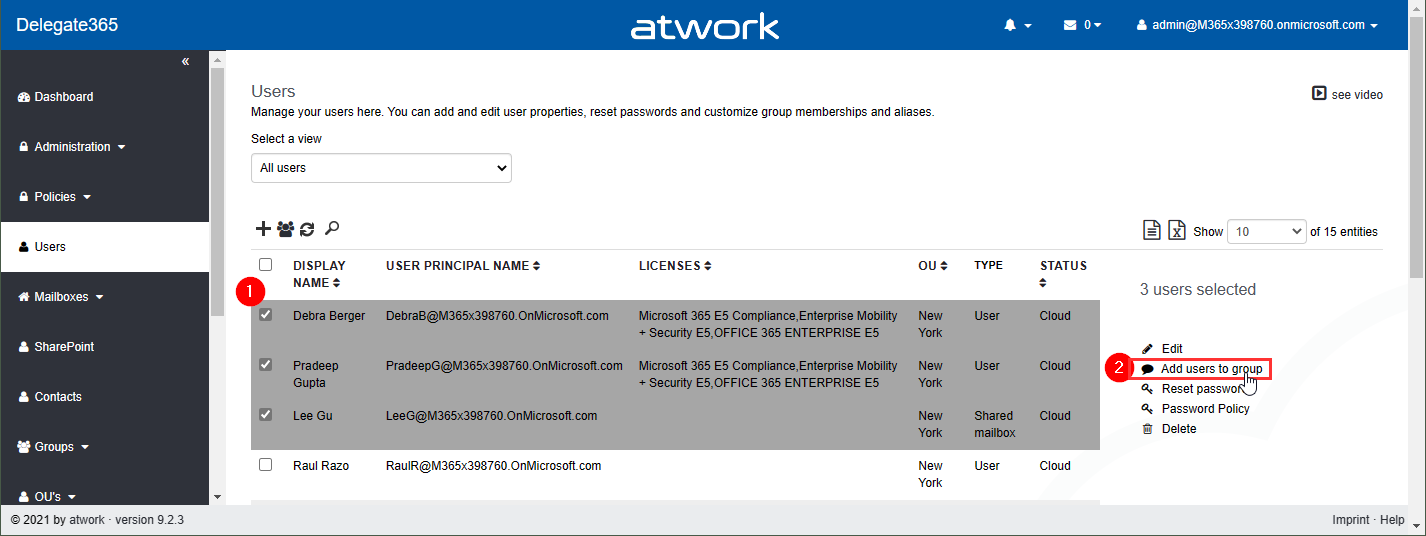
Delegate365 v9.2.3 brings a fix for the Message Trace function and offers a mechanism to add multiple users to one or more groups directly from the user list. See it here. Bulk add users to groups: In the users list, select more than one user. The menu on the right then shows the new option “Add users to group”. In this sample, 3 users are selected: Debra, Pradeep and Lee. The panel “Add users to group” opens and allows to select multiple groups of all types: Security groups, Distribution Groups, and Microsoft 365 Groups. The admin can search for the groups and add them to the Groups picker. By clicking on the Save button, a confirmation popup appears. When clicking Ok, the selected users will be added as members to these groups. A quick toast message shows the result in the bottom right corner. If the user already was a member of a group, this is ignored. ...

July 26, 2021 · 2 min · Toni Pohl
Message Trace in Delegate365

Message Trace in Delegate365

When you run a message trace operation to get status information about specific emails, the result can vary, depending on time zone settings. See a sample here. Show messages in the mail client In this sample, we work with an email sent from azure-noreply@microsoft.com. In Outlook we see the timestamp at Mon 7/5/2021 7:08 PM (2021-07-05 19:08). Message Trace in Delegate365 In Delegate365, admins can run a message trace to get information about the delivery status. When we run the message trace with the filter Startdate 2021-07-05 to Enddate 2021-07-05 - just this one day - and that user as recipient… ...

July 9, 2021 · 4 min · Toni Pohl

Power Platform Environments and Governance Tips

The Microsoft Power Platform enables individual solutions to be developed and business processes to be easily automated. When it comes to controlling the solutions, it is important to establish an IT governance in the organization. There are many areas and details about it. For this reason, I’ve put together a summary here with some news and helpful tips. The Microsoft Power Platform includes Power BI, Power Apps, Power Automate, and Power Virtual agents, leveraging the common infrastructure of the Microsoft Dataverse (the former Common Data Service) and Data Connectors. Dynamics 365 and the Power Platform are both deeply coupled with Dataverse and are held in containers called environments. A governance strategy usually starts with organizing the environments accordingly. Environments allow to separate Production, Test and Development. See more at Environments overview and at Microsoft Power Platform guidance documentation. ...

July 5, 2021 · 5 min · Toni Pohl
Delegate365 changelog 9.2.2-Manage group owners

Delegate365 changelog 9.2.2-Manage group owners

Delegate365 v9.2.2 allows to manage group owners. The permission policies have been extended and the current admin can add him- or herself or additional group owners for Security Groups and Microsoft 365 Groups. See a description of the latest features here. Enable (or disable) the manage owner feature: To enable the “manage owner” feature, you have to set the corresponding permission policies in the Groups - Security Groups - Manage owner from No to Yes, as here. Then, click on the Save button at the page end of the permission panel. By default, this new setting is disabled. So, don´t forget to switch it on, if your admins shall be able to set the group owner for security groups (in the same way as for Microsoft 365 Groups). Once the setting is set, it will be effective for all admins that have that permission policy assigned. To learn more about setting permission policies, see here. ...

June 16, 2021 · 4 min · Toni Pohl
Delegate365 changelog 9.2-PowerShell module update

Delegate365 changelog 9.2-PowerShell module update

The Delegate365 PowerShell module got a small update to expand a user´s assigned licenses, license plans and proxy addresses. See the following description. See the description at https://github.com/delegate365/PowerShell how to use the Delegate365 PowerShell module- Check the Delegate365 PowerShell module version First, ensure you have the latest version of the Delegate365 PowerShell module installed. Check with Get-Module as here. The version must be 1.0.0.10 (or in future a higher version). ...

June 11, 2021 · 2 min · Toni Pohl