Delegate365 changelog 9.2-improvements
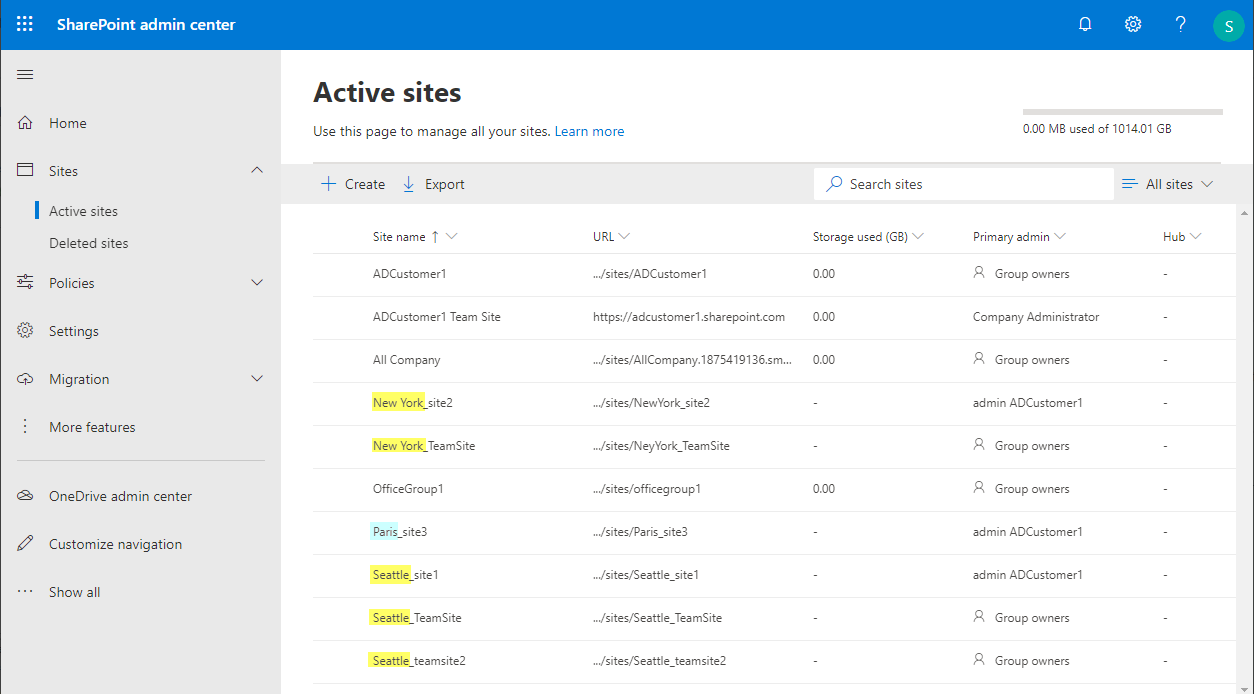
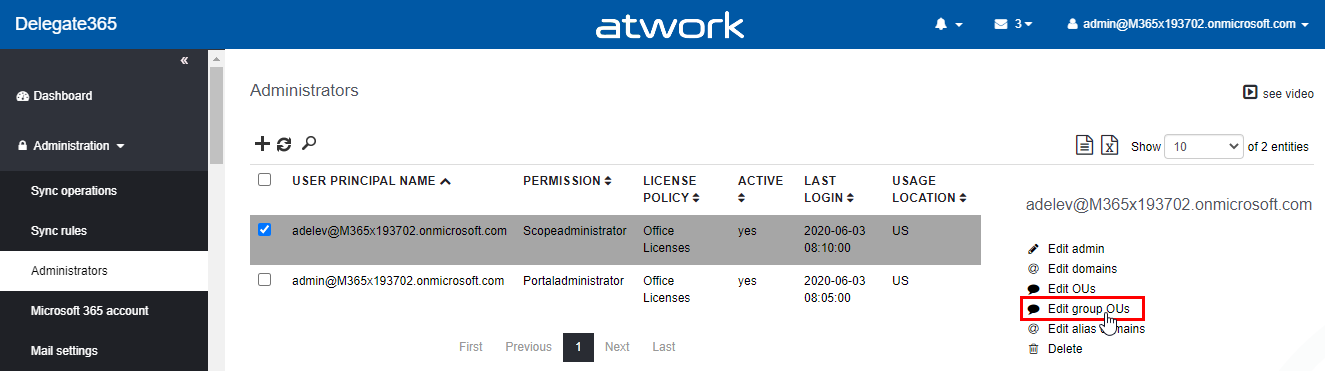
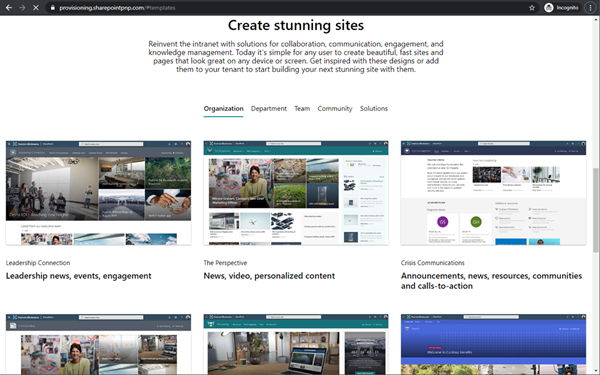
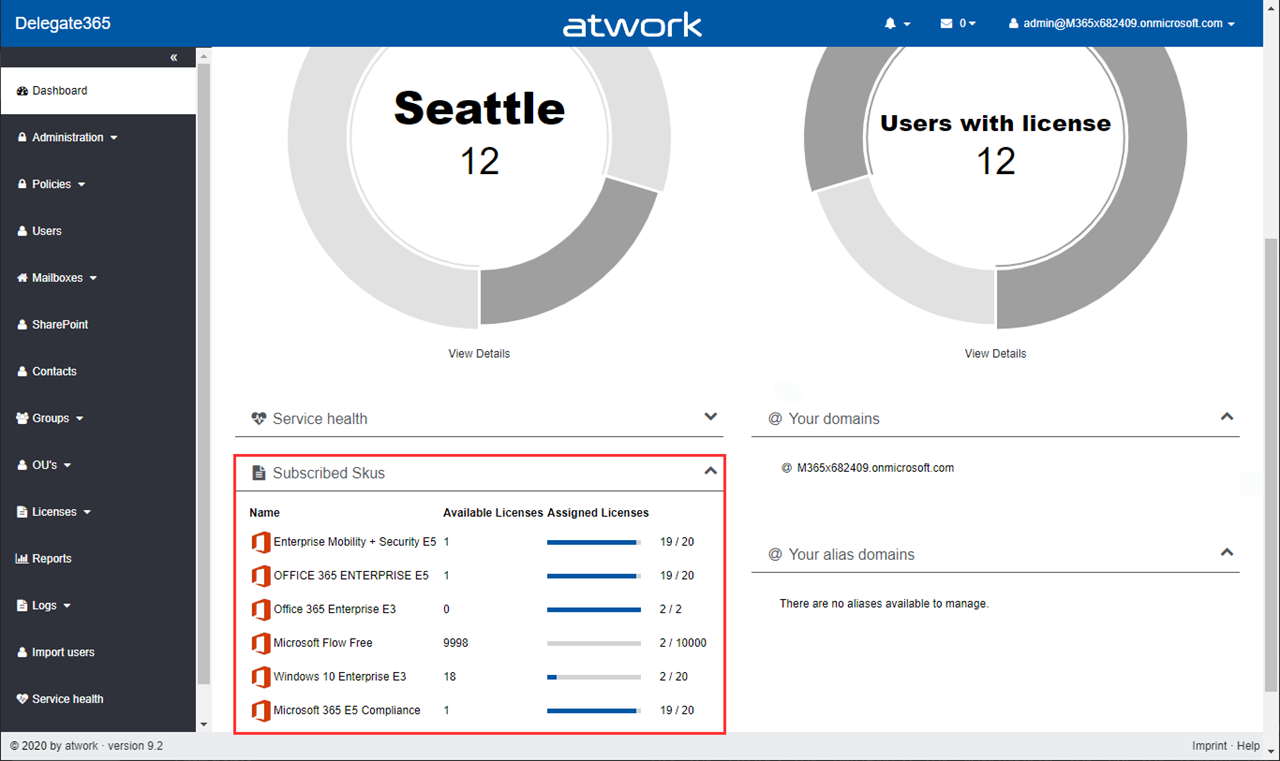
The next version of Delegate365 is here. Delegate365 v9.2 follows the last update v9.1. This update includes a bunch of helpful features and improvements such as SharePoint sites management, Group OU improvements, report improvements, a new message trace job and more. See a description of the new features here. License bars on the dashboard, for users and quotas: The license information is now visually improved for Portal Administrators. A license bar per license (SKU) shows how many licenses are in use and how many are available in total. The same applies to a user’s licenses… …and license quotas. The new display enables a quick view of the licenses. ...