Taming the 429 How we analyzed Microsoft Graph API throttling and developed a workaround

Taming the 429 How we analyzed Microsoft Graph API throttling and developed a workaround

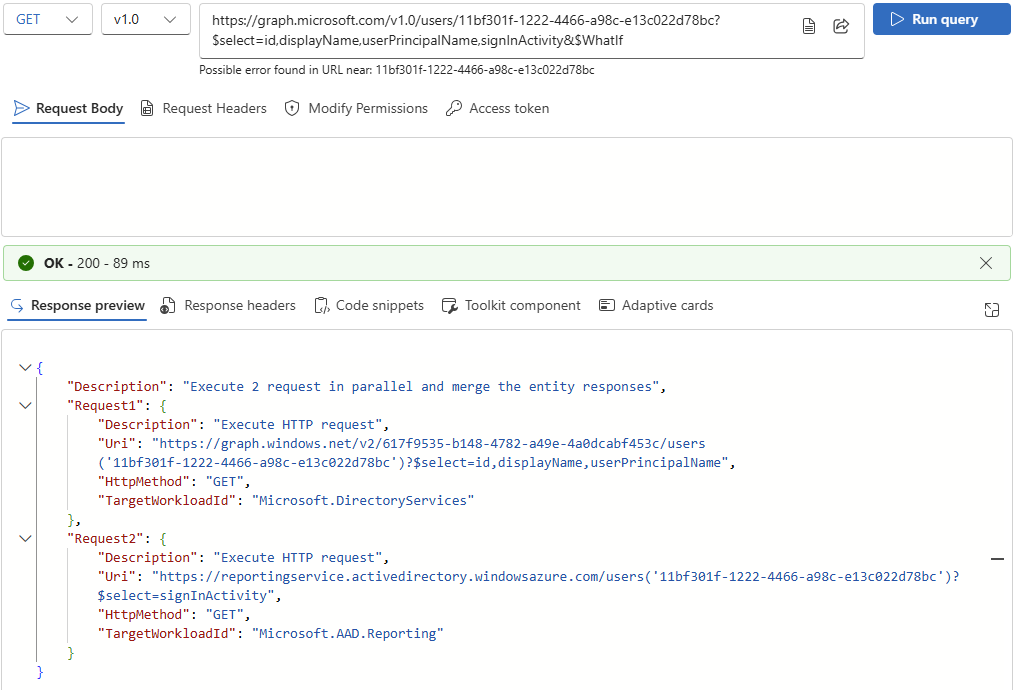
If you’ve worked extensively with the Microsoft Graph API, you’ve likely encountered the dreaded HTTP 429 Too Many Requests error. It’s a clear indication that you’ve hit a rate limit - but it’s not always clear why, when, or how to work around the problem. In this post, we’ll share our real-world experience analyzing and overcoming 429 responses while querying user data through Graph. In this article, we share our joint findings and real-world experience analyzing and overcoming 429 responses while querying user data through Graph REST API. Big thanks to my colleague Andi for testing and helping uncover these insights. ...
June 13, 2025 · 4 min · Toni Pohl
Using Microsoft 365 Security Audit Logs to Track Copilot Usage

Using Microsoft 365 Security Audit Logs to Track Copilot Usage

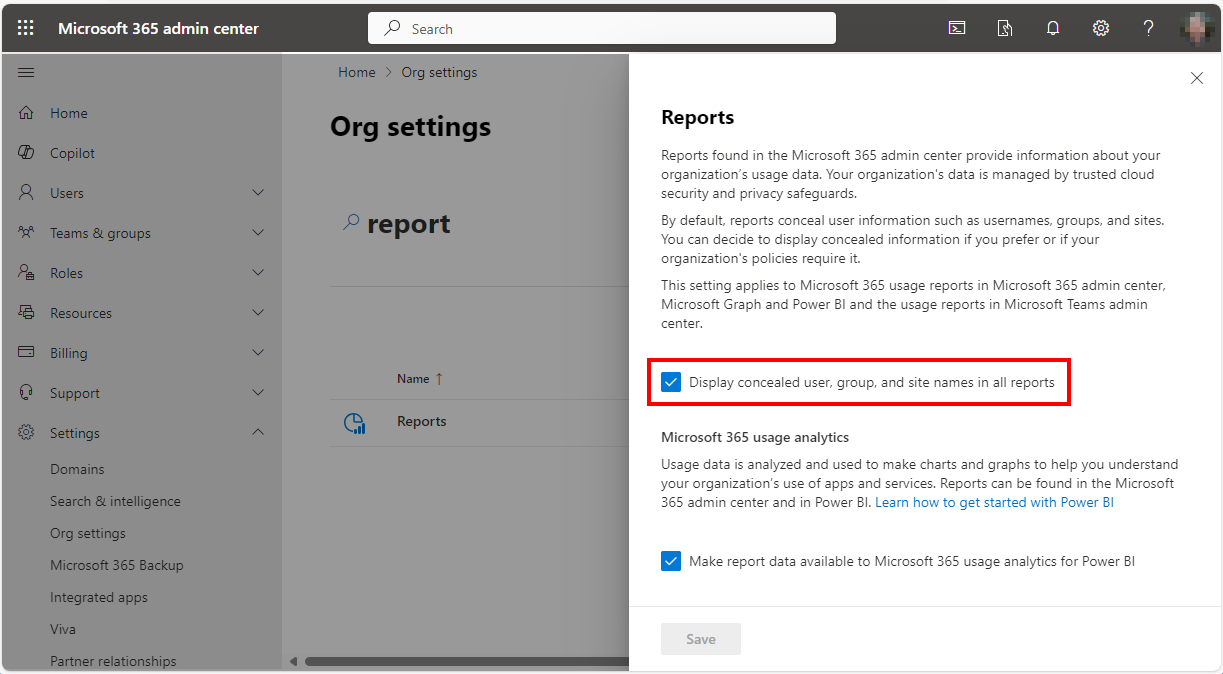
In our data-driven era, gaining insights into user interactions with tools like Microsoft 365 Copilot is essential for enhancing productivity. For administrators, it is vital to know which users are utilizing a Copilot license and the specific services they are engaging with. This information helps in managing licenses effectively, ensuring that resources are allocated efficiently. The Microsoft 365 Security Audit Logs offer a detailed view of user activities, including interactions with Copilot, even when the organization’s anonymization settings are enabled. Here’s how this works. ## Get Copilot Usage with Graph Reports ...

January 24, 2025 · 7 min · Martina Grom
Why Only Users Can Apply Sensitivity Labels in Microsoft 365

Why Only Users Can Apply Sensitivity Labels in Microsoft 365

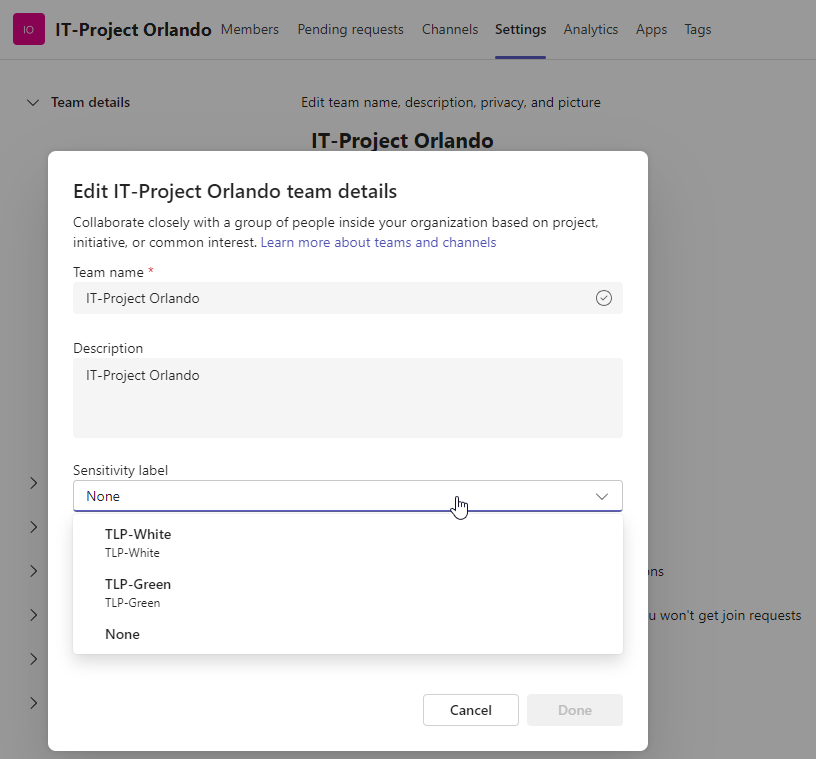
Sensitivity labels in Microsoft 365 are a crucial feature for organizations to protect and manage their data. These labels allow organizations to classify and safeguard sensitive information based on its level of confidentiality. By applying sensitivity labels, organizations can control access, encrypt data, apply policies, and track and monitor on sensitive information. Users can apply sensitivity labels to classify and protect their data. However, applications unfortunately cannot currently assign sensitivity labels. ...

August 15, 2024 · 4 min · Toni Pohl
Retrieve User PIM Role Assignments and History with Microsoft Graph REST API

Retrieve User PIM Role Assignments and History with Microsoft Graph REST API

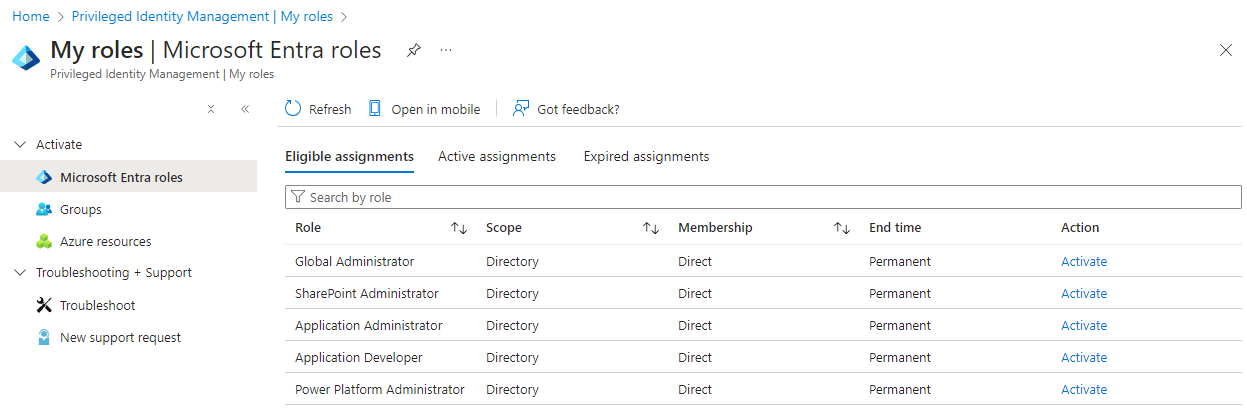
Microsoft Entra Privileged Identity Management (PIM) allows administrators to manage role assignments efficiently, ensuring that users have the necessary permissions only when needed. By following a few simple steps, administrators can make users eligible for specific roles, activate roles as required, and manage both built-in and custom roles. This process enhances security by minimizing the duration and scope of privileged access, making it a crucial tool for maintaining a secure and compliant environment. In this article, we explore how to read a user’s Microsoft Entra roles and history using PIM and the Microsoft Graph REST API. ...

August 3, 2024 · 5 min · Toni Pohl
Enhance your Copilot with Graph Connector relevance tuning

Enhance your Copilot with Graph Connector relevance tuning

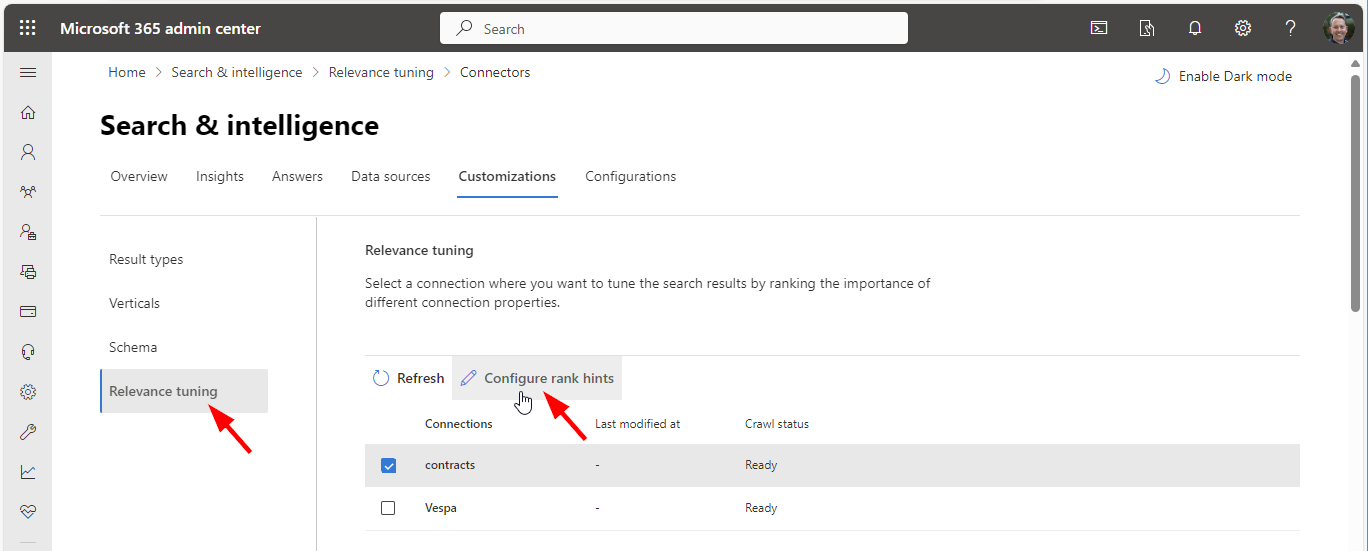
Utilizing Graph connectors simplifies the process of incorporating your data into Microsoft 365 search and Microsoft 365 Copilot, enhancing your experience with seamless integration. A fresh addition to Copilot’s capabilities is the Relevance Tuning feature, that significantly enhances Copilot’s functionality.. The Relevance Tuning feature allows for fine-tuning the relevance of search results, ensuring that Copilot delivers even more accurate and tailored responses. By leveraging this innovation, users can expect a marked improvement in the quality and precision of Copilot’s outputs. Administrators now have the power to assign importance weights to different properties within Graph connections. This customization means that search results can be fine-tuned to align closely with an organization’s unique requirements, making the discovery of relevant content more intuitive and efficient. Administrators can find out more about that topic at Microsoft Graph connectors overview for Microsoft Search. ...

June 5, 2024 · 2 min · Martina Grom
Activate the sensitivity label for Groups and Sites with Graph PowerShell

Activate the sensitivity label for Groups and Sites with Graph PowerShell

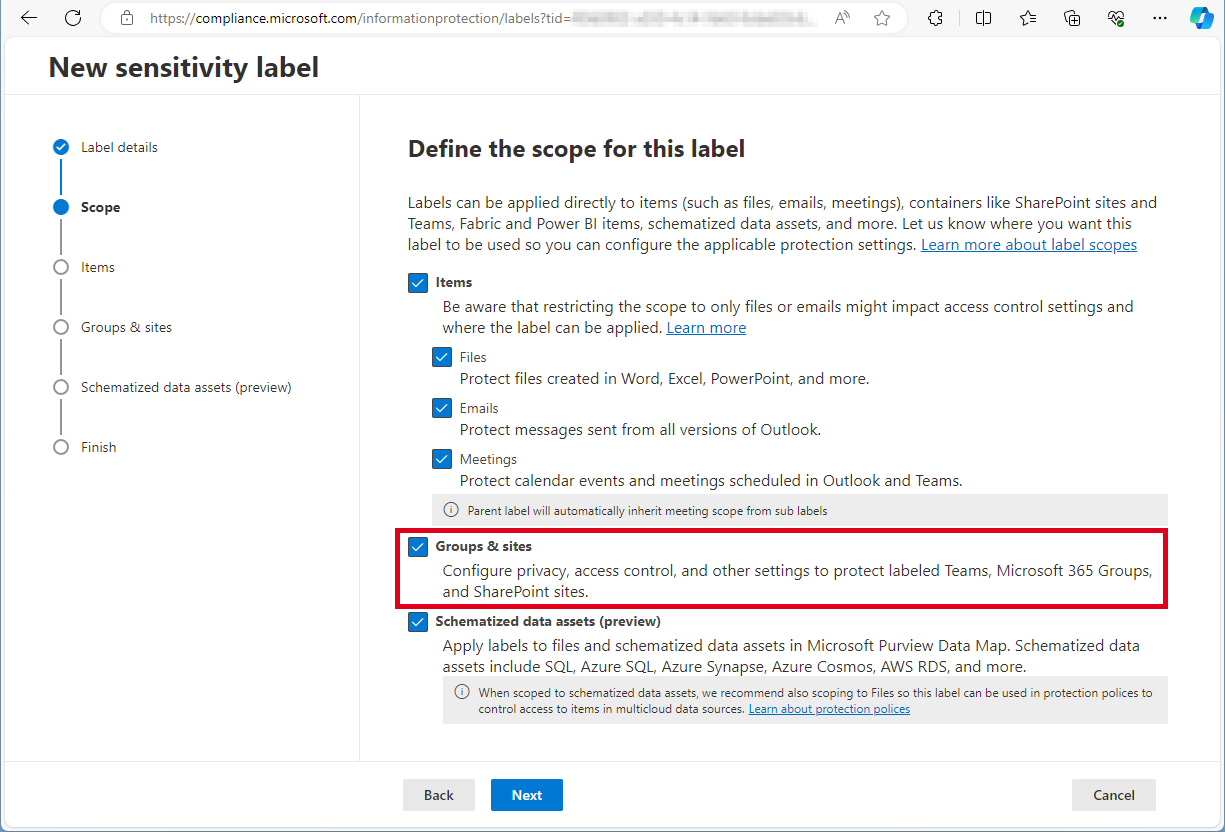
Need to activate the Microsoft 365 sensitivity labels for Groups and Sites? This must be done with PowerShell. Find the current working script here. The article Assign sensitivity labels to Microsoft 365 groups in Microsoft Entra ID describes basically how to activate the Groups and Sites settings with Microsoft Beta Graph PowerShell: “…To apply published labels to groups, you must first enable the feature. These steps enable the feature in Microsoft Entra ID….”. My colleague Christoph Wilfing corrected and completed the script so that it optimizes module loading times and works in all cases. Thx Christoph! ...

April 22, 2024 · 1 min · Toni Pohl
Create a new Viva Engage Community with Graph

Create a new Viva Engage Community with Graph

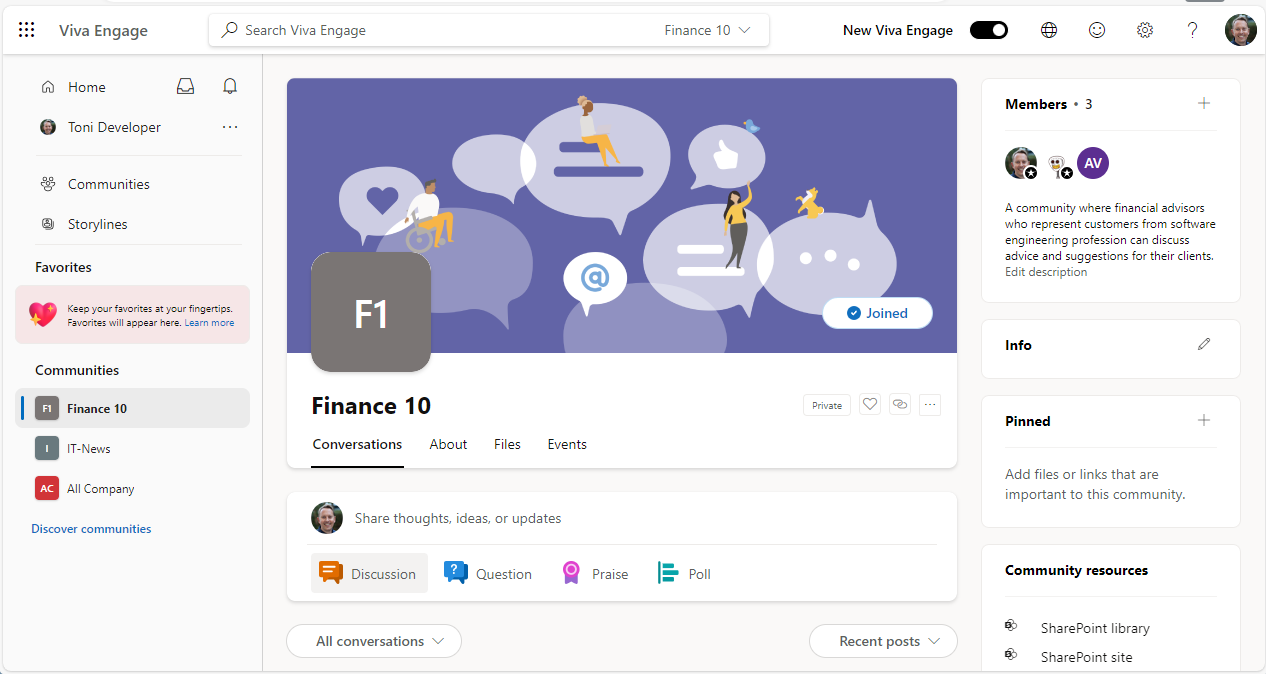
In early 2023, Microsoft renamed Yammer to Viva Engage. This year we see the first small integration of Viva Engage with Microsoft Graph in beta. This article shows how to provision a new Viva Engage community, add owners and members using Graph in an Azure Logic app. The goal is to automatically create a new Viva Engage Community which means technically, to create a Microsoft 365 group that is enabled as – sorry, I’m still using the old name - Yammer Community. Currently, Microsoft Graph beta provides a preview feature. See the details at Use the Microsoft Graph API to work with Viva Engage (preview). When using this method, remember that APIs under the /beta version in Microsoft Graph are subject to change. ...

April 2, 2024 · 3 min · Toni Pohl
Get the expiration date of application secrets and certificates in Entra

Get the expiration date of application secrets and certificates in Entra

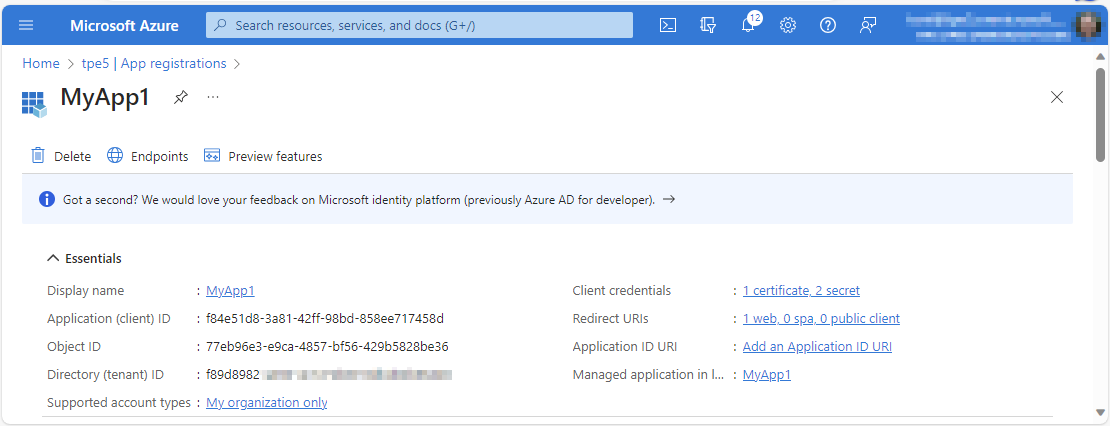
Part of the job of Microsoft 365 administrators is to ensure that their users can access and work with all services. This also includes ensuring that applications work. Microsoft Entra manages applications and the associated settings in a central location. It is relevant to know when application certificates and secrets expire in order to renew them in a timely manner. This article shows how you can query which applications need to be updated. ...

October 4, 2023 · 3 min · Toni Pohl
Generate the Manage team URL from code

Generate the Manage team URL from code

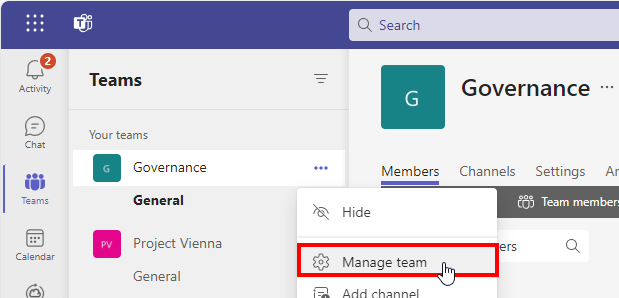
Sometimes it makes sense to provide users with a link to manage a Microsoft Team in applications or in generated emails. Only the Teams client can do this. Or? The teams client offers the Manage team option The teams client allows open the options menu, and to click on the Manage team menu. ...

September 22, 2023 · 2 min · Toni Pohl
Replacement of MSOnline and Azure AD Powershell modules

Replacement of MSOnline and Azure AD Powershell modules

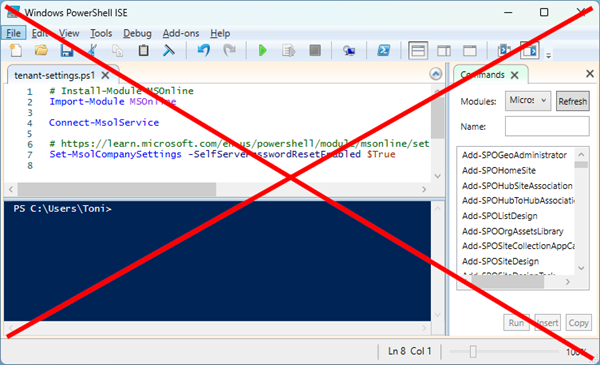
I know some habits are hard to break. We still see some IT administrators using the outdated tools. We recommend admins using older Azure AD, Azure AD Preview or MS Online modules to use MS Graph modules instead. Renew your tools! Powershell modules retirements The discontinuation means that Microsoft is not making any investments in the outdated Powershell modules and does not make any SLA commitments beyond security-related fixes. See the details of the retirement plans here: ...

August 17, 2023 · 2 min · Toni Pohl