How to get all SharePoint Online sites with their owner with Graph

How to get all SharePoint Online sites with their owner with Graph

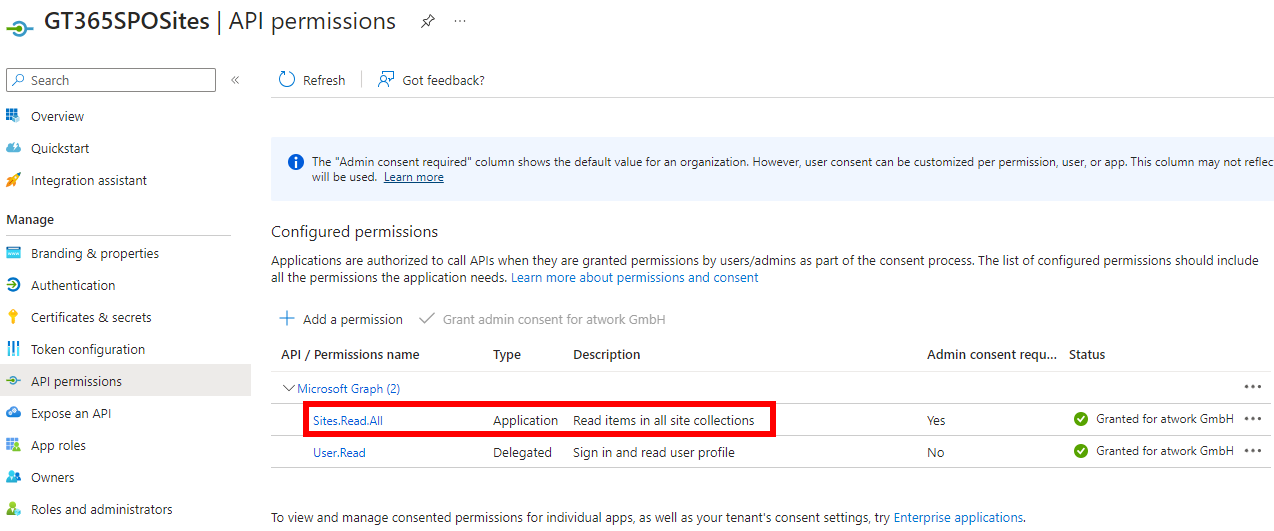
Microsoft Graph is the key to access data in Microsoft 365. When working with SharePoint, we have some access with Graph, but there is still a lot missing. In my case I needed a list of all SharePoint sites with their owners for governance reasons. Here I show how you can get this data today with the Graph API. Tools to communicate with the Graph API and the docs To use Microsoft Graph, we can use any conceivable methods that can call the Graph API. The Graph API is well documented on https://learn.microsoft.com/en-us/graph/api/overview. Try it out at Graph Explorer. ...
July 24, 2023 · 5 min · Toni Pohl
Get the latest Teams activity with Graph

Get the latest Teams activity with Graph

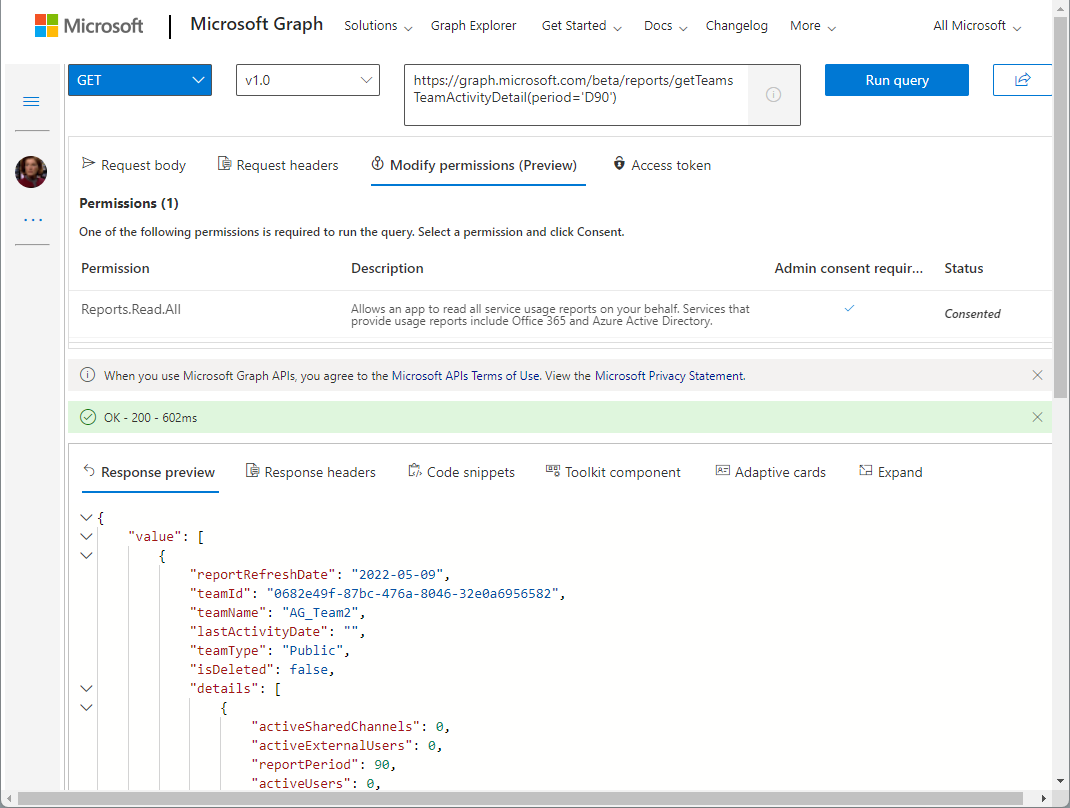
Carrying out a cleanup process from time to time helps against IT garbage. If you are an Microsoft 365 admin, the following post will help you to find out unused teams. In large organizations, many teams are often created over time (which are not used). While Microsoft 365 now supports the cleanup with the renewal function (see more at Team expiration and renewal in Microsoft Teams), it is sometimes helpful to identify and evaluate teams that are no longer used and to carry out deletion actions yourself. The Microsoft Graph now offers a (beta) method for searching and identifying such teams according to your own criteria. ...

May 11, 2022 · 4 min · Martina Grom
Azure Logic Apps Toolbox 8-Secure your secrets with Azure Key Vault and Managed Identity

Azure Logic Apps Toolbox 8-Secure your secrets with Azure Key Vault and Managed Identity

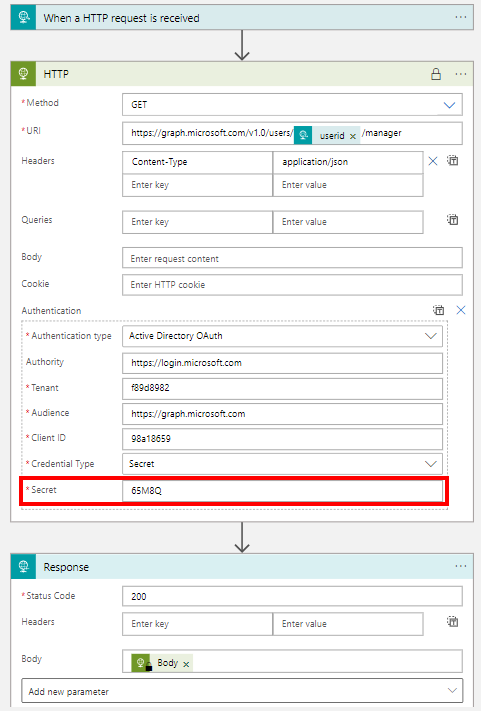
Credentials and secrets should be stored in a secure environment and not directly in an Azure Logic App or script. Azure provides the Key Vault service, which allows to store such secrets in a secure and controllable way. See how this works here. What is a secret? The Microsoft documentation of Azure Key Vault describes secrets follows: “A secret is anything that you want to tightly control access to, such as API keys, passwords, certificates, or cryptographic keys.” at Azure Key Vault basic concepts and at Azure Key Vault security. So you want to store ALL secrets in a safe location, in a Key Vault, and access them from other services. This can be done within Azure resources with a Managed Identity (see below). In this article we will focus on using an Azure Key Vault and storing such secrets and accessing them later in this step-by-step guide. ...

April 24, 2022 · 8 min · Toni Pohl
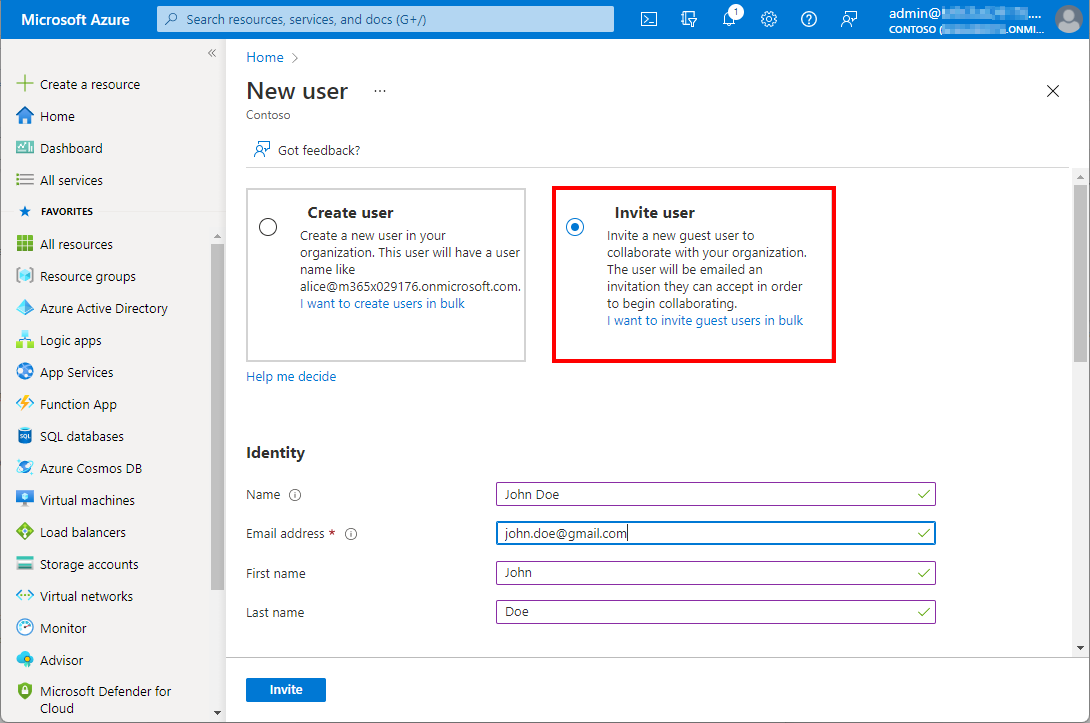
Identify guest users and their status with Graph

Identify guest users and their status with Graph

Working with Microsoft Azure and Microsoft 365, Azure Active Directory as an identity and management system becomes more and more important. Like Active Directory, Azure AD grows throughout time with guest accounts, cloud accounts and synchronized accounts. From a governance and lifecycle point of view - and also for security reasons - it is therefore important to clean up Azure AD from time to time. The cleanup process supports a healthy lifecycle management. In this article we describe how to quickly identify guest users in your own Azure AD with on-board resources. ...

January 5, 2022 · 4 min · Martina Grom
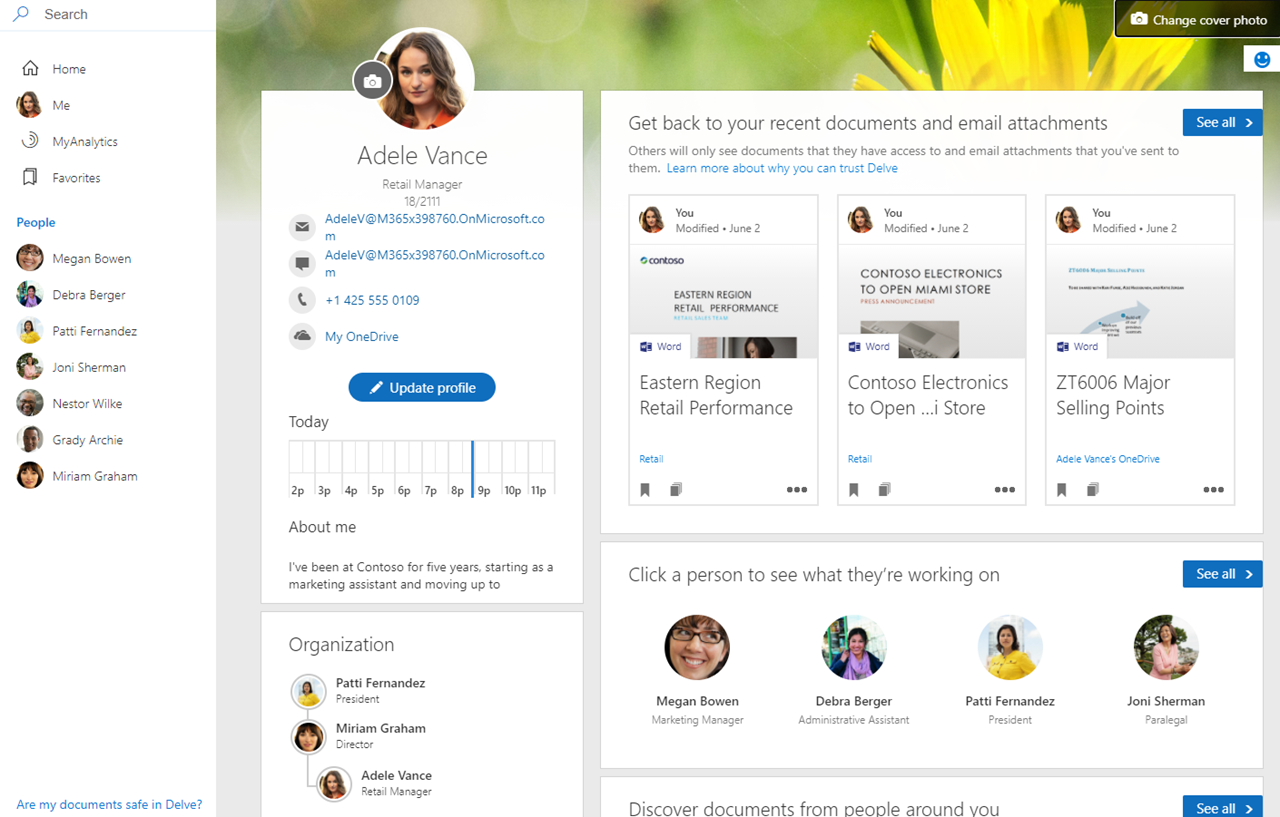
Trust the box? Working with the Relevance Score in Microsoft 365

Trust the box? Working with the Relevance Score in Microsoft 365

In the Microsoft 365 platform, productivity and recommendations are created to inform users about their relevant data. For example, Microsoft Delve is an app showing such information to a user. Another service is Microsoft Viva Insights (formerly MyAnalytics) that sends out statistics according to the motto “Work smarter with personal productivity insights in Microsoft 365”. While this can be very useful for users to quickly find and discover relevant data, works councils are often sensitive to personal data in a company. So how can we explain what is happening here and invalidate what data is visible to individual users and what data is visible to other users? Well, here is some information about the Microsoft 365 “works with” features. ...

September 17, 2021 · 9 min · Martina Grom
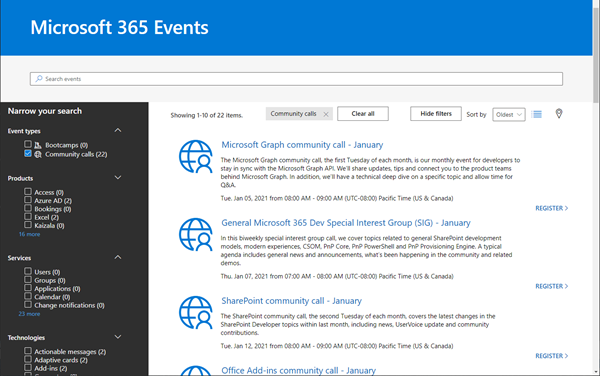
Join the M365 virtual community events

Join the M365 virtual community events

Ready to learn more about Microsoft 365 technology such as Microsoft Graph, SharePoint, Office-AddIns and more? Check out the Microsoft 365 virtual community events! Have fun and get involved!

January 5, 2021 · 1 min · Martina Grom
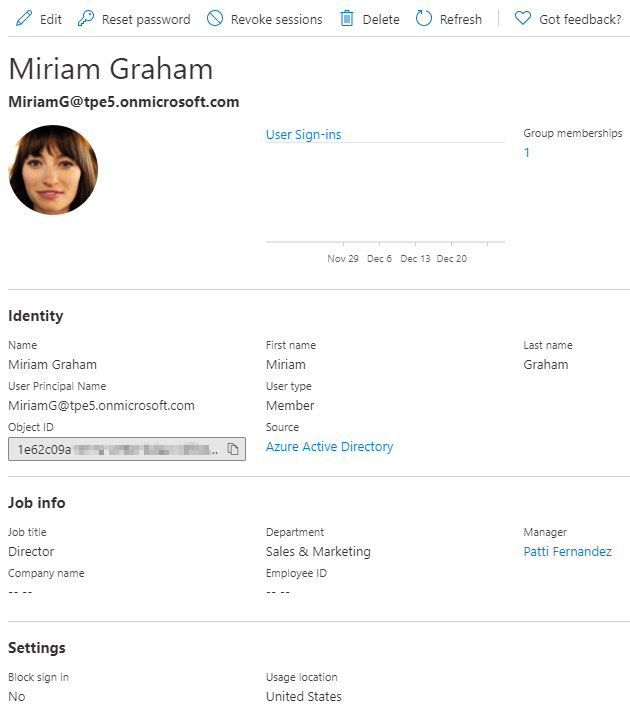
Working with Azure AD schema extensions and Microsoft Graph

Working with Azure AD schema extensions and Microsoft Graph

Azure Active Directory is Microsoft´s Cloud Identity system that stores user, license, group, apps, device data and more data in a secure way. As developers, we can extend many of these resources with custom extension. This can be useful to store additional metadata, such as a cost center or personal data for a user, for a group or other resource types. Unfortunately, there isn’t much documentation on that. Here’s how to do this step-by-step for the user resource with Azure AD schema extensions in real life. ...

December 29, 2020 · 13 min · Toni Pohl

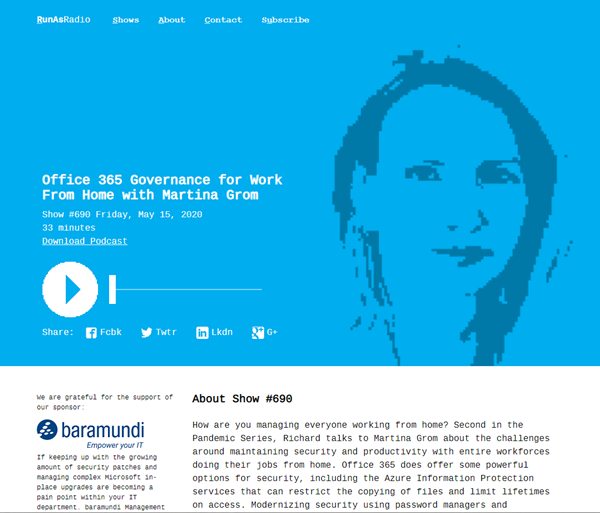
Listen to the podcast about Microsoft 365 Governance for Work From Home with Martina Grom

How are you managing working from home during the pandemic? Listen to Richard Campbell’s podcast from runasradio.com and our Martina Grom. Richard talks to Martina about the challenges around maintaining security and productivity with entire workforces doing their jobs from home with Microsoft 365 and governance tools. Open the podcast “Office 365 Governance for Work From Home with Martina Grom” at http://runasradio.com/Shows/Show/690. Martina mentions a bunch of tools as well as our Governance Toolkit 365. The tool runs as Software-as-a-Service and offers insights into your Microsoft 365 tenant, Power BI dashboards, newsletters, an API with custom workflows and a Bot with Teams integration. Check it out. ...

May 15, 2020 · 1 min · Toni Pohl
Check out Microsoft Graph PowerShell

Check out Microsoft Graph PowerShell

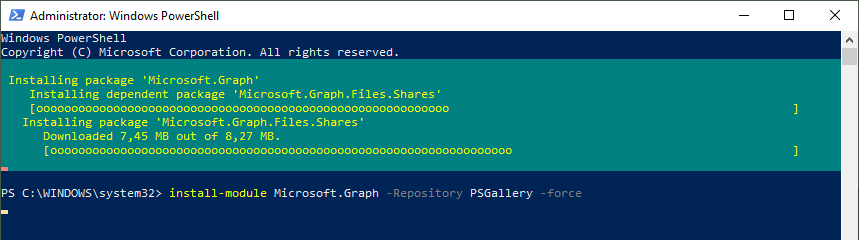
Microsoft Graph PowerShell module made it to the PowerShell Gallery! So, now you can try it out on your computer by simply running the Install-Module Microsoft.Graph.Authentication command. See more here. Microsoft Graph is the key to Microsoft 365 system. This OData interface allows to get and modify data of objects such as users, groups, their data and the tenant. Find out more at aka.ms/graph. Announced at the last Microsoft Ignite conference, admins can now use the Microsoft Graph PowerShell module directly from the PowerShell Gallery. See more details at Microsoft Graph PowerShell SDK (Preview) on GitHub. So let´s start our quick overview. ...

January 23, 2020 · 3 min · Toni Pohl

Develop Intelligent Apps for the Modern Workplace interview at ECS 2019

End of May the European Collaboration Summit 2019 took place in Germany. My MVP colleague Michael Greth (see also sharepointsendung.de) did a short interview with me about Microsoft Graph and my session “Develop Intelligent Apps for the Modern Workplace”. Watch it here. The interview is about Microsoft Graph and the use of Adaptive Cards and is in German. Watch the 6 minute talk on LinkedIn at Linkedin.com: ECS 2019 - Community Talk mit Toni Pohl über Microsoft Graph und Adaptive Cards … ...

June 19, 2019 · 1 min · Toni Pohl