Speed up your website with PurgeCSS

Speed up your website with PurgeCSS

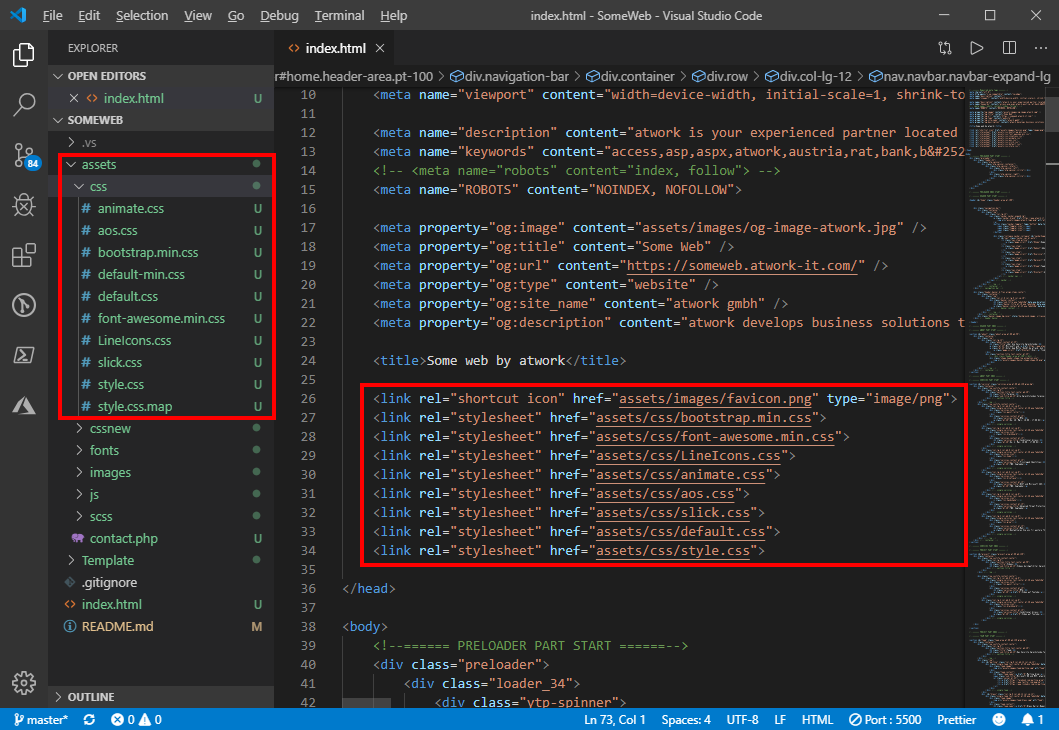
Modern websites and website templates use Cascading Style Sheets (CSS) intensively. To load websites faster, it makes sense to reduce these files to the essential content. You can do that with many tools. PurgeCSS is one of them. See the How To here. I wanted to optimize a small, static one-pager website. I used a HTML5 template with Bootstrap 4. Nothing very fancy, but simple and modern. All my tests ran against my localhost. ...
August 21, 2019 · 4 min · Toni Pohl
Microsoft Edge preview with Chromium Testdrive

Microsoft Edge preview with Chromium Testdrive

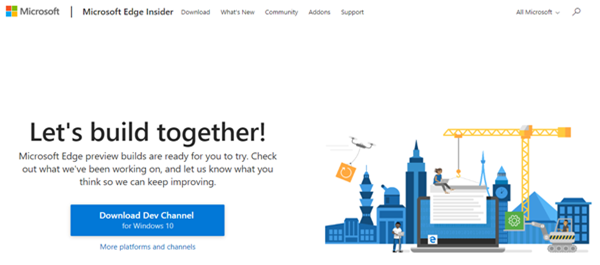
End of last year, Microsoft announced to integrate the Chromium open source project in the development of Microsoft Edge on the desktop to create better web compatibility. Well, here is Edge preview! That was quick. To try the new experience, download the preview from www.microsoftedgeinsider.com. Download, and install… the new “inspirational” look is pretty. I did start with “my data” which looks as here. Chromium also allows to integrate Chrome Plugins. ...

April 8, 2019 · 1 min · Toni Pohl
How to develop an Office App in real world-part 2

How to develop an Office App in real world-part 2

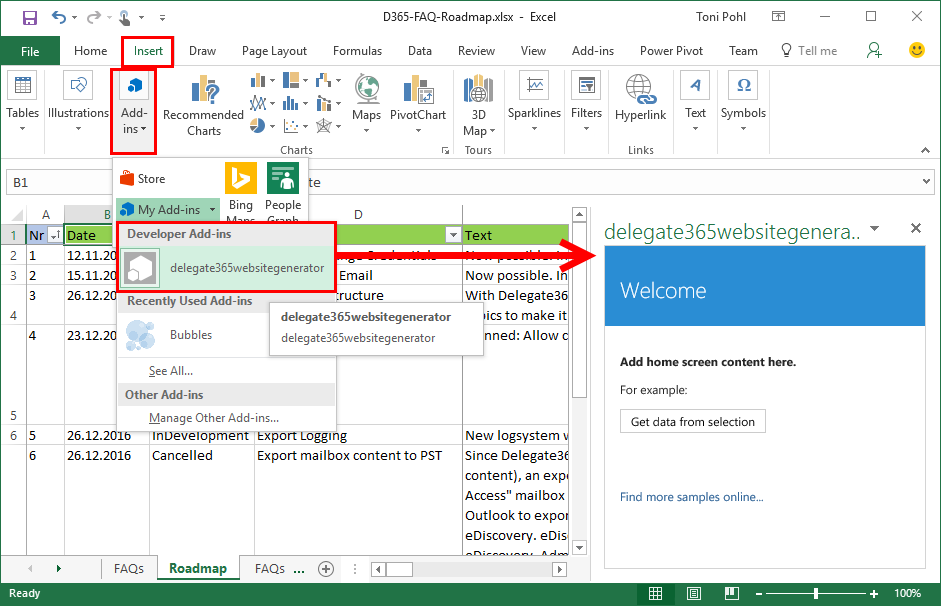
After part 1, we now look into the app side of our Excel solution. I want to point out some basics here to make it easy for developers to create their first Office App (with Excel). Here we go. Working with the API To easily access the Excel or Word functions with JavasScript, Microsoft provides an object with an anonymous function and a context (*ctx *here) as parameter. So, accessing Excel works basically as here: ...

December 30, 2016 · 4 min · Toni Pohl
How to develop an Office App in real world

How to develop an Office App in real world

Sometimes, it’s the small things that cost (unnecessarily) time. Recently, I wanted to create a quick Office App for an existing Excel file to loop through rows and do some transformation for the values. I was stumbling over some topics when developing in real world. So here’s my short How To for working with Visual Studio and Office Apps with helpful tips. Set the start document If you are not used to develop Office Apps often, this maybe isn’t easy to find: How to set an existing document as start file. ...

December 29, 2016 · 4 min · Toni Pohl
Visual Studio Code den Run-Button für Websites beibringen

Visual Studio Code den Run-Button für Websites beibringen

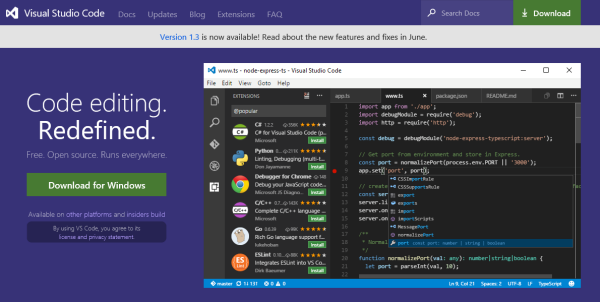
Visual Studio Code ist eine feine Sache. Das kostenlose Entwicklungssystem für Windows, OS X und Linux ist unter https://code.visualstudio.com downloadbar und stellt neben einem sehr leistungsfähigen Editor mit IntelliSense und Debugging, Git-Support und Extensions auch Runtimes für Node.js, .NET Core, Unity und Office bereit. Apropos Runtime: Wie sieht es mit Webprojekten aus? Das müssen wir Visual Studio Code erst beibringen… Visual Studio Code for all Für alle jene, die neu in Visual Studio Code (VSC) sind, informiert die Startseite The Basics of Visual Studio Code über den Editor und seine Leistungsfähigkeit. ...

July 28, 2016 · 4 min · Toni Pohl
Azure Media Services mit dem Azure Media Player konsumieren

Azure Media Services mit dem Azure Media Player konsumieren

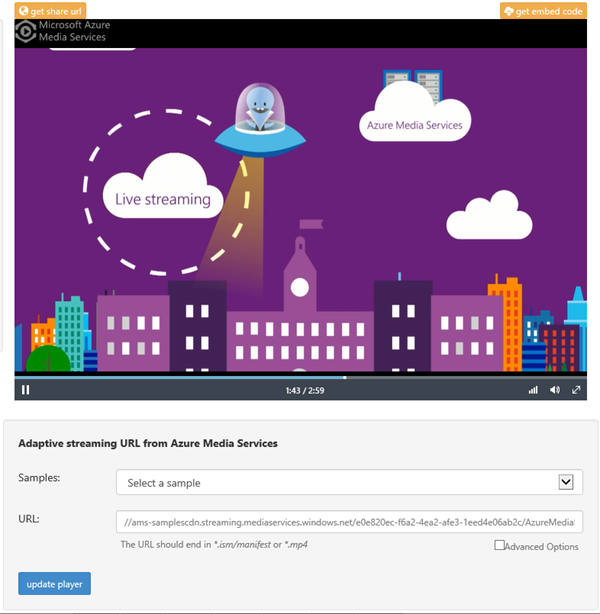
Gestern wurde der Azure Media Player im Azure-Blog angekündigt. Announcing Azure Media Player Der Azure Media Player dient dazu, Media Streams von den Azure Media Services auf verschiedensten Geräten wiederzugeben. Im O-Ton liest sich das so: “Azure Media Player utilizes industry standards, such as HTML5 (MSE/EME) to provide an enriched adaptive streaming experience.” **Wichtig: **Der Azure Media Player unterstützt ausschließlich Media Streams von den Azure Media Services. Unter der Adresse https://aka.ms/azuremediaplayer kann der Azure media Player live ausprobiert werden. Es können sogar eigene Videos (URLs) aus den Azure Media Services durch Einfügen des .ism/manifest files in die URL und “update player” verwendet werden. Hier gehts zur Ankündigung im Blog. ...

April 16, 2015 · 1 min · Toni Pohl
Designed by Developer ist out

Designed by Developer ist out

Heutzutage erwarten Anwender funktionelle und “schöne” Websites, Webforms und Tools. Auch wenn ein Entwickler eine App oder ein User-Interface mit “es funktioniert” als erledigt zur Seite legt… es gibt Hilfsmittel um ansprechende Webforms zu erstellen. Neben dem großen Angebot an professionellen Website-Templates gibt es im Web viele kostenfreie HTML-Templates wie etwa Free-CSS.com und viele mehr. Auch für das Design von Websiteobjekten wie Textboxes, Buttons, Texteffekte und Co. stehen im Netz Hilfsmittel bereit. ...

October 18, 2014 · 3 min · Toni Pohl
Developers, use enjoyCSS.com

Developers, use enjoyCSS.com

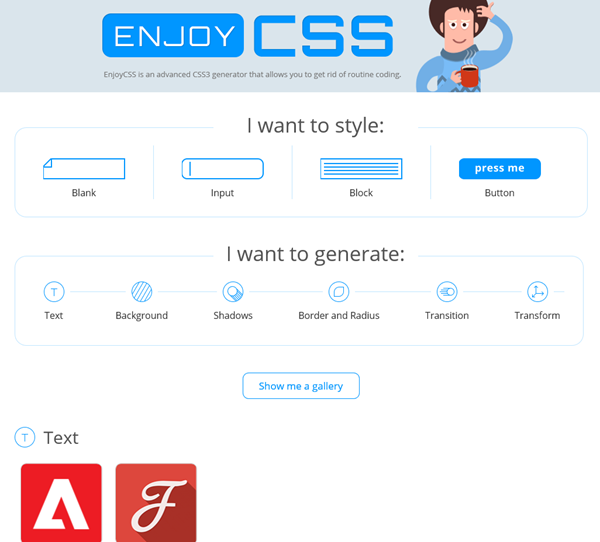
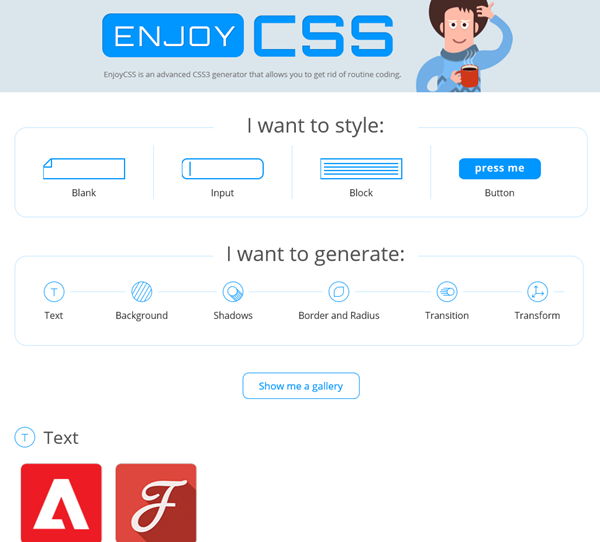
Designed by Developer is out. Today we expect good looking websites and webforms. Check out the enjoycss.com online CSS generator for cool (object) designs. With the generator it´s easy to create desired elements, like a nice looking textbox, button or similar objects made with CSS. The designing is easy, as you see in the following screenshot. “Get the code” generates the CSS class for the HTML object. The only thing to remember is to change the class name (because as far as I have seen they are all named .enjoy-css…). ...

October 4, 2014 · 2 min · Toni Pohl
Free Telerik tools license for Microsoft developers

Free Telerik tools license for Microsoft developers

Right now Microsoft TechEd 2014 is happening in Houston, Texas. Tools-Maker Telerik is also celebrating this event and gives away their best tools for creating Windows Universal Apps for Windows 8 and Windows Phone. Interested Developers open https://www.telerik.com/account/teched.aspx, register (or use your existing telerik account) and claim a license for the Telerik tools. The campaign runs till end of TechEd 2014 (till May 15th), so be quick! When Telerik launches the tools officially, all license holders will be upgraded automatically. ...

May 13, 2014 · 1 min · Toni Pohl
Web-Developer jQuery Rain MultiScreen.js PlugIn

Web-Developer jQuery Rain MultiScreen.js PlugIn

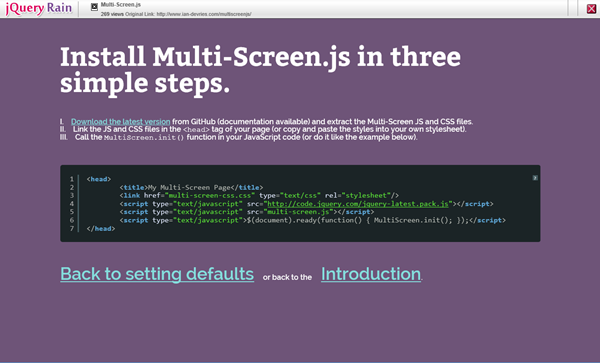
Nach Ostern gibts was Buntes für Web-Developer: jQuery Rain MultiScreen.js. Das ist ein kleines, schlankes jQuery PlugIn, das eine Single Webpage effektvoll und einfach mit Animationen in mehrere Seiten aufteilt und präsentiert. Auf GitHub kann die letzte Version von Multi-Screen.js von Autor Ian de Vries downgeloadet werden. Mit Multi-Screen.js können Animationen und Timing zwischen den einzelnen Screens eingestellt werden, das Demo zeigt einige mögliche Animationen. jQuery Rain MultiScreen.js ist einfach in der Verwendung und eignet sich u.a. gut für kleine Websites (Single Page Apps), Anleitungen und Wizards oder auch einfach nur zum animierten Umschalten zwischen Bereichen (<div>-Objekten). ...

April 24, 2014 · 2 min · Toni Pohl