Working with the Ghost blogging platform 2
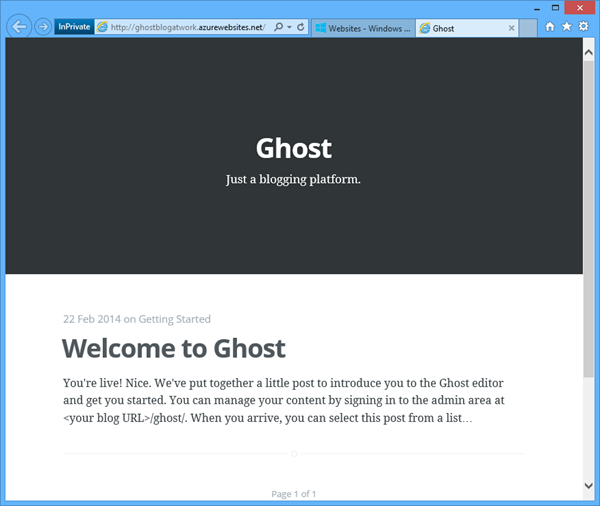
In part 1 we created a Ghost blogging platform in Windows Azure by clicking next-next-finish. Now let´s use this blog system. When calling the blog URL you get a welcome post message with the first information you need: It´s the URL for the content mangement: <your blog URL>/ghost/ …at the first call you land at the signup form which looks like this: Fill in your Full Name as the name you want to appear as the author of blog posts and choose your email and a strong password. Then click “Sign Up”. Here we go! ...