Azure Logic Apps Toolbox 2-Send text and files multipartform-data to SharePoint Online

Azure Logic Apps Toolbox 2-Send text and files multipartform-data to SharePoint Online

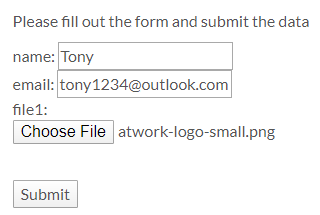
Using an Azure Logic app is often a quick fix for small computing tasks. So my scenario is as follows: I want to use a form on a website to offer text fields and file upload. The submit button is intended to send the data to a Logic App. The Logic App receives the data and writes it to a SharePoint Online list and sends a notification if necessary. See the implementation here. ...

February 17, 2020 · 8 min · Toni Pohl
Azure Logic Apps Toolbox 1-Use the OData Filter for Azure SQL Databases

Azure Logic Apps Toolbox 1-Use the OData Filter for Azure SQL Databases

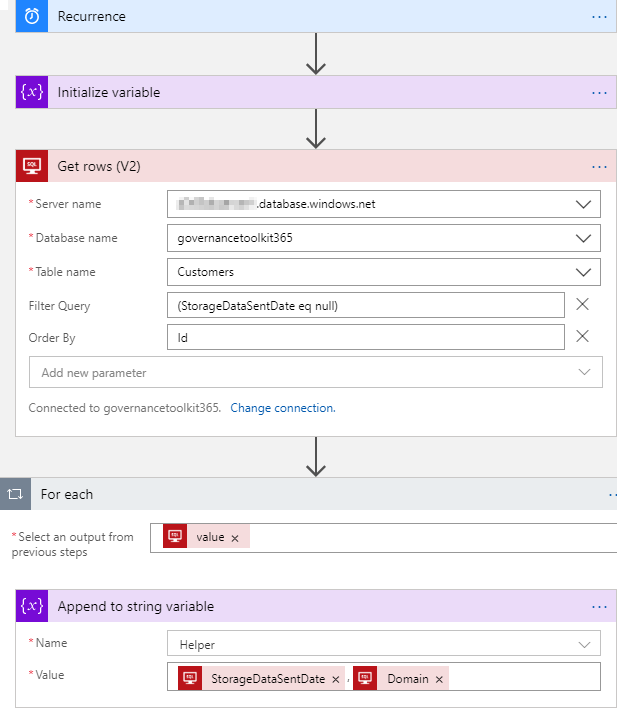
A very quick tip today: When using an Azure Logic App in combination with an Azure SQL Database, filtering rows can be done like here. As example: A T-SQL query as this one… SELECT - FROM [dbo].[Customers] WHERE [StorageDataSentDate] IS NULL ORDER BY [Id] …will be formulated as filter expression with an OData query as here. The definition for the Get_rows_(V2) action looks similar as here: … "Get_rows_(V2)": { "inputs": { "host": {"connection": {"name": "@parameters('$connections')['sql']['connectionId']"} }, "method": "get", "path": "/v2/datasets/@{encodeURIComponent(encodeURIComponent('[someserver].database.windows.net'))}, @{encodeURIComponent(encodeURIComponent('governancetoolkit365'))}/tables/ @{encodeURIComponent(encodeURIComponent('[dbo].[Customers]'))}/items", "queries": {"$filter": "(StorageDataSentDate eq null)", $orderby": "Id"} }, "runAfter": {"Initialize_variable": ["Succeeded"]}, "runtimeConfiguration": { "paginationPolicy": {"minimumItemCount": 5} }, "type": "ApiConnection" }, … Depending on the data size, remember to configure pagination. ...
September 19, 2019 · 1 min · Toni Pohl
Working with Microsoft Group Forms and Flow

Working with Microsoft Group Forms and Flow

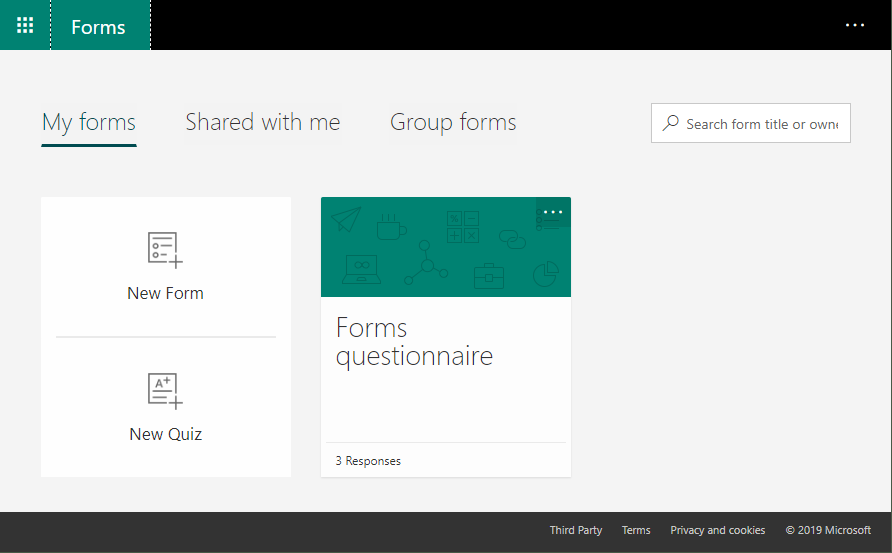
Microsoft Forms is very popular because it is a very easy way to create web forms quickly. You can create surveys, quizzes and simple forms, and easily see results as they come in. This quick tutorial shows how you can use Microsoft Forms, convert a from into a group form, how to access the result file and how to add additional tasks with Microsoft Flow or Azure Logic Apps. So, here we go. ...

July 13, 2019 · 5 min · Martina Grom
Having fun with IoT Flic buttons and Microsoft Flow

Having fun with IoT Flic buttons and Microsoft Flow

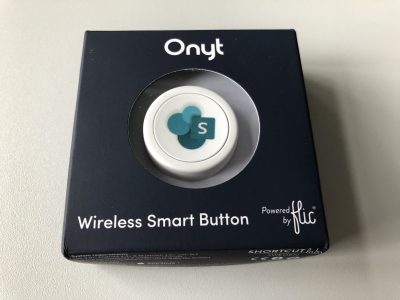
I just got a cute Flic button to play around with. It takes only some minutes to connect that IoT button to a connector and execute customs tasks. Well, as first step, I simply created a message in a Microsoft Teams channel. See the step-by-step instructions here. My colleague Christoph has started to play with the Flic button and another IoT button, so I was interested as well. Another article with that IoT button will follow shortly. ...

March 27, 2019 · 3 min · Toni Pohl
Groups Governance Toolkit Part 4-Ownerless Groups

Groups Governance Toolkit Part 4-Ownerless Groups

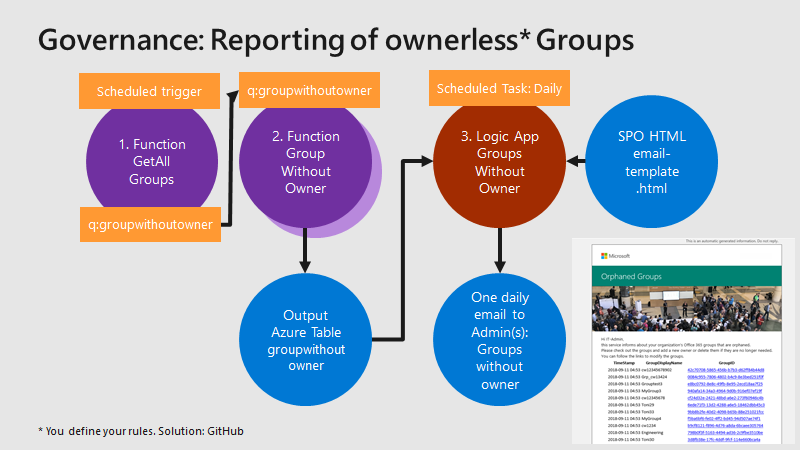
In this multi-part series we show you how to handle the Office 365 Groups and Microsoft Teams governance toolkit. The next article cover the governance part of our Groups Governance Toolkit.Imagine your company policy requires at least 2 owners per Office 365 Group or per Microsoft Team. In this part, we want to monitor all groups that are ownerless (orphaned), or do not comply with our organization’s policies. The IT department shall get the information of all groups and teams where there are no owners or not enough owners and the possibility to fix that. Read below how this can be accomplished. ...

February 13, 2019 · 5 min · Martina Grom
Groups Governance Toolkit Part 3-Develop Azure Functions

Groups Governance Toolkit Part 3-Develop Azure Functions

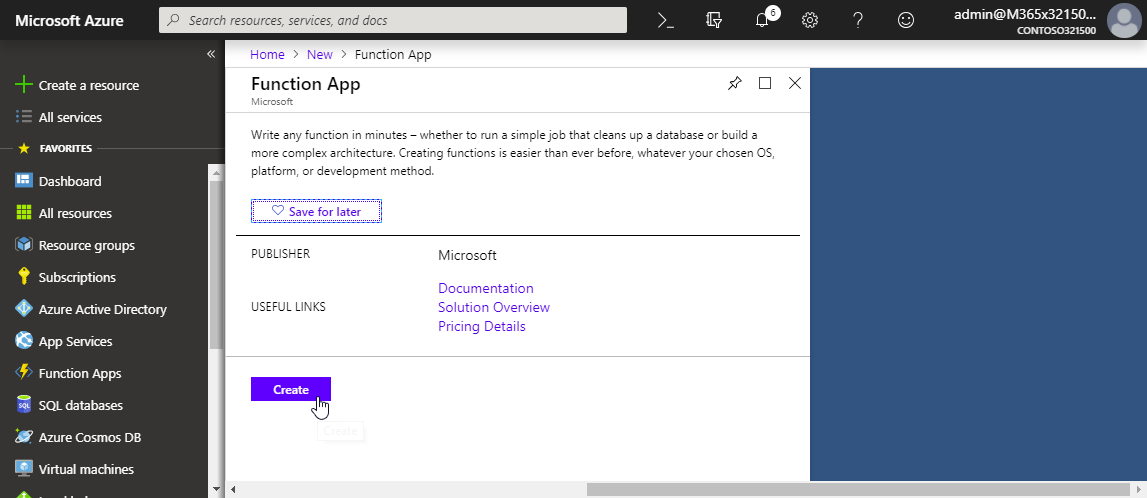
After the introduction of the Office 365 Groups and Microsoft Teams Governance Toolkit and with the necessary requirements we are now looking into Azure Functions. In our group and team provisioning scenario, we need a little code for provisioning of an Office 365 group and a Microsoft team. Serverless computing with an Azure Function provides the optimal solution for that. Follow these steps to create the function we need for our workflow. ...

January 16, 2019 · 6 min · Martina Grom
Groups Governance Toolkit Part 2-Provisioning requirements

Groups Governance Toolkit Part 2-Provisioning requirements

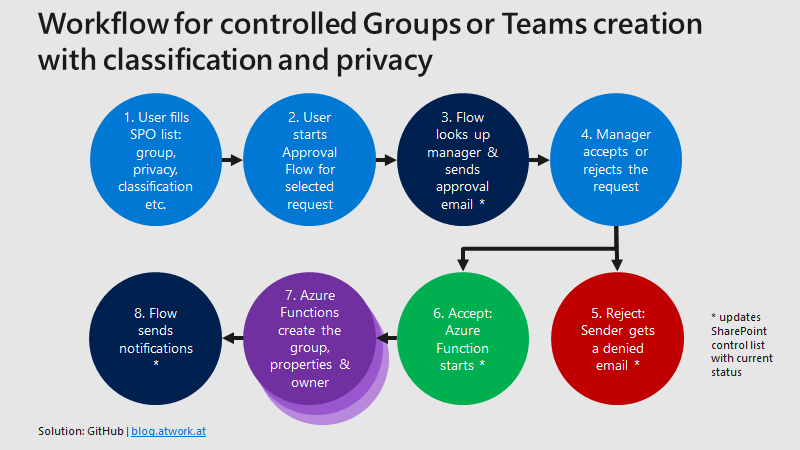
In part 1 of this series we described the scenario for our Office 365 groups governance toolkit. In this part we will setup a workflow for the Office 365 and Microsoft Teams provisioning. Workflows help to follow specific processes for a successful collaboration. Offering self-services for users is a key to reduce workloads on the IT department and to allow users to cover their requirements quickly while the organization’s policies are enforced during the process. A frequently asked request is how to provision a new Microsoft Team in Office 365 in a secure and monitored way. See how this can be implemented here. ...

January 11, 2019 · 5 min · Martina Grom
Groups Governance Toolkit Part 1-Overview

Groups Governance Toolkit Part 1-Overview

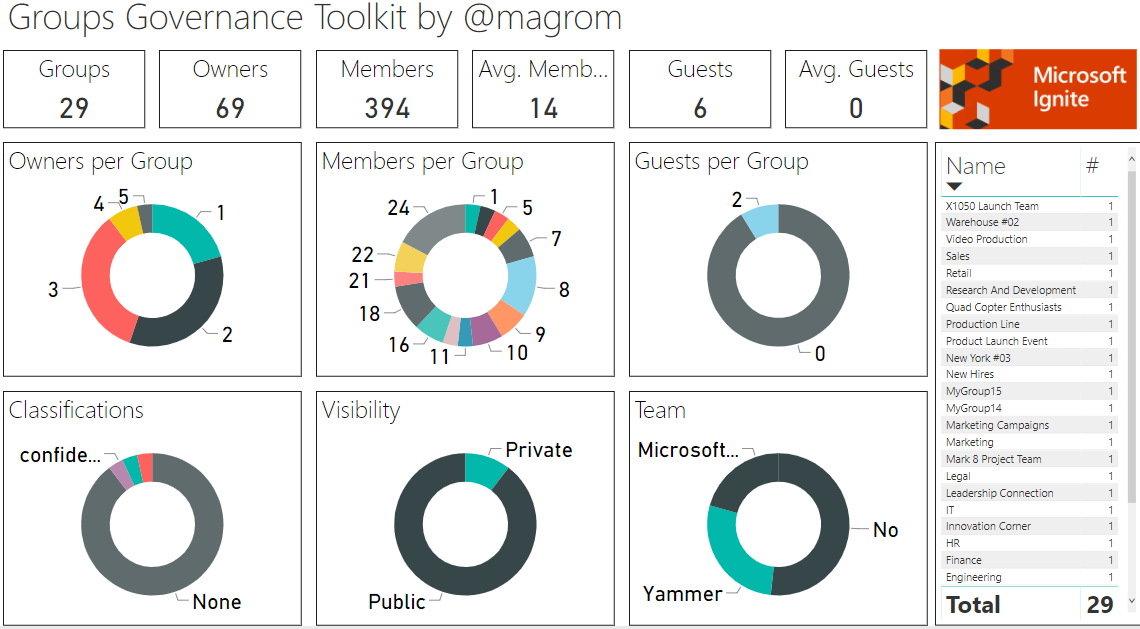
IT-Governance is an important topic, especially in large organizations. In an agile and evergreen world, as it can be found with Microsoft 365 services, Governance becomes an integral part which needs to be monitored and updated on a regular basis. At Microsoft Ignite conference, we showed the “Groups Governance Toolkit” with a bunch of useful tools to regulate and monitor for Office 365 Groups and Microsoft Teams. Everything we showed at Ignite is open source and built with out of the box tools within Microsoft 365 and Azure. ...

January 8, 2019 · 4 min · Martina Grom