Windows Sysinternals Update für Nano Server
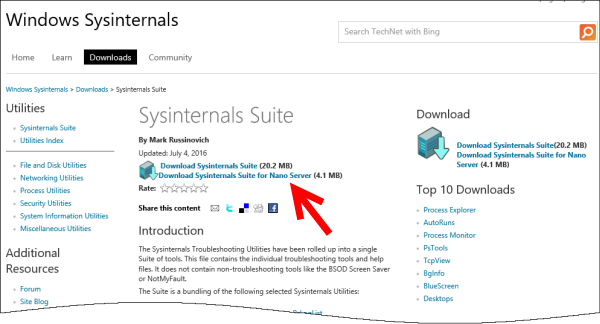
Viele Systemadministratoren kennen und benutzen sie häufig – die Windows Sysinternals Tools von Mark Russinovich. Die Sysinternals utilities unterstützen beim Verwalten, Troubleshooting und der Diagnose von Windows Systemen und Applikationen und bestehen aus rund 40 verschiedenen Commandline-Tools. Darunter gibt es Helferlein für unterschiedlichste Zwecke, vom allseits bekannten Process Explorer bis hin zum Blue Screen Screensaver. Die Windows Sysinternals existieren nun bereits seit genau 20 Jahren und werden nach wie vor verwendet und gepflegt. ...