WienIT setzt auf die Microsoft Cloud
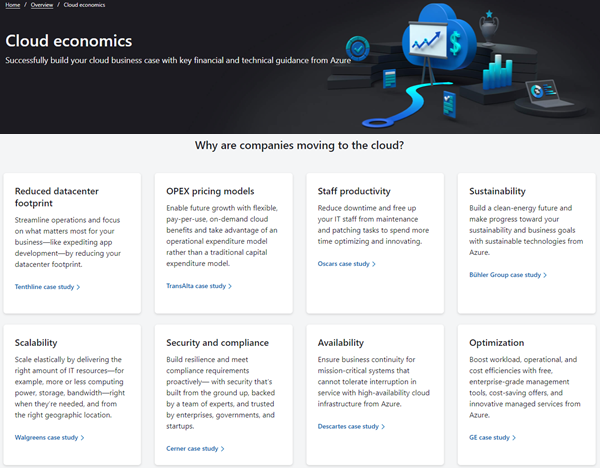
Datensicherheit ist ein wesentlicher Faktor für jedes Unternehmen und jede Organisation. So setzt auch unser Kunde WienIT auf die Microsoft Cloud. WienIT ist Wiens bedeutendster Infrastrukturdienstleister und Teil der Wiener Stadtwerke-Gruppe, die mit über 15.000 MitarbeiterInnen einer der vielfältigsten Arbeitgeber der Stadt Wien ist. atwork ist stolz darauf, WienIT mit Expertise im Bereich Cloud-Technologie und Security zu unterstützen. atwork unterstützt Kunden bei dem Einsatz von Microsoft 365 und Microsoft Azure in Geschäftsprozessen und Anwendungen. Unsere Expertise liegt in der Beratung, Konzeption, Migration und Entwicklung von Geschäftsanwendungen in der Microsoft Cloud. Wir freuen uns, dass wir WienIT dabei unterstützen konnten ihre Arbeitsumgebung effizienter und sicherer zu machen. ...