Delegate365 - Methods of getting license statistics

Delegate365 - Methods of getting license statistics

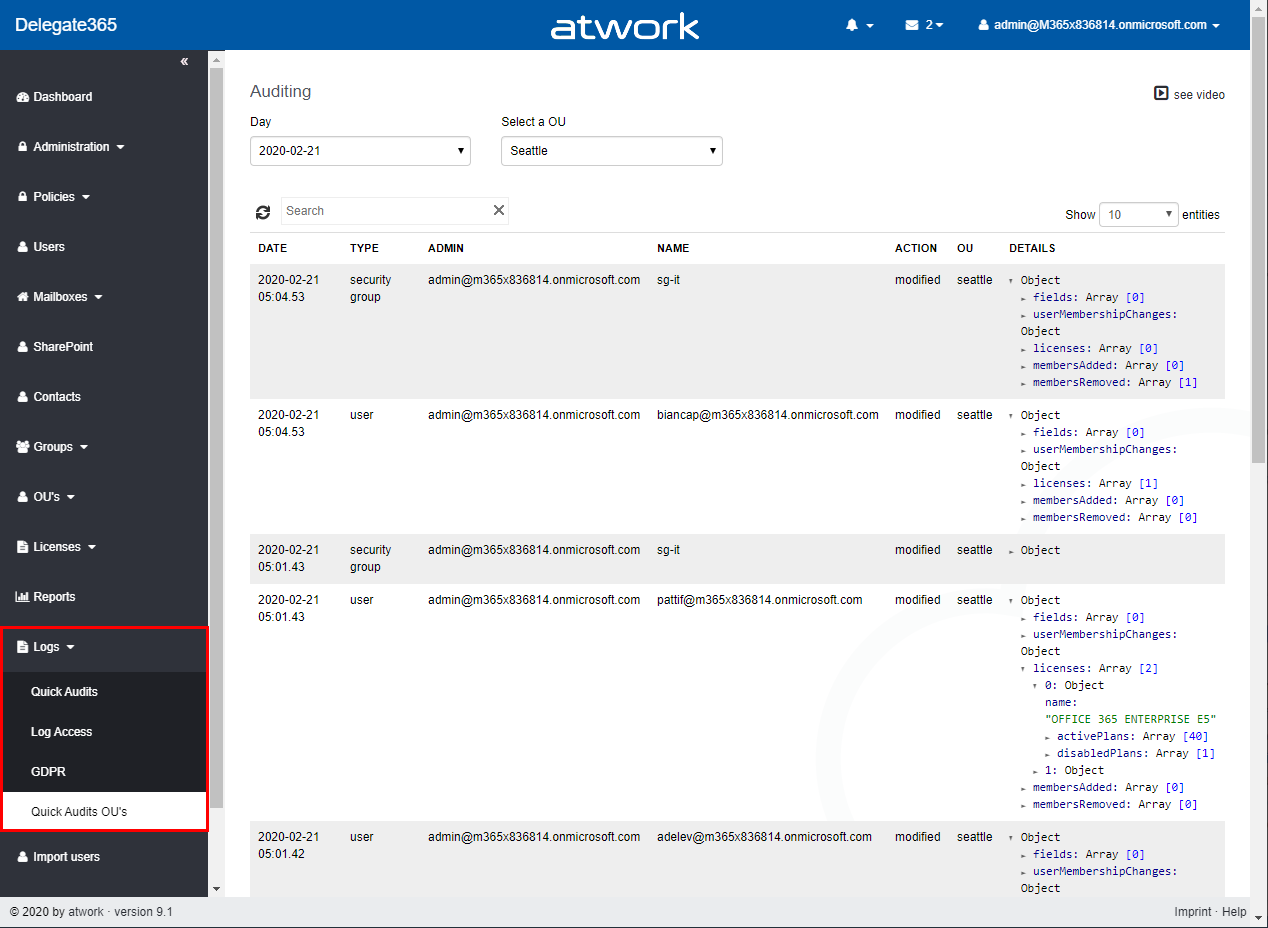
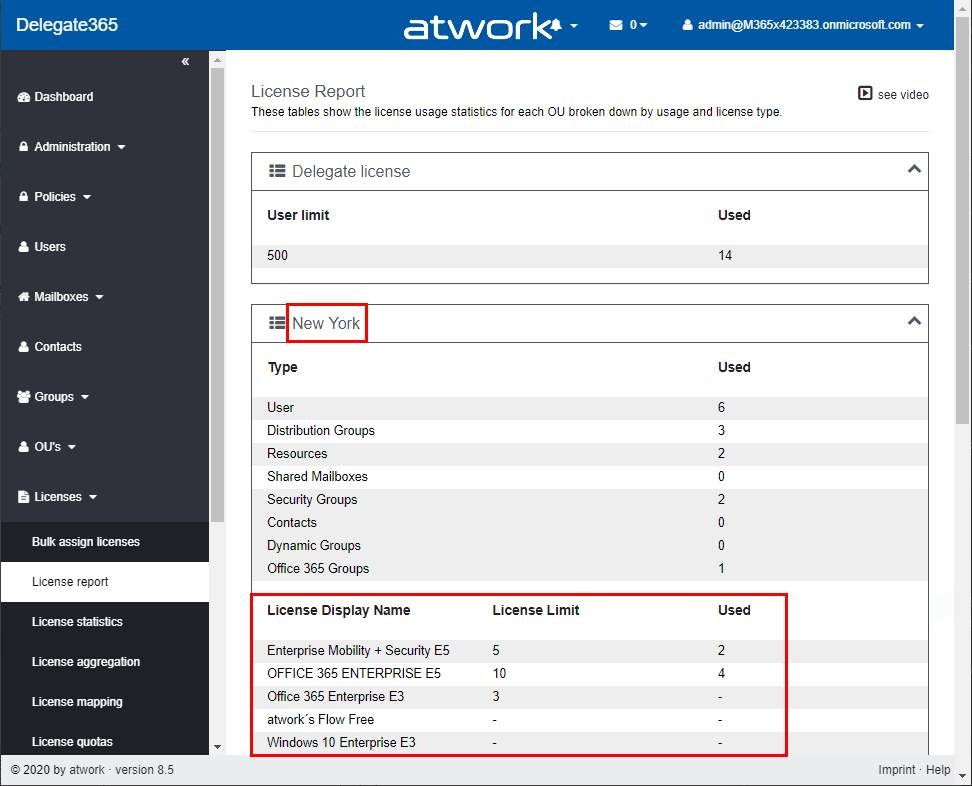
There are several ways to get the number of assigned Microsoft 365 licenses in Delegate365, depending on the administrator´s permissions policy and the OU assignments. See all methods listed here. Licenses / License report: This module shows den current status of licenses per OU as shown here. First, the Delegate365 licenses are shown. Below, every OU is listed in a box with it´s numbers per object type (such as Users, Groups, Shared Mailboxes, etc.) and the numbers of Microsoft 365 licenses that are assigned to users in that OU. If there are license quotas set, the quota is shown as well. This module is aimed at administrators, the Delegate365 licenses and number of managed objects are shown as well. Licenses / License statistics: This module is aimed for Scope Admins and shows the numbers of used Microsoft 365 licenses as follows. Licenses / License aggregation: For customers, it is often important to know later, on which day in which unit how many licenses are assigned. To enabled such a reporting, Delegate365 stores the assigned Microsoft 365 licenses on a daily basis. In the License aggregation module, administrators can filter for their OU´s and a date range. In the result list, all assigned Microsoft 365 licenses are shown for the OU and per day. This list can be easily exported using the CSV and Excel symbols in the top right of the list as shown in the screenshot below. This list shows a very detailed historical use of the licenses and quotas. Note: In this chronicle you can go back to the beginning where you started working with Delegate365, not only 30 or 90 days as Microsoft 365 stores data! Reports / Delegate365: The report License statistics in the Delegate365 section at the end of the report´s list shows the numbers of assigned Microsoft 365 licenses as well. License statistics: This reports is an exported list including the current numbers of assigned licenses and quotas per OU as shown in the Excel export here. Note: If you are interested, what objects are assigned to an OU, check out the OU overview report. This export includes all objects in a line per OU: users, groups, etc. The report Active user detail in the Office 365 section shows assigned licenses per service for a simple analysis: Note: To see a list of available reports with samples, see Delegate365 on GitHub Reports / Delegate365 / notifications: Note that every admin can choose when to receive a report in the Schedule dropdown. Available options are* Run now, Run weekly (each Monday) *and Run monthly (each 1st). This allows to automate the report generation on a individual user basis. Note: The Portal admins controls how the notification is sent to the users: Send notification with link to the Delegate365 reports page, Send notification with the report as attachment, and Send a notification with a direct download link to the report, which is valid for 24 hours. Our recommend method is to use the last option with the 24-hours link. See more at Delegate365 changelog version 8.4 - New Report notification settings. User properties / Notifications: Another option is to set the Daily Notifications to Yes in the user properties. Click on your user name in the top right corner and select Properties. Turn on the daily notifications and enter the email address to send the report to (usually that would be your work account address you use to manage Delegate365). Then, click Save. The daily notification function generates a report every night that is sent to the provided mailbox. The admin gets an overview of the assigned users of his assigned OU´s. The email is sent with the subject “D365 daily notification” and looks similar as here. This notification includes a section for every OU showing the current numbers of assigned Microsoft 365 licenses and managed objects on a daily basis automatically. Every admin can select this option if needed. So, Delegate365 provides several methods to get and to export license statistics, even historical data. ...

February 1, 2020 · 4 min · Martina Grom

Quote of the day

There is a great quote that is almost 60 years old, but unfortunately especially true today: “Too often we hold fast to the clichés of our forebears. We subject all facts to a prefabricated set of interpretations. We enjoy the comfort of opinion without the discomfort of thought.” John F. Kennedy, Commencement Address at Yale University, June 11 1962. Source: www.goodreads.com.

January 27, 2020 · 1 min · Martina Grom
Bye bye, Skype for Business Online

Bye bye, Skype for Business Online

Last summer, the Microsoft Teams team announced that Microsoft Teams will be the primary client for Intelligent Communications in Office 365, replacing Skype for Business Online over time. Well, time is running and Skype for Business Online will be completely discontinued in July 2021. See more here. Here´s a summary of the most relevant information about the SFB retirement, upgrade options and the successor, Microsoft Teams: Skype for Business Online will retire on July 31, 2021. After that time, the service will no longer be accessible. ...

January 17, 2020 · 1 min · Martina Grom
Microsoft Planner management 101

Microsoft Planner management 101

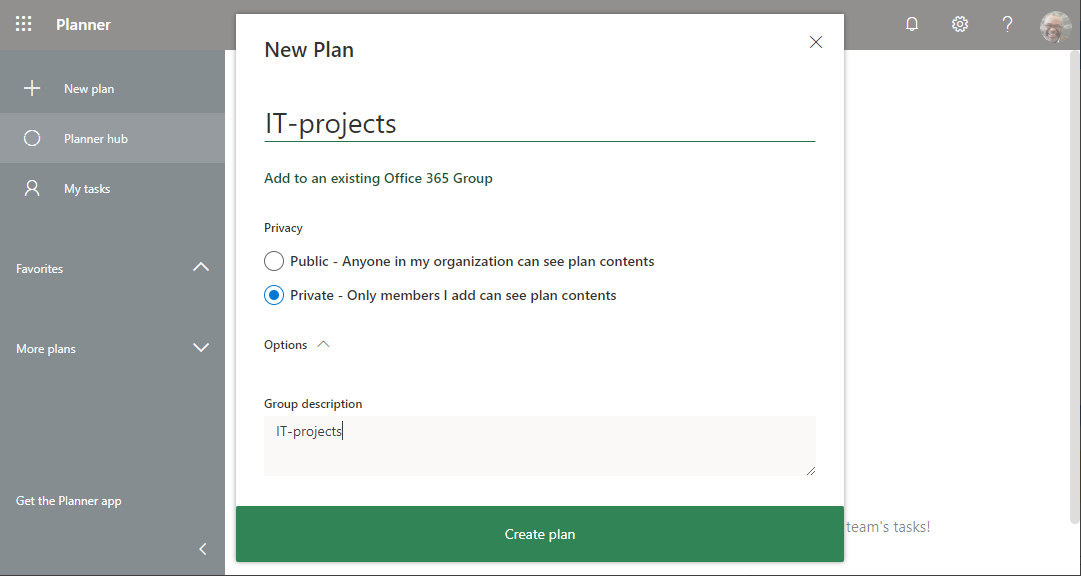
Microsoft plans live in Office 365 Groups. Here you can find a basic 101 about working with plans as a user and managing plans as an administrator. We look at the use, the administration, the permissions and the lifecycle of plans and the background here. During the evolution of Microsoft 365, services have been added and extended. When Microsoft Planner is included in your Office 365 subscription, it’s automatically turned on for everyone in your organization. To clarify the current status when working with Microsoft Planner, briefly read the main functions here. We assume, Planner is enabled in the organization and the users have a Planner license, see more about that administrative topic at the end. We start with the perspective of the user. ...

January 1, 2020 · 11 min · Martina Grom
Use the PowerApps PowerShell modules to automate tasks with the Microsoft Power Platform

Use the PowerApps PowerShell modules to automate tasks with the Microsoft Power Platform

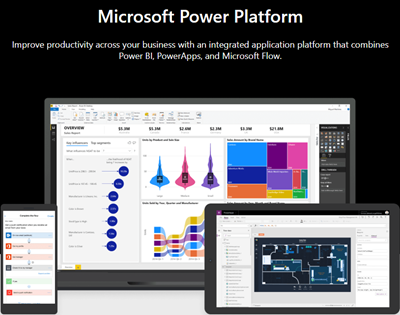
PowerShell helps automate processes, especially in the Microsoft 365 world. That´s true for the Microsoft Power Platform as well. See how to access PowerApps and Flow with PowerShell here. So, here´s a very quick introduction for using PowerShell with PowerApps and Flow. Find the full documentation at PowerApps cmdlets for administrators. Install the PowerShell modules Install the PowerApps (preview) module from the PowerShell Gallery once with the following PowerShell statements as Administrator on your machine: ...

September 22, 2019 · 2 min · Martina Grom
Working with Microsoft Group Forms and Flow

Working with Microsoft Group Forms and Flow

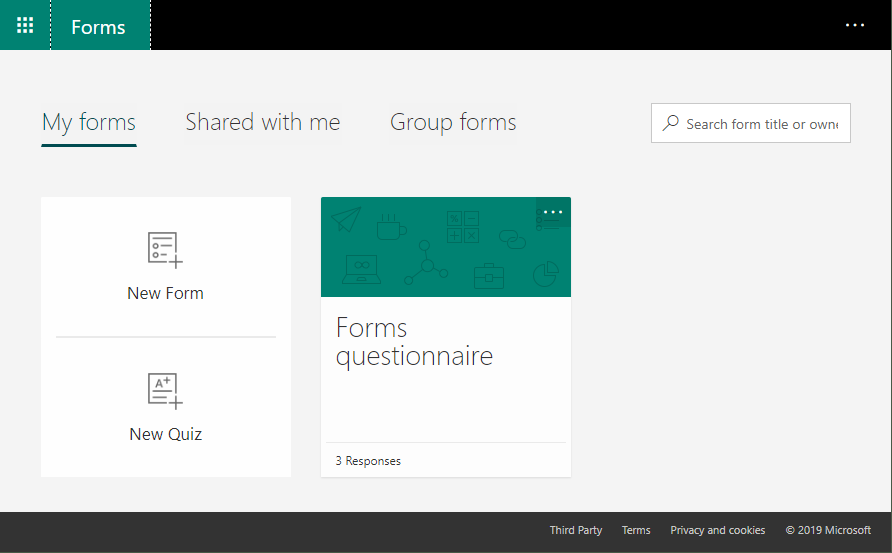
Microsoft Forms is very popular because it is a very easy way to create web forms quickly. You can create surveys, quizzes and simple forms, and easily see results as they come in. This quick tutorial shows how you can use Microsoft Forms, convert a from into a group form, how to access the result file and how to add additional tasks with Microsoft Flow or Azure Logic Apps. So, here we go. ...

July 13, 2019 · 5 min · Martina Grom
New Rainbow Themes are available in your Office 365 Tenant

New Rainbow Themes are available in your Office 365 Tenant

All of you who sign in to their Office 365 Home site will see three new Themes available now, considered the Rainbow Themes! One Style is a Unicorn style. So right in Pride month you get LoveIsLove Themes in Office 365 as well! To change the look of your environment, simply click on the gear icon in the upper right corner. If you do not see it, custom themes are disabled by your administrator in your tenant. ...

June 16, 2019 · 1 min · Martina Grom
Hello, PowerApps Portals and external users!

Hello, PowerApps Portals and external users!

PowerApps are a great way to develop low-code apps for various platforms. With the big success of PowerApps and Flow, the number one request of many customers was: How can people *outside *my company use PowerApps? Well, soon there will be a way with PowerApps Portals! So far, using a PowerApp requires a login in the organization´s tenant. In real scenarios, there are of course many use cases in which the provision of a PowerApp for customers, partners, suppliers, etc. makes sense. So, there´s a huge demand for sharing PowerApps with external users. ...

June 10, 2019 · 2 min · Martina Grom
Groups Governance Toolkit-Working with group policies

Groups Governance Toolkit-Working with group policies

At Microsoft Ignite conference last September, we demoed an approach for a self-built Office 365 Groups Governance Toolkit. Since Microsoft 365 is an evergreen service and continues to evolve, today we have more group settings available and we extend our provisioning function to work with group naming policies as well. See here how this can be accomplished by including new Graph requests. Foreword You can find the previous articles of our governance story at Provisioning an Office 365 group with an approval flow and Azure functions-part 1, part 2, part 3, part 4, part 5 and part 6 and the source code at martinagrom/Ignite2018GroupsGovernanceToolkit. ...

May 2, 2019 · 6 min · Martina Grom
Switch your Office 365 pro plus from 32bit to 64bit

Switch your Office 365 pro plus from 32bit to 64bit

Microsoft started to recommend its 64bit edition of Office 365 pro plus to be installed as the default Office installation. While at first many people think this is a bad idea due to all add-ins I did the switch last weekend and it was a very smooth and friction free experience. Till April 2019 you had to manually uninstall the 32bit version of Office first and than install the 64bit version. If you are deploying Office 365 pro plus through the Office 365 Deployment toolkit you can now automate this experience and add a new switch to your config file. ...

April 21, 2019 · 2 min · Martina Grom